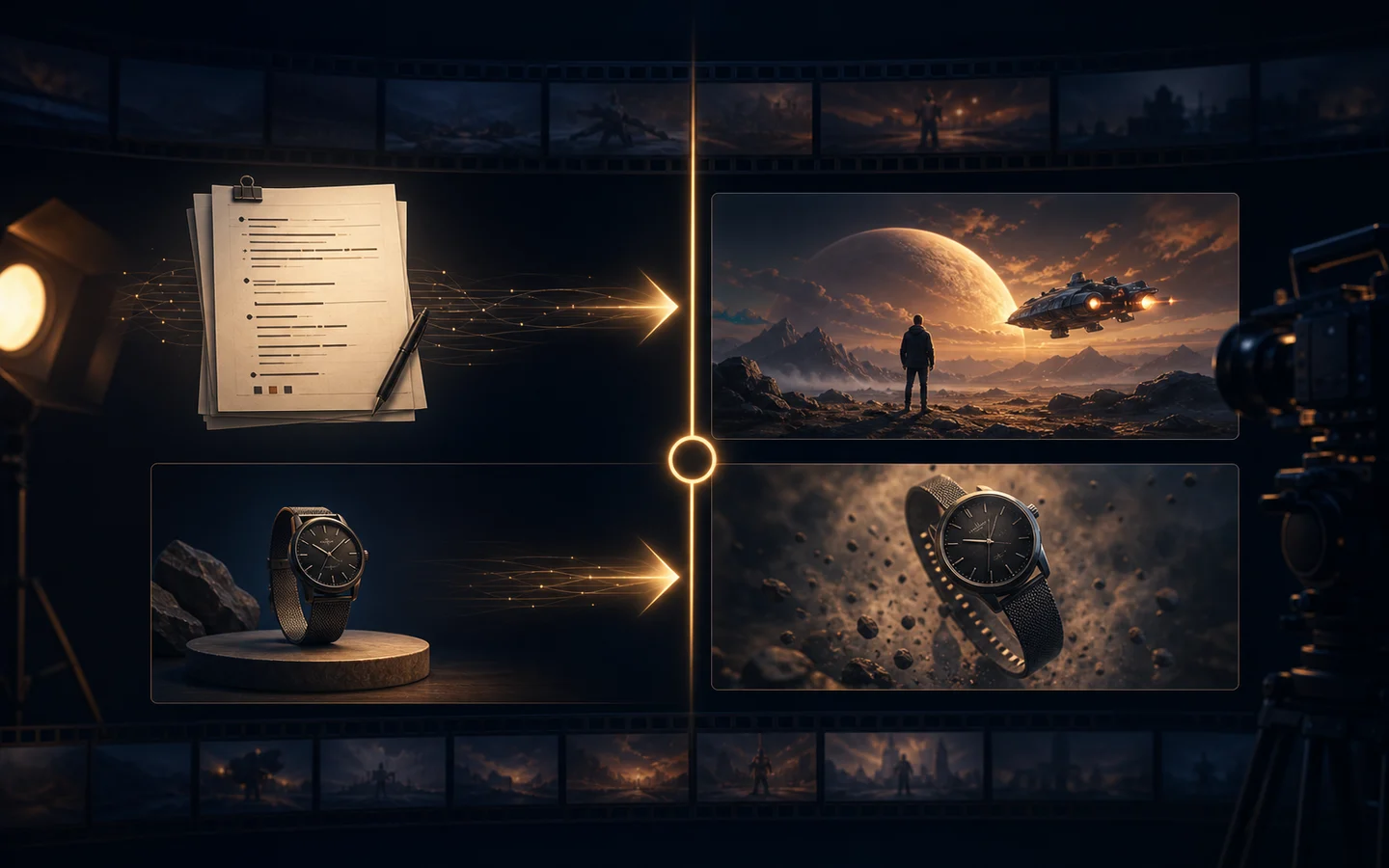
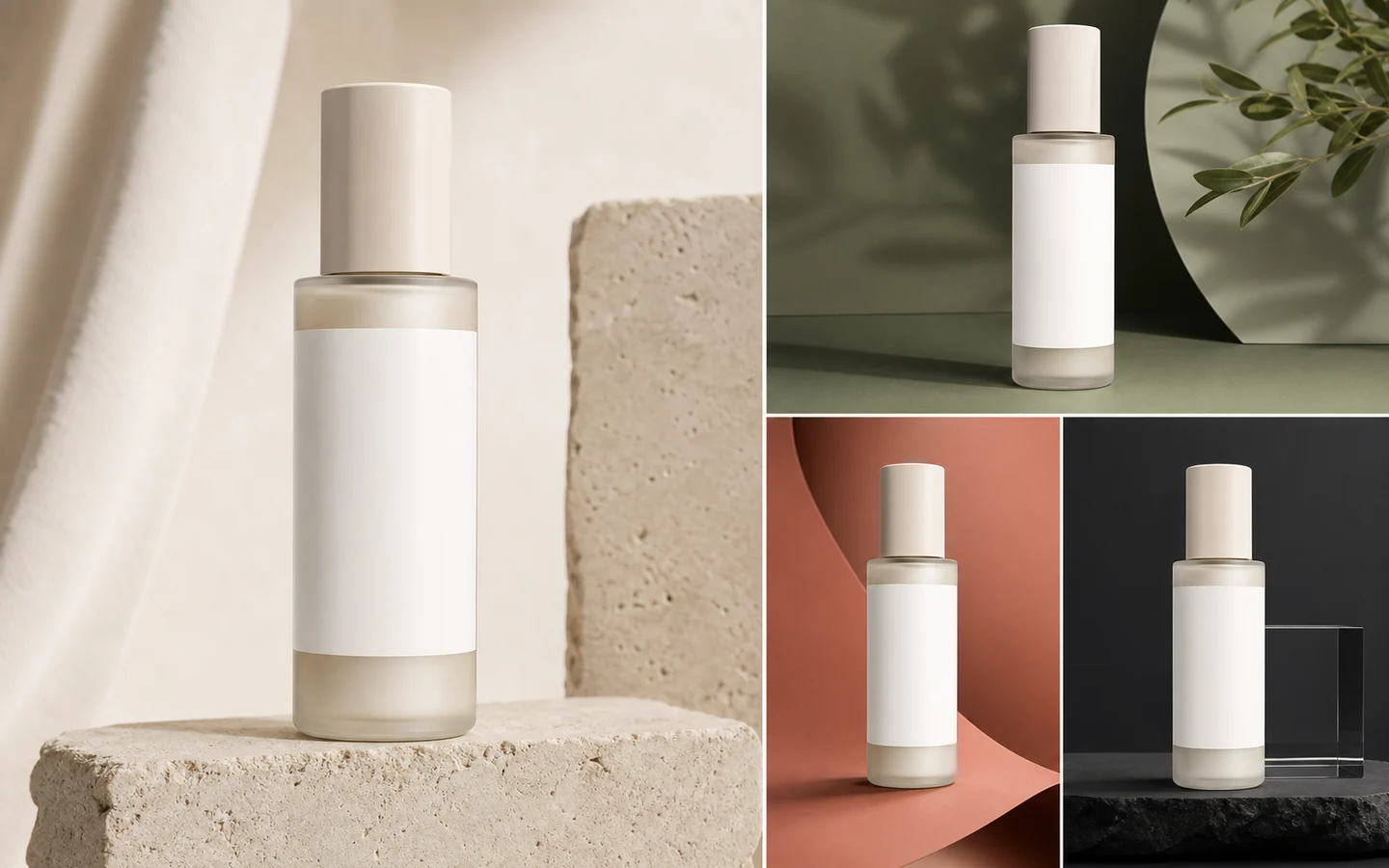
Best AI Product Video Generators for Ads and Product Demos
Choose an AI product video workflow by product consistency, camera control, motion quality, source-image support, editing needs, pacing, and final ad placement.
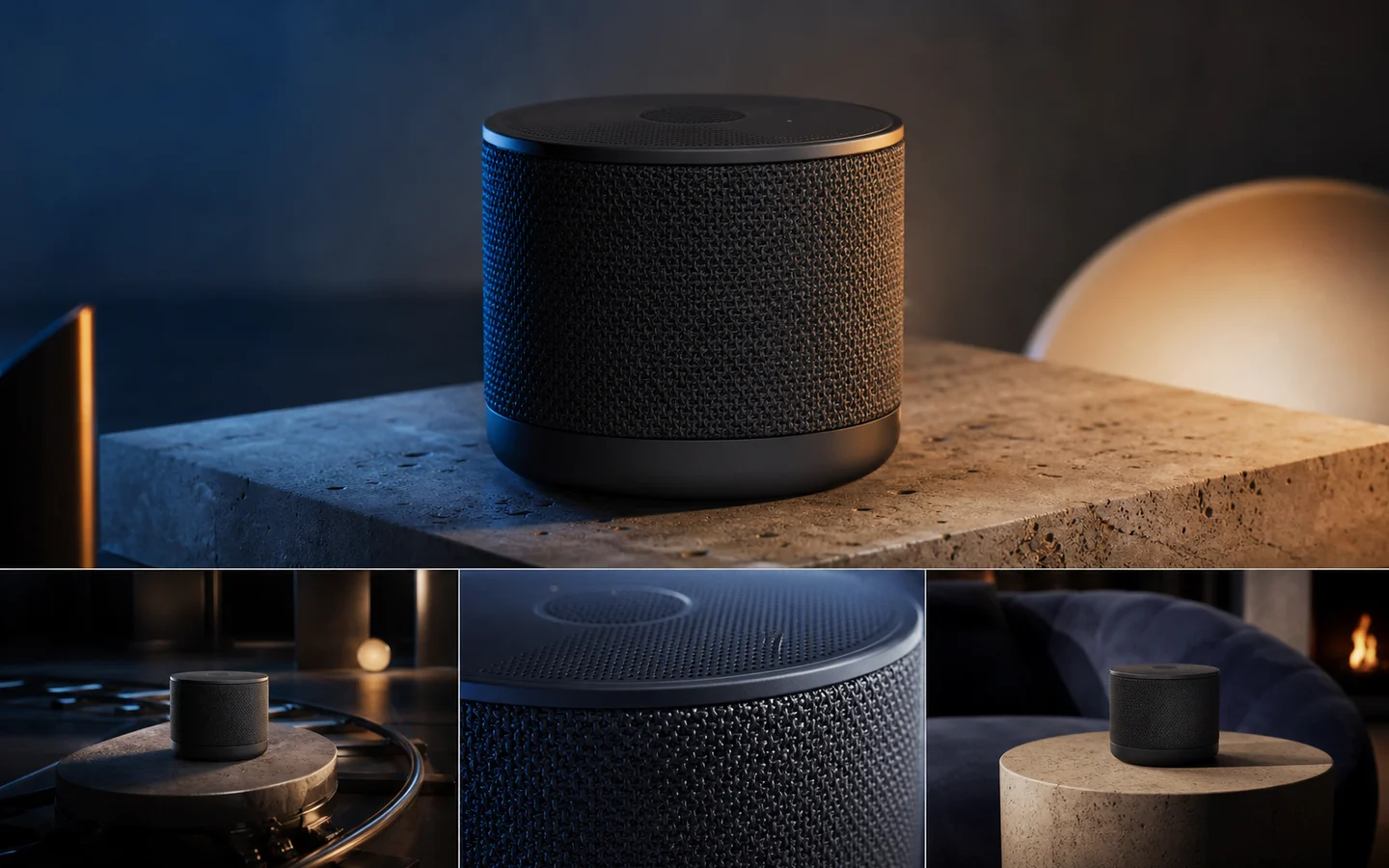
AI product video generators are most useful when they reduce the cost of testing a shot, not when they encourage endless random motion. A production-ready clip must keep the product recognizable, move the camera coherently, respect materials and proportions, and end on a usable frame.
This guide compares product-video workflows available in AI Image Editor. It is not a claim that every external product-video platform was tested. Model availability, duration, resolution, audio, reference limits, and credit cost can change, so check the live controls before planning a campaign.
Quick recommendations
- Best starting point: AI Video Generator for comparing current models and input modes.
- Best for an approved product hero: image-to-video using one clean source image and a motion-first prompt.
- Best for several product angles: Reference to Video AI Generator.
- Best for structured cinematic shots: Veo 3.1.
- Best for flexible source workflows: Wan 2.7.
- Best for multi-reference iteration: HappyHorse.
- Best when current duration and resolution options fit a longer brief: Seedance 2.5 or Seedance 2.0.
What to test in an AI product video generator
Judge the full clip, not the most attractive frame.
- Product geometry: silhouette, controls, seams, cap, handle, and proportions remain stable.
- Material behavior: metal, glass, fabric, liquid, and plastic respond plausibly to light and motion.
- Label stability: important areas do not crawl, rotate, or invent text.
- Camera motion: orbit, push, pan, or tilt follows one readable path.
- Physical motion: the product has weight and does not slide or float accidentally.
- Scene continuity: props and background elements do not appear or disappear.
- Pacing: the shot fits an ad placement or demonstration goal.
- End frame: the final composition can hold a CTA or transition.
If the product changes shape, the clip is a concept—not a customer-facing demonstration.
Image-to-video: the best default for product identity
Begin with a clean product hero image when the real item must remain recognizable. The source should already have the intended angle, background logic, and composition.
Use a motion-first prompt:
Preserve the product shape, materials, controls, color, and label area. The product remains stationary while the camera performs a slow ten-degree orbit from front three-quarter view toward the right. Soft key light travels gently across the surface. Realistic contact shadow, no new objects, no text changes. End on a stable side-leaning hero frame.Avoid asking for a full 180-degree orbit from one image. The model must invent hidden surfaces. Use several consistent references when the back and side details matter.
Reference-to-video: best for multiple product views
The Reference to Video AI Generator is useful when a front image cannot describe the complete product.
Prepare:
- Front three-quarter hero image.
- Side profile.
- Rear or connector view if relevant.
- Material close-up.
- Packaging or environment reference only when it matches the same design.
References should clarify, not compete. Do not mix old and new packaging, different color variants, or incompatible lighting as identity references.
Veo 3.1: structured commercial shot direction
Veo 3.1 is a practical candidate when the shot can be described as a sequence of clear camera and subject instructions.
Use it for:
- Slow reveals with a defined start and finish.
- Product-in-environment concepts.
- Camera moves with explicit pacing.
- Comparing prompt-led and image-led directions where available.
Keep the shot simple. One camera move, one lighting change, and one product action is enough for an initial comparison.
Wan 2.7: flexible production entry points
Wan 2.7 is useful when a project may shift between text, image, reference, and editing workflows.
Use it for:
- Testing an ad concept from text before creating a final source image.
- Animating an approved product visual.
- Reference-guided product continuity.
- Iterating on an existing video when compatible controls are available.
The advantage is workflow flexibility. The evaluation standard remains the same: product accuracy first, motion second.
HappyHorse: multi-reference creative tests
HappyHorse supports creative iteration across several visible input modes. Its reference workflow can help when the visual brief combines product views and campaign art direction.
Use it for:
- Comparing a single source image with several references.
- Product and packaging continuity tests.
- Campaign variations that preserve a shared look.
- Moving from generation to source-video editing within one model family.
Start with the minimum useful reference set. More images do not automatically create more control.
Seedance: product shots with version-specific controls
Use Seedance 2.5 or Seedance 2.0 when the current version’s duration, resolution, input, and audio options match the brief.
Seedance 2.0 is the default model for the project’s reference-to-video workflow. That makes it a natural first test when several visual references describe the product. Other Seedance versions may expose different capabilities, so do not assume controls are interchangeable.
Four product video briefs worth testing
Slow hero orbit
The product remains stationary on stone. Slow controlled camera orbit, five seconds, stable geometry, soft moving highlight, restrained reflections, realistic contact shadow, no new objects. End on a clean hero frame.Material detail reveal
Begin on a macro detail of the brushed metal control, then pull back slowly to reveal the full product. Preserve component placement and material texture. No morphing, no added controls, no text changes.Lifestyle placement
The product sits on a modern desk while morning light moves across the room. Very slow camera push-in, subtle background activity, product remains sharp and unchanged. No hands touching the product, no extra devices.Stable ad end frame
Short premium product reveal with one gentle camera move. In the final second, motion settles completely and the product holds on the right side with clean negative space on the left for a CTA added in post. No generated text.A cost-efficient comparison process
- Use the same source assets for every model.
- Start with a short duration.
- Keep the ratio matched to the destination.
- Compare two models in the first round.
- Save the prompt and settings with each output.
- Review frame by frame for geometry drift.
- Increase duration or resolution only after the motion works.
Do not ask one generation to produce a full ad with product reveal, feature demo, lifestyle scene, offer text, and CTA. Generate separate shots and edit them into a controlled sequence.
Final recommendation
Start with image-to-video for an approved product image, reference-to-video for multiple product views, and text-to-video for early environment or camera concepts.
Open the AI Video Generator, choose one five-second shot, and evaluate product identity before style. A simple accurate clip is a stronger production asset than a dramatic video that redesigns the item.