Best Free AI Video Generators in 2026: Text, Image, and Reference Workflows
Compare text-to-video, image-to-video, and reference-to-video workflows, then choose the right AI video model for your source assets and delivery goal.
The useful question is not which AI video generator wins every test. It is which workflow gives you enough control for the material you already have: a written idea, one strong image, or a set of visual references.
This 2026 guide compares the video workflows available in AI Image Editor. It is a practical product guide, not a claim that every video model on the market was tested. Model availability, controls, credit cost, and output behavior can change; check the live generator before starting a production batch.
“Free” here means you can evaluate the workflow with the access or starter credits currently shown in the product. It does not mean unlimited generations, permanent zero cost, or unrestricted commercial rights.
Quick recommendations
- Best place to start: AI Video Generator when you want to compare models and move between text, image, and reference workflows.
- Best for several visual references: Reference to Video AI Generator when one image cannot explain the product, character, wardrobe, or art direction.
- Best for controlled text-to-video drafts: Veo 3.1 when the prompt, camera direction, and scene structure are the main source of control.
- Best for a broad production workflow: Wan 2.7 when you want text-to-video, image-to-video, reference guidance, and video editing in one model family.
- Best for multi-reference iteration: HappyHorse when you need to compare text, single-image, multi-reference, and video-edit modes without changing the overall workspace.
How to choose an AI video generator
A good result starts before you choose a model. Decide which source material should carry the creative brief.
Start with text when the idea matters more than an existing asset
Text-to-video is useful for a new scene, a mood test, a story beat, or an early campaign concept. The prompt must explain the subject, action, location, camera, lighting, pacing, and final composition. It gives you freedom, but it also gives the model more decisions to make.
Use text-to-video when:
- You do not have an approved source image.
- The first goal is concept exploration.
- Exact product or character identity is not critical.
- You can evaluate several variations before choosing a direction.
Start with one image when composition is already approved
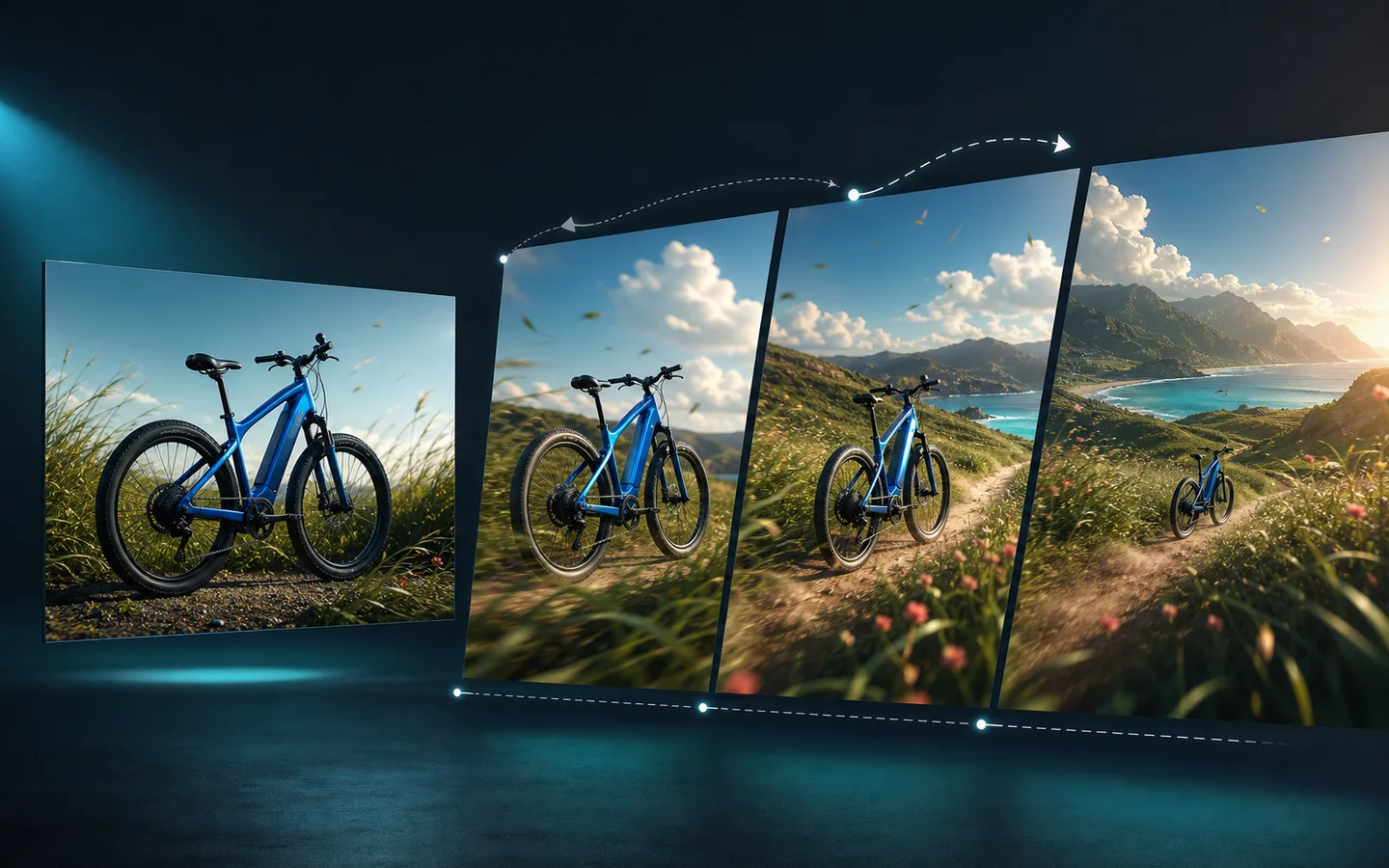
Image-to-video turns a static key visual into a moving shot. The image already defines the subject, palette, lens position, and starting composition, so the prompt can focus on movement.
Use image-to-video when:
- You have a strong product image, poster, illustration, or scene.
- The first frame should remain recognizable.
- You need a short social loop, reveal, push-in, orbit, or atmospheric movement.
- You can describe motion without asking the model to redesign the whole image.
Start with references when continuity matters
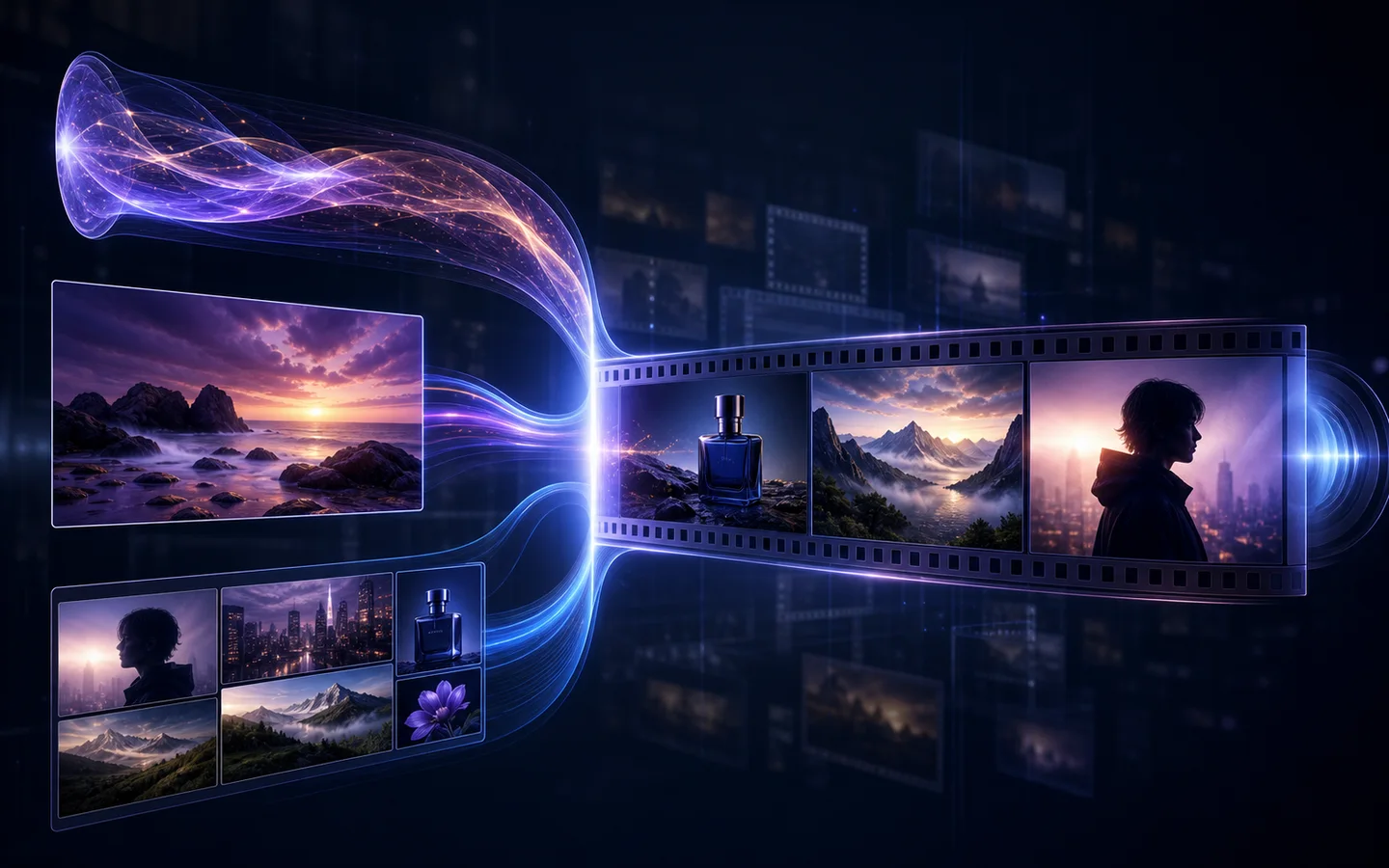
Reference-to-video is the better brief when one image hides important details. A product may need front, side, material, and packaging views. A character may need portrait, profile, full-body, and wardrobe references. A campaign may need a palette, surface, location, and approved hero visual.
Use the Reference to Video AI Generator when:
- Several details must stay recognizable.
- You need more than one angle or expression.
- The visual language comes from an approved reference set.
- You want the prompt to describe motion instead of re-explaining the design.
The best AI video generators by use case
Veo 3.1: structured cinematic prompting
Veo 3.1 is a useful choice when the shot can be described clearly: what appears, what moves, how the camera behaves, and how the frame ends. Its model family supports text-to-video and image-led modes, with compatible reference behavior available through the current controls.
Choose Veo 3.1 for:
- Cinematic scene drafts with explicit camera direction.
- Product or environment shots that benefit from controlled pacing.
- Short clips where the opening action and final composition are easy to state.
- Comparing quality, fast, and lite variants where available.
Wan 2.7: flexible production entry points
Wan 2.7 is valuable when a project may move between several inputs. You can begin with a prompt, animate an image, use references, or edit a source video depending on the selected mode.
Choose Wan 2.7 for:
- Teams that do not want a separate tool for every source type.
- Reference-led experiments that may become video edits later.
- Output comparisons across resolution, ratio, duration, and prompt-rewrite controls.
- Iterative production where the result of one step becomes the input to another.
HappyHorse: multi-reference creative iteration
HappyHorse combines text-to-video, image-to-video, reference-to-video, and video editing in one visible model family. Its dedicated reference mode can accept multiple images, making it useful for a visual brief with several product, character, or campaign signals.
Choose HappyHorse for:
- Product shots that need several source angles.
- Character concepts with identity and wardrobe references.
- Campaign variations that should preserve an approved art direction.
- Comparing the same idea across text, image, and reference workflows.
Gemini Omni: mixed-source experimentation
Gemini Omni is suited to projects that move between prompt-led generation, image animation, reference guidance, and video editing. It is a practical option when the brief is multimodal and you want to test which source asset carries the strongest signal.
Choose Gemini Omni for:
- Early multimodal exploration.
- Projects with a mix of text, images, and video assets.
- Comparing a direct generation workflow with a source-edit workflow.
- Creative briefs that may change after the first result.
Seedance: longer-form and high-resolution directions
The Seedance model pages expose different capability sets. Use the current generator controls as the source of truth for duration, resolution, reference inputs, and audio behavior rather than assuming every version supports the same workflow.
Choose Seedance 2.5 or Seedance 2.0 when:
- The available duration or resolution options match the delivery requirement.
- You have a clear shot sequence instead of a single vague visual idea.
- The project benefits from multimodal references supported by the selected model.
- You can review a longer clip carefully for continuity and detail drift.
A repeatable comparison prompt
Do not compare models with unrelated prompts. Use one brief, the same ratio, and the same duration wherever the controls allow it.
A compact silver desk speaker on warm travertine at sunrise. The speaker remains geometrically consistent. A slow camera orbit moves from front three-quarter view to a clean side profile. Soft directional light, restrained reflections, subtle dust in the air, premium editorial product film, no text, no extra objects. End on a stable hero frame with negative space on the left.For image-to-video, use the same source image. For reference-to-video, add only references that clarify the same product and art direction. Too many contradictory images make the test harder to interpret.
What to inspect before choosing a result
Watch the entire output more than once. A beautiful first frame can hide problems later in the clip.
- Subject continuity: Does the person, product, or object remain recognizable?
- Geometry: Do proportions, edges, controls, and materials stay stable?
- Motion: Does the action have believable acceleration, weight, and direction?
- Camera: Does the requested move remain coherent, or does the viewpoint jump?
- Background: Do objects appear, disappear, or melt into one another?
- Text and logos: Are they stable enough to use, or should they be added in post-production?
- Final frame: Is there a clean, usable ending instead of an accidental cut?
A practical free-testing workflow
Use short, low-risk tests before spending credits on a production batch.
- Start with one five-second concept where available.
- Keep the first prompt focused on one action and one camera move.
- Use the same ratio as the intended placement.
- Save the prompt and source assets with each result.
- Change only one variable at a time: model, prompt, source image, or references.
- Move to longer duration or higher resolution only after the motion works.
This approach will not make generation free, but it reduces wasted iterations and gives you a defensible reason for choosing one workflow over another.
Final recommendation
Start from the material that already carries the most creative truth. Use text-to-video for a new idea, image-to-video for an approved frame, and reference-to-video for continuity across several visual details. Then compare two compatible models with the same brief instead of browsing every model without a test plan.
Open the AI Video Generator to compare the current model controls, or generate from multiple references when visual continuity is the priority.