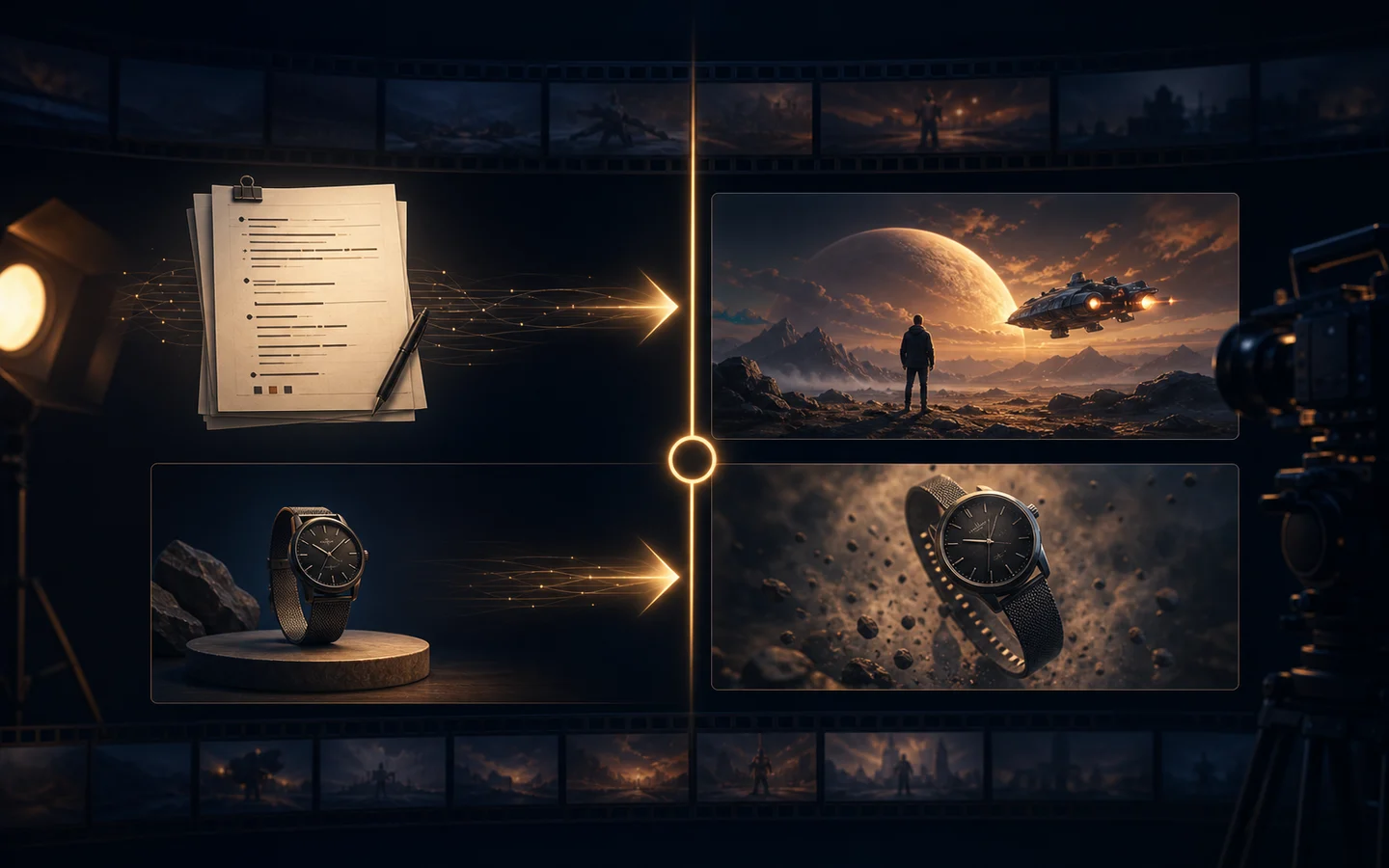
Best AI Product Photo Generators for Ecommerce
Compare AI product photo workflows for product consistency, background control, believable shadows, editing, batch preparation, and ecommerce-ready export.
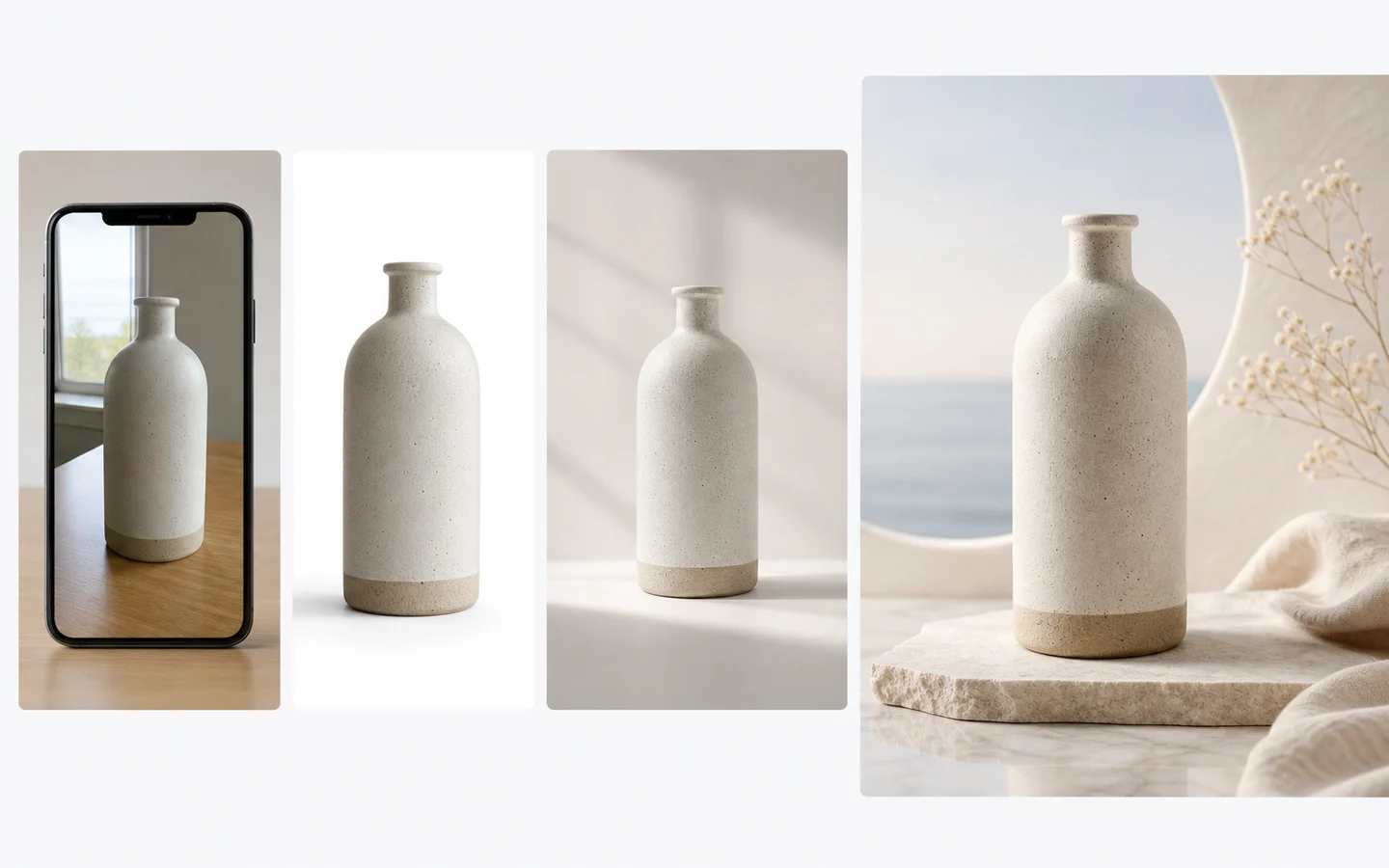
The best AI product photo generator is not the one that creates the most dramatic background. It is the one that keeps the product recognizable while giving you enough control over composition, lighting, shadows, aspect ratio, and revision.
This guide focuses on product-photo workflows available in AI Image Editor. It does not claim that every external tool on the market was tested. Model controls and availability can change, so use the live generator as the source of truth before starting a large catalog.
Quick recommendations
- Best general workflow: AI Image Editor for prompt-based background, lighting, surface, and composition changes.
- Best for controlled variations: Image to Image when the source product should guide a new commercial scene.
- Best for detailed prompt following: GPT Image 2 for art-directed product concepts and structured revisions.
- Best for reference-led alternatives: Nano Banana 2 when image references carry important visual information.
- Best preparation step: Background Remover for a clean cutout before scene generation.
- Best finishing step: Image Upscaler after composition and product details are approved.
What makes an AI product photo usable?
A useful ecommerce image must pass a stricter test than a mood-board image.
- Product identity: shape, proportions, color, material, controls, and packaging remain correct.
- Edge quality: transparent, reflective, and fine details do not melt into the background.
- Contact and shadow: the product feels placed on a surface instead of floating.
- Lighting logic: highlights and shadows agree with the generated environment.
- Composition: the crop and negative space fit the intended marketplace, storefront, or ad.
- Revision control: you can request one change without redesigning everything else.
- Export quality: the final file survives resizing, compression, and platform review.
Do not approve a result only because the background looks attractive. Compare it side by side with the source product and inspect every customer-facing detail.
AI Image Editor: best for direct commercial revisions
The AI Image Editor is the most practical starting point when you already have a product photo and a specific change in mind.
Use it to request:
- A new studio background while keeping the product unchanged.
- Softer or more directional lighting.
- A clean surface and believable contact shadow.
- More negative space for ad copy.
- A seasonal environment without changing the packaging.
Write revision prompts with explicit invariants:
Replace only the background with a warm ivory studio sweep and add a soft contact shadow beneath the bottle. Keep the bottle geometry, cap, material, color, label area, crop, and camera angle unchanged. No extra props, no text, no logo changes.The phrase “replace only” matters. A prompt that describes only the desired background may allow unnecessary product changes.
Image to Image: best for a family of visual variations
Image to Image is useful when the source image should guide the subject and art direction, but the output may explore a broader composition.
It works well for:
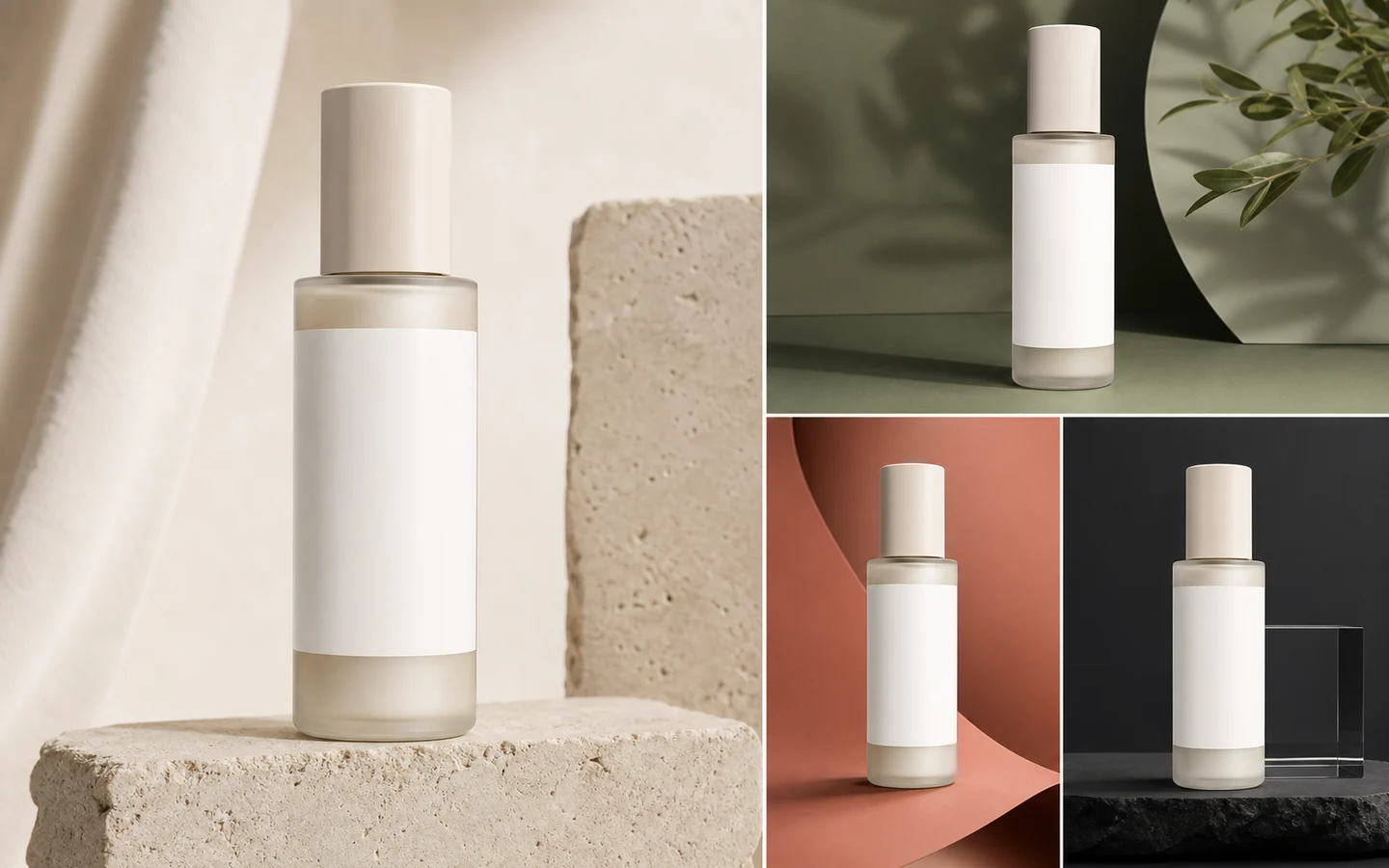
- Creating several campaign backgrounds from one approved hero image.
- Moving from a basic catalog photo toward a lifestyle scene.
- Testing seasonal palettes and materials.
- Reframing a source visual for different placements.
Use the same source for every comparison. If you change the source image and the prompt at the same time, you cannot tell which change improved the result.
GPT Image 2: best for detailed art direction
GPT Image 2 is a strong option when the prompt needs to combine product photography language with clear constraints. It is especially useful for concepting a full scene before a team invests in a physical shoot.
Describe:
- Product position and camera angle.
- Surface and background materials.
- Key light direction and softness.
- Shadow shape and intensity.
- Prop count and distance from the product.
- Required empty space and output ratio.
For customer-facing accuracy, always compare the generated item with the real product. If exact legal copy or packaging text matters, preserve it from the source or add it in a controlled post-production step.
Nano Banana 2: best for reference-led exploration
Nano Banana 2 can be a useful choice when one or more visual references define the look you want. References can communicate palette, surface, lens mood, or campaign style faster than a long paragraph.
Keep references consistent. A cool metallic studio, a sunny kitchen, and a dark luxury set send competing signals. Use one product reference and one art-direction reference before adding more.
Background removal and upscaling are part of the generator workflow
The quality of the source cutout often determines the quality of the generated scene. Use the Background Remover when the original background contaminates edges or lighting.
After generation:
- Inspect transparent and reflective edges at 100%.
- Check whether the contact shadow matches the surface.
- Confirm label placement and color.
- Remove accidental props or duplicated product parts.
- Use the Image Upscaler only after the image is correct.
Upscaling can improve delivery size and perceived detail, but it should not be used to hide incorrect geometry.
A repeatable product-photo test
Compare models with one source image and one brief:
Create a premium ecommerce hero photo of the supplied matte ceramic dispenser on pale travertine. Front three-quarter camera angle, 70mm product photography, soft key light from upper left, gentle fill, realistic contact shadow, warm ivory background, generous negative space above. Preserve product geometry, pump shape, material, color, and label area. No extra products, no flowers, no text.Score each result on identity, edges, shadow, lighting, composition, and editability. A visually exciting result that changes the pump or bottle proportions should rank below a simpler but accurate image.
Best workflow by ecommerce need
- Marketplace white background: clean the source, preserve a natural shadow, and avoid unnecessary scene generation.
- Storefront hero image: use controlled background generation and deliberate negative space.
- Paid social creative: create a stronger environment, but keep the product large and recognizable.
- Catalog variations: lock the camera angle and lighting before changing colors or surfaces.
- Lifestyle concept: use references for environment and audience context, then inspect product identity carefully.
Final recommendation
Start with the cleanest real product image you have. Use the AI Image Editor for targeted revisions, Image to Image for broader variations, and a model page such as GPT Image 2 or Nano Banana 2 when its controls match the brief.
The winning workflow is the one that produces a repeatable, accurate catalog—not just one impressive image. Begin with a single SKU, write a reusable prompt, and approve the process before expanding to the rest of the product line.