
Background removal
Upload one source image and the tool will try to detect the subject and remove the surrounding background.
Preview


After background removal, continue with image upscaling, image editing, and AI image generation tools.
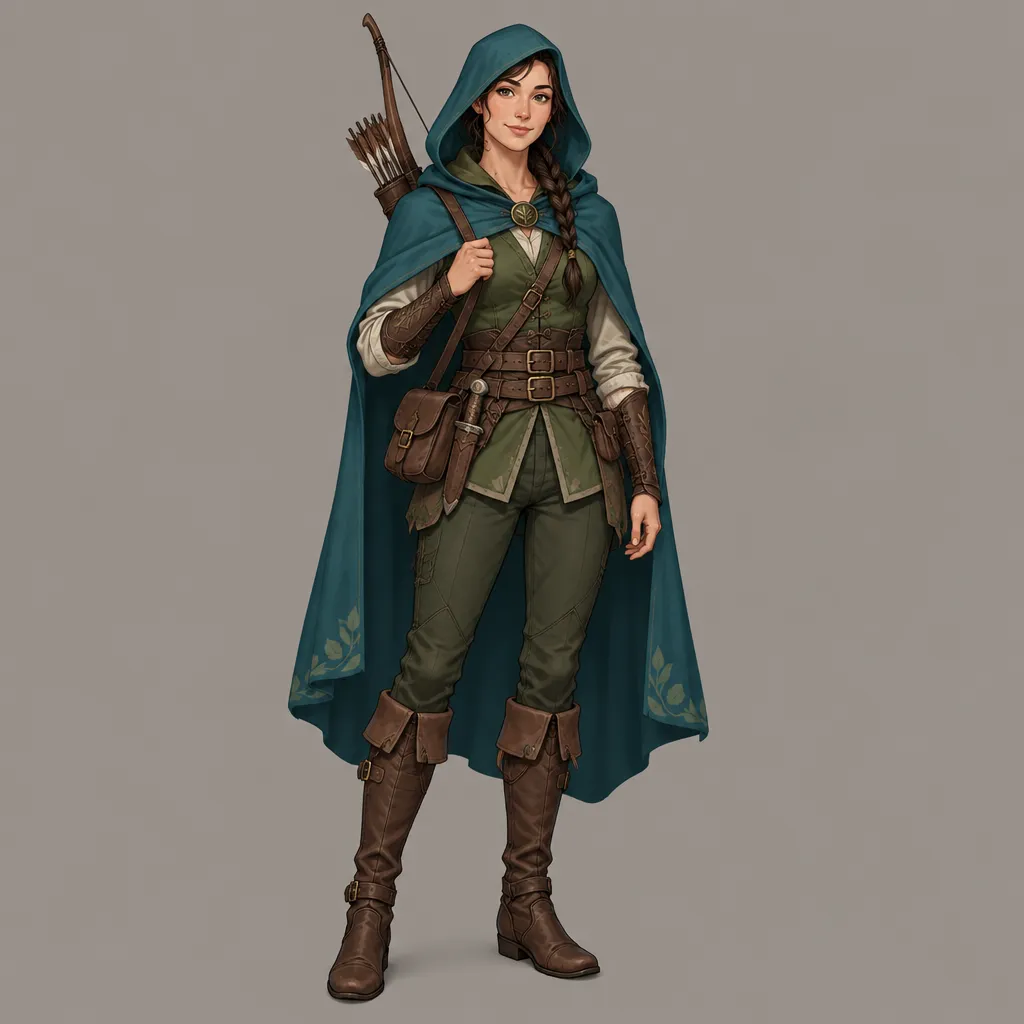
Open GPT Image 2.5 in AI Image Editor.
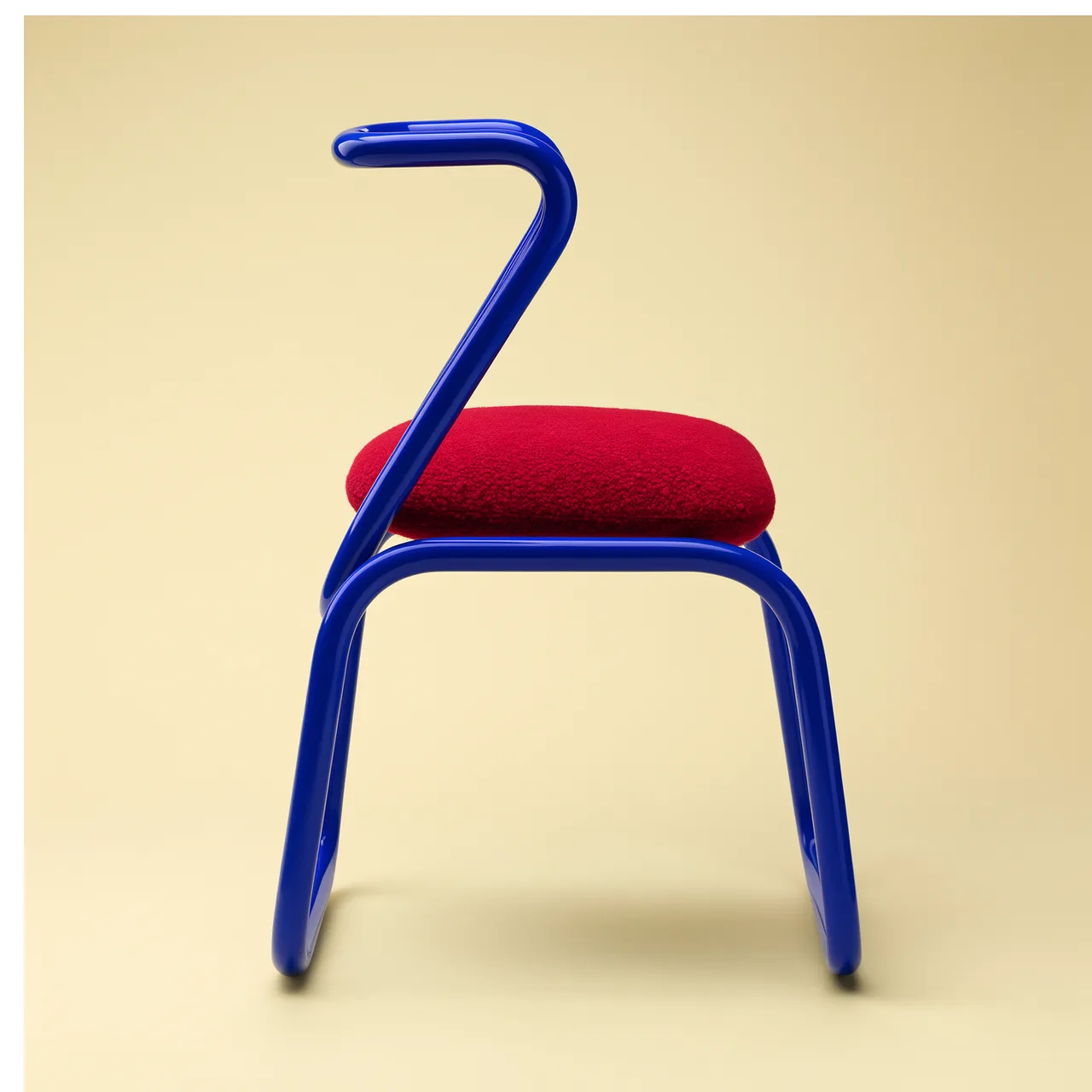
Open FLUX 3 Image in AI Image Editor.

Open Seedream 5.0 Pro in AI Image Editor.

Open GPT image 2 in AI Image Editor.

Open Nano Banana 2 in AI Image Editor.

Open Seedream 5 Lite in AI Image Editor.
Send a product photo, portrait, profile image, thumbnail, or design asset to Background Remover and create a cleaner subject image for product pages, social visuals, decks, and further editing.
Upload one source image and the tool will try to detect the subject and remove the surrounding background.
Best for product photos, portraits, logos, thumbnails, screenshots, and content images with a clear subject.
Review the edges and subject details, then download or continue with image editing or upscaling tools.
Use this online background remover when you need to separate a subject from its original scene and prepare product images, profile visuals, thumbnails, or reusable design assets.
The page uses the Background Remover tool directly. Choose a source image and submit the background removal task without writing a prompt.
Separate items from distracting shooting environments so you can prepare white-background images, transparent assets, or branded layouts.
Prepare cleaner subject images for profile pictures, creator covers, social thumbnails, and team bio visuals.
The generate button shows the current credits estimate before you submit, so you can confirm the cost first.
Finished images are stored in generation history so you can review, download, or reuse them in other image tasks.
After background removal, move the image to Image Upscaler, AI Image Editor, or another image generation page for more work.
Background Remover is built for practical image tasks that need subject separation: ecommerce product photos, profile visuals, thumbnails, and reusable transparent assets.
Remove the original background from a product photo, then use the subject for white-background product images, transparent PNG assets, ads, or product detail pages.
Start with a product image where the item is complete, the edges are clear, and the resolution is high enough.
Submit the background removal task so the tool can try to isolate the item from a tabletop, room, or studio background.
Before using it on a product page, review edges, shadows, reflections, and transparent areas.
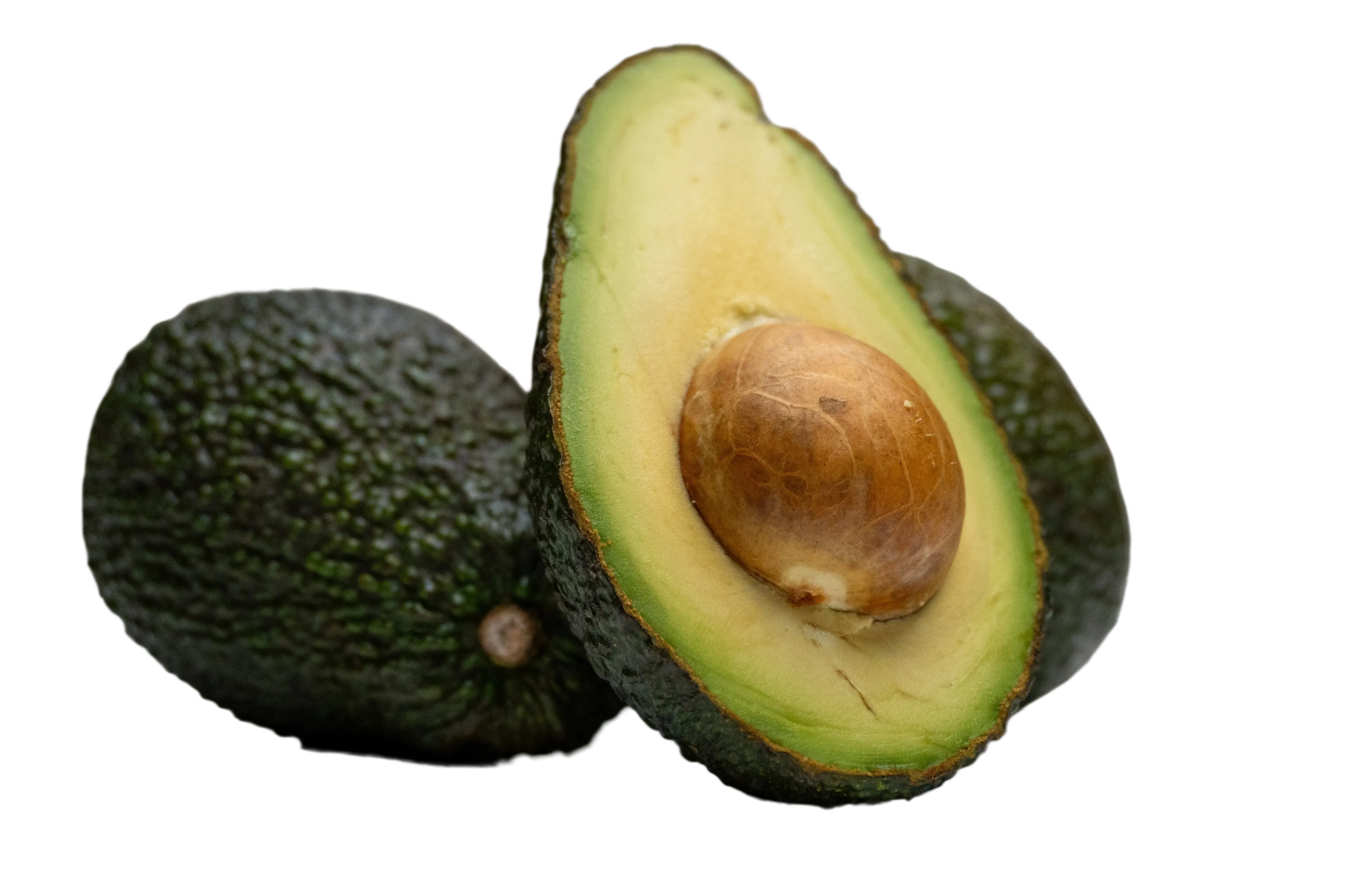
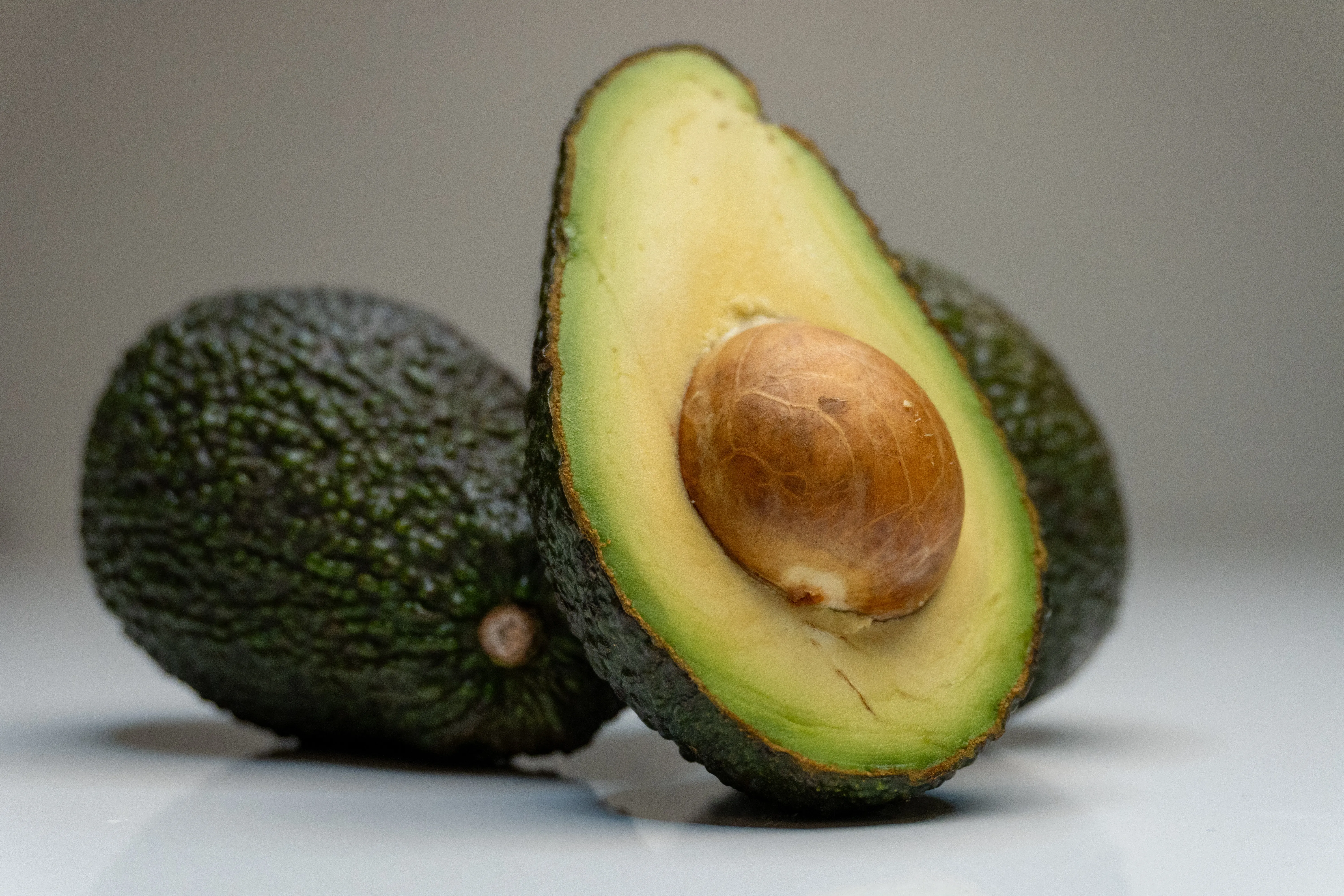
Cut out a person, object, or logo from the original image and place it on a new color background, poster layout, or social cover.
Use a photo where the subject is not heavily blocked or cropped, making the result easier to review and reuse.
Create a clean subject image that reduces distractions in profile pictures, covers, and thumbnails.
Download the image for brand-color backgrounds, channel covers, profile graphics, or other AI Image Editor image tools.
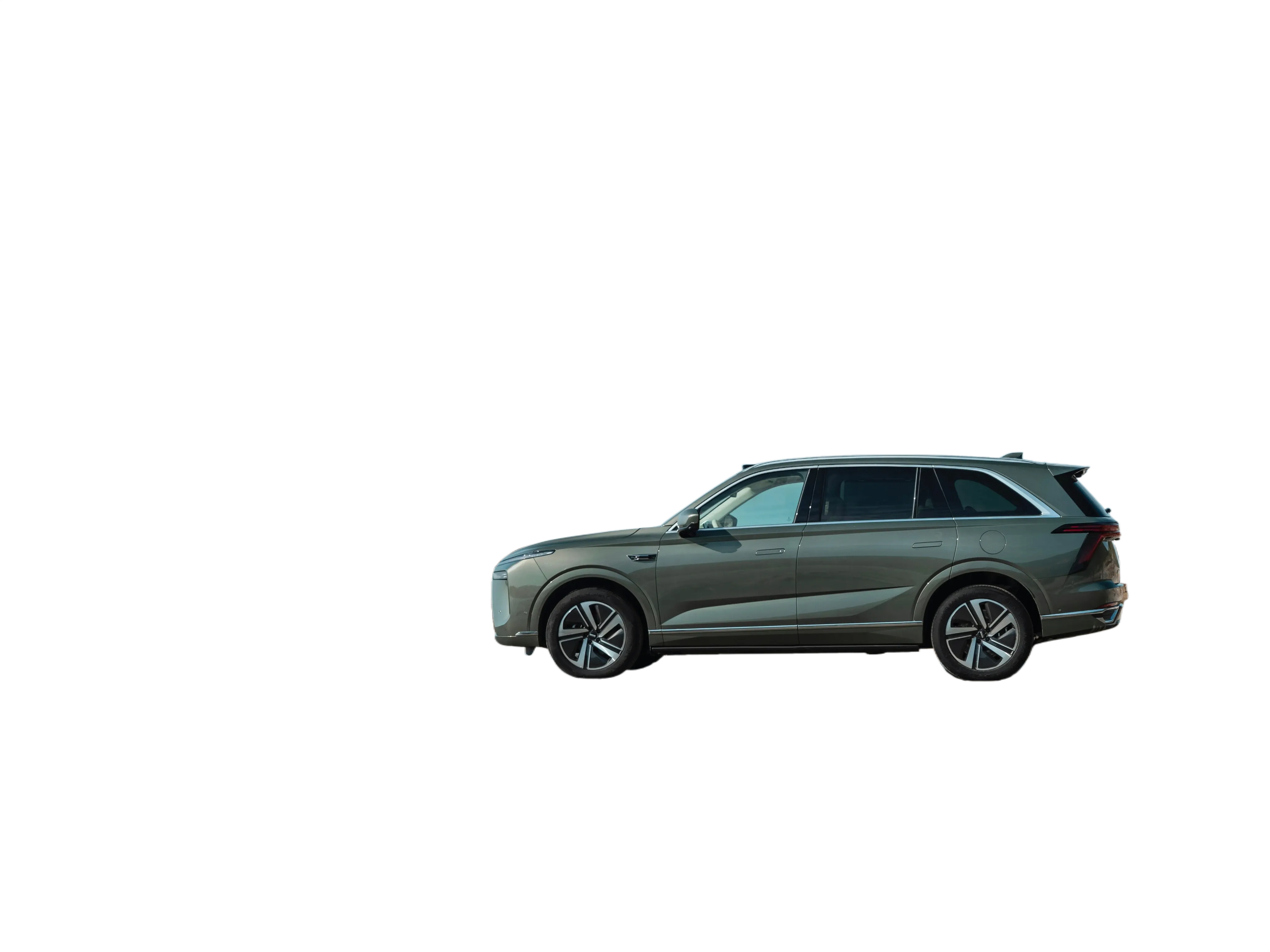

Separate the subject from its original scene before using it in presentations, landing pages, campaign posters, ad creatives, or image-to-image references.
Before composing a new visual, extract the subject from a busy environment, old background, or screenshot.
Before final design use, check hair, fabric, product edges, shadows, and semi-transparent areas.
Use the background-removed result for image upscaling, image editing, ad image generation, or other visual asset creation.
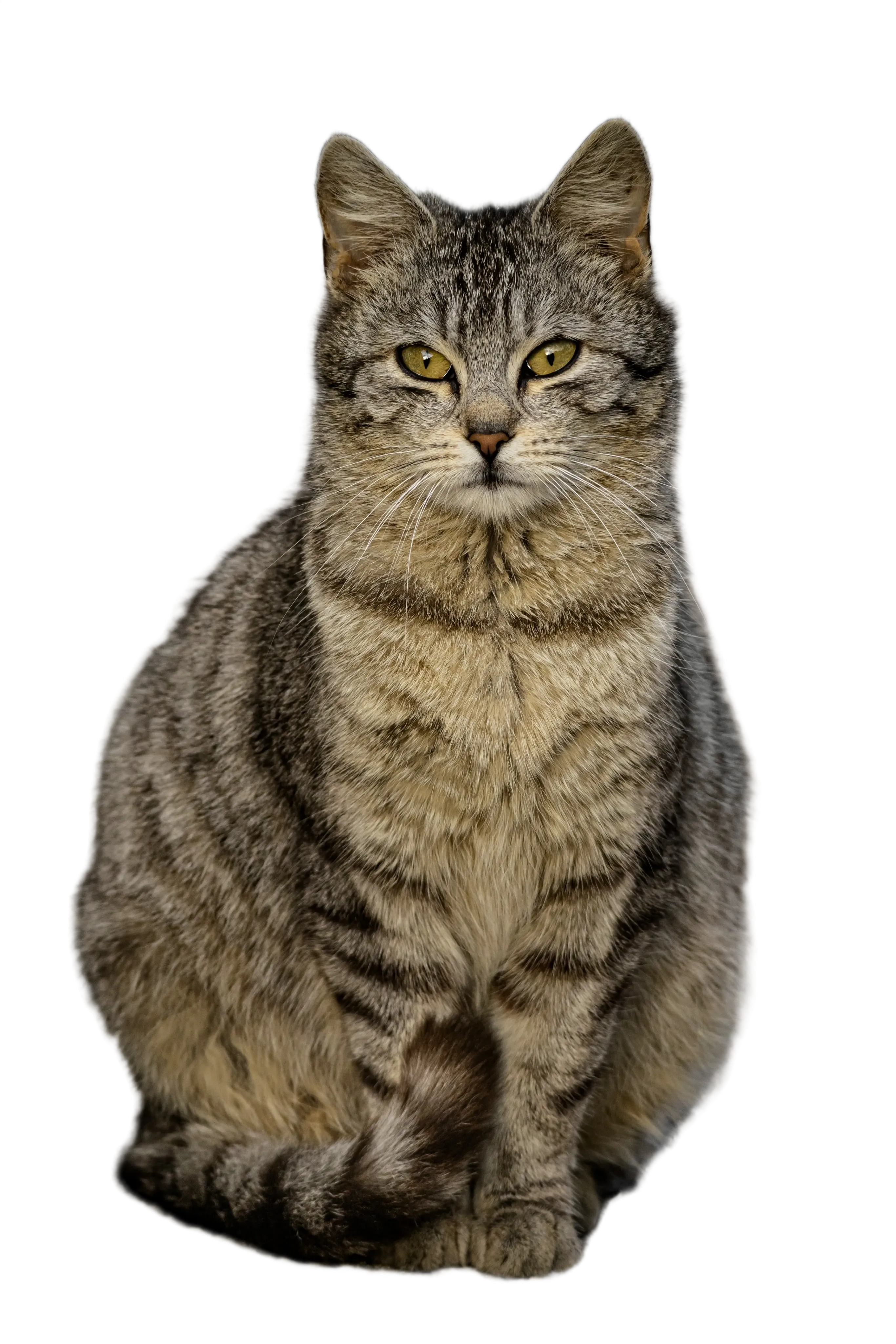
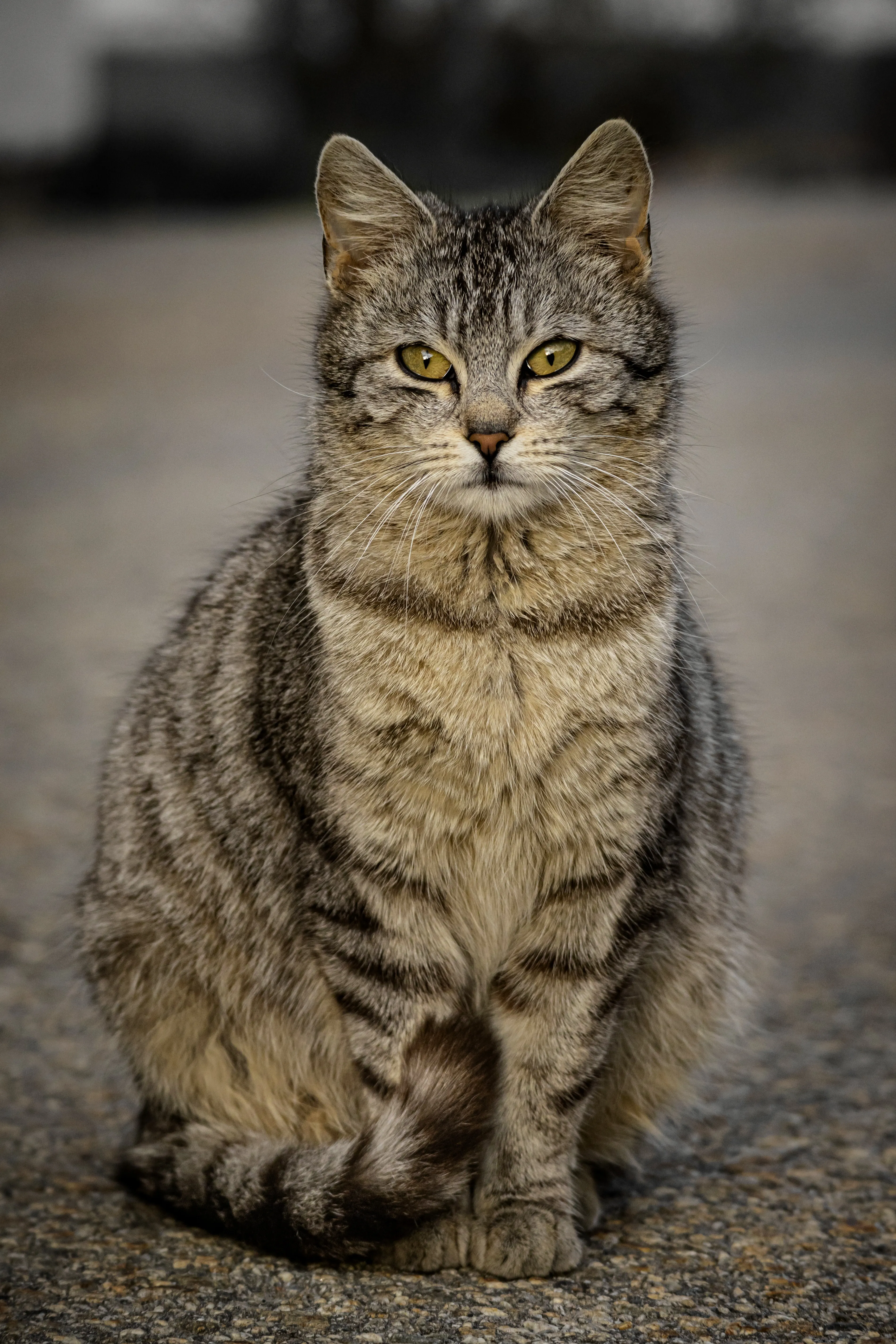
Choose a product photo, portrait, logo, thumbnail, or other content image with a clear subject.
Use Background Remover to separate the subject from the original background without entering an extra prompt.
Check the subject edges, transparent areas, and details, then download the result or continue with image editing and upscaling tools.
AI Background Remover is an online image background removal tool that tries to detect the main subject in your uploaded image and create a result with the original background removed.
Yes. It fits product photos, white-background image preparation, ecommerce listings, ad images, and any image task where the item needs to be separated from the original background.
If the output format and downstream use support transparency, the background-removed result can be used as a transparent asset. You should still review edges and details before publishing.
Yes. You can upload a white-background image, studio shot, or simple-background image and separate the subject for a new layout or design.
After generation finishes, results are saved in AI Image Editor generation history, where you can preview, download, or continue with related image tools.
Upload an image and get a clean cutout for reuse.