
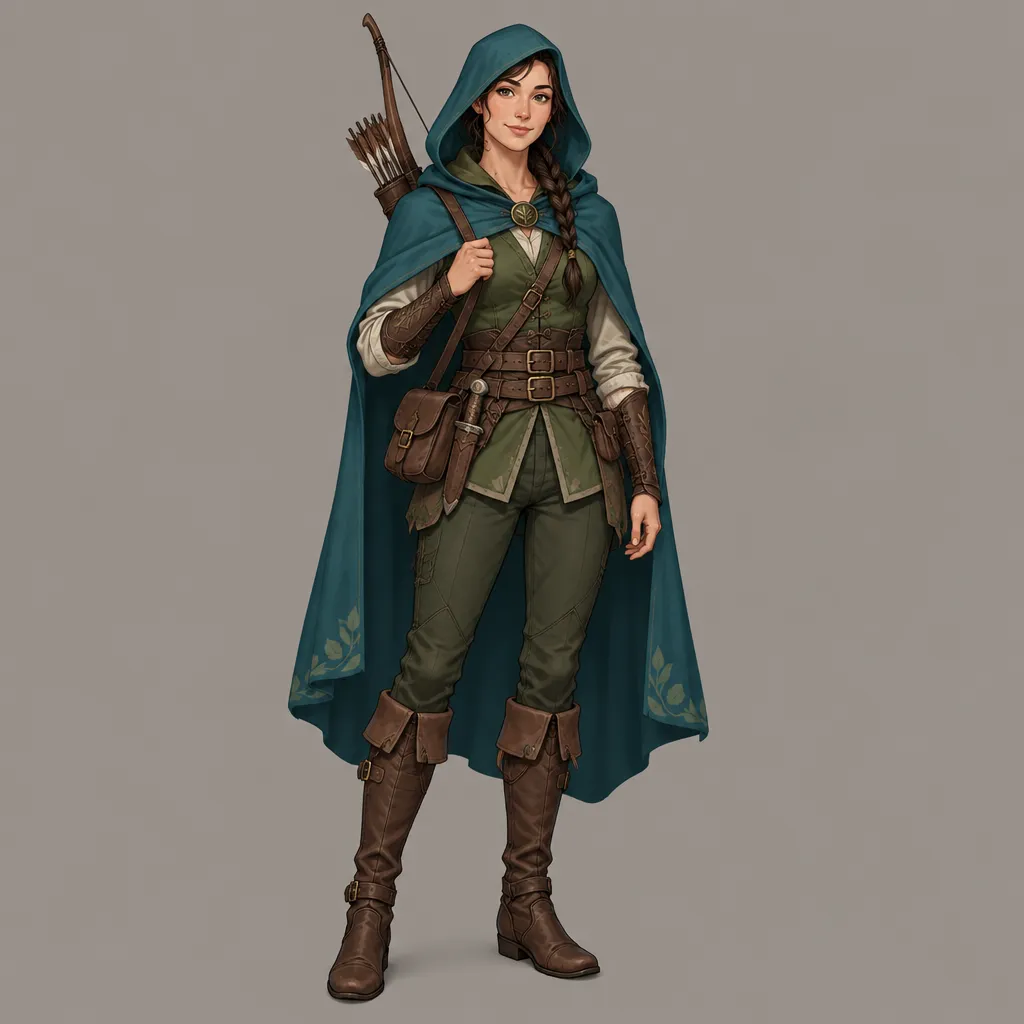
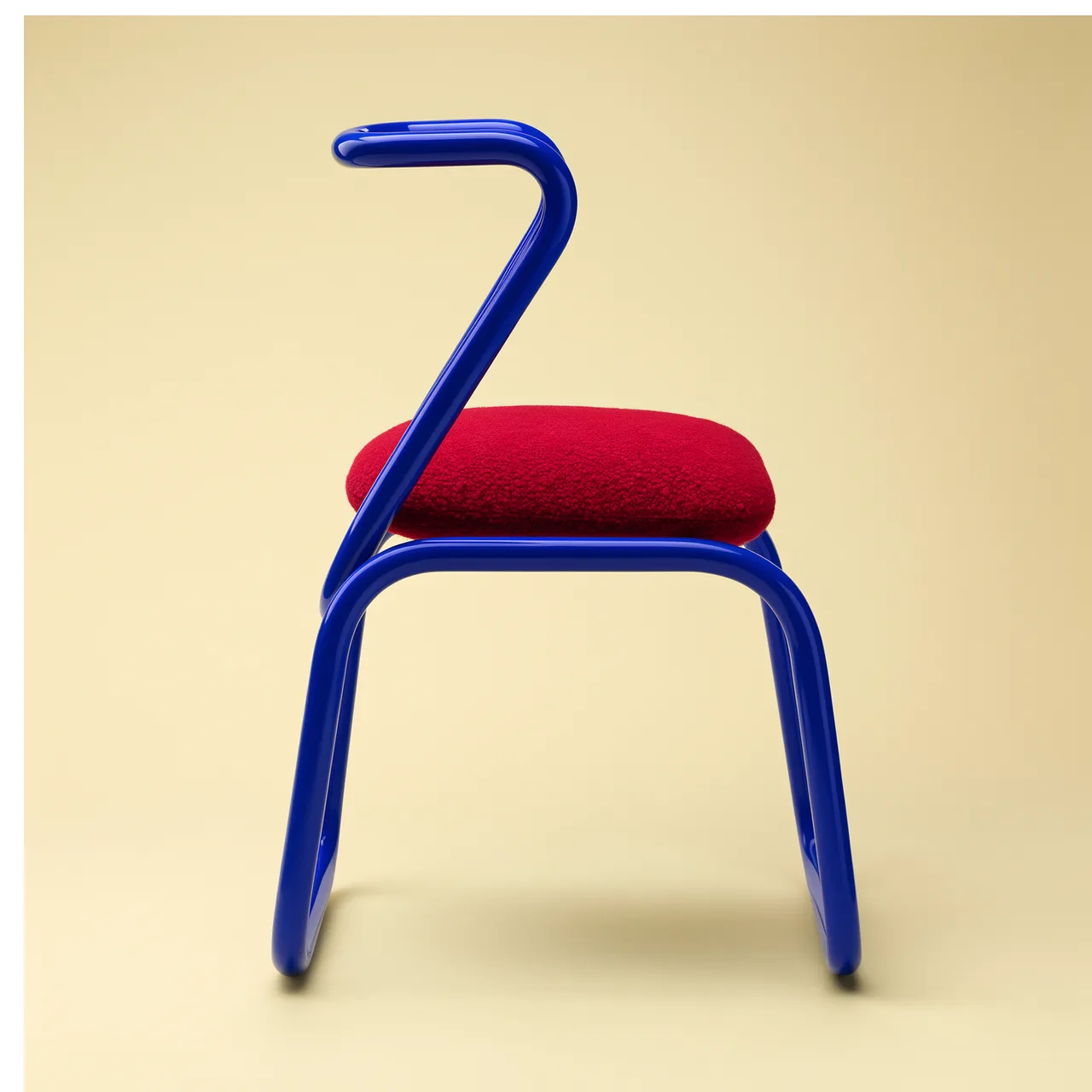
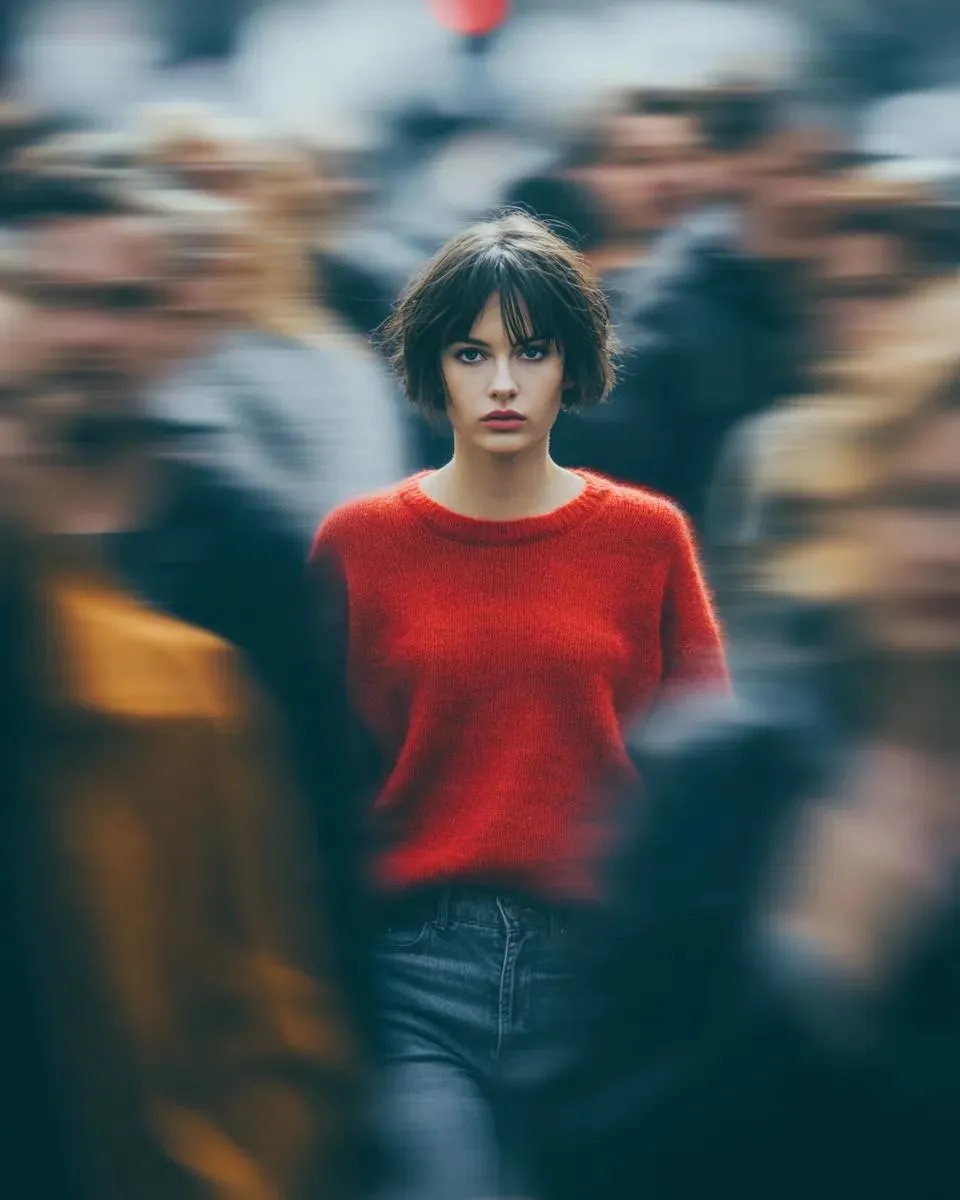
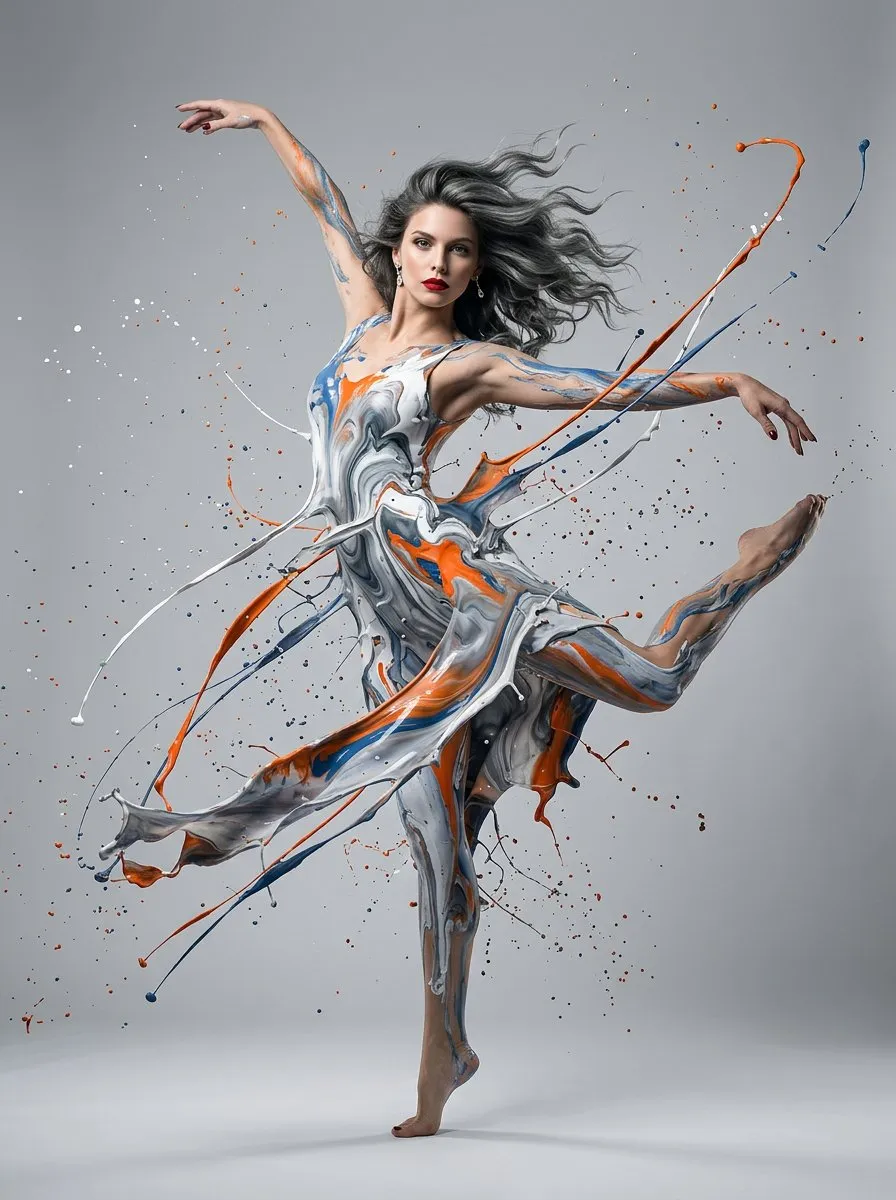
GPT image 2
For creators and teams that need AI image generation, GPT image 2 image editing, and high-quality visual candidates.
Preview
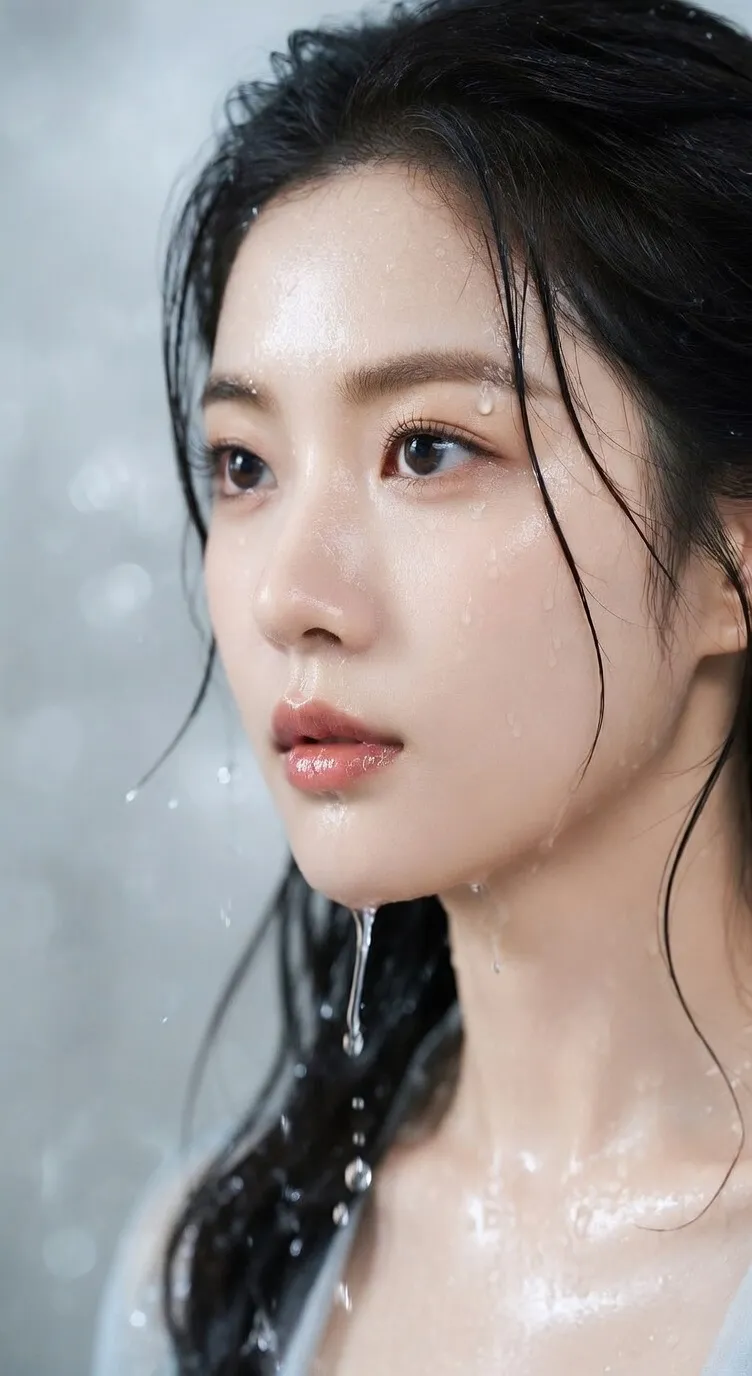
After generating an image, continue with image editing, image-to-image, background removal, and image upscaling tools.
Write a prompt to generate an image, or upload references in image-to-image mode so GPT image 2 can help create product shots, ad visuals, posters, social covers, explainers, and content graphics. Choose aspect ratio and resolution on the page to move from concept draft to review-ready asset.
For creators and teams that need AI image generation, GPT image 2 image editing, and high-quality visual candidates.
Use text prompts in text-to-image mode. In image-to-image mode, upload references to express subject, style, composition, or brand cues.
Choose aspect ratio and 1K, 2K, or 4K resolution by use case, then review details and continue editing.
GPT image 2 is built for combining clear prompts, reference assets, and output specs into AI images for marketing, content, ecommerce, and design layouts.
Enter the visual goal, subject, scene, style, use case, and constraints to generate product image, poster, cover, illustration, or ad creative candidates.
Upload product photos, portraits, brand images, sketches, or layout references in image-to-image mode, then let GPT image 2 continue from the source material.
Choose auto, 1:1, 9:16, 16:9, 4:3, or 3:4 by publishing channel, then balance cost and clarity across 1K, 2K, and 4K output.
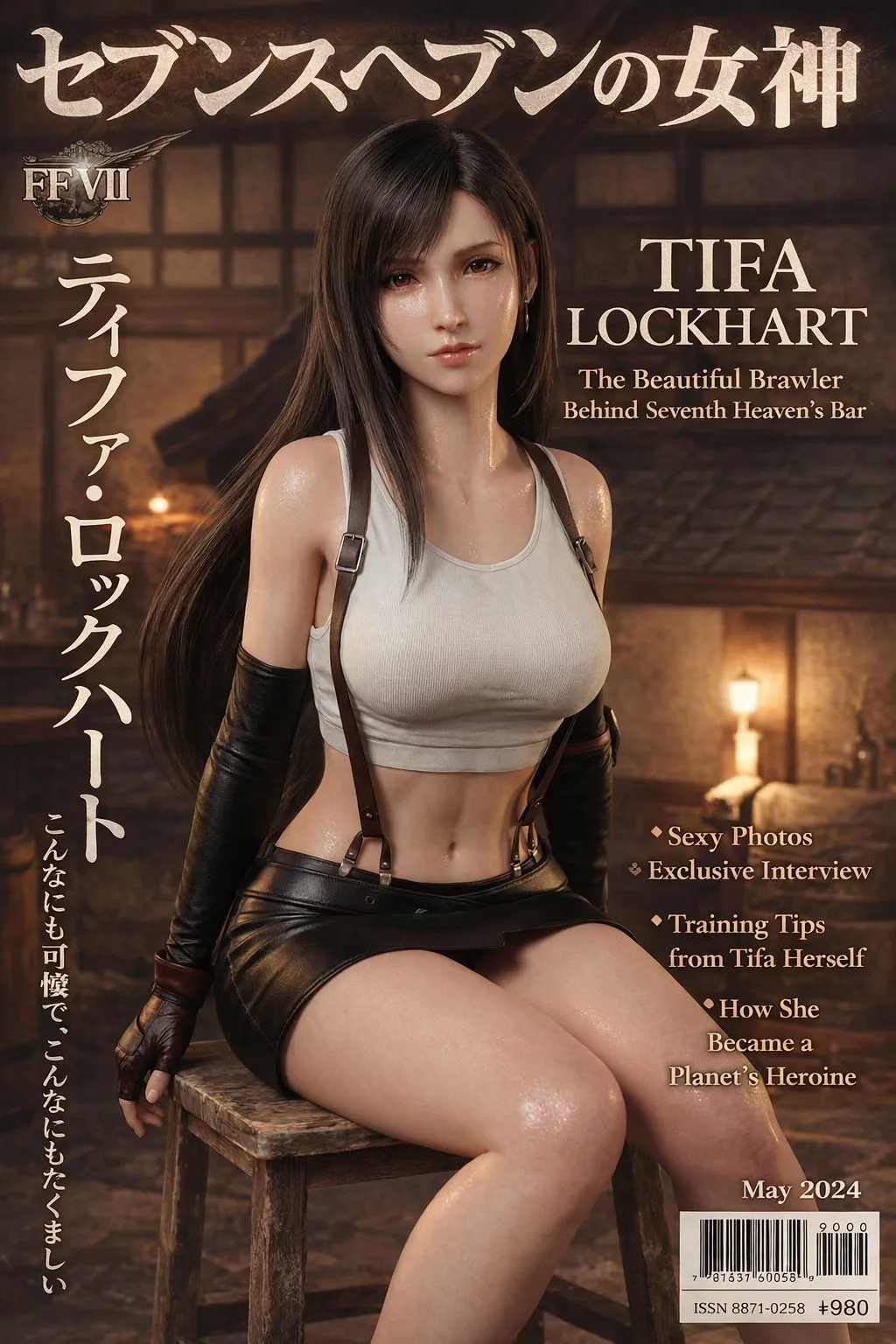
Try it for images with headlines, labels, short copy, callouts, or multilingual elements. Before publishing, review spelling, type size, and small-text readability.
Draft product-page images, social covers, blog graphics, ad concepts, campaign posters, infographics, and localized content visuals quickly.
Generated results go into history, where you can download, review, or keep processing with image editing, background removal, and image upscaling tools.
When you need an AI image generator to create a clear visual direction, or references to turn existing assets into a new scene, layout, or size, GPT image 2 fits concrete image tasks.
Turn product benefits, campaign themes, article ideas, or learning content into prompts and generate review-ready AI image candidates.
State whether you need a product image, ad creative, poster, infographic, cover, illustration, or explainer before adding the channel.
Specify subject, background, composition, lighting, color, text, ratio, and constraints to reduce irrelevant variation.
After generation, check text, object count, brand elements, body proportions, and details before editing further or regenerating.
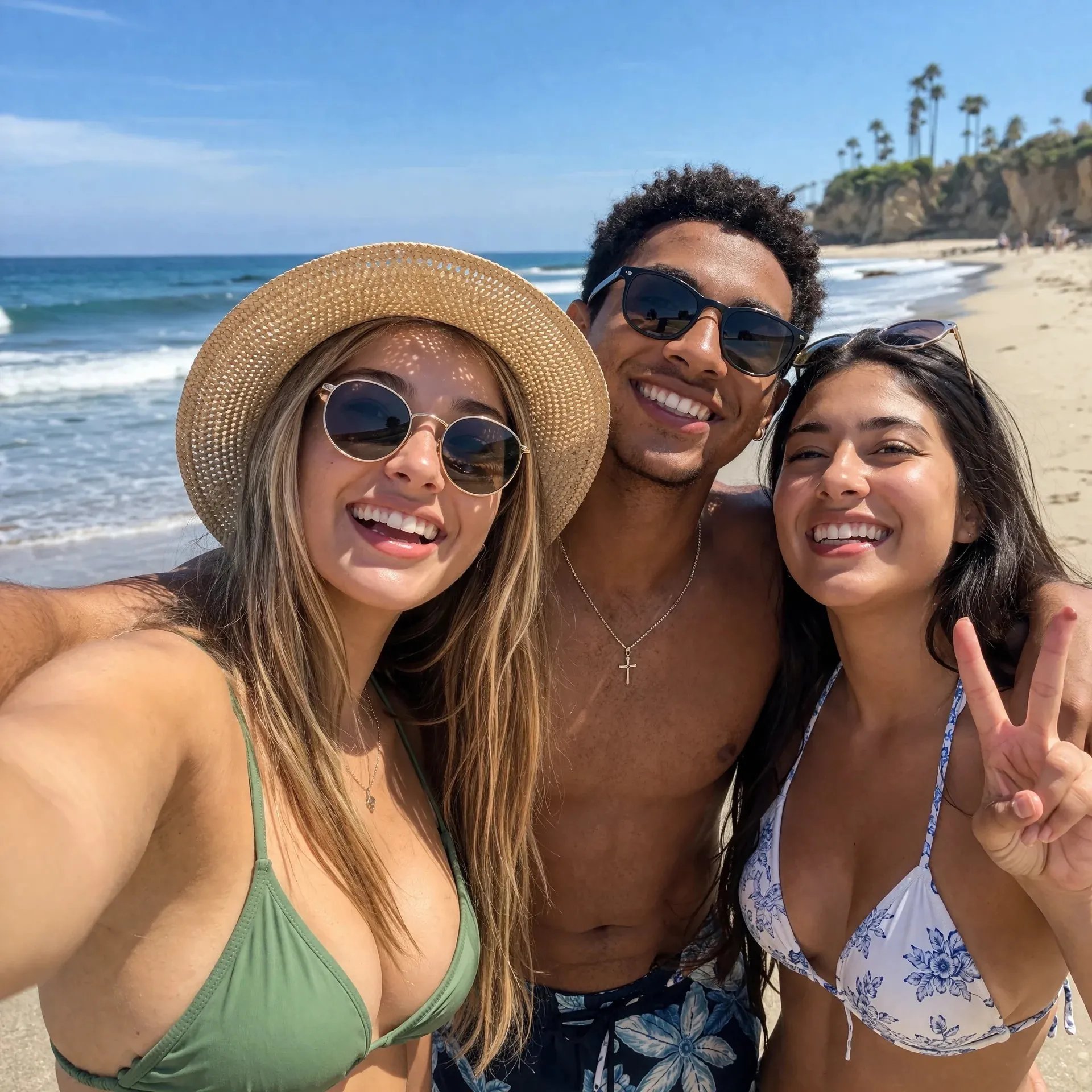
Upload product photos, portraits, interface screenshots, sketches, layout samples, or brand assets, then describe what should change and what must stay.
Call out product appearance, person identity, logo, layout, material, color, or key composition that cannot change.
Make clear whether to replace the background, adjust the scene, change style, extend the frame, align brand feel, or create a new ad layout.
Give specific feedback about text, position, edges, color, spacing, and subject proportion so the result converges more easily than restarting.
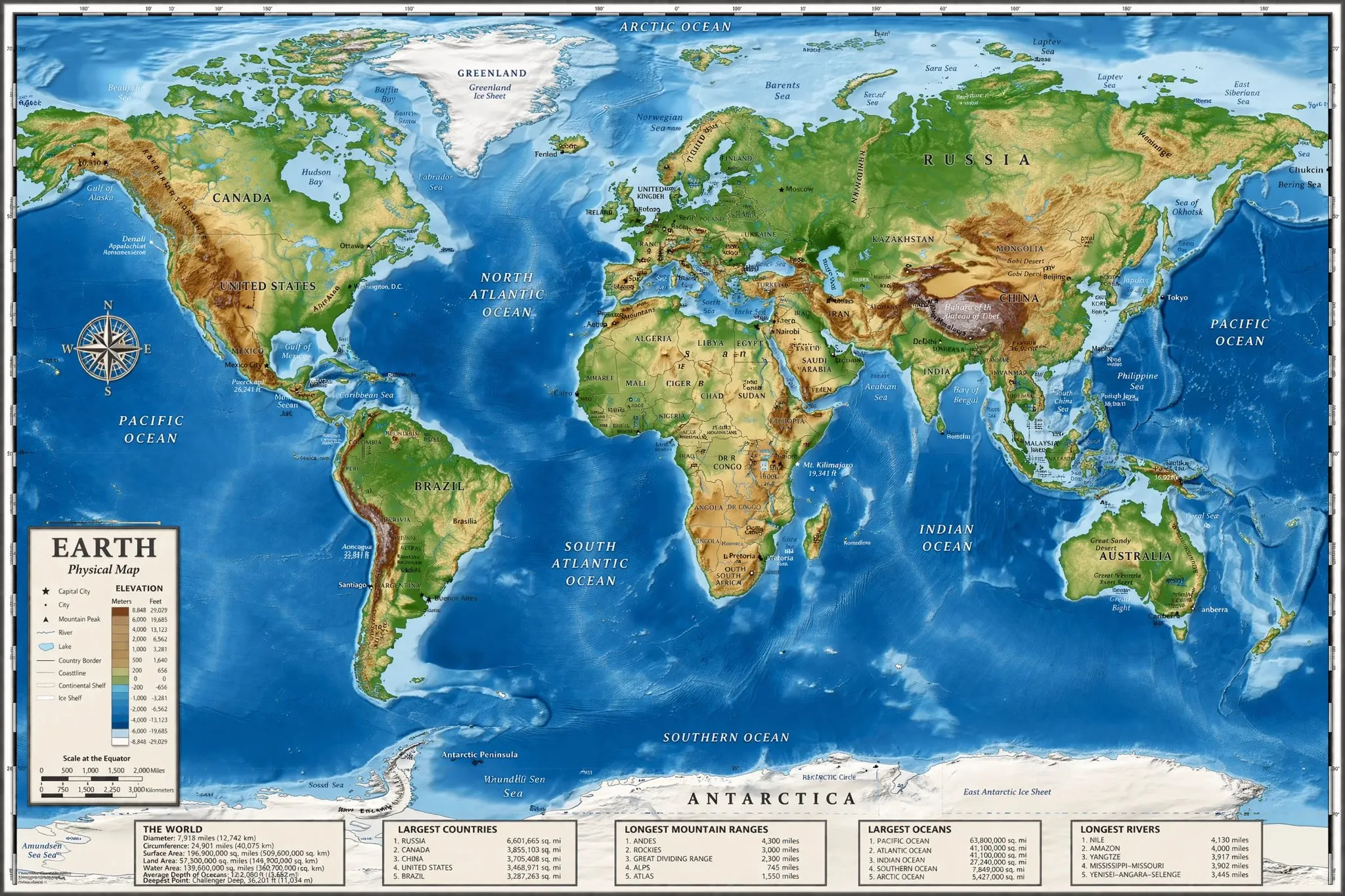
Generate visual assets for ads, social posts, product detail pages, landing pages, blog articles, and internal presentations across sizes and content angles.
Use 9:16 for vertical content, 16:9 for horizontal covers, and 1:1 or auto for product images and profile assets.
Use a lower spec for drafts, then choose 2K or 4K for formal assets while confirming the credits cost.
Check facts, trademarks, logos, likenesses, copyrighted references, ad claims, and brand rules before using the image in a live channel.
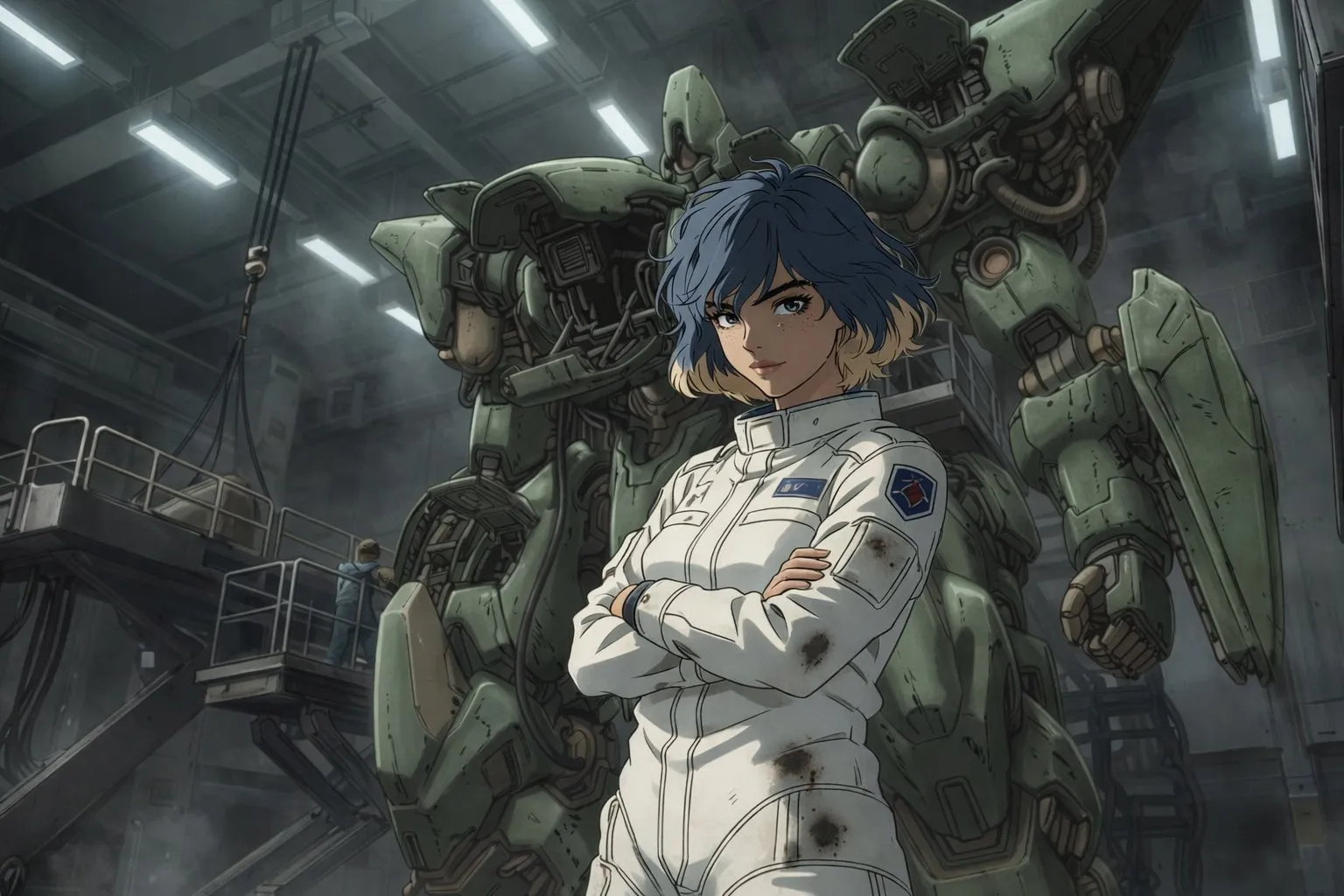
Use text-to-image for starting from scratch. Switch to image-to-image and upload references when product, person, layout, style, or brand cues should remain.
Describe subject, scene, style, composition, text, constraints, and channel, then choose aspect ratio and 1K, 2K, or 4K resolution.
Check image details, text, logo, object count, and subject proportions, then download or continue with image editing, background removal, or upscaling.
GPT image 2 is the AI image generation model page in AI Image Editor. It can generate images from prompts and edit images with uploaded references in image-to-image mode.
Yes. In text-to-image mode, enter a detailed prompt describing subject, style, scene, composition, ratio, text, and use case, then generate an AI image.
Yes. Image-to-image mode can upload references for products, people, brand direction, sketches, layouts, or visual style. This page currently supports up to 16 reference images.
The page supports auto, 1:1, 9:16, 16:9, 4:3, and 3:4. Choose by channel, such as product image, social cover, vertical content, poster, or article graphic.
Yes. The GPT image 2 page offers 1K, 2K, and 4K resolution options. Higher resolution is usually better for formal assets, but confirm the credits cost before submitting.
It is suitable to try for posters or ads with headlines, labels, short copy, and callouts. Before publishing, manually review spelling, layout, small text, and brand rules.
Yes. You can generate product scene images from prompts or upload product references to create white-background images, scene images, ad visuals, detail images, or social product assets.
Yes. AI images can contain text, logo, product-detail, body-proportion, object-count, or rights-risk issues, so review facts, trademarks, likenesses, copyright, and platform rules before formal use.
Add a prompt or references and create polished images.