
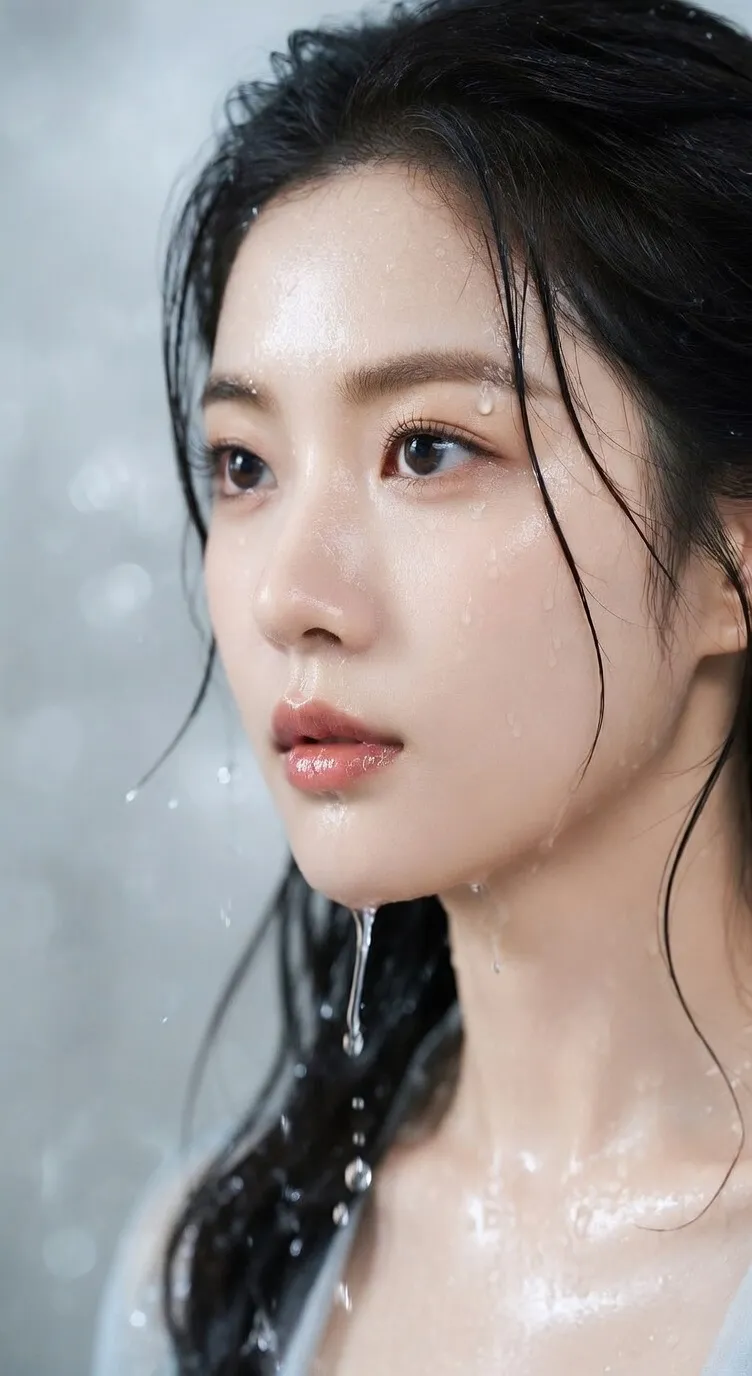
Nano Banana 2
Use it for AI image generation, reference-image editing, and multi-spec image asset creation.
Preview
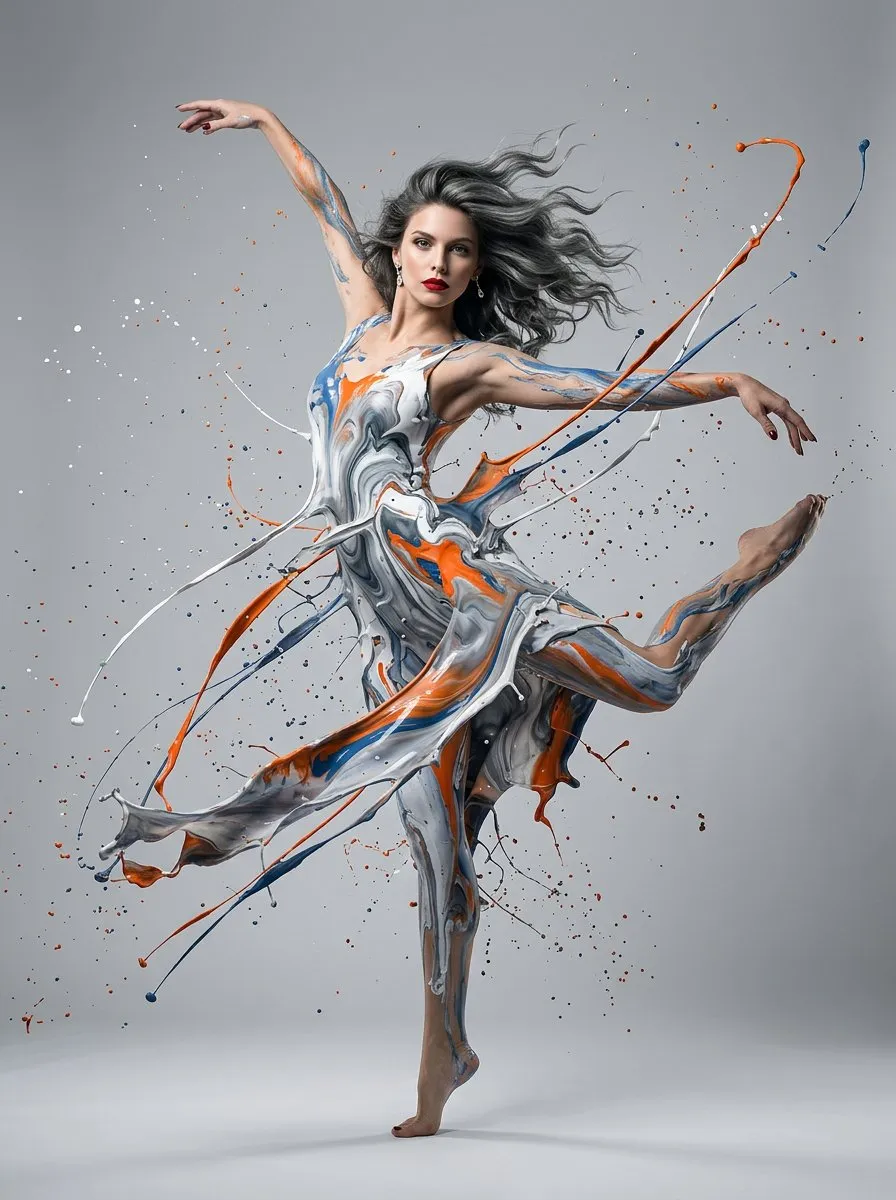
Continue with AI Image Editor, GPT image 2, Seedream 5 Lite, background removal, and image upscaling tools.
Nano Banana 2 is an image generation and image-to-image model page in AI Image Editor. Start from prompts, or upload reference images to control products, people, composition, colors, materials, and style. Then choose aspect ratio, resolution, and format for product images, ads, posters, thumbnails, social visuals, and content graphics.
Use it for AI image generation, reference-image editing, and multi-spec image asset creation.
Generate directly from prompts, or upload references to keep the subject, style, or composition more stable.
Supports multiple aspect ratios, PNG/JPG output, and up to 14 reference images in image-to-image mode.
Nano Banana 2 is useful when you need fast visual candidates, reference-image control, multiple aspect ratios, and careful review before publishing AI image assets.
Describe the subject, scene, composition, lighting, style, and use case in natural language to create product images, ad concepts, posters, covers, and social visual candidates.
Upload product photos, portraits, brand visuals, sketches, screenshots, or composition references so image-to-image results stay closer to existing assets and visual goals.
Choose auto, square, vertical, horizontal, 21:9, 4:1, 8:1, and other ratios based on where the image will be published.
Use it for product presentation, ad concepts, social covers, campaign posters, blog graphics, presentation visuals, and localized content images.
Try poster headlines, labels, menu items, explanatory text, and multilingual versions, then check spelling, translation, and small text before publishing.
After generation, check product appearance, likeness, text, logos, object count, claims, and rights risk before downloading or continuing to edit.
Use Nano Banana 2 when you need prompt-based image creation, reference-image control, or marketing assets in different sizes that can continue into review.
Turn product selling points, ad themes, campaign details, or content briefs into several visual candidates quickly.
Say whether you need a product scene, ad image, poster, cover, social image, infographic, or concept visual.
Include subject, audience, channel, composition, lighting, style, aspect ratio, text, and elements to avoid.
Pick 1K, 2K, or 4K resolution and PNG/JPG format for download and review.
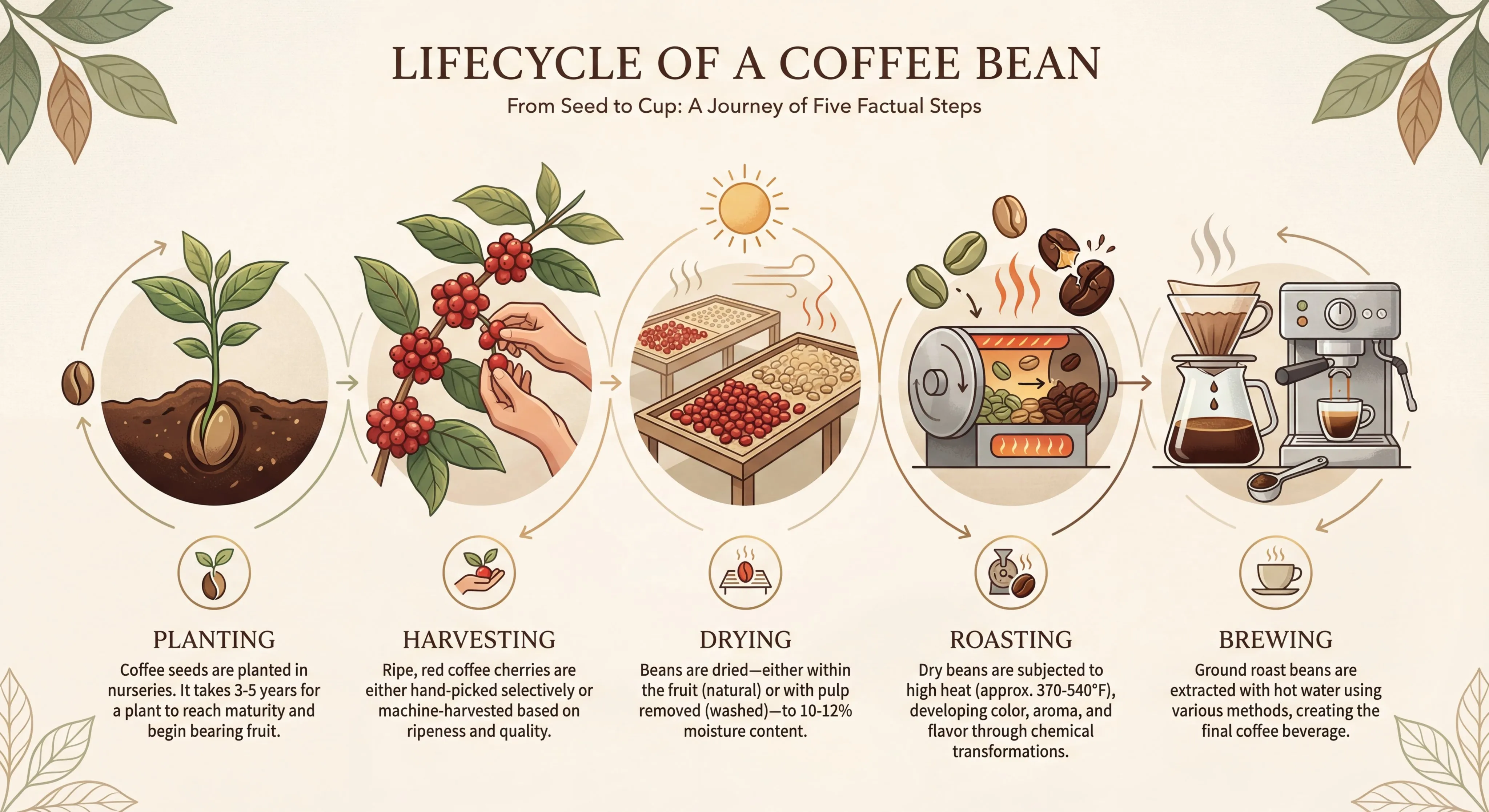
Upload product photos, portraits, brand samples, sketches, or screenshots, then explain what should stay and what should change.
Keep product shape, facial traits, material, color system, logo, or composition direction recognizable in the new image.
Image-to-image mode supports up to 14 reference images for product, person, style, scene, layout, and color direction.
Create ad sets, product page images, social covers, storyboards, or localized campaign visuals around the same subject.
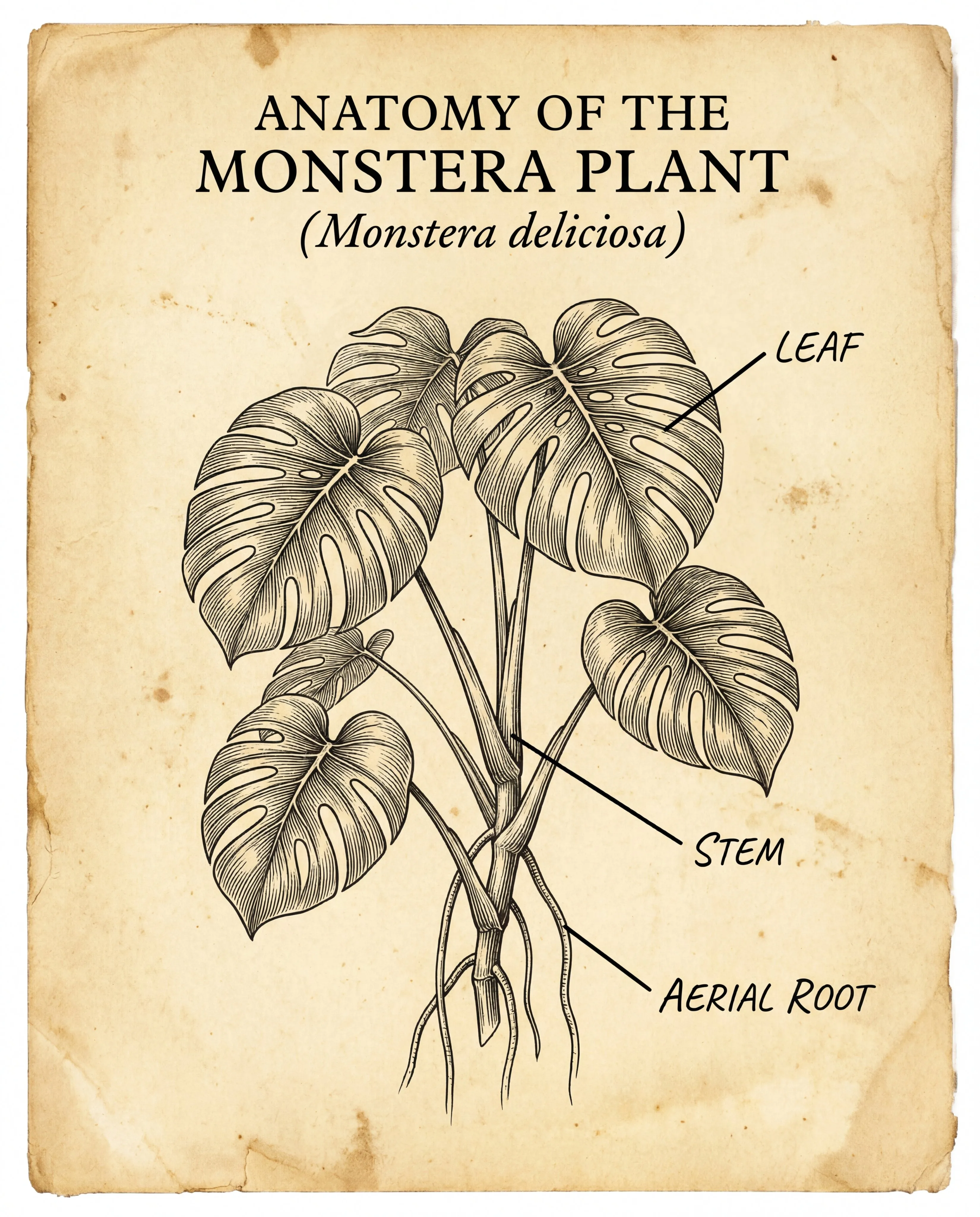
Create image assets for product pages, ad placements, social feeds, landing pages, blogs, slides, and localized campaigns.
Choose ratios such as 1:1, 3:4, 4:5, 16:9, 9:16, 21:9, 4:1, or 8:1 based on where the image appears.
Try headlines, short labels, menu items, infographic copy, or localized text, then proofread before going live.
Check facts, numbers, logos, identities, product details, claims, reference-image rights, and brand rules.
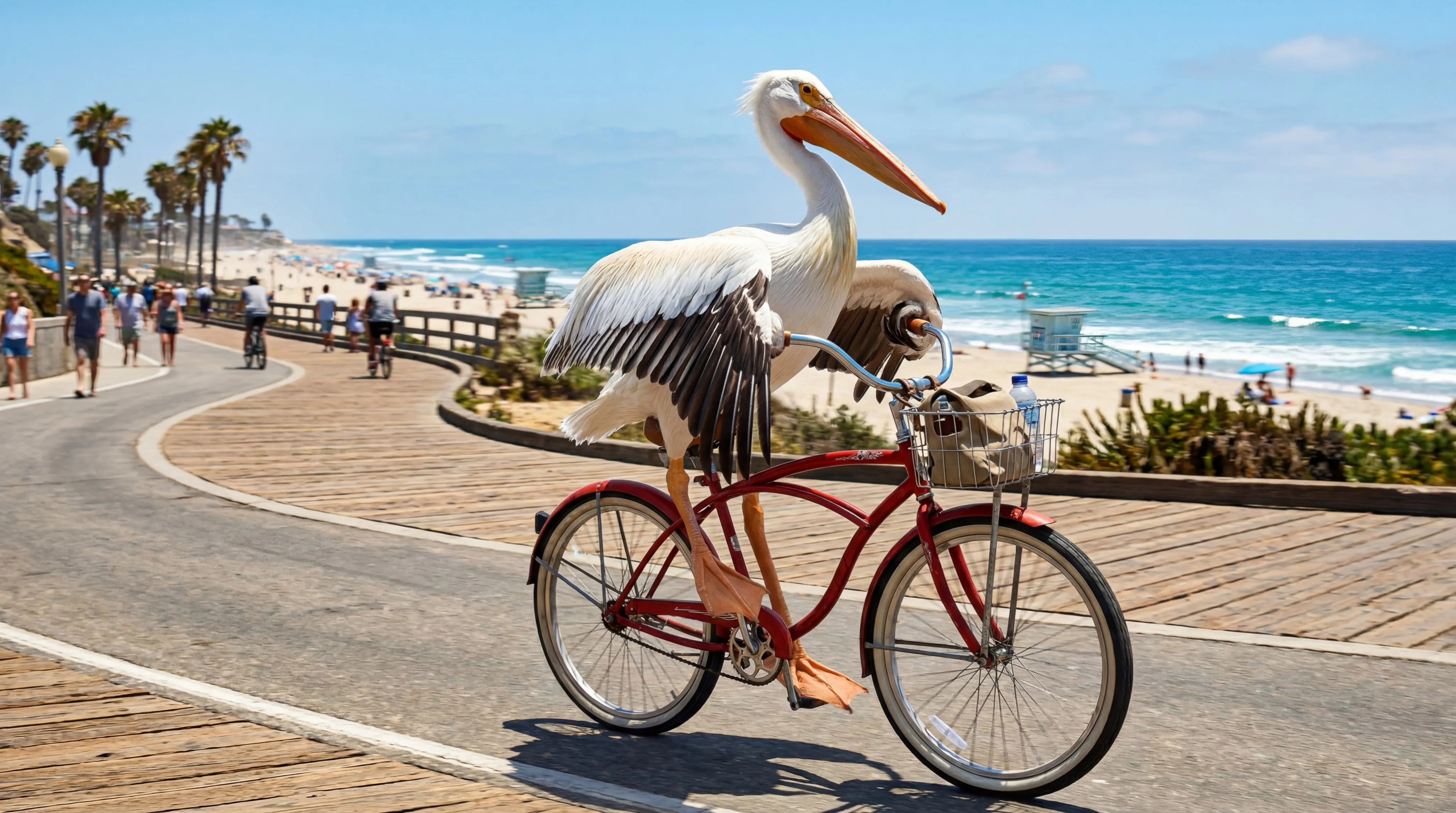
Use text to image when starting from scratch. Use image to image and upload references when product, person, composition, style, or source-image information should remain.
Describe subject, scene, purpose, aspect ratio, style, lighting, text, and constraints. When references are used, state what must be preserved.
Choose aspect ratio, 1K/2K/4K resolution, and PNG/JPG format, then review details, text, brand consistency, and rights risk after generation.
Nano Banana 2 is an AI image generation and image-to-image model page in AI Image Editor for text-to-image creation, reference-image editing, multi-aspect output, and commercial image asset production.
It can generate images from prompts, or combine reference images in image-to-image mode to adjust background, scene, composition, style, product presentation, and visual direction.
On this page, Nano Banana 2 is presented as the Gemini 3.1 Flash Image entry. In practice, use the available modes, reference-image limit, aspect ratios, resolutions, and output formats shown on the page.
Choose text to image when you only need to create a new visual from words. Choose image to image and upload references when product, person, logo, layout, material, or source-photo information needs to stay recognizable.
The current image-to-image mode supports up to 14 reference images. When using many references, explain the purpose of each one in the prompt so the model does not confuse subject, style, or composition.
The current generator supports multiple aspect ratios, including auto, square, vertical, horizontal, 21:9, 4:1, and 8:1. Resolution options are 1K, 2K, and 4K, with PNG or JPG output.
It can be used for poster headlines, labels, menus, explanatory text, infographics, and localized image drafts. For ads, brand, legal, medical, or financial content, manually review text and translation before use.
Check facts, numbers, translations, small text, logos, product shapes, identities, object count, claims, reference-image rights, and brand rules.
Add a prompt or references and create campaign-ready images.