Best AI Instagram Post Generators for Visual Campaigns
Compare AI Instagram visual workflows for feed posts, portrait images, Stories, carousel systems, product consistency, reusable layouts, and campaign variation.
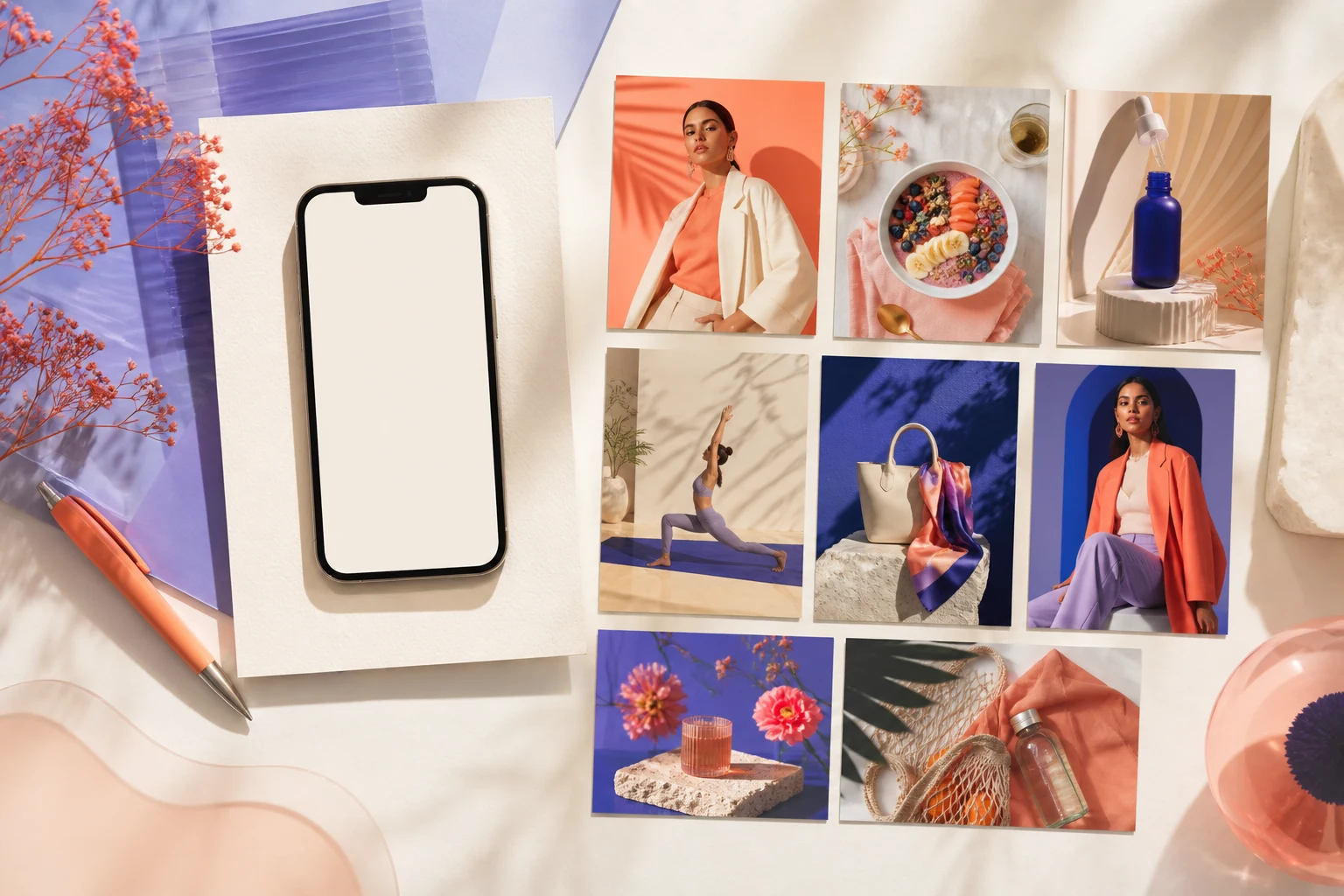
The best AI Instagram post generator for a visual campaign should create a coherent image system, not just one attractive square. A campaign may need feed posts, portrait images, Stories, Reels covers, carousel frames, product details, and later revisions that still look related.
This guide focuses on visual generation inside AI Image Editor. It does not compare caption writers, social schedulers, analytics tools, or automatic posting services. Those solve different jobs.
Quick recommendations
- Best dedicated visual workflow: AI Social Media Post Generator for platform-oriented ratios and campaign briefs.
- Best for art-directed campaign scenes: GPT Image 2.
- Best for product, presenter, and style references: Nano Banana 2.
- Best for testing multiple creative directions: Seedream 5 Lite.
- Best for revising an approved post: AI Image Editor.
- Best for broader reference-led variations: Image to Image.
Image generator, caption generator, or scheduler?
These categories are often mixed together in “best Instagram AI tools” lists.
| Tool category | Primary job | Typical output | | --- | --- | --- | | Visual generator | Create or revise campaign imagery | Product scene, portrait, background, cover, carousel visual | | Design editor | Add verified text and arrange a final layout | Finished post with typography and brand elements | | Caption generator | Draft social copy | Caption, hook, CTA, hashtags | | Scheduler | Publish and coordinate a calendar | Scheduled post and campaign workflow | | Analytics tool | Measure results | Reach, engagement, conversions, creative comparisons |
AI Image Editor belongs in the visual-generation stage. Final posting, caption approval, rights review, and measurement remain separate.
Plan formats before generating
Instagram supports square, landscape, and portrait photos, while Stories and Reels use vertical presentation. Meta's current help documentation says uploaded photos can retain their resolution within supported aspect-ratio boundaries and may otherwise be cropped. Check the official Instagram image-resolution guidance before delivery because supported formats can change.
A practical campaign often prepares:
- A portrait feed master.
- A square-safe crop.
- A full-screen vertical variation.
- A detail or proof frame for a carousel.
- A clean cover with space for verified typography.
Do not create one image and assume automated cropping will preserve the subject, logo area, or CTA in every placement.
AI Social Media Post Generator: best dedicated starting point
Use the AI Social Media Post Generator when the brief begins with a platform placement rather than a generic image idea.
Define:
- Campaign objective and audience.
- Product, person, or topic.
- Placement and target ratio.
- Visual system and color direction.
- Required reference assets.
- Space needed for later typography.
- Elements that must not change.
Example campaign prompt:
Create a portrait social campaign visual for a reusable travel bottle. Place the exact referenced bottle on pale mineral stone with a soft coastal background, natural morning light, realistic contact shadow, and clean negative space above the product for a short headline added later. Preserve bottle shape, cap, finish, and color. No readable text, no logo changes, no extra products, no watermark.Generate the portrait master first. Create the square and vertical versions as intentional variations instead of relying on a blind crop.
GPT Image 2: best for art-directed campaign scenes
GPT Image 2 is useful when the scene needs detailed control over subject, styling, environment, light, composition, and publishing intent.
It fits:
- Product launch key visuals.
- Seasonal campaign scenes.
- Editorial lifestyle concepts.
- Educational or explainer graphics.
- Covers that need carefully planned negative space.
Prompt for the deliverable rather than an abstract mood. “Warm premium campaign” is not enough; specify the product scale, camera angle, surface, background depth, light direction, and crop.
Nano Banana 2: best for references and campaign consistency
Use Nano Banana 2 when an existing product, person, palette, or layout must anchor the new image.
Useful reference roles include:
- Product identity.
- Presenter or creator identity.
- Approved composition.
- Brand color and material direction.
- Existing campaign photography.
Label the role of each reference in the prompt. If one image defines the product and another defines the lighting, say so. Otherwise the model may combine their subjects rather than their intended functions.
Seedream 5 Lite: best for creative exploration
Seedream 5 Lite can help explore alternative visual directions before a team selects one campaign system.
Test separate concepts for:
- Studio minimalism.
- Lifestyle context.
- Material-led still life.
- Bold color-block composition.
- Editorial portrait direction.
Once a direction is approved, reduce variation. Campaign consistency is more valuable than making every post look unrelated and surprising.
Build a campaign system instead of isolated posts
1. Define three fixed rules
Choose a repeatable light direction, palette, and subject scale. These rules help posts feel related even when the scenes change.
2. Define two flexible variables
Change the background environment and supporting prop category, for example, while keeping the product and core color system stable.
3. Create a master image
Approve product shape, face, material, and overall styling before generating a series.
4. Produce placement-specific versions
Recompose for portrait, square, and vertical placements. Keep critical subjects away from interface overlays and crop boundaries.
5. Add verified text later
Prices, dates, legal qualifiers, product claims, and promotional terms must be copied from approved sources. Do not trust generated image text for factual campaign information.
6. Review the series together
Place all final candidates on one board. Check whether one post is unexpectedly darker, busier, warmer, or more stylized than the rest.
What to evaluate
- Identity: Does the product or person still match the reference?
- Hierarchy: Is the subject obvious in the first second?
- Crop resilience: Can the visual support more than one placement?
- Series consistency: Do several posts feel like one campaign?
- Text safety: Is there clean space for final copy?
- Rights and claims: Are likenesses, logos, references, and commercial statements approved?
- Editability: Can one problem be fixed without rebuilding the whole series?
Common mistakes
- Treating a caption generator as a visual generator.
- Generating every ratio from an unrelated prompt.
- Changing product shape or packaging between posts.
- Filling the background with decorative objects that compete with the subject.
- Rendering final prices or claims directly into AI imagery.
- Using a landscape master for a vertical placement without recomposition.
- Publishing visually similar variants without testing a meaningful creative difference.
For paid placements, continue with Best AI Image Generators for Ad Creatives. Organic posts and ads can share source assets, but ads require stricter review of claims, CTA space, and placement-specific performance.
Final checklist
- The tool category matches the job you need.
- A master visual system is defined before producing a series.
- Product and person references remain accurate.
- Each placement has an intentional composition.
- Final typography and claims were added from verified copy.
- The latest Instagram crop and resolution guidance was checked.
- Rights, brand rules, and platform policies were reviewed.
- Campaign variants differ in a testable way.
Create a social campaign visual
Open the AI Social Media Post Generator, choose the intended placement, and generate one controlled master visual before expanding it into a full campaign set.