
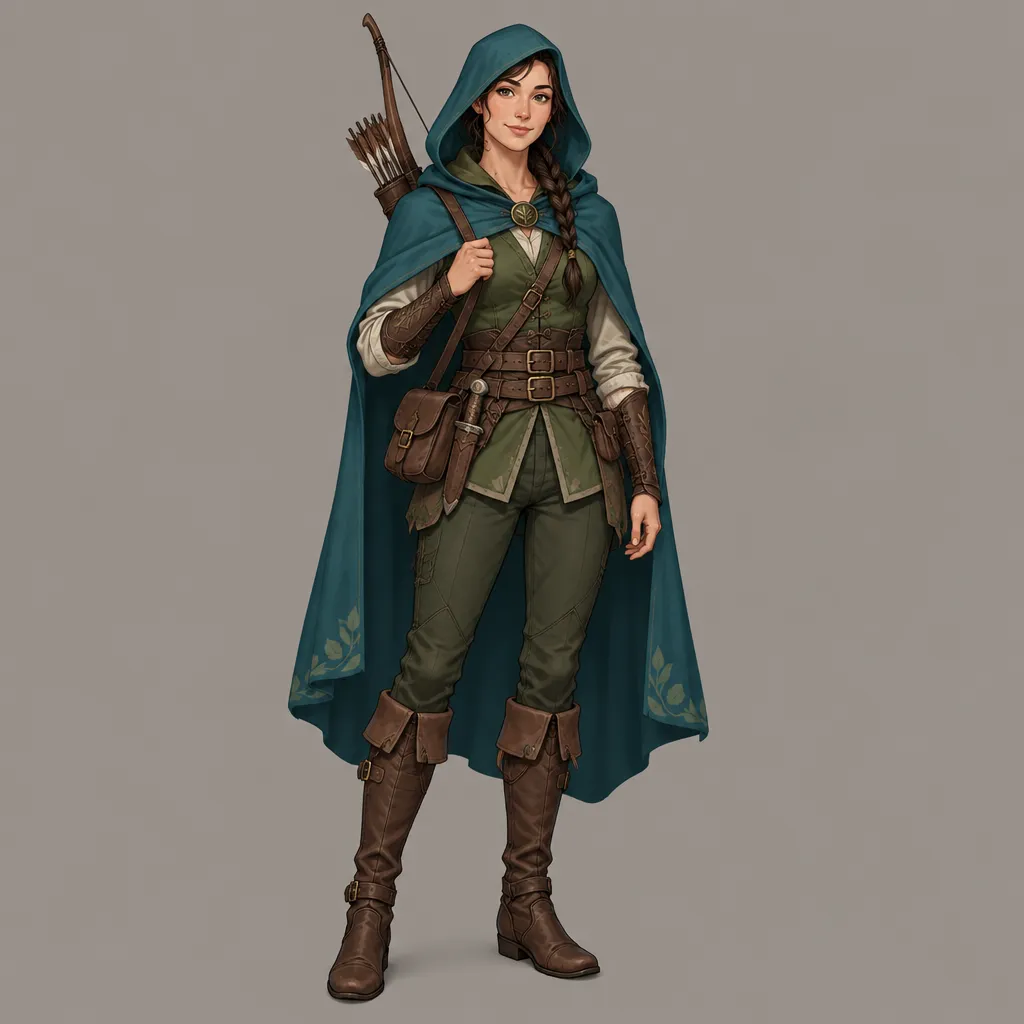
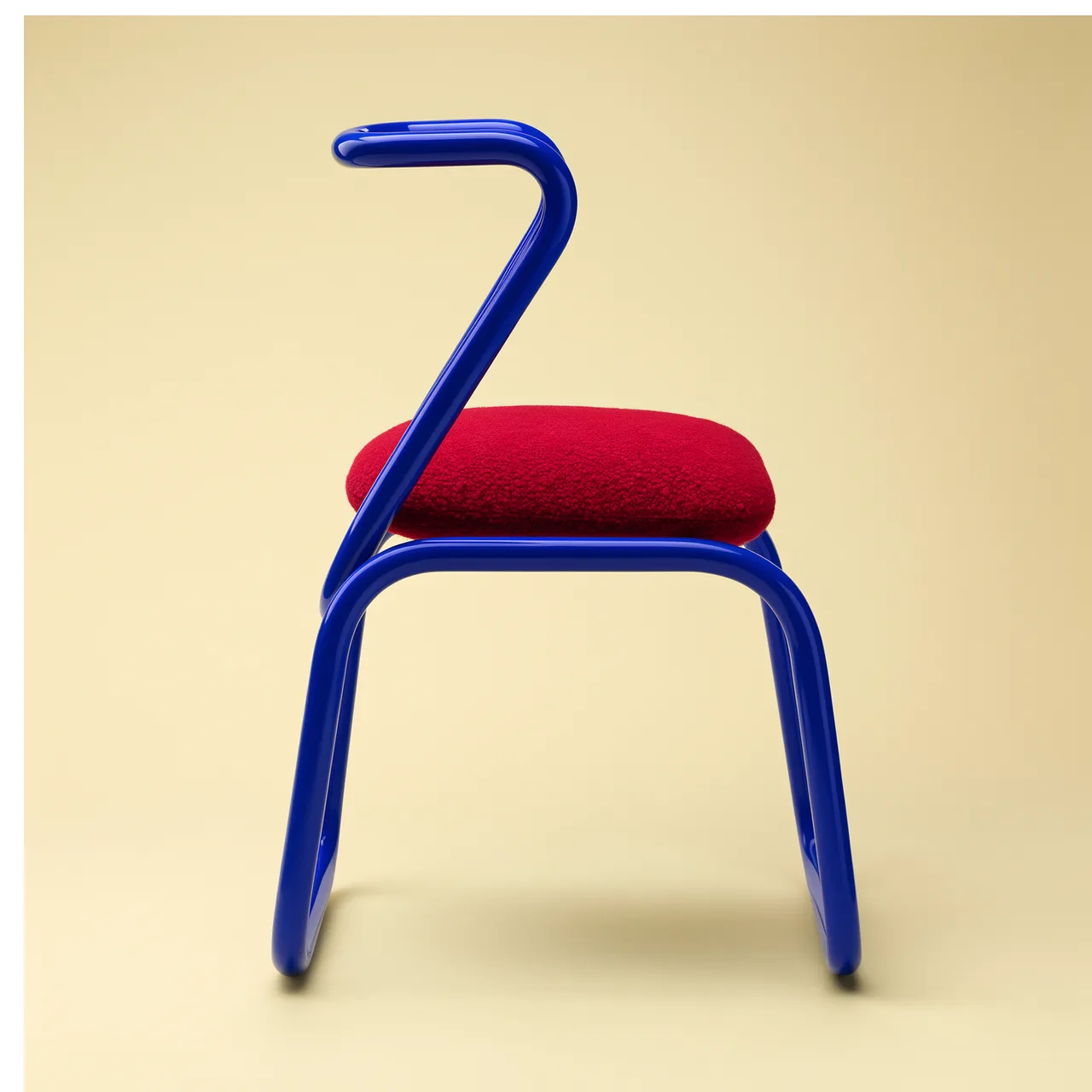
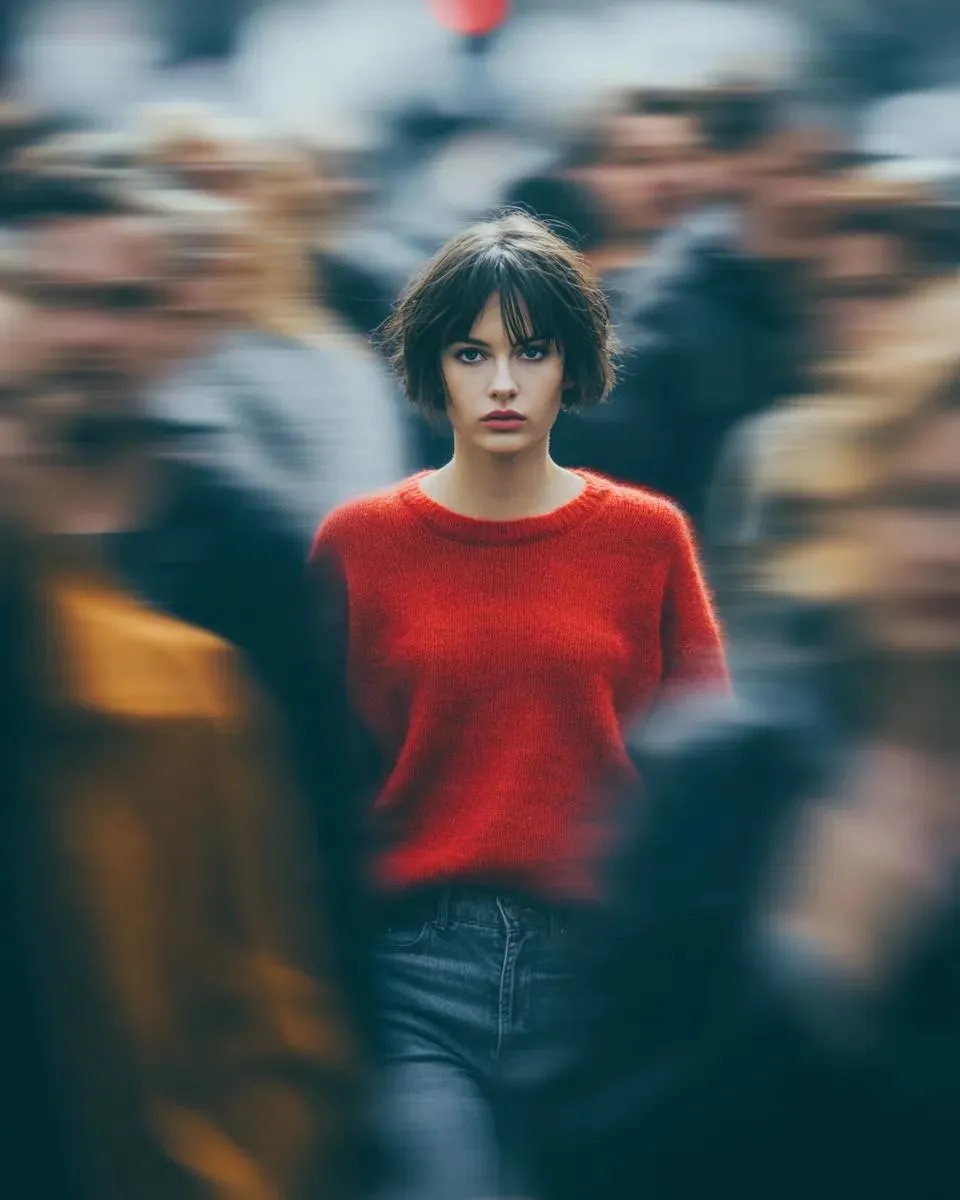
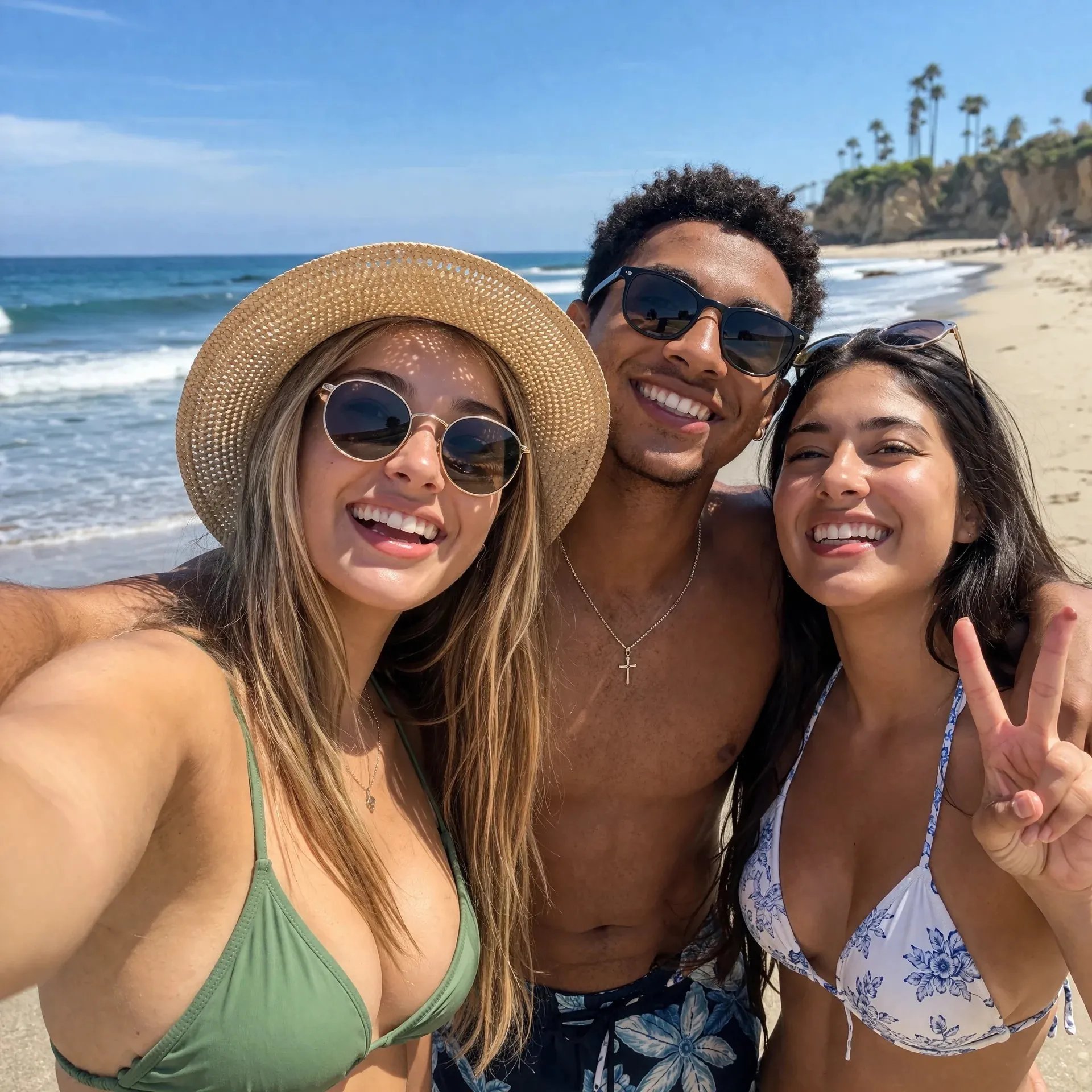
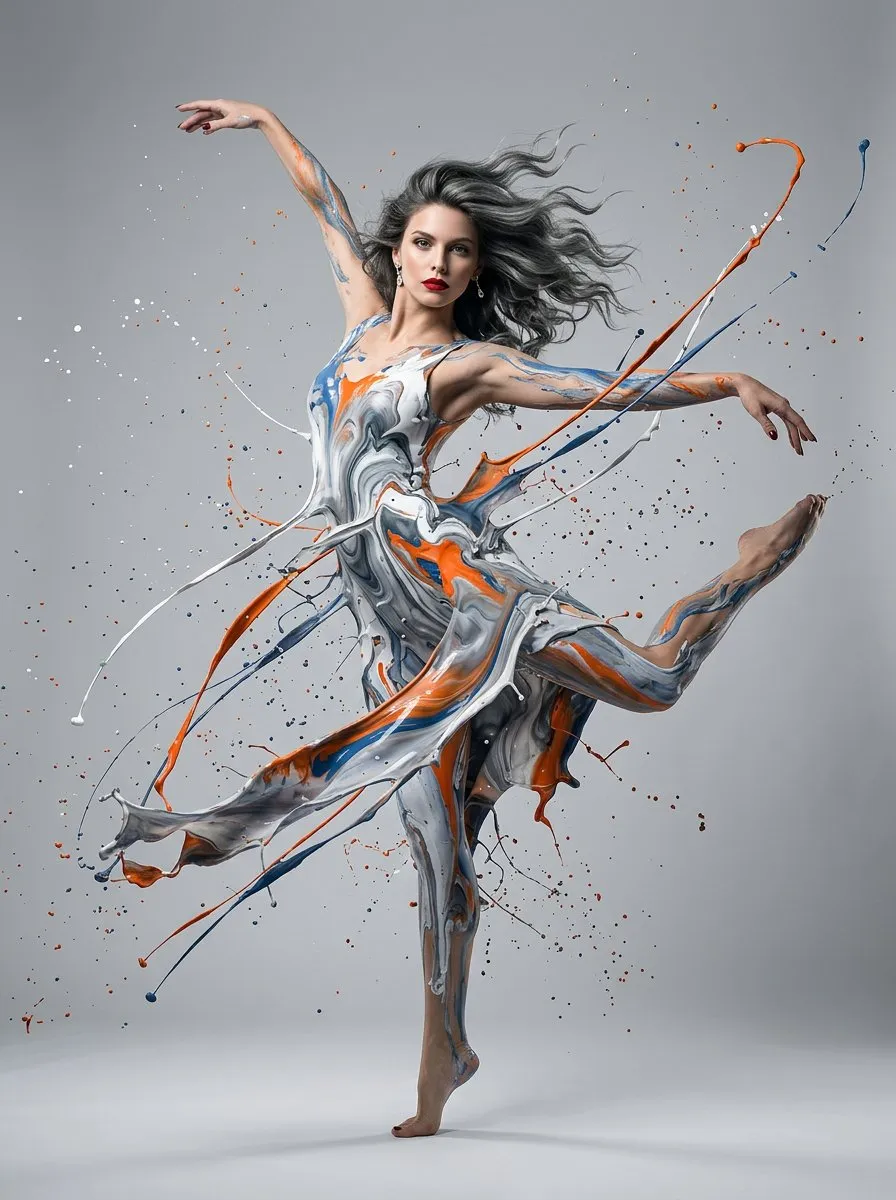
Seedream 5 Lite
An AI image model for text-to-image, image-to-image, and reference image editing.
Preview
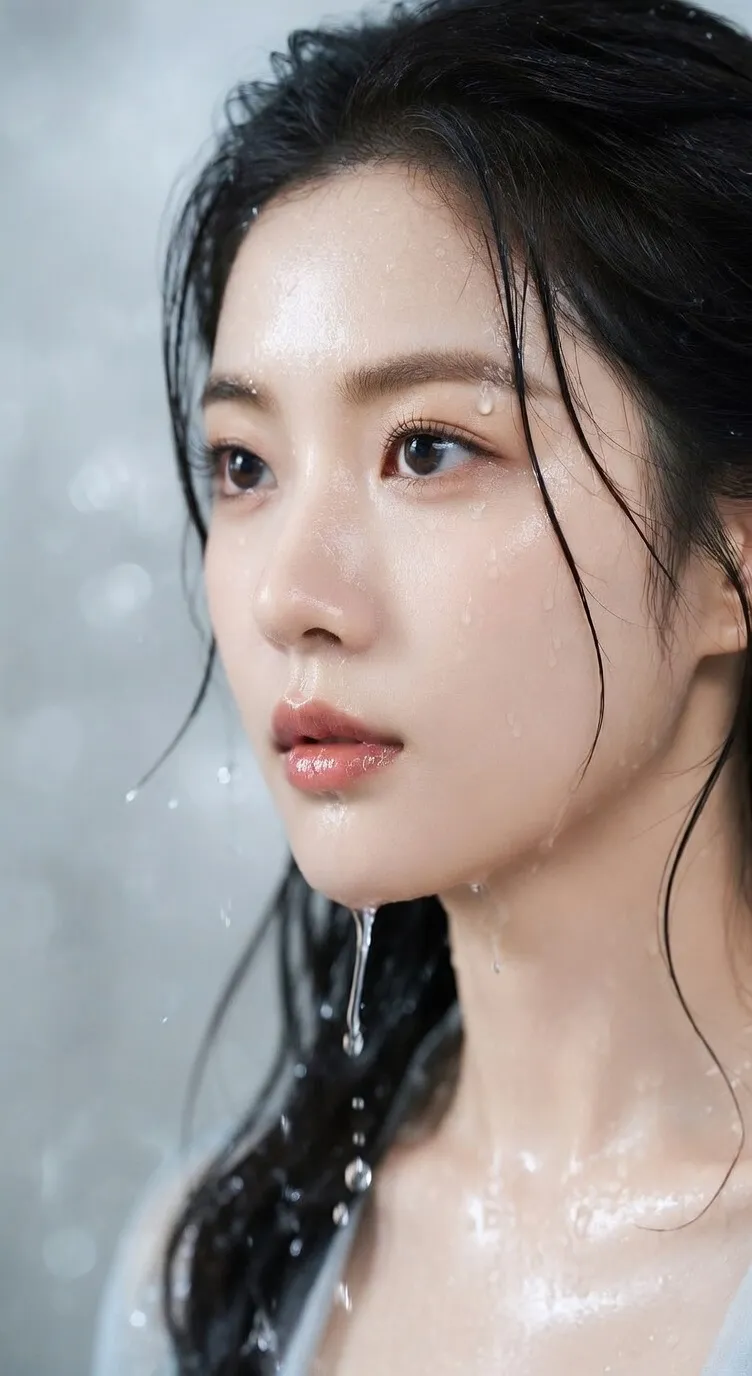
Continue cleaning, enhancing, upscaling images, and processing short video assets.
Enter a prompt or upload reference images to handle text-to-image, image-to-image, and reference image editing in the same generator. Seedream 5 Lite is useful for information design, product explainers, slide visuals, marketing posters, and AI images that need clear layout.
An AI image model for text-to-image, image-to-image, and reference image editing.
Image-to-image mode supports up to 14 reference images for product, character, style, and layout details.
Use multiple common ratios and choose Basic or High quality.
For AI image generation, image-to-image, and reference image editing, Seedream 5 Lite helps organize multi-condition briefs into more stable, reviewable visual drafts.
When a scene combines people, products, spatial relationships, text labels, and style requirements, Seedream 5 Lite can follow checklist-style instructions to create clearer AI images.
Upload product shots, sketches, layout samples, style references, or portraits, then use image-to-image to preserve key elements while changing background, material, composition, or visual direction.
Create product benefit breakdowns, teaching cards, feature comparisons, knowledge diagrams, and presentation visuals with clearer titles, sections, labels, and hierarchy.
Generate social covers, campaign posters, ad sketches, product page visuals, and blog hero images, then revise around brand copy, color, and ratio.
When product, character, style, or layout consistency matters, use multiple reference images to add visual information that prompts cannot describe precisely.
Choose square, vertical, horizontal, or wide formats for the publishing surface, then switch between Basic and High quality to balance speed and detail.
Use it for AI image generation tasks that need clear information, reference materials, and layout constraints, from the first draft to a reviewable design asset.
Turn product explanations, course content, data concepts, or proposal highlights into diagrams with clear sections and labels.
Define the audience, use case, sections, title, short labels, and key points instead of only describing visual style.
Use it for feature breakdowns, step graphics, comparisons, knowledge cards, and educational visuals where clarity matters.
Generate a discussable visual draft, then check copy, facts, layout, and brand expression.

Upload product photos, character assets, sketches, or layout references, then describe what should be preserved and what should change.
When changing background, material, viewpoint, or style, preserve product shape, character traits, layout structure, and brand cues where possible.
When a prompt cannot define style, composition, or detail precisely, add reference images to show the visual direction.
Use the same source set to create review versions for different channels, styles, or selling points.
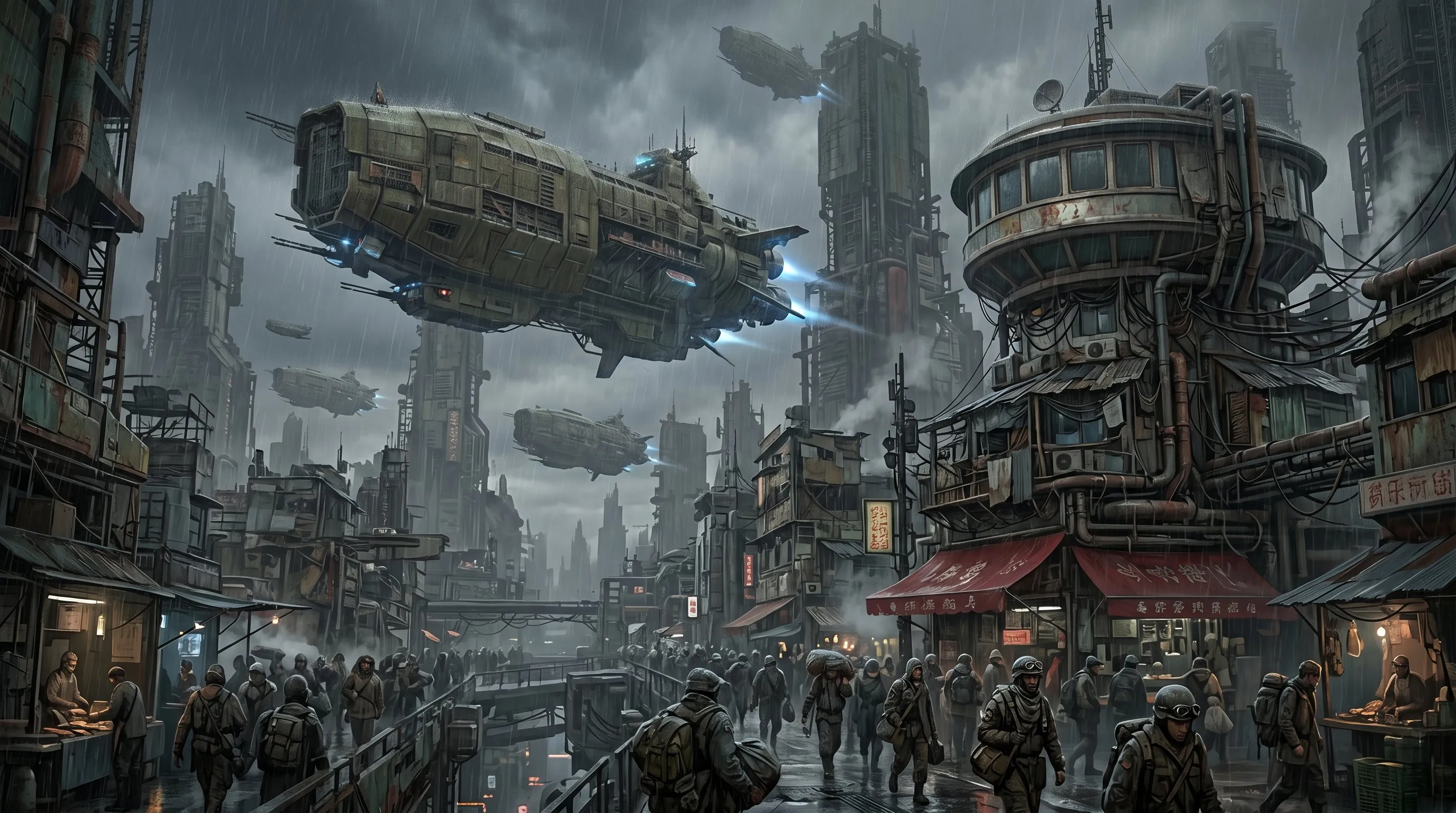
Create slide visuals, campaign posters, product page graphics, social images, blog hero images, and localized assets with content and layout shaped together.
Choose square, vertical, horizontal, or wide formats before generation so the result is closer to its placement.
Use Basic for quick exploration, or switch to High when the image needs richer detail before review.
Review text, numbers, facts, labels, product details, brand rules, and rights risks before final use.
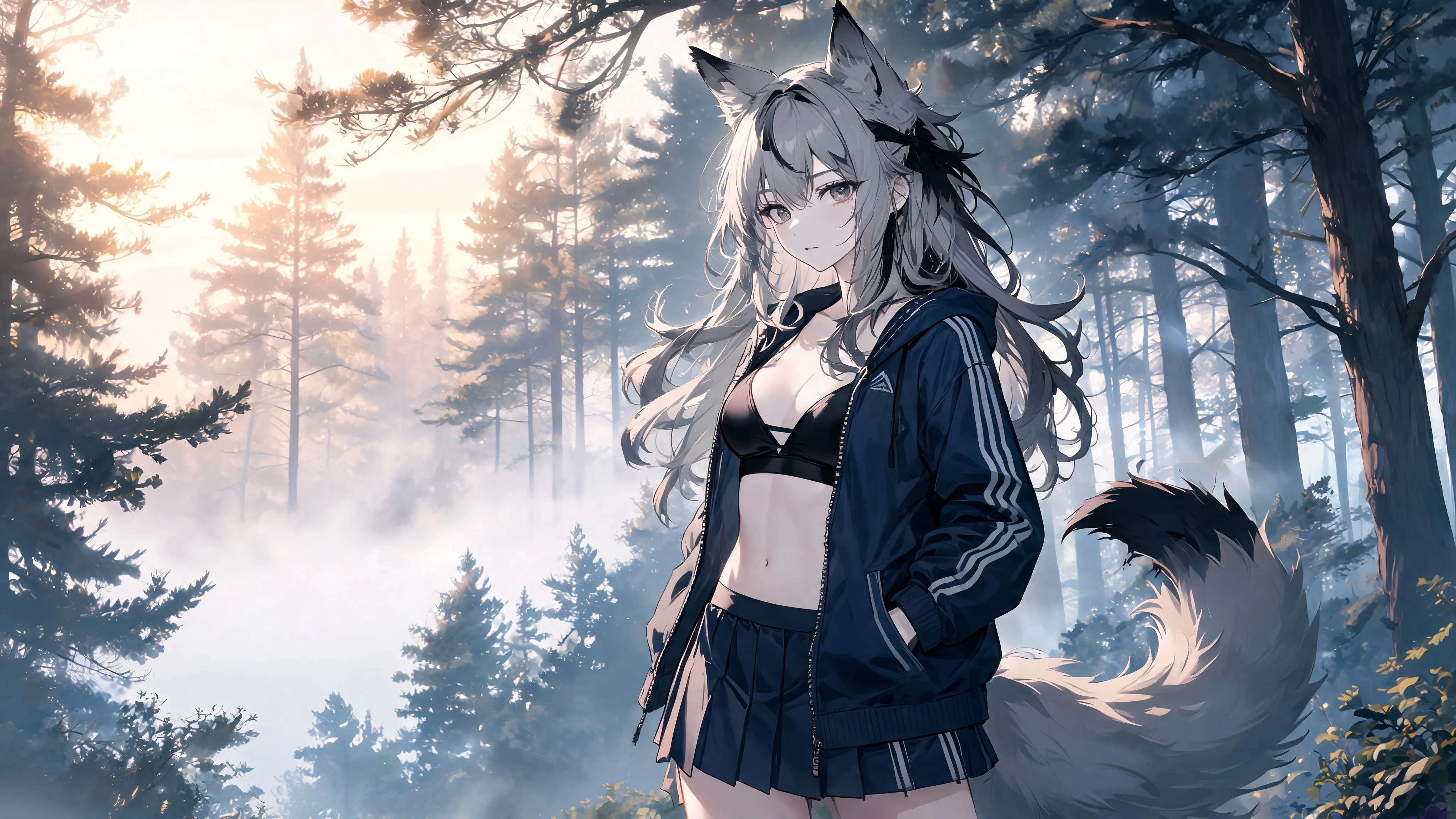
Define the audience, use case, subject, information hierarchy, sections, labels, required text, and whether the image is for slides, product pages, social posts, or ads.
When products, people, sketches, layouts, styles, or source image details matter, upload references and explain what should stay, what should change, and what should be rebuilt.
Select ratio and quality by channel, then check text, numbers, charts, labels, product details, spatial relationships, and brand rules after generation.
Seedream 5 Lite, also written as Seedream 5.0 Lite, is a multimodal AI image generation model from ByteDance Seed. In AI Image Editor, it can be used for text-to-image, image-to-image, and reference image editing.
Use it for AI image generation, product explainers, infographics, teaching cards, slide visuals, marketing posters, social covers, blog images, and asset revisions guided by reference images.
Yes. Image-to-image mode supports up to 14 reference images to guide product consistency, character traits, layout references, style transfer, material changes, and composition direction.
Choose text-to-image when creating from scratch. Choose image-to-image and upload references when you need to preserve product, character, sketch, layout, or source image information.
It focuses on complex prompt understanding, structured scenes, and reference image editing, which makes it useful for images with hierarchy, spatial relationships, short text labels, and clear layout requirements.
It is useful for visual drafts with headings, short labels, section notes, and information hierarchy. Before publishing, manually review spelling, numbers, translation, layout, and small text.
The current generator supports multiple common ratios and provides Basic and High quality options.
Check text, numbers, facts, charts, labels, product details, character traits, spatial relationships, brand rules, claims, and rights risks.
Add a prompt or references and create multi-format images.