
One message and audience
Tie the post to a launch, announcement, education point, or community moment.
Preview
Compare AI Social Media Post Generator with other image and video generators, then continue from the result that best fits your brief.
Open GPT Image 2.5 in AI Image Editor.
Open FLUX 3 Image in AI Image Editor.

Open Seedream 5.0 Pro in AI Image Editor.
Open GPT image 2 in AI Image Editor.
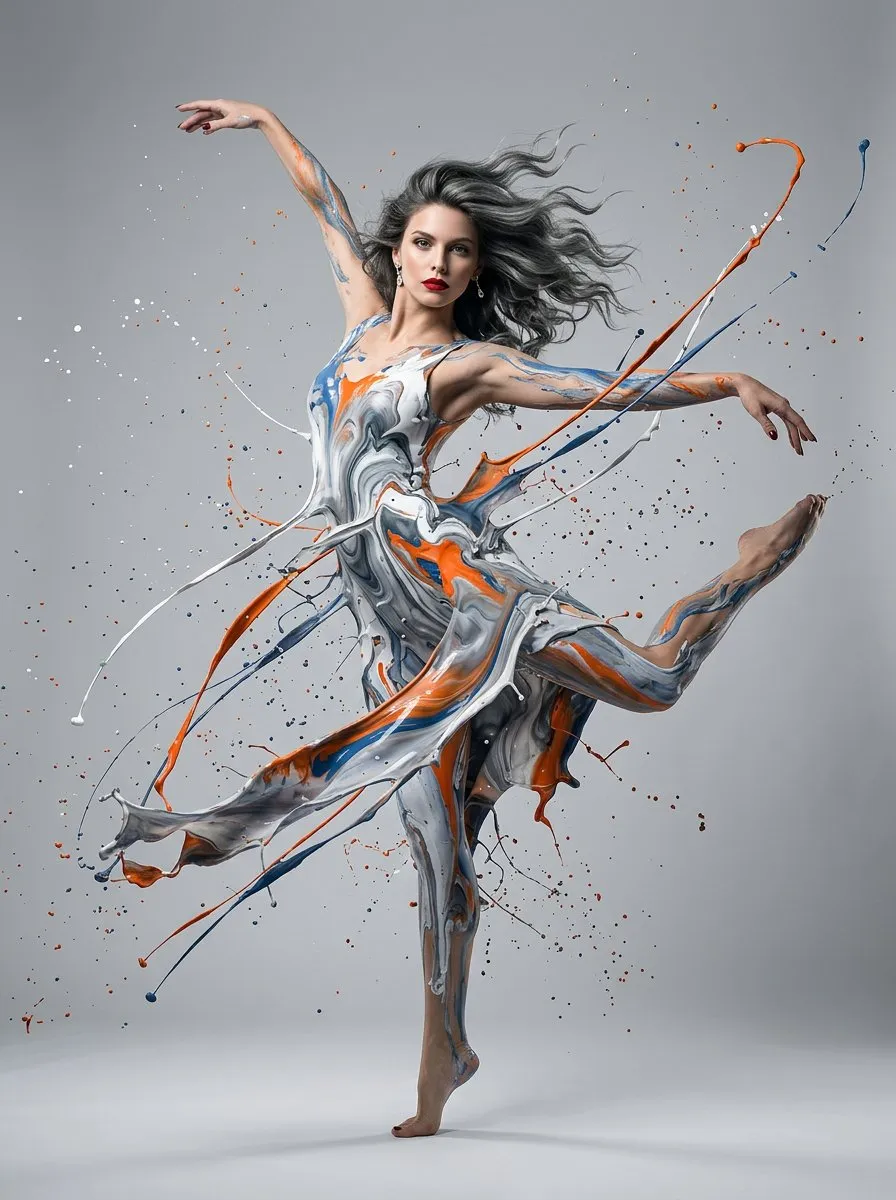
Open Nano Banana 2 in AI Image Editor.
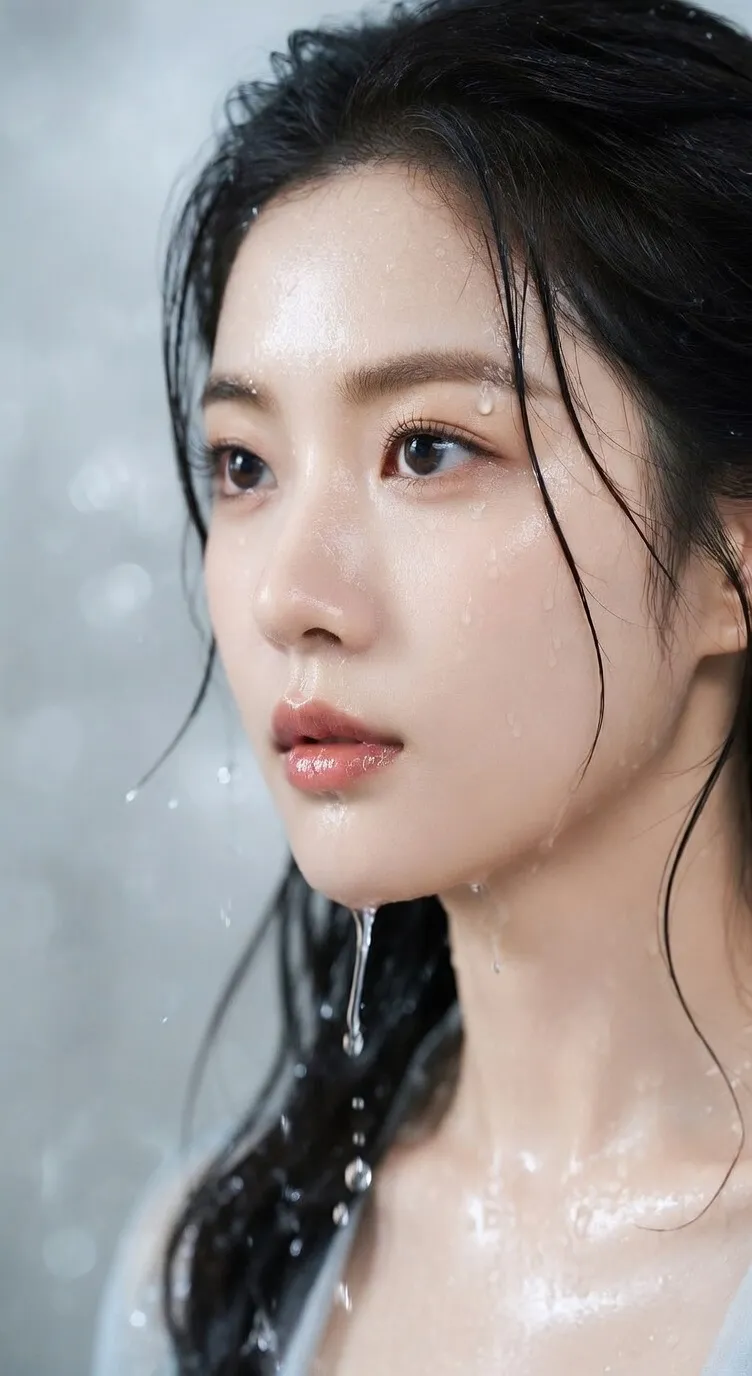
Open Seedream 5 Lite in AI Image Editor.
Choose a channel ratio and describe the subject, campaign mood, composition, and caption-safe space. Default model: GPT image 2.
Tie the post to a launch, announcement, education point, or community moment.
Choose the destination format before placing the subject or reserving caption space.
Compare palette, crop behavior, brand cues, and pacing with the surrounding post sequence.
Adapt one campaign message to feed and story behavior while keeping the account's visual voice recognizable across multiple posts.
Decide whether the visual must stop the scroll, explain a benefit, announce timing, or invite participation.
Use different crops and safe zones for feed, story, reel cover, and carousel instead of stretching one master image.
Repeat a limited palette, lighting logic, graphic motif, and subject treatment while changing the post-specific scene.
Check how the visual sits beside earlier and upcoming posts, then add accurate copy, tags, and accessibility text.
Begin with a specific publishing job, not a vague visual request.
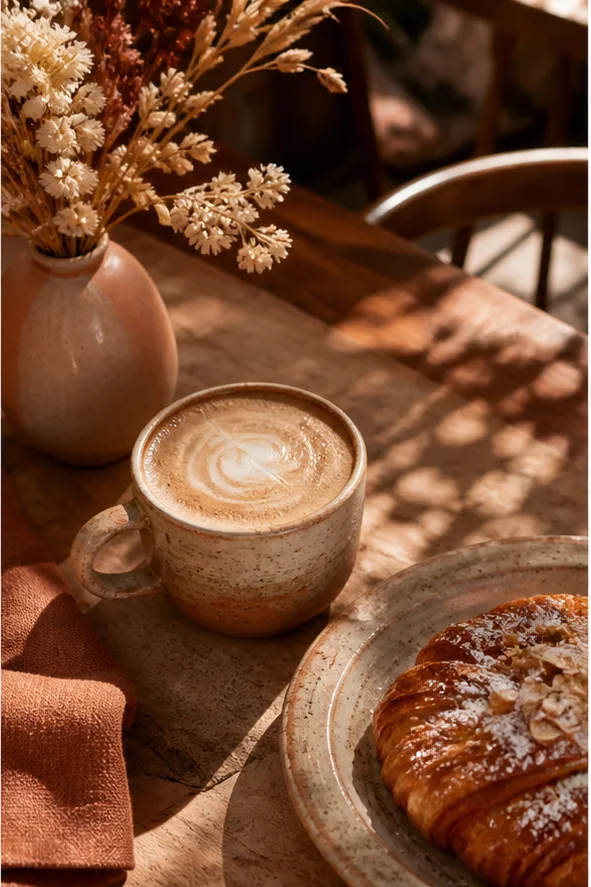
Create a warm editorial cafe launch visual with a ceramic cup, pastry, textured linen, natural window shadows, and a clean area for a short caption added later.
Choose a clear input and remove contradictory references before generation.
Define the subject, composition, background, lighting, intended crop, and text-safe space in a short ordered brief.
Check identity, edges, proportions, materials, logos, and text-safe space, then regenerate if important details drift.
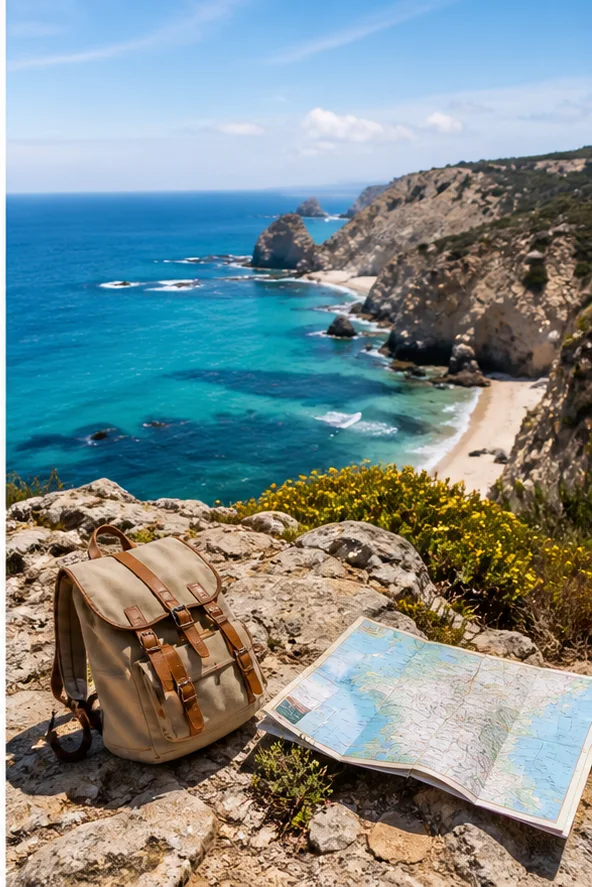
Create a vivid coastal travel post with a backpack and map in the foreground, clear depth, bright natural color, and a calm upper area for platform copy.
Choose a clear input and remove contradictory references before generation.
Define the subject, composition, background, lighting, intended crop, and text-safe space in a short ordered brief.
Check identity, edges, proportions, materials, logos, and text-safe space, then regenerate if important details drift.
Name the audience, message, campaign moment, and desired response before choosing props or visual style.
Select feed, story, cover, or carousel dimensions and reserve areas for captions, stickers, or interface overlays.
Place the option beside neighboring posts, verify brand continuity, and export the crop designed for that channel.
State the audience, message, campaign moment, channel, aspect ratio, brand cues, caption-safe area, and action you want viewers to take.
Usually not. Preserve the campaign idea, but rebuild subject placement and safe zones for the different crop and interface overlays.
Keep a small set of visual constants—palette, light, texture, or framing—and vary the subject action, scale, and setting.
Confirm asset rights and brand approval, add final copy and alt text, verify the crop on device, and check any promotional claims.
Create one channel-aware visual that belongs to a larger campaign series.