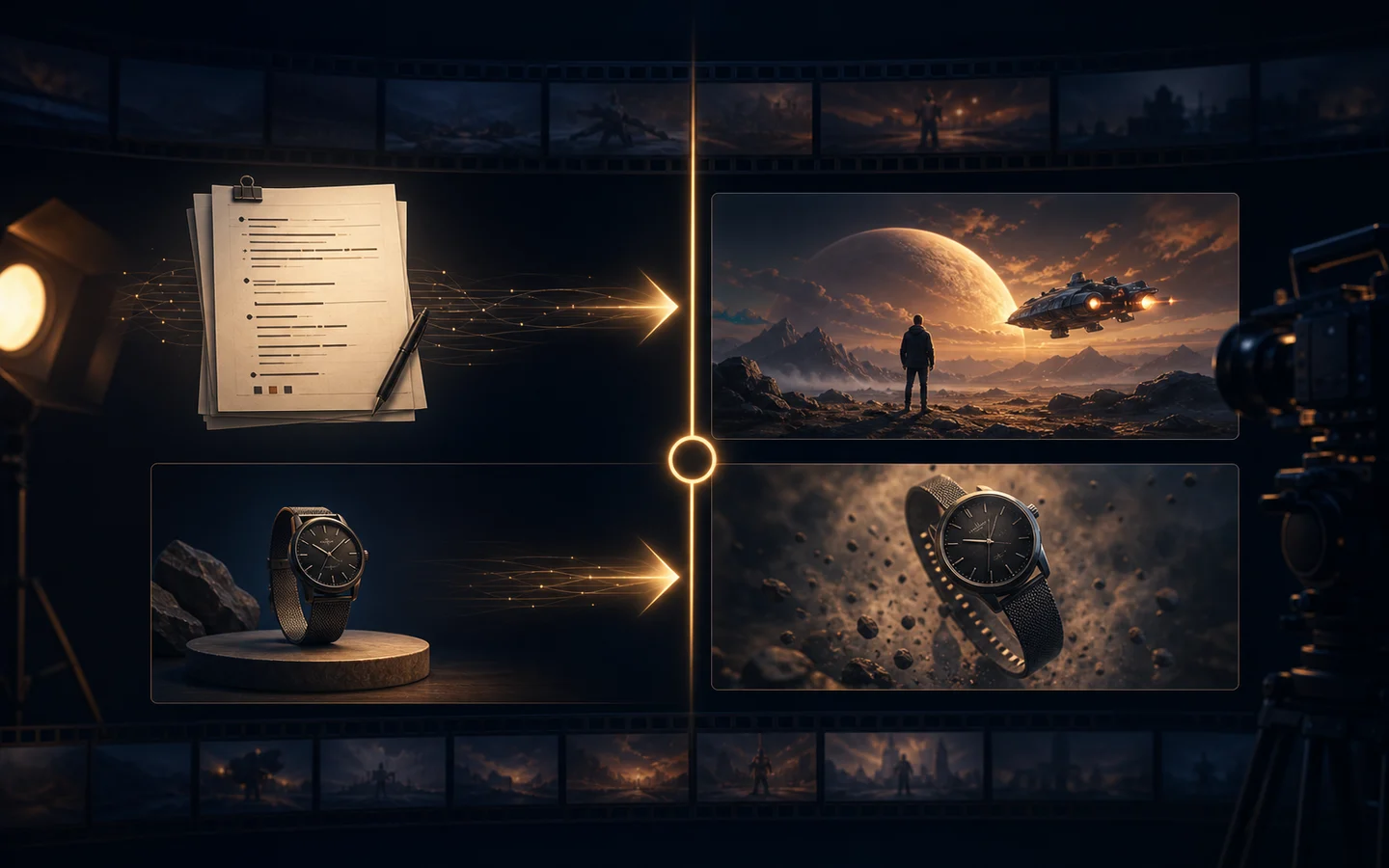
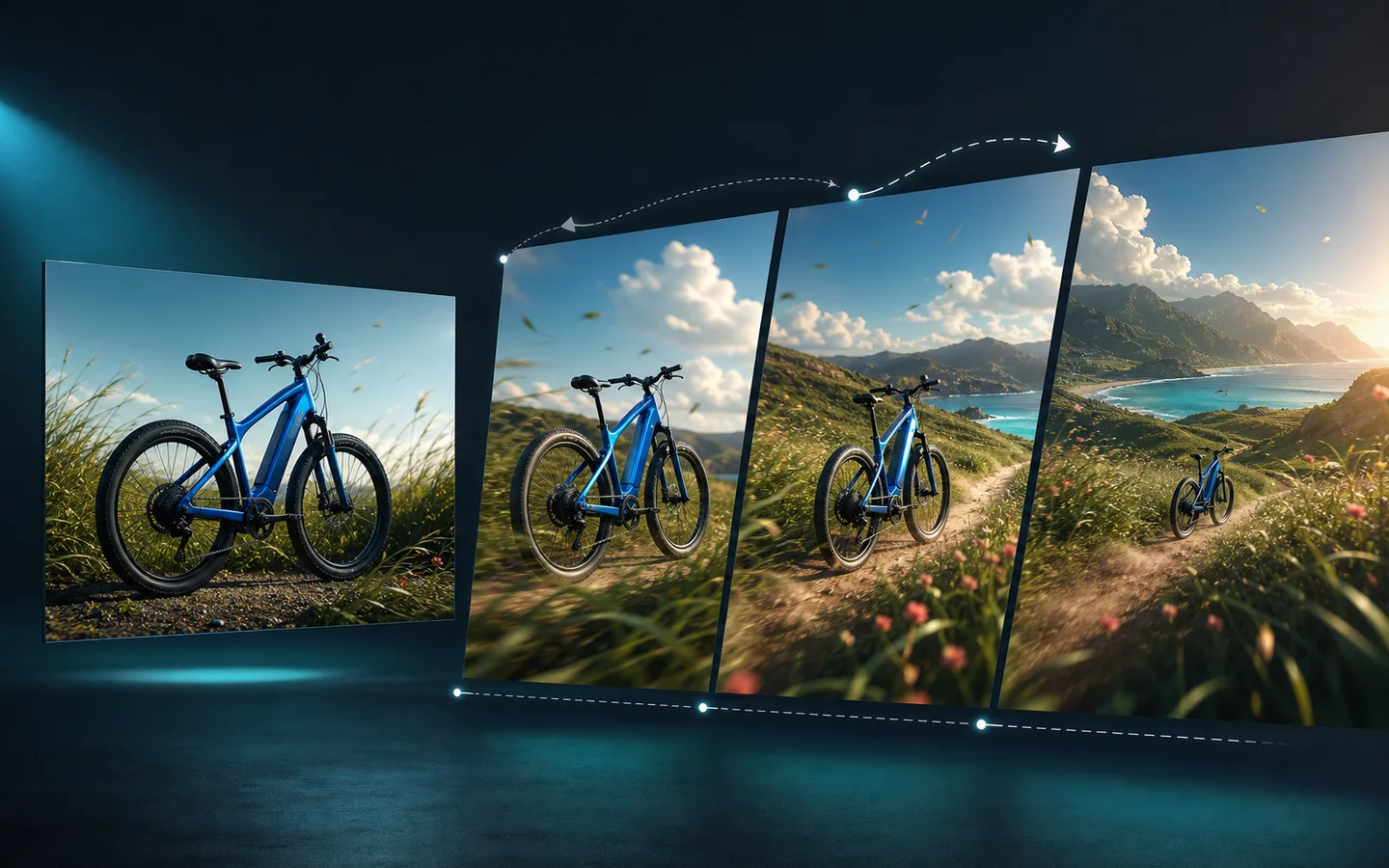
Image-to-Video Prompts: 20 Examples for Product, Portrait, and Social Content
Use 20 image-to-video prompt examples for product ads, portraits, travel scenes, posters, and social clips, with practical guidance for controlling motion and preserving the source image.
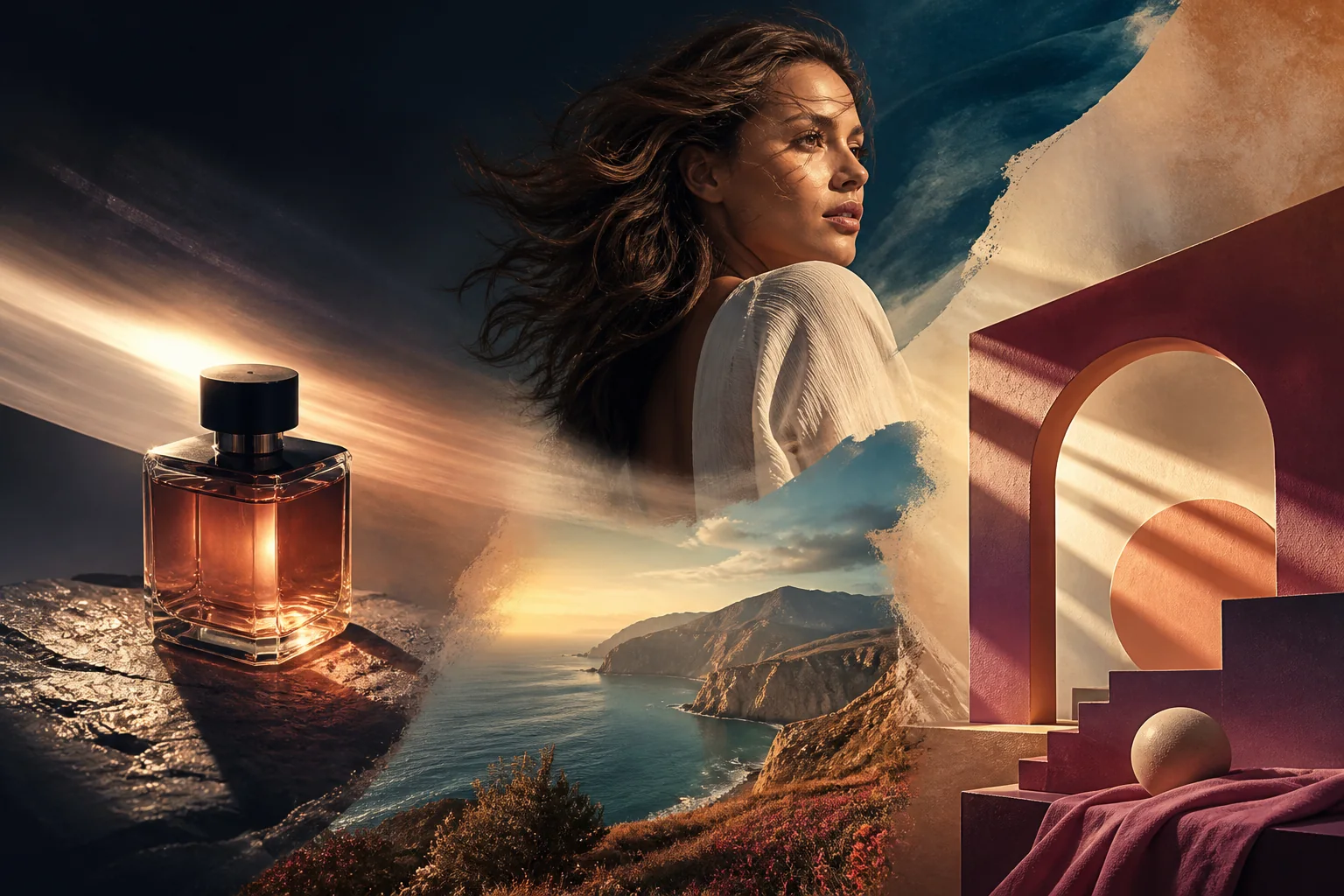
Image-to-video prompts work best when the source image already defines the subject and composition. The prompt should answer a narrower question: what moves, how the camera moves, how fast the shot develops, and what must remain unchanged.
The examples below are starting points. Replace bracketed details, keep one main camera move and one main subject action, and review the result against the source image.
Use the Image to Video AI Generator for a single approved image. If you need several coherent references for a product, character, or wardrobe, use Reference to Video.
A simple prompt formula
Use this order:
1. Source and preservation rules. 2. Subject action, if any. 3. Camera movement. 4. Lighting or environmental movement. 5. Duration and pacing. 6. Ending frame. 7. Exclusions.
A reusable template is: “Preserve [subject, composition, identity, materials, and colors] from the supplied image. Add [one subject action] while the camera performs [one camera move]. Use [lighting or environmental motion] at a slow or moderate pace. End on [stable final frame]. No [highest-risk changes].”
Product prompts
1. Premium push-in
Preserve the product’s shape, materials, label, and composition. Add a slow five-second push-in with soft studio light moving gently across the surface. Keep the product stationary and end on a stable hero frame. No new objects, text, or geometry changes.
2. Small product orbit
Keep product geometry and background unchanged. Add a very slow three-degree orbit to the right with a natural contact shadow and restrained reflections. The product remains stationary and ends at the original framing.
3. Material light sweep
Preserve the supplied metal, glass, or fabric product exactly. Create a controlled left-to-right light sweep while the camera stays still. Keep the label and edges stable, with no new seams or reflections that imply a different shape.
4. Lifestyle parallax
Preserve the product, scale, and foreground placement. Add gentle depth parallax between the product and softly blurred background, with a subtle camera drift. Keep the product in focus and unobstructed. No hands or extra products.
5. Vertical product reveal
Animate the supplied product image into a vertical social clip. Begin with a clean close crop, slowly pull back to reveal the full product, and hold the final frame for two seconds. Preserve proportions, packaging, and background. No generated words or stickers.
Portrait and character prompts
6. Gentle portrait push-in
Preserve identity, facial structure, hairstyle, clothing, and lighting. Add a slow push-in with natural breathing and subtle eye movement. Keep the expression calm and background stable. No face change or mouth distortion.
7. Hair and fabric movement
Keep face, pose, clothing design, and composition unchanged. Add a light breeze that moves only hair and loose fabric while the camera drifts slightly right. No new accessories, age change, or background replacement.
8. Anime portrait animation
Preserve the illustrated character’s face, hairstyle, linework, colors, and framing. Add a small head turn and gentle blink with a slow push-in. Keep rendering consistent; no redesigned costume or extra character.
9. Group portrait stability
Preserve every person, relative position, clothing, and crop. Add a subtle pull-back and natural blinking, keeping all faces stable. No person may merge, disappear, or duplicate. End on the original group composition.
Travel, scene, and atmosphere prompts
10. Travel photo parallax
Preserve traveler, landmark layout, colors, and horizon. Add gentle foreground-to-background parallax with a slow drift forward. Keep the person recognizable and landmark stable. No new people or changed signage.
11. Golden-hour light change
Keep scene composition unchanged. Animate a gradual warm golden-hour light change with a slow left pan. Preserve the subject and horizon. No new buildings, weather transition, or text.
12. Water and foliage motion
Preserve landscape composition, colors, and main subject. Add restrained movement to water, leaves, and distant haze while the camera remains nearly still. Keep edges natural and avoid changing the season or location.
13. Cinematic street scene
Preserve street composition and main subject. Add a slow forward move with subtle reflections and distant traffic light movement. Keep architecture recognizable. No sudden cuts, new signs, or generated text.
14. Poster-to-video motion
Preserve poster artwork, subject, layout, and text-safe areas. Add slow layered parallax and a soft light sweep behind the subject. Keep lettering unchanged and finish on the original poster composition.
15. Illustration reveal
Preserve illustration linework, palette, and composition. Start with a subtle push-in, then reveal a small atmospheric glow in the background. Keep character and shapes stable. No new text or style switch.
16. Food image steam
Preserve dish, ingredients, tableware, and composition. Add gentle steam and a small camera drift while keeping food shape and colors accurate. No extra ingredients, melting deformation, or new text.
17. Interior mood shift
Keep room layout, furniture, and camera angle unchanged. Animate a gradual shift from daylight to warm evening light with minimal curtain movement. Preserve straight lines and object geometry.
Social and campaign prompts
18. Social hook and hold
Preserve campaign image and subject. Use a smooth half-second push-in, then hold the composition steady for the rest of the vertical clip. Keep the text-safe area unchanged. Add no generated words, badges, or stickers.
19. Thumbnail movement
Preserve thumbnail subject, face, colors, and headline-safe layout. Add a subtle camera bounce and small background light pulse without changing the face or lettering. End on a sharp still frame.
20. End-card transition
Preserve product image and clean area for copy. Add a slow push-in, then settle into a stable end frame for verified campaign copy and a call to action. Keep product geometry, label, and colors fixed. Do not generate text or logos.
Improve a failed result
If the product changes, shorten the motion and repeat the product invariants. If the camera is unstable, replace an orbit with a push-in or small pan. If the subject becomes blurred, reduce the number of actions and keep the original framing.
A useful revision is: “Keep the current source composition and product unchanged. Reduce camera movement by half and remove background motion. Preserve the label, materials, shadow, and final frame.”
Do not regenerate source and motion at the same time unless the original image is unsuitable. For source cleanup, use the AI Image Editor first.
Review before publishing
Inspect the opening frame, strongest motion, and final frame. Identity, product shape, clothing, labels, and text-safe areas should remain usable; motion should follow a physical direction without jitter; and no duplicated or melted object should appear. Add copy, price, logo, subtitle, and claims separately so they can be checked.
For an end-to-end comparison of source-led and prompt-led creation, read Text-to-Video vs Image-to-Video. Start with one prompt, one source, and one measurable creative goal before testing variations.