

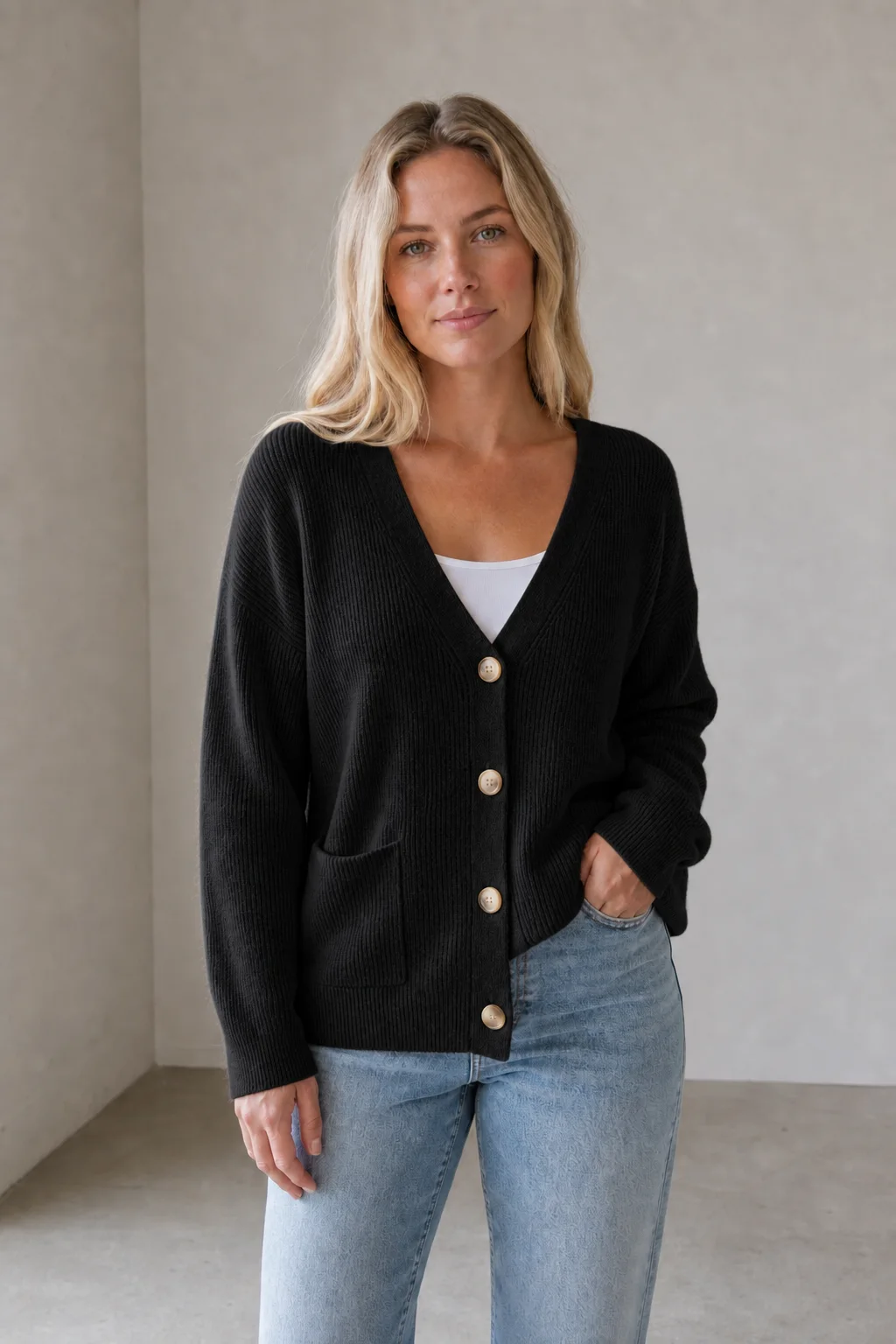
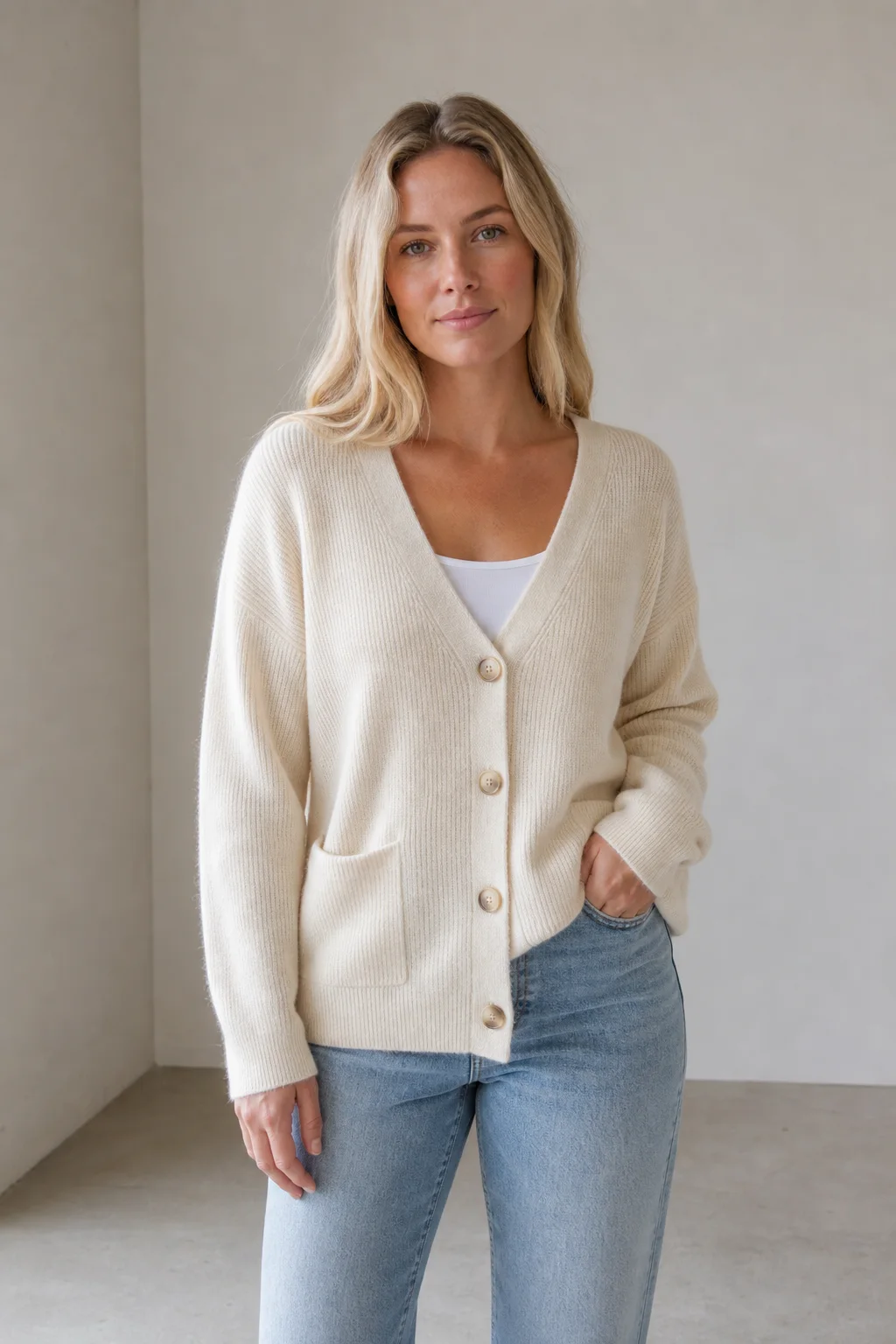
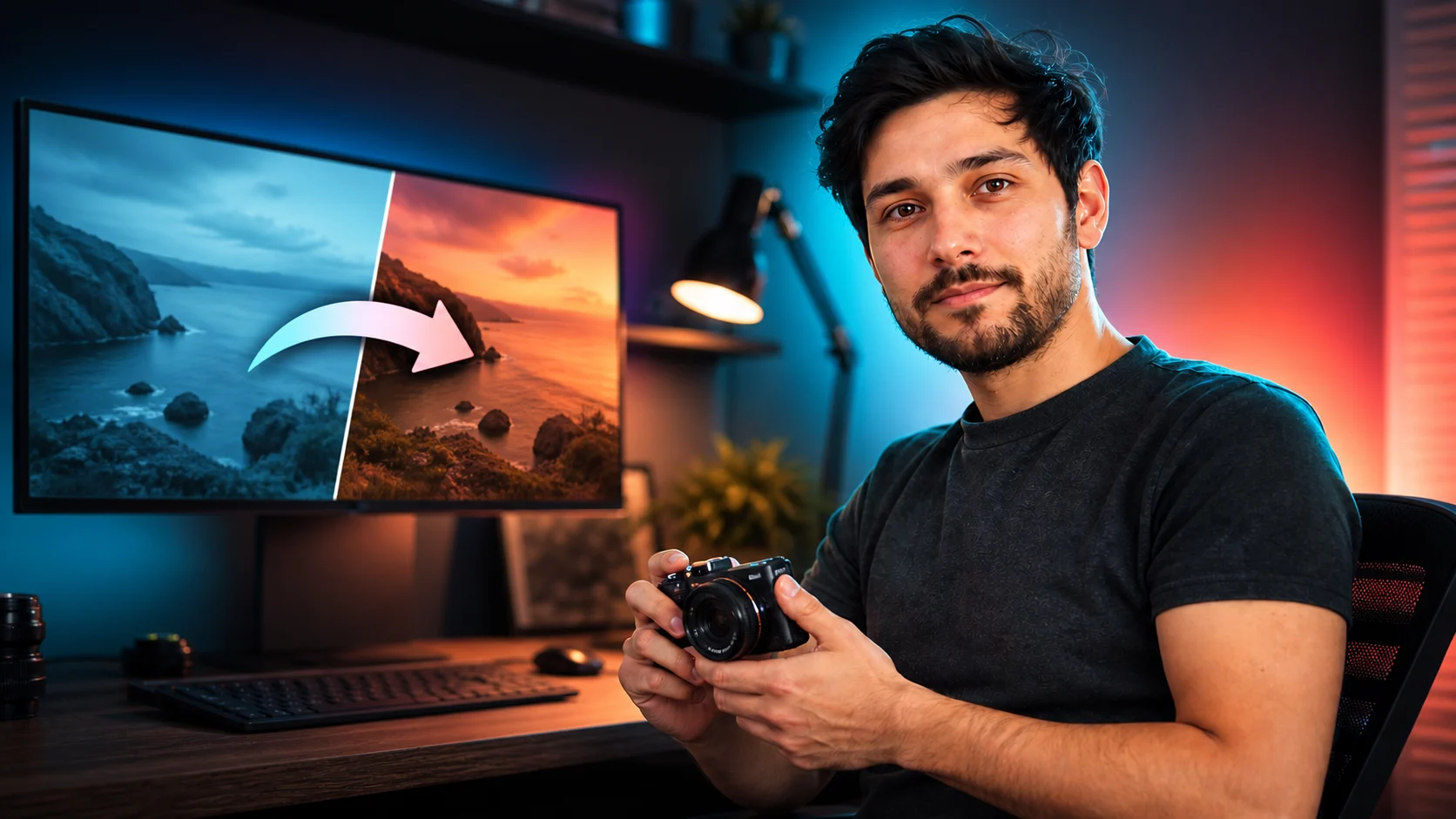
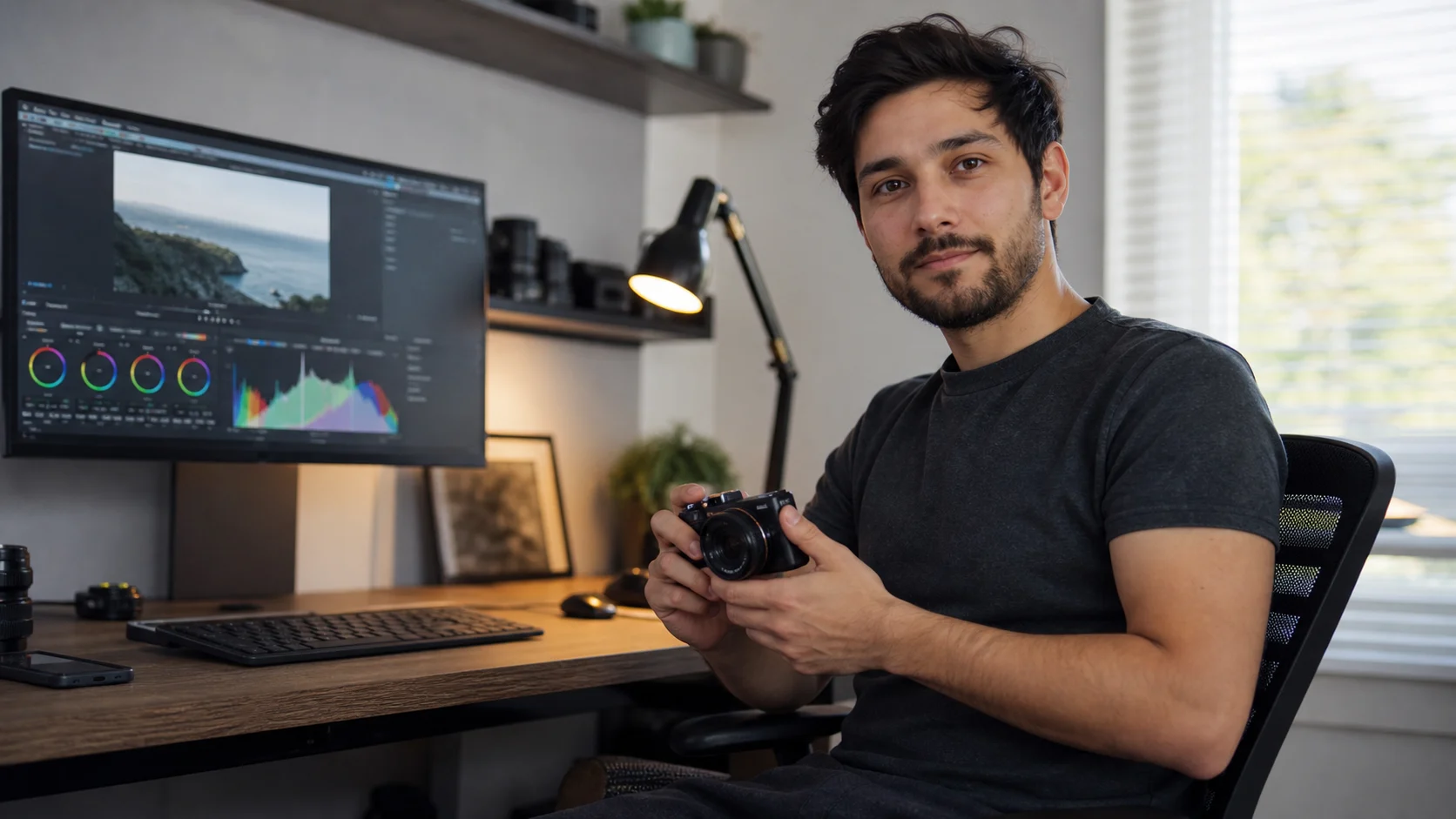


AI Image Editor for image, video, and asset editing

Create AI images, clips, and polished assets

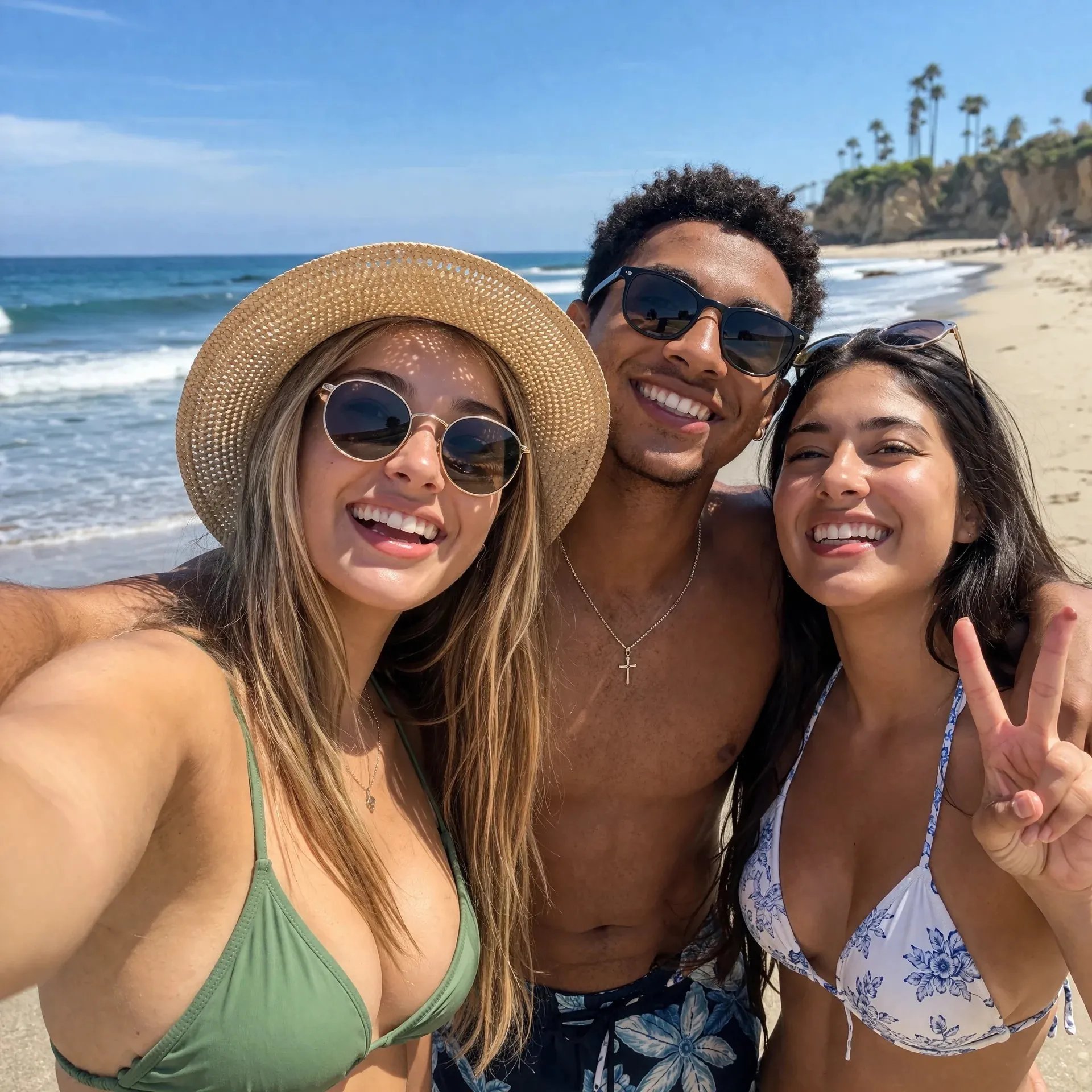
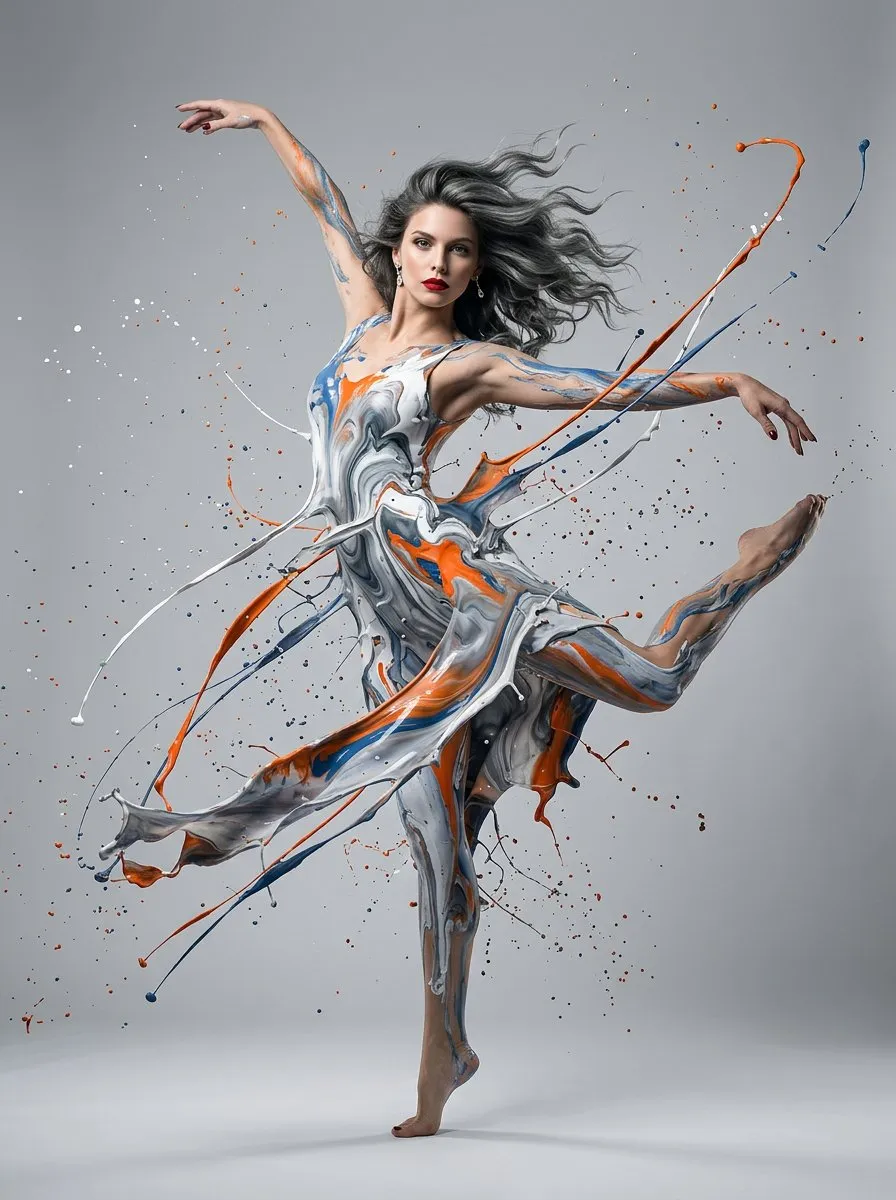
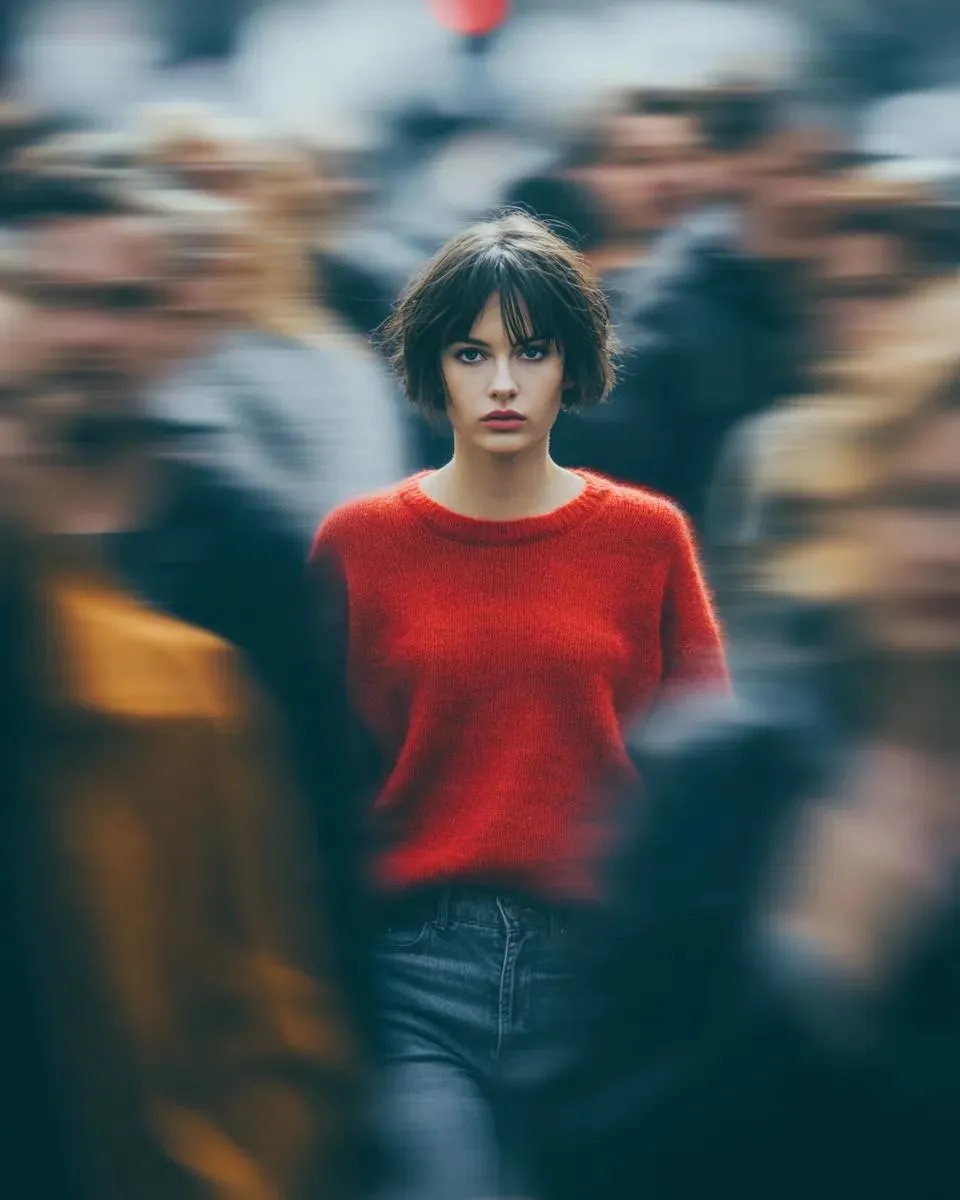
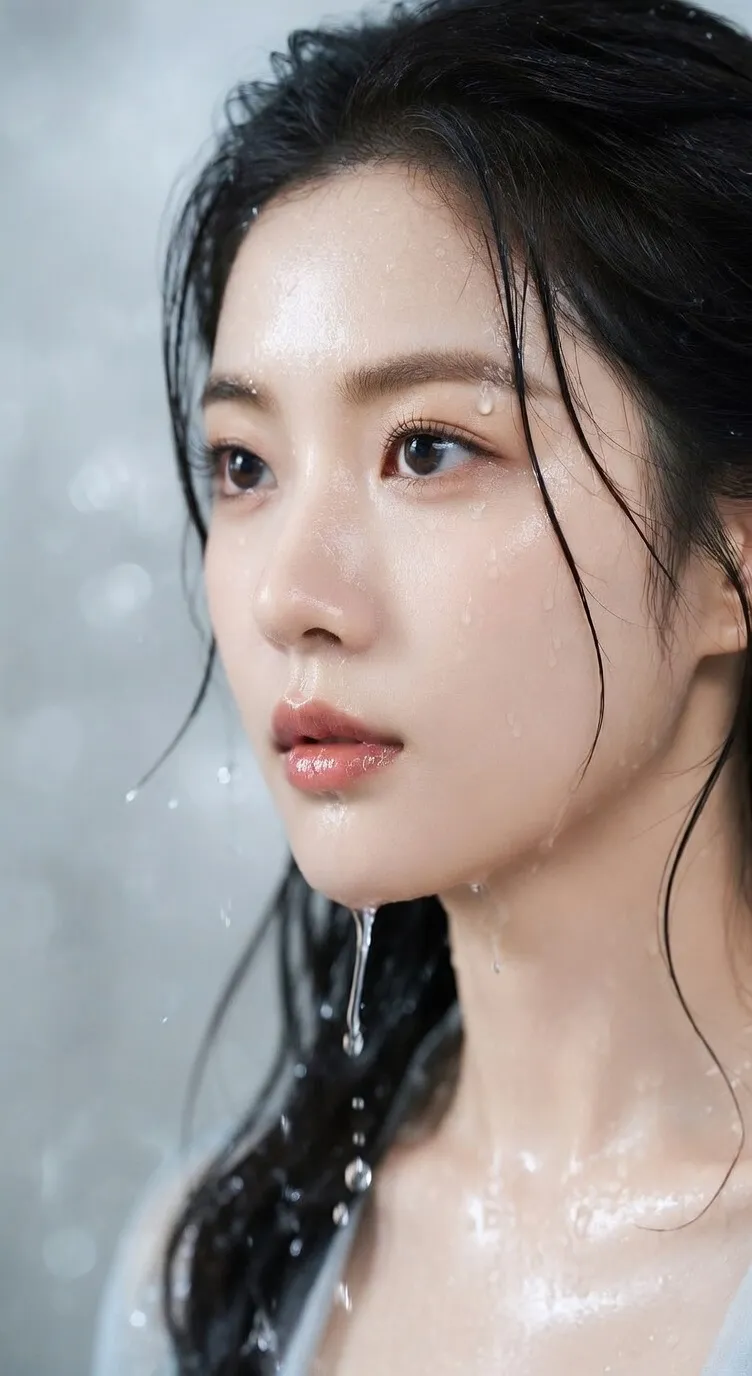
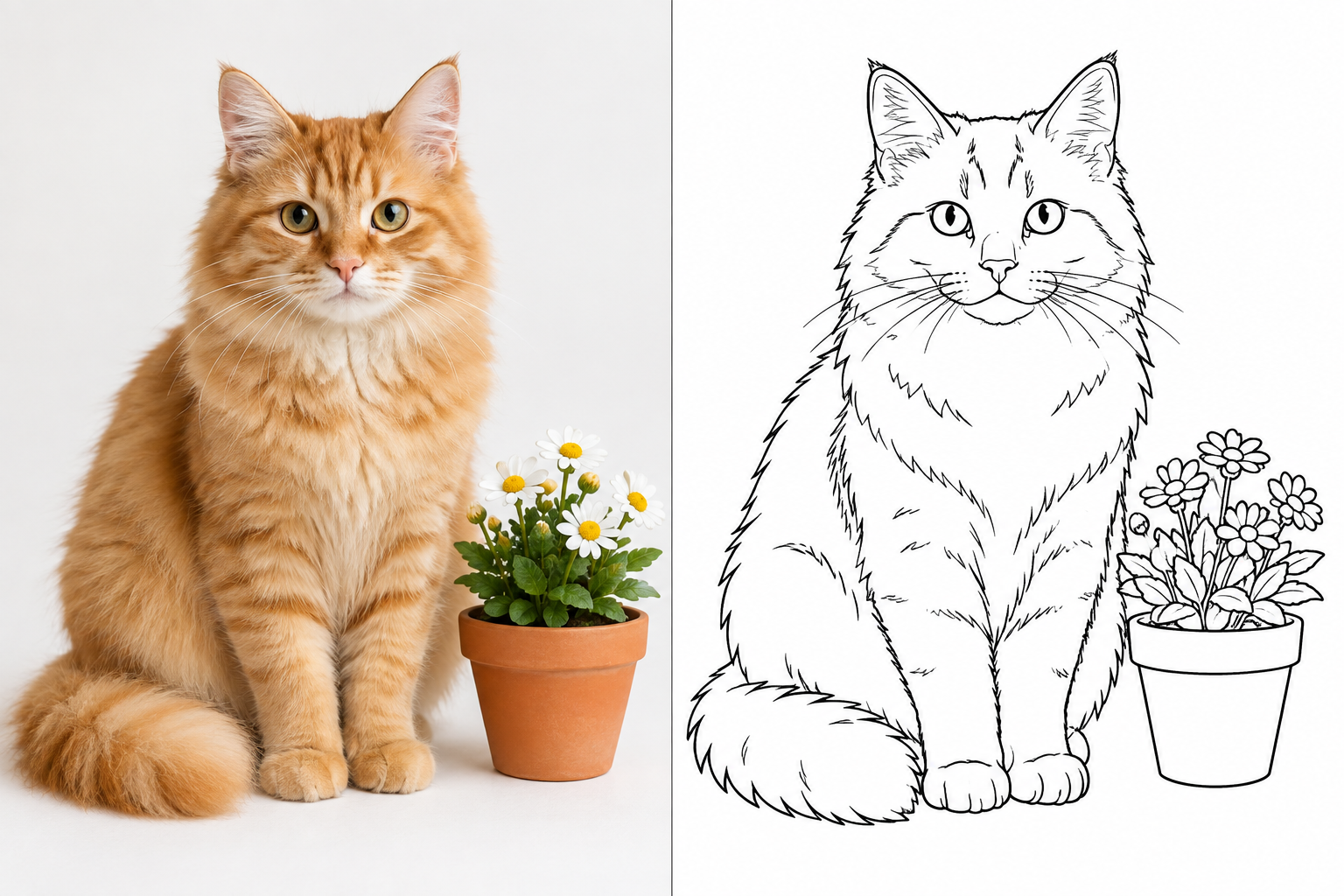
Enter a prompt or upload an asset to generate images, edit visuals, create short clips, remove backgrounds, upscale drafts, and pick the right model.

Text to imageImage to imageText to videoImage to video

Preview

Short video generation

Generate motion tests from text, source images, references, or clips for ad hooks, product teasers, explainer moments, and short social content.

Cutout, cleanup, and upscaling

Remove backgrounds, improve small-image clarity, clean rough assets, and prepare cleaner source files before or after generation.

What AI Image Editor is mainly used to create

AI Image Editor focuses on clear creative tasks: generate a new image, edit an uploaded file, make a still image move, clean a product shot, upscale a draft, or prepare multiple asset versions for team review.

Turn the creative direction into a visible draft first

Before final design or editing, generate product scenes, posters, thumbnails, story frames, launch visuals, and simple motion ideas.

Start with a prompt

Write the subject, scene, audience, channel, style cues, and image size so the first result lands closer to the real use case.

Judge the direction quickly

Use one prompt to test several visual angles before deciding which one deserves more polish.

Easy to iterate

When the result is close but not good enough, keep changing the ratio, prompt, reference image, model, or motion instruction.
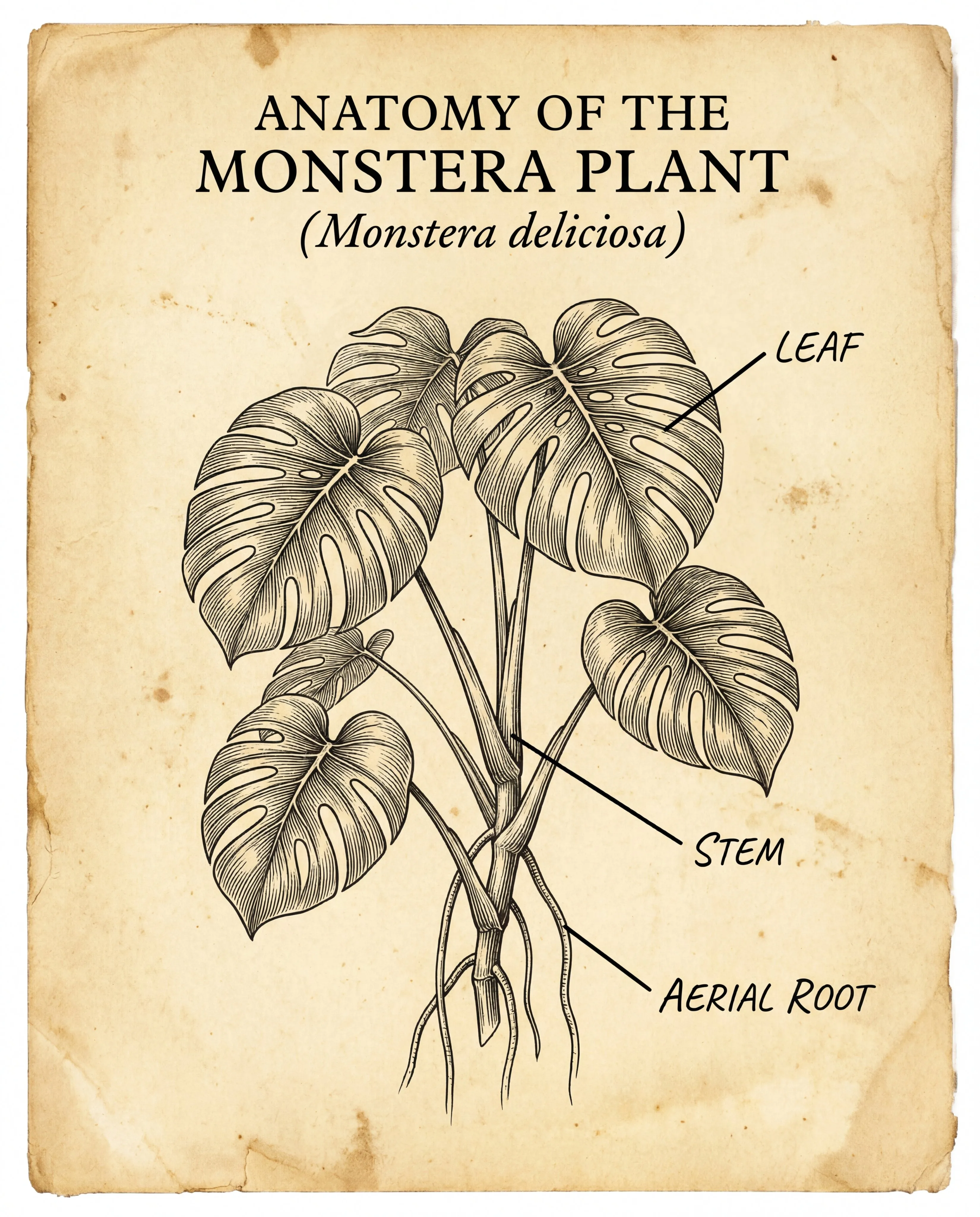
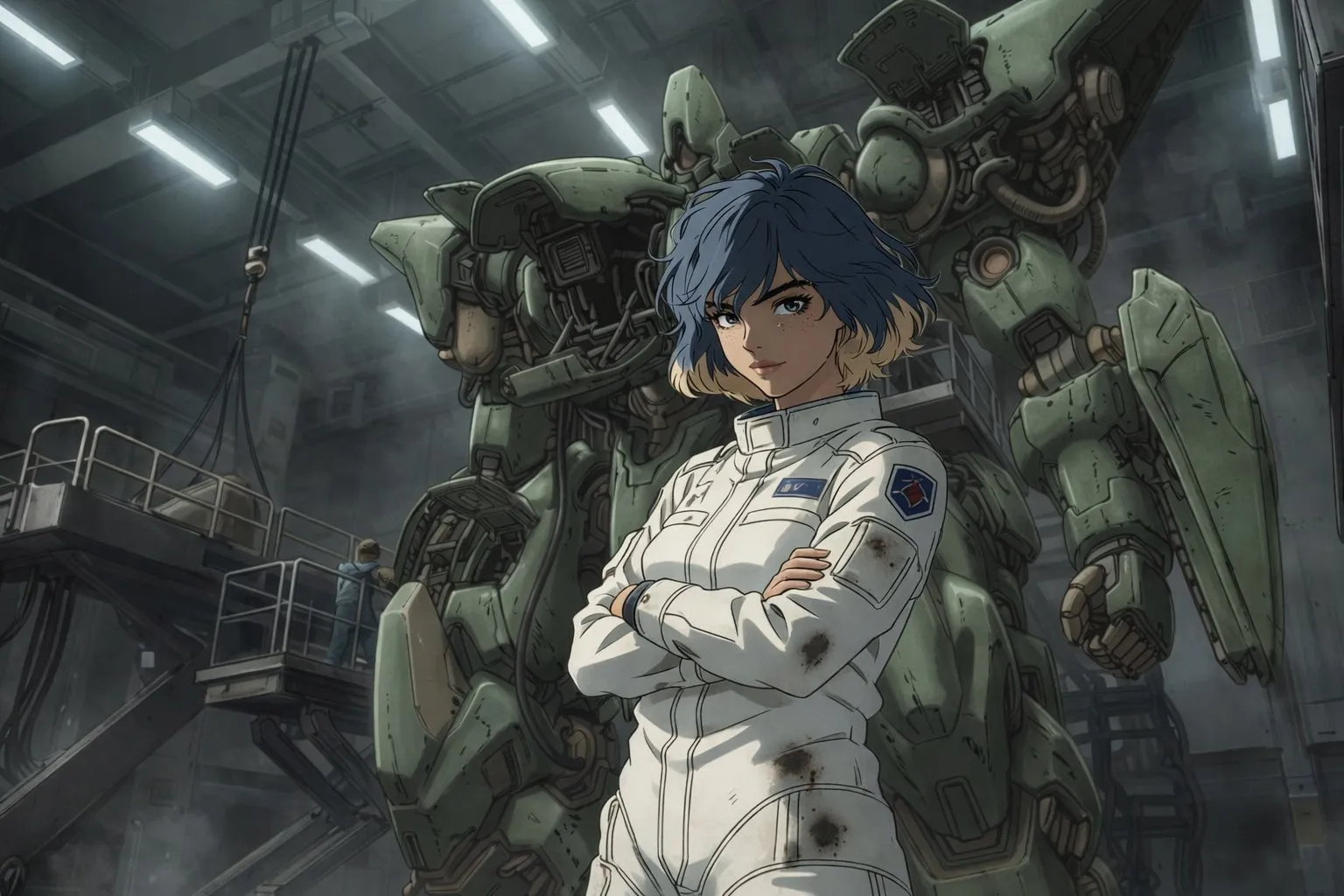
Extend older assets without shooting again

Upload product images, portraits, sketches, screenshots, references, or clips to generate new scenes, cleaner backgrounds, different image styles, or motion versions.

More controlled input

Preserve important subjects and product recognition while changing the environment, lighting, background, style, or camera direction.

More stable edits

When brand consistency matters more than free exploration, use uploaded images and written instructions together to constrain the result.

Reusable assets

Generate different crops, scenes, backgrounds, and video hooks for product pages, ads, posts, explainers, and test campaigns.

Extend older assets without shooting again

Prepare multiple versions for different publishing channels

Create review-ready assets for ecommerce galleries, paid ads, organic content, blog covers, stories, banners, explainers, and localized campaigns.

Multiple format versions

Generate square, portrait, landscape, and text-led versions separately so each channel has its own review draft.

Post-generation optimization

After the first generation pass, keep removing backgrounds, upscaling, reducing distractions, restyling, or adding visual effects.

Multilingual output

Keep the same product, offer, or campaign concept while creating visual drafts for Chinese, English, and other language markets.

Why not rely only on a blank prompt box

AI Image Editor organizes entry points around specific generation tasks, so users can choose the asset type, review credit use, and move between drafts and edited results faster.

Start from the result you want

Choose image, video, effects, cutout, upscaling, or a model page based on the asset you need, instead of starting with a generic input box.

Direct tool choice+

Open the right tool directly: prompt-to-image, image editing, short video, background removal, image upscaling, or visual effects.

Less switching around+

When uploading, generating, cleaning, upscaling, and editing again, keep the original brief and reference assets close.

The next step is clearer+

From the homepage, go straight to image tools, video tools, effects, model pages, or pricing.

Open model pages directly when you need them

Users who know the models can open a model page right away; when the model is unclear, they can begin from an image, video, or editing task.

Image generation set+

Generate new images, edit uploads, remove backgrounds, upscale drafts, and use references to control results.

Video generation set+

Turn text, still images, references, or source videos into motion drafts suitable for review.

More efficient review+

Review the first output, adjust inputs, and generate again before spending more credits too early.

Built for repeated visual content output

Use AI Image Editor for product images, ad concepts, social posts, short videos, thumbnails, visual effects, blog images, and multilingual campaign drafts.

Real content scenarios+

Prepare new launch visuals, ecommerce product images, paid media concepts, organic content, explainer snippets, and test assets.

Clearer credits+

Use subscriptions for steady output, and credit packs for campaign pushes, test projects, or temporary demand.

Publish carefully+

Before publishing, still review text, brand assets, likeness rights, copyright risks, and platform rules.

Core AI Image Editor capabilities

It covers common AI visual needs: generate images, edit uploaded images, make still images move, try effects, clean files, upscale drafts, and choose a generation method by model.

Prompt-based image generation

Generate product scenes, ad images, posters, thumbnails, social graphics, and concept drafts with direct written instructions.

Edit after uploading an image

Replace backgrounds, modify objects, adjust style, rebuild scenes, clean rough assets, or make a source image easier to use.

Short videos and motion tests

Generate short clips from prompts or images for product teasers, launch hooks, social content, explainer moments, and motion tests.

Effects, cutouts, and upscaling

Try stylized treatments, remove backgrounds, improve small-image clarity, and turn rough assets into cleaner review files.

Model pages for advanced choices

When you need a specific model, controls, examples, or credit estimates, open the matching image or video model page.

Credits support steady or burst creation

Subscriptions fit daily content output, while credit packs can supplement launches, experimental assets, and short-term projects.

Flexible Pricing for Every Production Pace

Choose monthly, yearly, or credit pack options across Basic, Standard, and Pro tiers. Subscription credits reset every month and do not roll over; credit packs stay available until used.

Basic

Lower annual cost for steady weekly production.

$16.66per month
$33.32Save 50%

Billed yearly, averaged per month

What's included

  • 600 Credits Monthly
  • All image models
  • Prompt, edit, and reference tools
  • Results saved for 30 days
  • Commercial use with rights checks
  • Subscription credits reset every month
  • Unused subscription credits do not roll over
  • Lower annual price
Popular
Standard

Lower annual cost for teams producing every month.

$58.33per month
$116.65Save 50%

Billed yearly, averaged per month

What's included

  • 2200 Credits Monthly
  • All image models
  • Prompt, edit, and reference tools
  • Results saved for 30 days
  • Commercial use with rights checks
  • Subscription credits reset every month
  • Unused subscription credits do not roll over
  • Best value
Pro

Annual scale for always-on creative production.

$108.33per month
$216.65Save 50%

Billed yearly, averaged per month

What's included

  • 4200 Credits Monthly
  • All image models
  • Prompt, edit, and reference tools
  • Results saved for 30 days
  • Commercial use with rights checks
  • Subscription credits reset every month
  • Unused subscription credits do not roll over
  • Best price at scale

Why creators keep AI Image Editor

When teams need fast drafts, clean inputs, new scenes, short videos, localized versions, and review-ready assets, this tool is faster than starting from zero.

Mira ChenMira Chen

Mira Chen

Creative Operations Manager

4.8
We use AI Image Editor to turn a rough brief into a few visible options before deciding what design should keep polishing.
Julian ParkJulian Park

Julian Park

Growth Marketing Designer

4.7
For product ads, testing the scene and hook first is the highest-value step. A prompt plus a product reference usually tells us which angle is worth keeping.
Avery StoneAvery Stone

Avery Stone

Product Marketing Lead

4.8
Before a campaign is final, we can show reviewers static images, simple motion tests, and localized versions instead of only a vague prompt.
Noah FeldNoah Feld

Noah Feld

Indie App Founder

4.6
During launch week, I test scenes, effects, or short video concepts first, then decide which ones deserve more credits.
Sofia ReyesSofia Reyes

Sofia Reyes

Social Content Lead

4.7
A social idea can first become a thumbnail, a short video test, and a few safer visuals before we decide which version to post.
Hannah BrooksHannah Brooks

Hannah Brooks

Ecommerce Visual Manager

4.6
Around approved product photos, it quickly creates new scenes, background cleanup, detail upscaling, and product page visual options.
Marcus LeeMarcus Lee

Marcus Lee

Brand Production Lead

4.7
Cleanup tools matter as much as generation. Once rough client assets have better backgrounds and clarity, review goes much more smoothly.
Elena OrtizElena Ortiz

Elena Ortiz

Short-Form Video Producer

4.6
When a still image might work as motion content, I generate a short clip first to see whether it deserves a full edit.
Maya PatelMaya Patel

Maya Patel

Performance Creative Manager

4.7
Handling image ads, video hooks, and asset cleanup separately lets the team review more creative angles without getting confused.
Priya ShahPriya Shah

Priya Shah

Content Strategy Lead

4.7
For multilingual campaigns, the same visual idea can branch into English, Chinese, and local versions before final copy and claims review.

Frequently asked questions

What is AI Image Editor?

AI Image Editor is an online AI tool for generating images, editing uploads, making short videos, applying visual effects, removing backgrounds, and upscaling images. It is built for creators who need fast visual drafts, not a complex production system.

Is AI Image Editor better suited for images or videos?

Both are supported. The image side is for prompt generation, product scenes, uploaded-image editing, cutouts, and upscaling; the video side turns text, still images, references, or source videos into motion content.

What is the difference between Effects and Tools?

Effects mainly change the visual style or direction. Tools handle more practical tasks such as cutouts, upscaling, cleanup, editing, and preparing files for review.

Do I have to choose a model before creating?

No. You can start directly from generating an image, making an image move, editing an upload, or removing a background. Only use a model page when you want a specific generation model.

Can AI Image Editor create ad images, social graphics, and content visuals?

Yes. It works for ad concepts, product scenes, story images, thumbnails, blog covers, short videos, launch visuals, and social graphics that need review before publishing.

Does AI Image Editor support reference images?

Yes. Reference images help control the subject, product appearance, composition, style, and motion direction. Exact counts and controls depend on the selected generator.

How should I write prompts for more stable AI Image Editor results?

Write the subject, environment, style, channel, ratio, text needs, motion direction, and anything that must stay unchanged. For edits, separate what to keep from what to change.

Can AI Image Editor be used for multilingual visual production?

Yes. You can first create localized campaign images, text-aware social graphics, video concepts, and visual variants for different language markets.

Does AI Image Editor use subscriptions or credits?

Both are supported. Subscriptions fit steady output, while credit packs fit launches, tests, short projects, or temporary increases in generation volume.

Can I use content generated by AI Image Editor commercially?

Usually yes, as long as you follow platform terms and respect third-party rights. Before publishing, still check trademarks, brand assets, likenesses, copyrights, claims, and platform rules.

Create your next asset

Generate images, videos, edits, and upscales in one workspace.

AI Image Editor BrandText + image + video Inputs