
Standard / Pro
Standard and Pro share the same input workflow.
Preview

Choose another model or continue refining the asset in a related tool.

Open Seedream 5.5 Layerize in AI Image Editor.

Open GPT Image 2.6 in AI Image Editor.

Open Grok Imagine Image 2.0 in AI Image Editor.

Open Midjourney V8.2 in AI Image Editor.

Open Nano Banana 2 Lite in AI Image Editor.

Open Seedream 5.5 in AI Image Editor.

Open Seedream 5.0 Flash in AI Image Editor.
Open Nano Banana 2.1 in AI Image Editor.
Compose text-rich posters and reference edits with Qwen Image 3.0. Choose Standard or Pro, 1K or 2K, and one to six images per request. For localized graphics, provide exact wording and a clear hierarchy. Proofread every character after generation; attractive typography does not guarantee correct dates, prices or contact details.
Standard and Pro share the same input workflow.
Available with the 1K and 2K resolution presets.
Use ordered references to guide an image edit.
Limit the first poster to a short title, one subtitle and a simple geometric accent. Specify exact line breaks and reserve space for event details that you will typeset later.
Editing accepts 1–3 references. Standard has the same output price at 1K and 2K; Pro has a higher 2K tier. References add a separate charge. This page uses aspect-ratio presets rather than custom pixel dimensions.
Inspect the full image, then zoom into text, edges, reflections and object geometry. Download the accepted version and keep the prompt and settings so the next edit has a clear baseline.
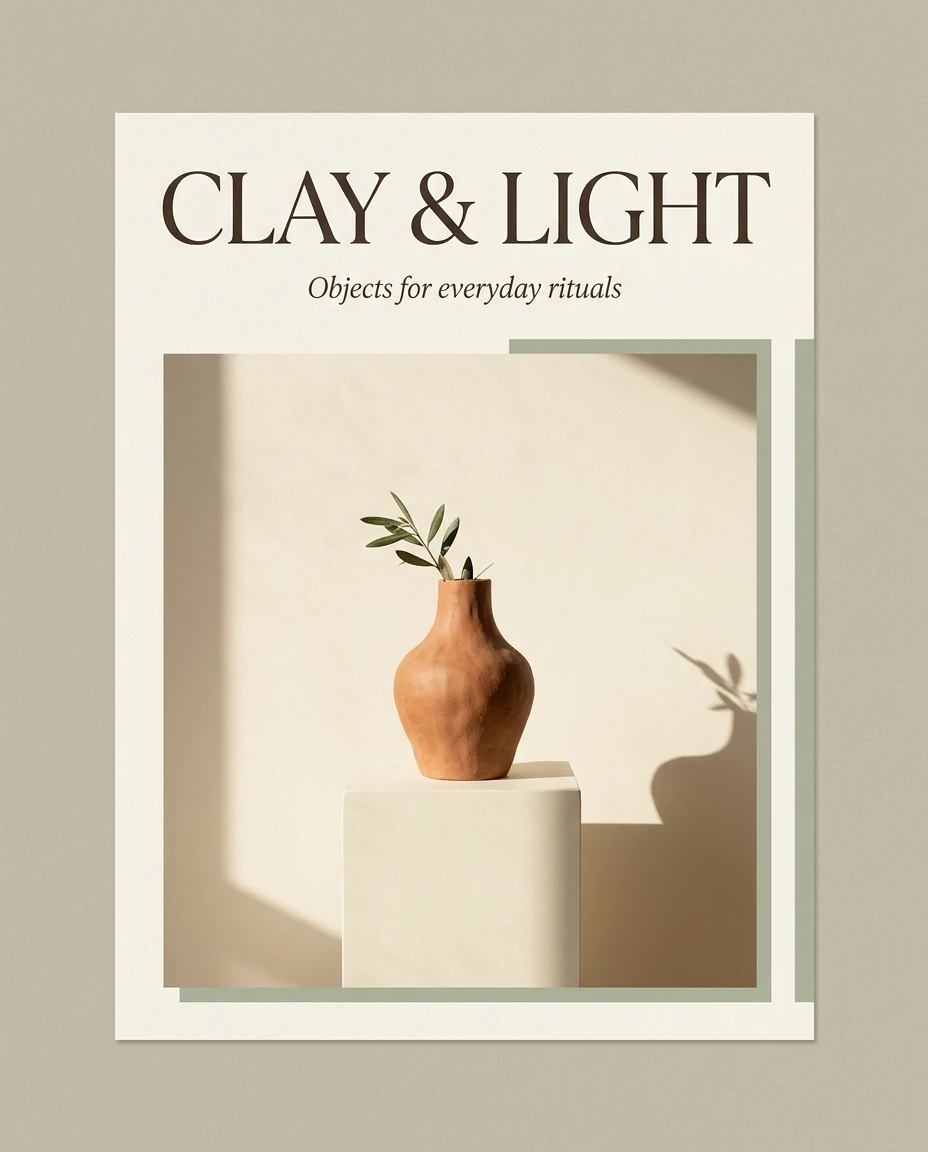
This is our Standard 1K result from the poster preset above. The blue glass vase and dark background follow the brief, while an extra “HOURS” line shows why generated typography still needs a final review.
Put the exact wording in quotes and specify its position, color and size. A short title leaves more room for the main subject.
Look for duplicated words as well as spelling errors. This example retains its extra line so you can see the unretouched result.
For event dates, prices or brand copy that must be exact, consider generating the background first and placing final typography in a design editor.
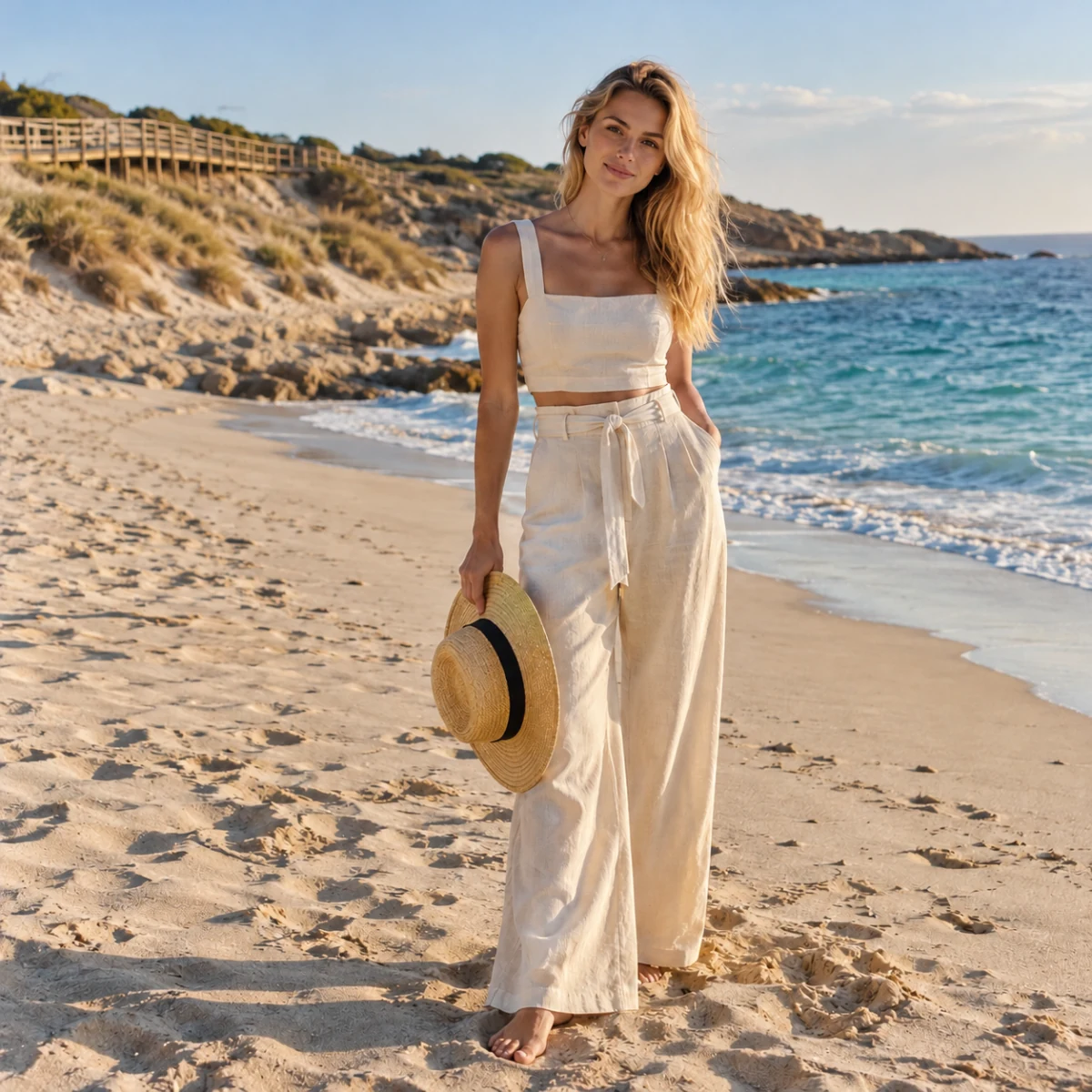
The image here is an example input, not a Qwen editing result. Use a clear portrait or product photo to explore a different setting, palette or treatment while telling the model which details to preserve.
Keep the subject large enough to see. On this page, each image must be JPEG, PNG or WebP with both edges between 384 and 3072 pixels.
For example: “Keep the face, hair and ivory outfit from image 1; change only the background to a warm studio.” With more references, assign each one a role.
Check faces, hands, clothing and product labels against the original. Editing is generative: details outside the requested change may also shift.
Choose a mode first. Use clear source media you have permission to use, identify each reference’s role, and state what should remain unchanged.
Select the smallest useful resolution, duration or image count for the first attempt. Review the displayed credits before submitting. Change one setting at a time when comparing versions.
Inspect the full image, then zoom into text, edges, reflections and object geometry. Download the accepted version and keep the prompt and settings so the next edit has a clear baseline.
Editing accepts 1–3 references. Standard has the same output price at 1K and 2K; Pro has a higher 2K tier. References add a separate charge. This page uses aspect-ratio presets rather than custom pixel dimensions.
The generator displays the site’s credit price for the selected settings. Resolution, duration, output count and reference inputs can affect it. Provider dollar estimates are not the site’s selling price. Review credits before submitting; generating another version is a new paid request.
The examples are from SceneFlare. The linked generation record documents the separate model test.
Limit the first poster to a short title, one subtitle and a simple geometric accent. Specify exact line breaks and reserve space for event details that you will typeset later.
Model versionsStandard and Pro share the same input workflow.
Images per requestAvailable with the 1K and 2K resolution presets.
Image referencesUse ordered references to guide an image edit.
TipCompare spelling and line breaks with your brief.