
Fast / Draft
Draft produces lightweight composition sketches.
Preview

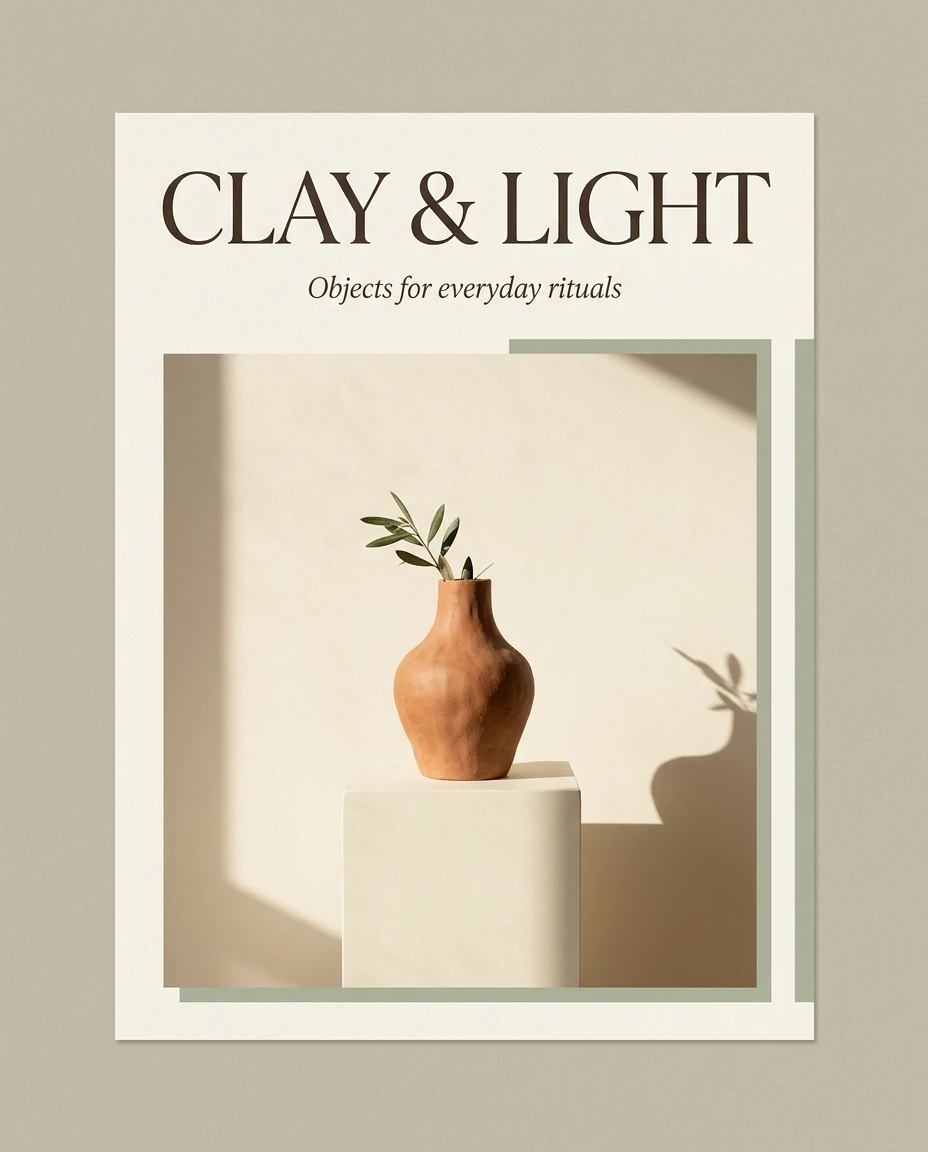
Concept illustration created for this guide; not an output sample from the named model.
Choose another model or continue refining the asset in a related tool.

Open Seedream 5.5 Layerize in AI Image Editor.

Open GPT Image 2.6 in AI Image Editor.

Open Grok Imagine Image 2.0 in AI Image Editor.

Open Qwen Image 3.0 in AI Image Editor.

Open Nano Banana 2 Lite in AI Image Editor.

Open Seedream 5.5 in AI Image Editor.

Open Seedream 5.0 Flash in AI Image Editor.
Open Nano Banana 2.1 in AI Image Editor.
Explore visual direction with Midjourney V8.2. Fast returns four images; Draft returns 24 lightweight sketches for scanning composition ideas. Choose HD only after a direction is selected. Image references guide appearance through the image prompt, while the written brief should still define subject, setting, light and framing.
Draft produces lightweight composition sketches.
Fast returns 4 images; Draft returns 24 sketches.
HD is available in Fast mode only.
Try a terracotta arch, an olive tree and a reflecting pool. Compare silhouette, spacing and shadow direction across sketches before choosing a final architectural concept.
Draft and HD cannot be combined. This page provides the base generation route, including image prompts; follow-up Remix, variations and dedicated upscale tasks are not controls on this page. Generated text still needs proofreading.
Inspect the full image, then zoom into text, edges, reflections and object geometry. Download the accepted version and keep the prompt and settings so the next edit has a clear baseline.
Try a terracotta arch, an olive tree and a reflecting pool. Compare silhouette, spacing and shadow direction across sketches before choosing a final architectural concept. Concept illustration created for this guide; not an output sample from the named model.
Choose a mode first. Use clear source media you have permission to use, identify each reference’s role, and state what should remain unchanged.
Inspect the full image, then zoom into text, edges, reflections and object geometry. Download the accepted version and keep the prompt and settings so the next edit has a clear baseline.
Created on 9 November 2026 with Midjourney V8.2 · Fast, using Text to image · Standard · Fast. This request returned 4 files; the image or clip shown is one of them. The provider reported a charge of $0.080, separate from the site’s credit price.
Inspect the full image, then zoom into text, edges, reflections and object geometry. Download the accepted version and keep the prompt and settings so the next edit has a clear baseline.
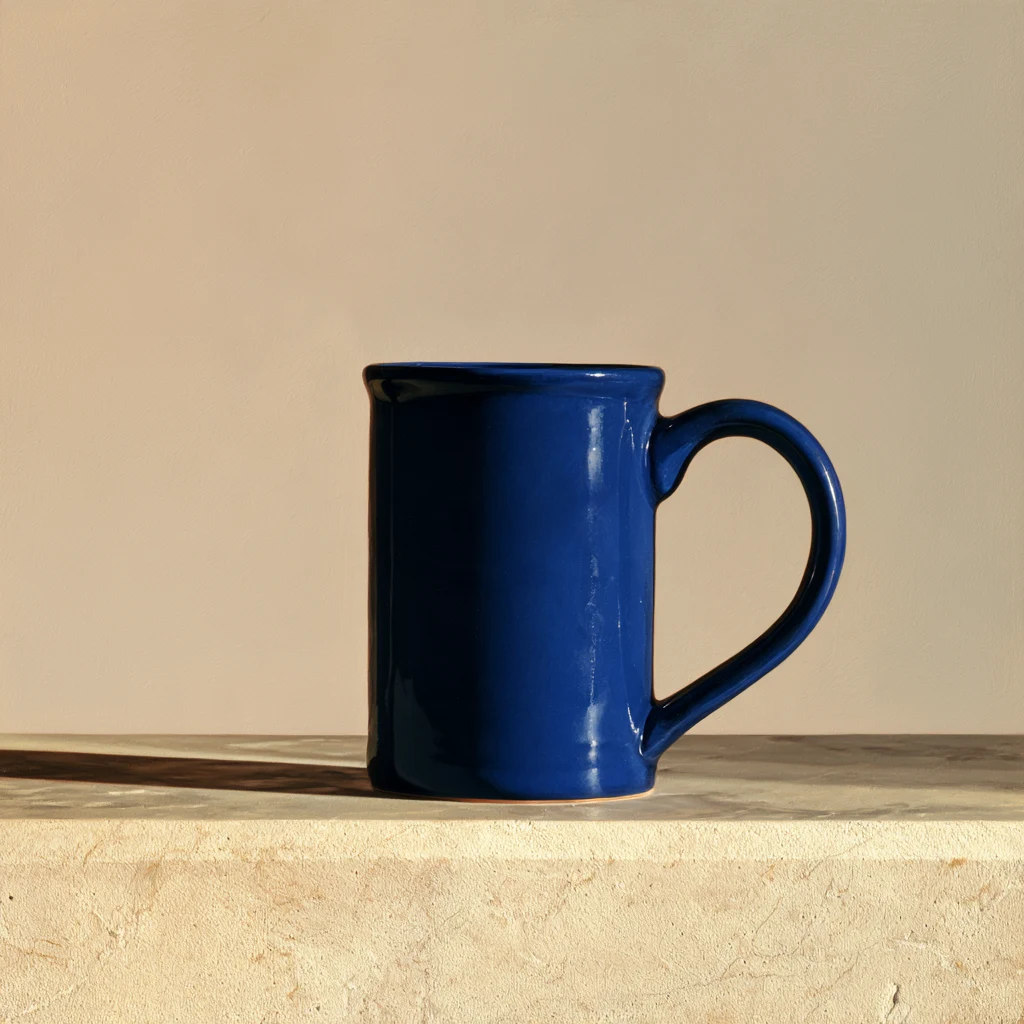
Created on 9 November 2026 with Midjourney V8.2 · Draft, using Text to image · Standard · Draft · 24 sketches. This request returned 24 files; the image or clip shown is one of them. The provider reported a charge of $0.080, separate from the site’s credit price.
Inspect the full image, then zoom into text, edges, reflections and object geometry. Download the accepted version and keep the prompt and settings so the next edit has a clear baseline.
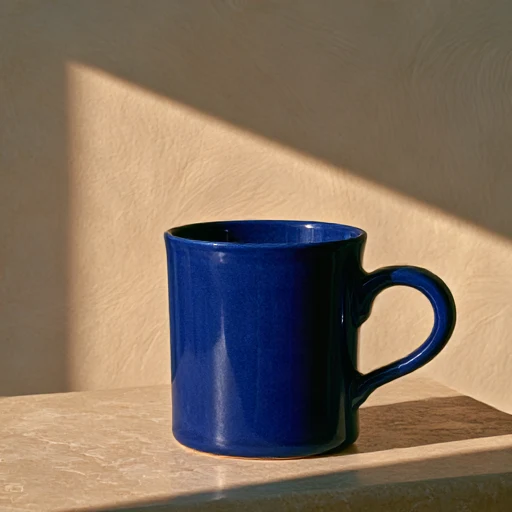
Choose a mode first. Use clear source media you have permission to use, identify each reference’s role, and state what should remain unchanged.
Select the smallest useful resolution, duration or image count for the first attempt. Review the displayed credits before submitting. Change one setting at a time when comparing versions.
Inspect the full image, then zoom into text, edges, reflections and object geometry. Download the accepted version and keep the prompt and settings so the next edit has a clear baseline.
Draft and HD cannot be combined. This page provides the base generation route, including image prompts; follow-up Remix, variations and dedicated upscale tasks are not controls on this page. Generated text still needs proofreading.
The generator displays the site’s credit price for the selected settings. Resolution, duration, output count and reference inputs can affect it. Provider dollar estimates are not the site’s selling price. Review credits before submitting; generating another version is a new paid request.
Concept illustrations, reference stock and recorded model outputs are labeled separately. The recorded examples include the date, settings, output count and provider-reported charge; open the linked generation record to inspect the prompt and file list.
Try a terracotta arch, an olive tree and a reflecting pool. Compare silhouette, spacing and shadow direction across sketches before choosing a final architectural concept.
Exploration modeDraft produces lightweight composition sketches.
Images per requestFast returns 4 images; Draft returns 24 sketches.
Render qualityHD is available in Fast mode only.
TipCheck silhouettes before choosing a composition.