
1K
Native 1K output, without 2K or 4K tiers.
Preview

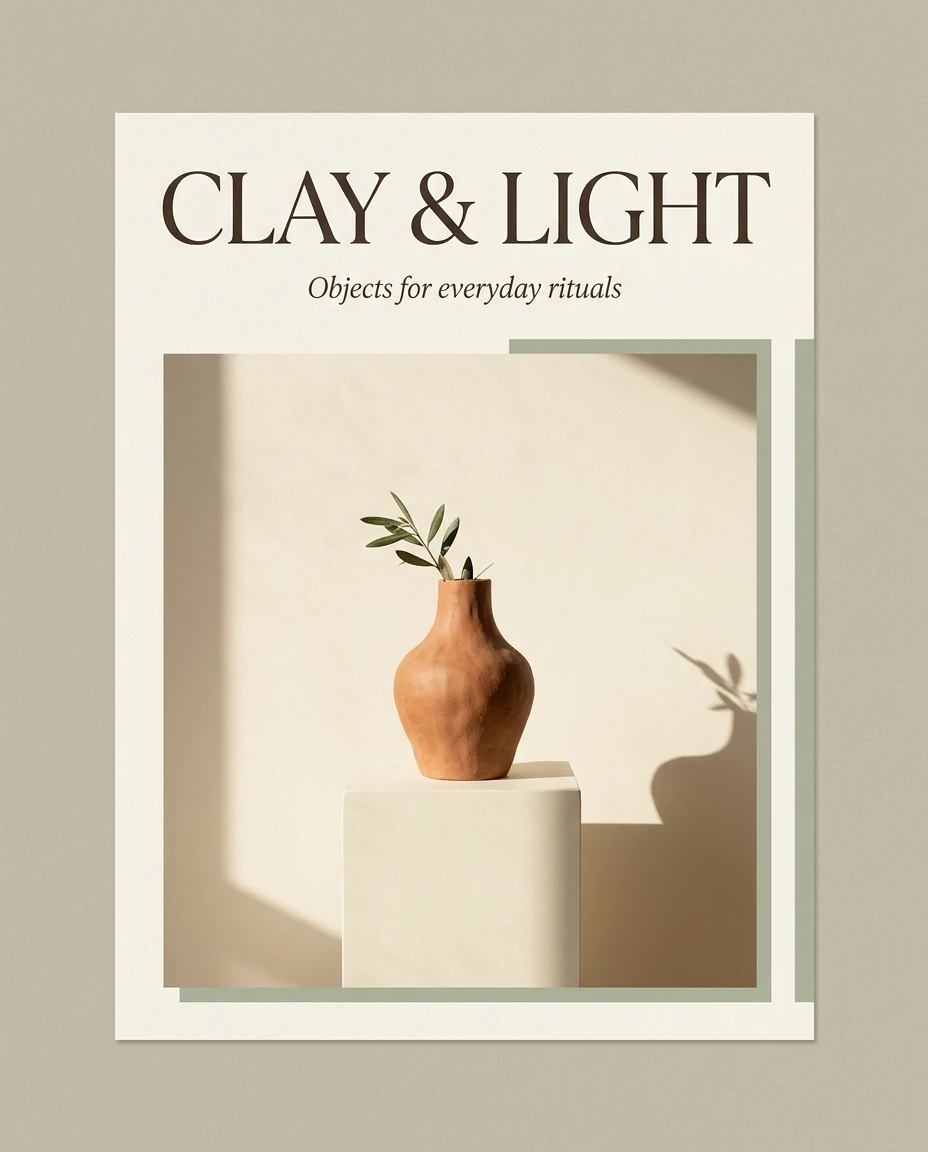
Concept illustration created for this guide; not an output sample from the named model.
Choose another model or continue refining the asset in a related tool.

Open Seedream 5.5 Layerize in AI Image Editor.

Open GPT Image 2.6 in AI Image Editor.

Open Grok Imagine Image 2.0 in AI Image Editor.

Open Qwen Image 3.0 in AI Image Editor.

Open Midjourney V8.2 in AI Image Editor.

Open Seedream 5.5 in AI Image Editor.

Open Seedream 5.0 Flash in AI Image Editor.
Open Nano Banana 2.1 in AI Image Editor.
Explore image ideas, simple edits and multi-reference compositions with Nano Banana 2 Lite. This lightweight route offers native 1K output, automatic or preset framing and up to 14 reference images. Assign a role to each reference instead of adding more images by default. Thinking level is separate from resolution and can affect token usage.
Native 1K output, without 2K or 4K tiers.
JPEG, PNG and WebP reference images.
Includes extra-tall 1:8 and extra-wide 8:1 framing.
For a wildlife illustration, specify the otter’s pose, wet fur, eye-level camera and quiet canal setting. Keep one clear subject and compare light or palette changes separately.
Lite generates one native 1K image per request; 2K and 4K are not available. Output carries SynthID. References and text/thinking usage may add costs; selecting a wider ratio does not create a higher resolution tier.
Inspect the full image, then zoom into text, edges, reflections and object geometry. Download the accepted version and keep the prompt and settings so the next edit has a clear baseline.
For a wildlife illustration, specify the otter’s pose, wet fur, eye-level camera and quiet canal setting. Keep one clear subject and compare light or palette changes separately. Concept illustration created for this guide; not an output sample from the named model.
Choose a mode first. Use clear source media you have permission to use, identify each reference’s role, and state what should remain unchanged.
Inspect the full image, then zoom into text, edges, reflections and object geometry. Download the accepted version and keep the prompt and settings so the next edit has a clear baseline.
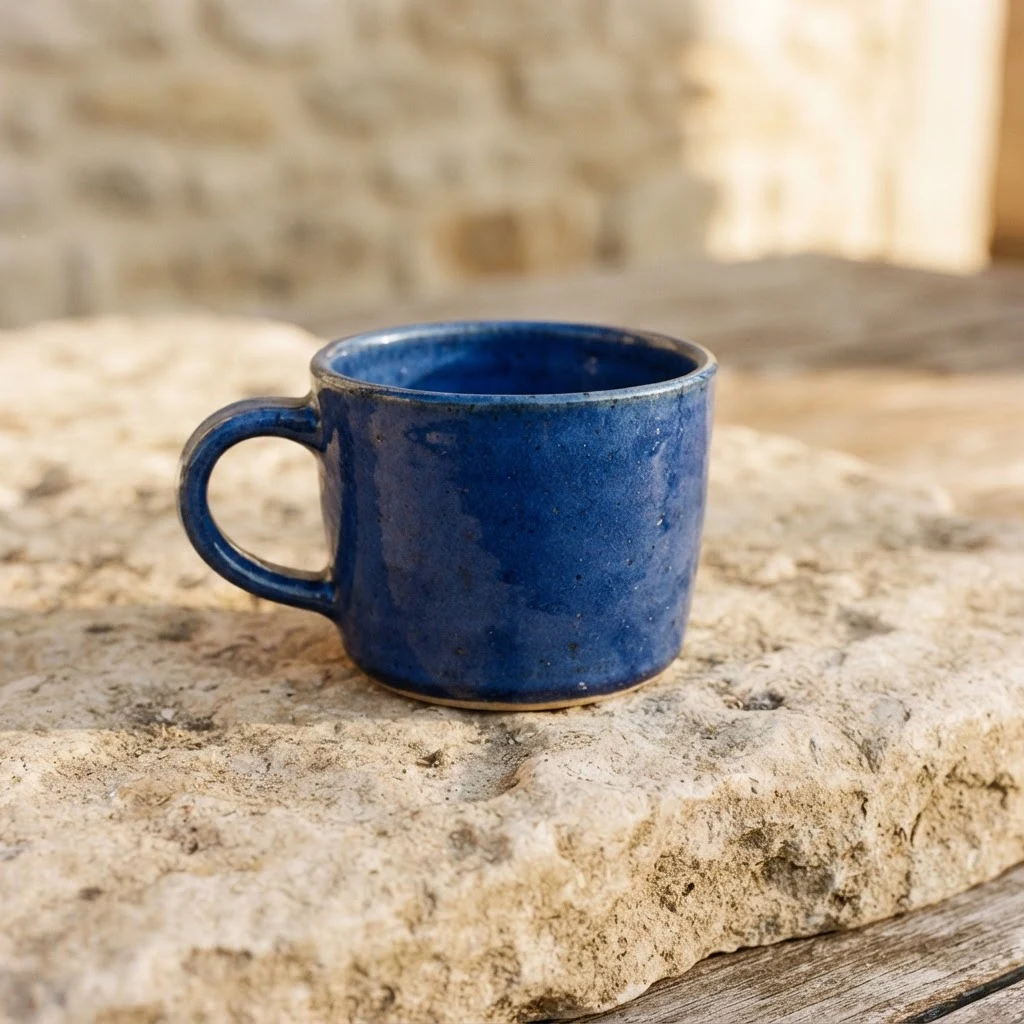
Created on 9 November 2026 with Nano Banana 2 Lite, using Text to image · 1K · 1:1. This request returned 1 files; the image or clip shown is one of them. The provider reported a charge of $0.029, separate from the site’s credit price.
Inspect the full image, then zoom into text, edges, reflections and object geometry. Download the accepted version and keep the prompt and settings so the next edit has a clear baseline.
Choose a mode first. Use clear source media you have permission to use, identify each reference’s role, and state what should remain unchanged.
Select the smallest useful resolution, duration or image count for the first attempt. Review the displayed credits before submitting. Change one setting at a time when comparing versions.
Inspect the full image, then zoom into text, edges, reflections and object geometry. Download the accepted version and keep the prompt and settings so the next edit has a clear baseline.
Lite generates one native 1K image per request; 2K and 4K are not available. Output carries SynthID. References and text/thinking usage may add costs; selecting a wider ratio does not create a higher resolution tier.
The generator displays the site’s credit price for the selected settings. Resolution, duration, output count and reference inputs can affect it. Provider dollar estimates are not the site’s selling price. Review credits before submitting; generating another version is a new paid request.
Concept illustrations, reference stock and recorded model outputs are labeled separately. The recorded examples include the date, settings, output count and provider-reported charge; open the linked generation record to inspect the prompt and file list.
For a wildlife illustration, specify the otter’s pose, wet fur, eye-level camera and quiet canal setting. Keep one clear subject and compare light or palette changes separately.
Output resolutionNative 1K output, without 2K or 4K tiers.
Image referencesJPEG, PNG and WebP reference images.
Aspect ratio optionsIncludes extra-tall 1:8 and extra-wide 8:1 framing.
TipZoom in on fur, text and object boundaries.