Best AI Thumbnail Generators for YouTube: Visuals, Text, and Testing
Compare AI thumbnail workflows for 16:9 composition, subject clarity, reference control, readable text, honest framing, and meaningful YouTube thumbnail tests.
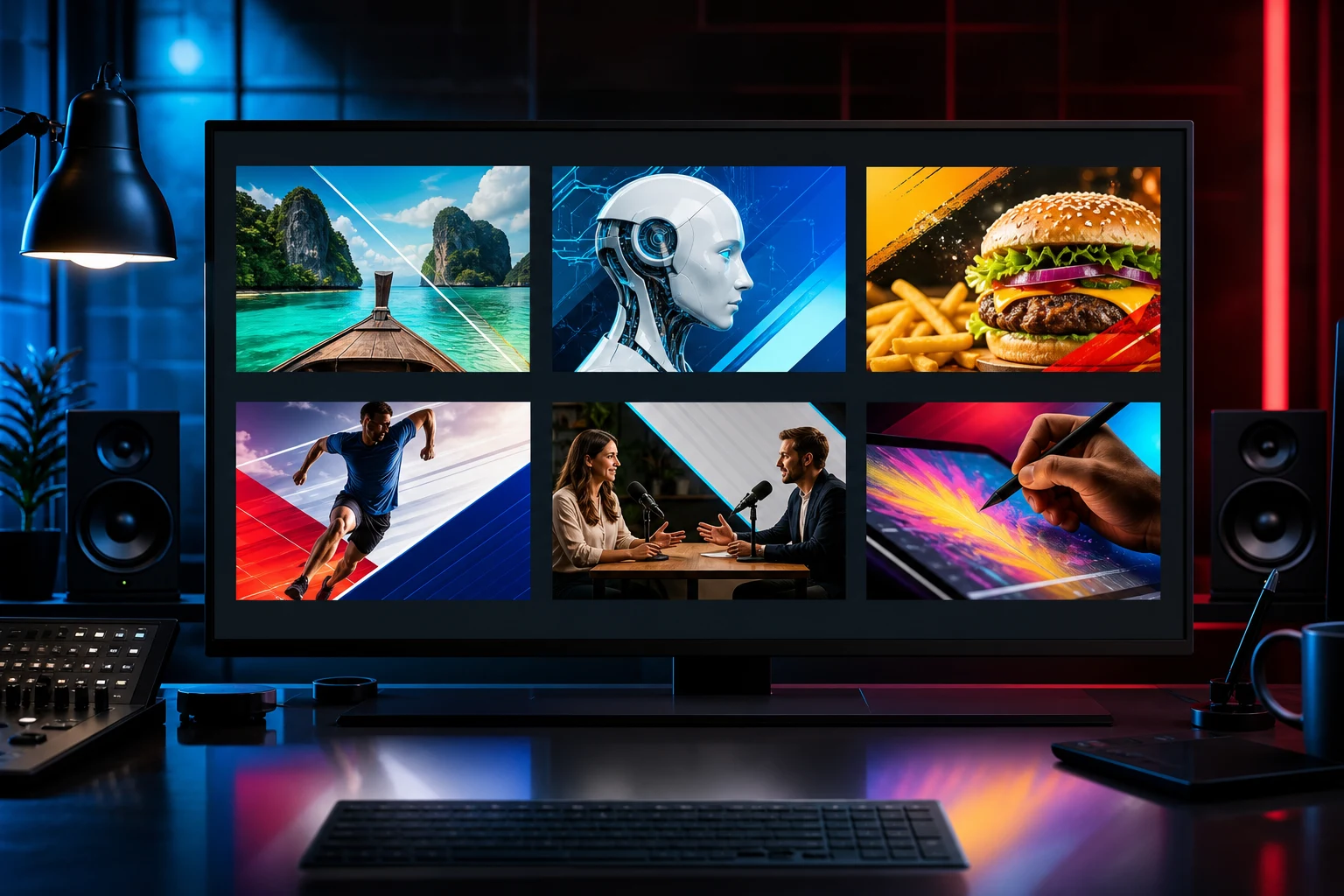
An AI thumbnail generator is useful when it helps you build a clear visual idea quickly—not when it fills a 16:9 canvas with random drama. The strongest YouTube thumbnail still needs one recognizable subject, a readable story at small size, deliberate contrast, and an honest connection to the video.
This guide compares the thumbnail workflows available in AI Image Editor. It focuses on visual generation, reference control, revision, and testing. Final typography and channel-brand checks should still be completed in a design editor.
Quick recommendations
- Best dedicated starting point: AI YouTube Thumbnail Generator for a 16:9 workflow built around thumbnail briefs.
- Best for detailed scene direction: GPT Image 2 when the thumbnail needs a precise subject, background, expression, and composition.
- Best for reference consistency: Nano Banana 2 when a presenter, product, or approved visual must stay recognizable.
- Best for rapid visual exploration: Seedream 5 Lite when you need several directions before choosing one.
- Best for revising an existing thumbnail: AI Image Editor for targeted changes to background, emphasis, color, or distracting objects.
What makes a YouTube thumbnail effective?
A thumbnail is not a miniature poster. It is a decision aid shown beside competing videos.
Evaluate every candidate at three sizes:
1. Full canvas, to inspect anatomy, edges, lighting, and object accuracy. 2. Card size, to judge the focal point and visual hierarchy. 3. Very small mobile size, to see whether the idea still reads without fine detail.
The most useful candidates usually have:
- One dominant subject rather than several equal focal points.
- Strong foreground/background separation.
- A clear emotion, action, result, or unresolved question.
- Enough empty space for short verified copy added later.
- A crop that survives desktop and mobile presentation.
- Visual honesty about what the video actually contains.
YouTube's current custom-thumbnail guidance recommends a large 16:9 image and explains that thumbnails must follow the platform's policies. Check the official custom thumbnail guidance before export because size and upload limits can change.
AI YouTube Thumbnail Generator: best dedicated workflow
The AI YouTube Thumbnail Generator starts from the actual deliverable instead of a generic image prompt. Use it to define:
- Video topic and audience.
- Main subject or presenter.
- The single visual promise.
- Desired emotion and energy.
- Background environment.
- Space for a short headline.
- Elements that must remain unchanged.
Example brief:
Create a 16:9 thumbnail visual for a practical camera tutorial. A compact mirrorless camera is the main subject, shown at a clean three-quarter angle on a dark studio desk. Add one bright rim light and a soft blue background gradient. Leave uncluttered space in the upper-left for a short headline added later. Preserve the camera body shape and lens proportions. No readable text, no logos, no watermark.Generate the image first, then add final wording in a typography tool. AI-rendered text can look convincing while still containing subtle spelling or character errors.
GPT Image 2: best for precise art direction
GPT Image 2 fits briefs that combine a presenter, object, environment, color system, framing, and negative space.
It is especially useful for:
- Tutorial thumbnails with a clear before/after idea.
- Product review key visuals.
- Documentary or explainer scenes.
- Concept-driven thumbnails where lighting carries the mood.
Write the prompt like a shot list. Describe what should be visible, where the focal subject sits, what the background contributes, and where copy will be placed. Do not rely on vague instructions such as “make it viral.”
Nano Banana 2: best for presenter and product consistency
Use Nano Banana 2 when references matter more than free exploration. Upload a clean presenter portrait, product photo, or approved channel visual and explain exactly what must be preserved.
Good constraints include:
- Preserve facial identity, hair, and expression range.
- Preserve product geometry, material, ports, and color.
- Change only the background and lighting.
- Keep the subject large enough for a mobile crop.
- Do not invent logos, labels, or accessories.
Reference consistency still needs human review. Compare the output against the source at full size before publishing.
Seedream 5 Lite: best for early visual exploration
Seedream 5 Lite can help test broad directions before spending time on final polish.
Try separate generations for:
- Clean studio versus environmental background.
- Close-up face versus object-led composition.
- Bright high-key versus dark dramatic lighting.
- Symmetrical versus asymmetrical layout.
Do not ask one generation to produce a finished grid of unrelated options. Generate focused candidates so each one can be judged fairly.
A repeatable thumbnail workflow
1. Write the promise in one sentence
Complete this sentence: “A viewer should understand that this video will show ___.” If the answer needs three clauses, the visual will probably become crowded.
2. Choose one evidence object
Use a face, product, result, location, diagram, or transformation that proves the promise. Decorative props should not compete with it.
3. Generate without final text
Reserve clean space for typography. Ask for no readable text, logos, or watermarks in the generated visual.
4. Add verified copy later
Keep the headline short. Check spelling, font licensing, contrast, and safe margins. The title and thumbnail should support one another instead of repeating the same full sentence.
5. Review the smallest version
Zoom out until the thumbnail is similar to a mobile recommendation card. If the subject disappears, simplify the crop or increase separation.
6. Test alternatives
Change one variable at a time: subject crop, background, color contrast, or wording. YouTube also provides native title and thumbnail A/B testing guidance for eligible workflows. Judge a winner using viewer behavior, not personal preference alone.
Common failure modes
- Too many subjects: the viewer cannot identify the main story.
- Tiny details: the image works at full size but collapses on mobile.
- Generated gibberish: apparent text contains incorrect letters.
- Identity drift: a presenter or product no longer matches the video.
- False intensity: explosions, shocked expressions, or luxury cues misrepresent the content.
- No series consistency: every upload uses a different visual language.
- Copy without contrast: headline space contains busy textures or bright highlights.
For broader composition and typography considerations, see Best AI Poster Generators. The two formats share hierarchy principles, but a thumbnail must communicate faster and at a much smaller size.
Final checklist
- The visual matches the actual video.
- One subject dominates the frame.
- The concept is clear without reading small details.
- Presenter and product references remain accurate.
- Final text was added and proofread outside the generation step.
- The 16:9 crop works on mobile and desktop.
- The file follows current YouTube upload and policy requirements.
- At least one meaningful alternative is ready for testing.
Create the next thumbnail visual
Start with the AI YouTube Thumbnail Generator, choose a visual direction, and generate a clean 16:9 candidate. Keep the first version simple enough to evaluate, then revise one element at a time.