
One clear story beat
Choose the reveal, reaction, result, or comparison the thumbnail must communicate.
Preview
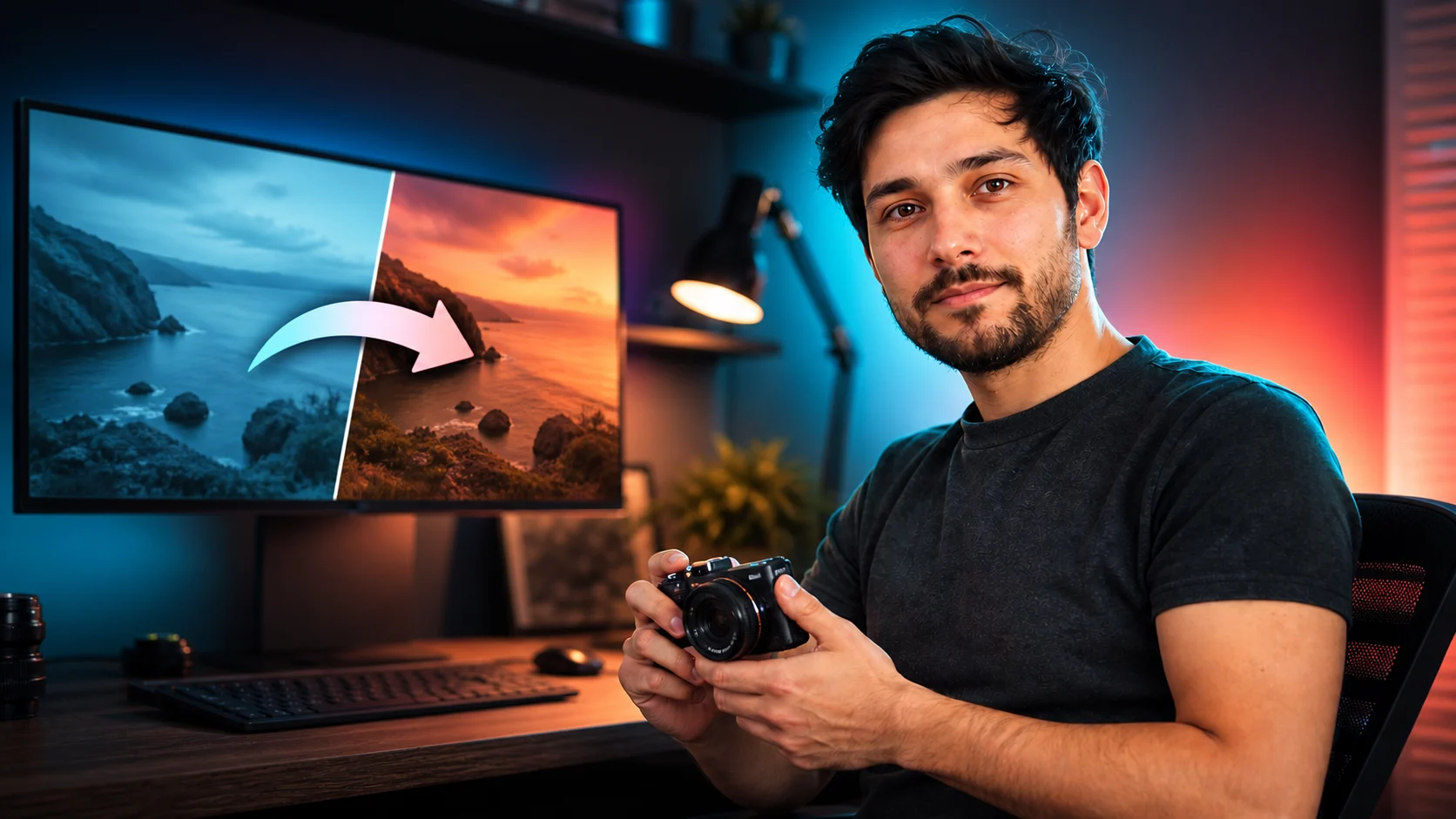
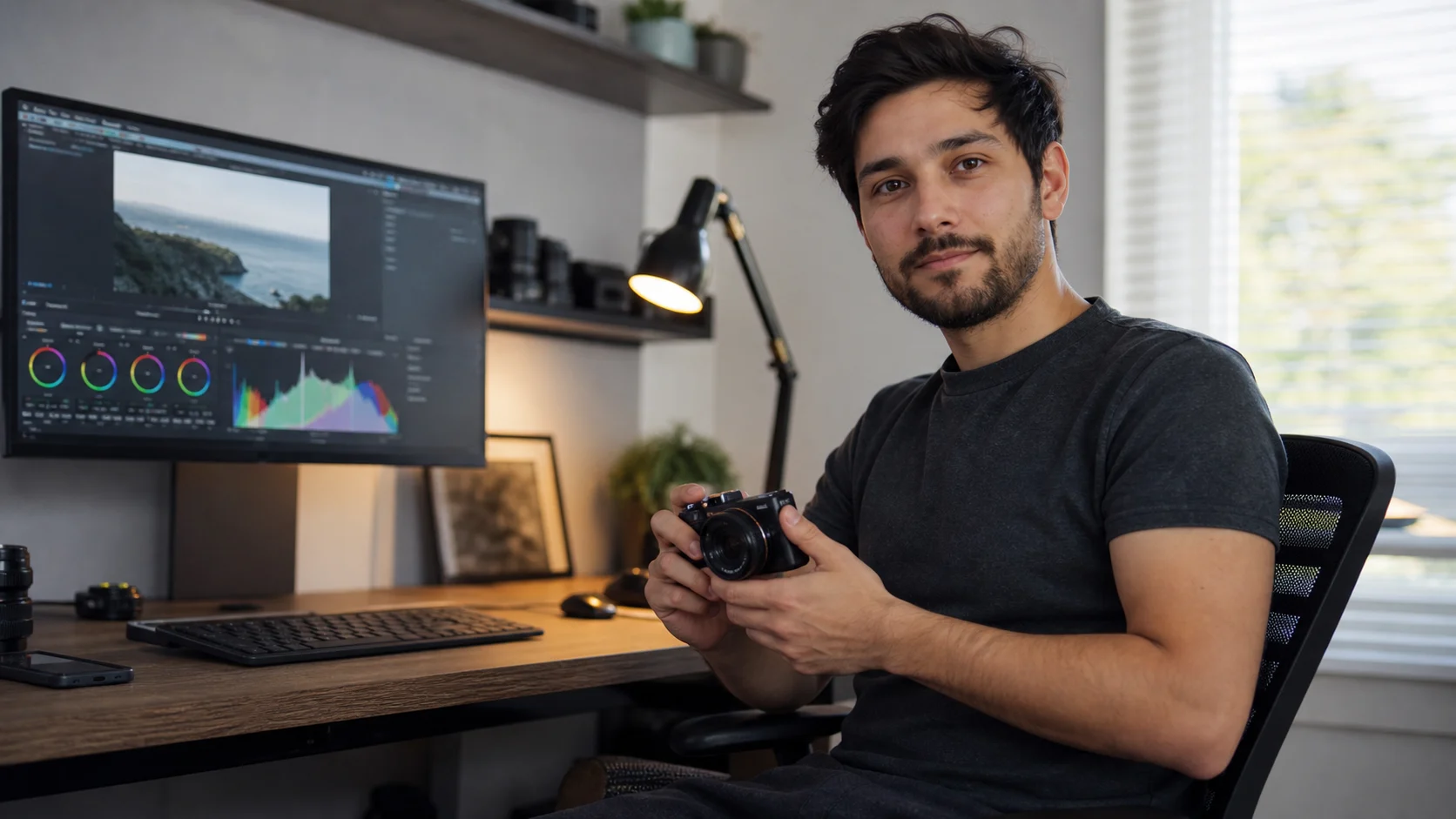
Compare AI YouTube Thumbnail Generator with other image and video generators, then continue from the result that best fits your brief.
Open GPT Image 2.5 in AI Image Editor.
Open FLUX 3 Image in AI Image Editor.
Open Seedream 5.0 Pro in AI Image Editor.
Open GPT image 2 in AI Image Editor.
Open Nano Banana 2 in AI Image Editor.
Open Seedream 5 Lite in AI Image Editor.
Enter the video topic and optionally upload a host, product, or style reference. Default model: GPT image 2.
Choose the reveal, reaction, result, or comparison the thumbnail must communicate.
Assign visual priority before adding color, effects, or supporting props.
Shrink the concept until it resembles a recommendation card and check the focal point again.
Translate the video's strongest promise into a 16:9 composition that still reads inside a crowded recommendation feed.
Lead with a single transformation, conflict, result, or reaction instead of summarizing the entire video.
Place the subject away from the area needed for a short headline, episode marker, or comparison cue.
Use a dominant silhouette, separated values, and restrained detail so the idea survives mobile scaling.
Change one variable per option—expression, crop, background, or prop—so a thumbnail test can reveal why one wins.
Begin with a specific publishing job, not a vague visual request.
Create a 16:9 tutorial thumbnail with one large subject on the right, a clear visual problem on the left, strong contrast, and empty space for a short headline added later.
Choose a clear input and remove contradictory references before generation.
Define the subject, composition, background, lighting, intended crop, and text-safe space in a short ordered brief.
Check identity, edges, proportions, materials, logos, and text-safe space, then regenerate if important details drift.
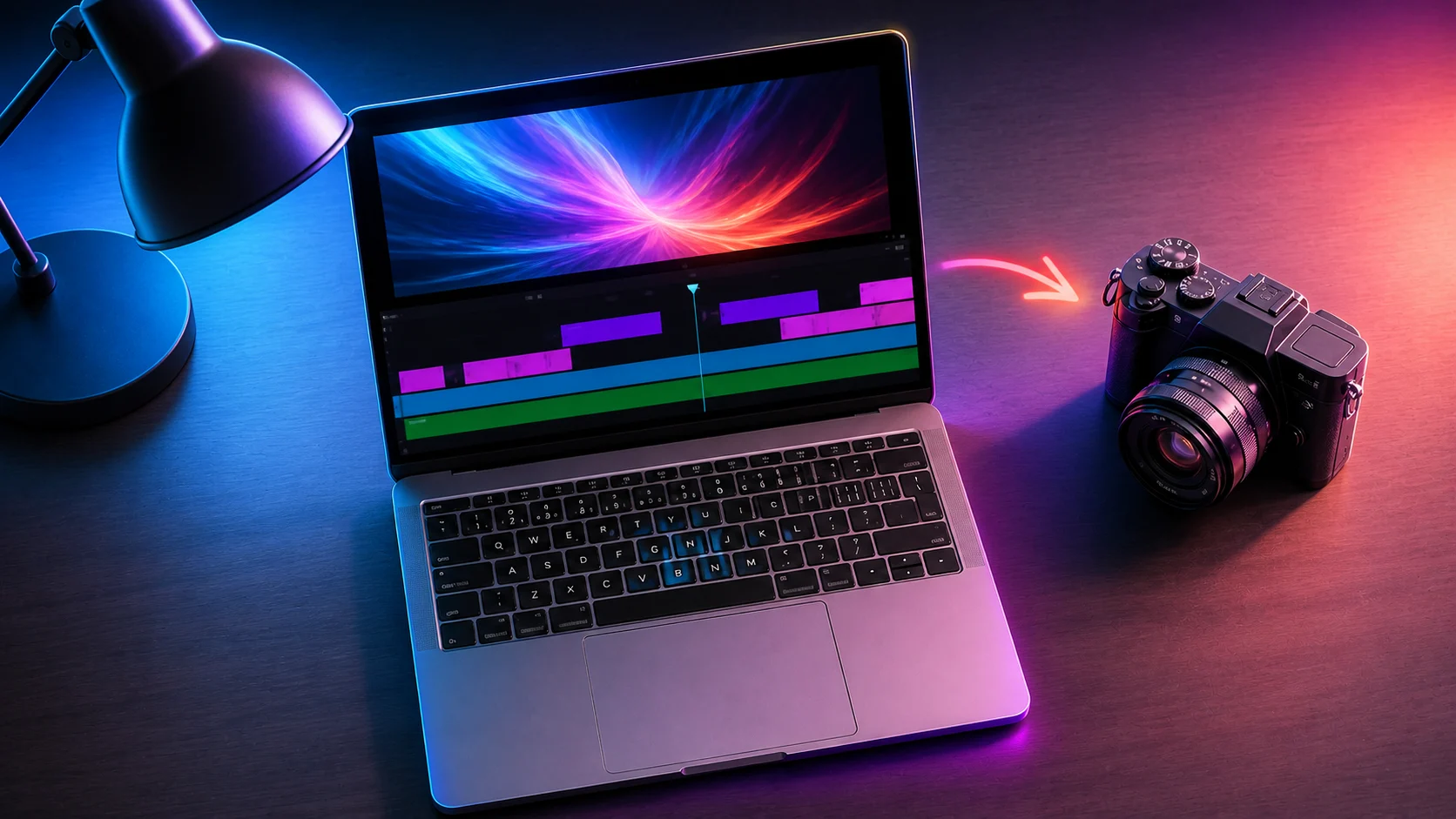
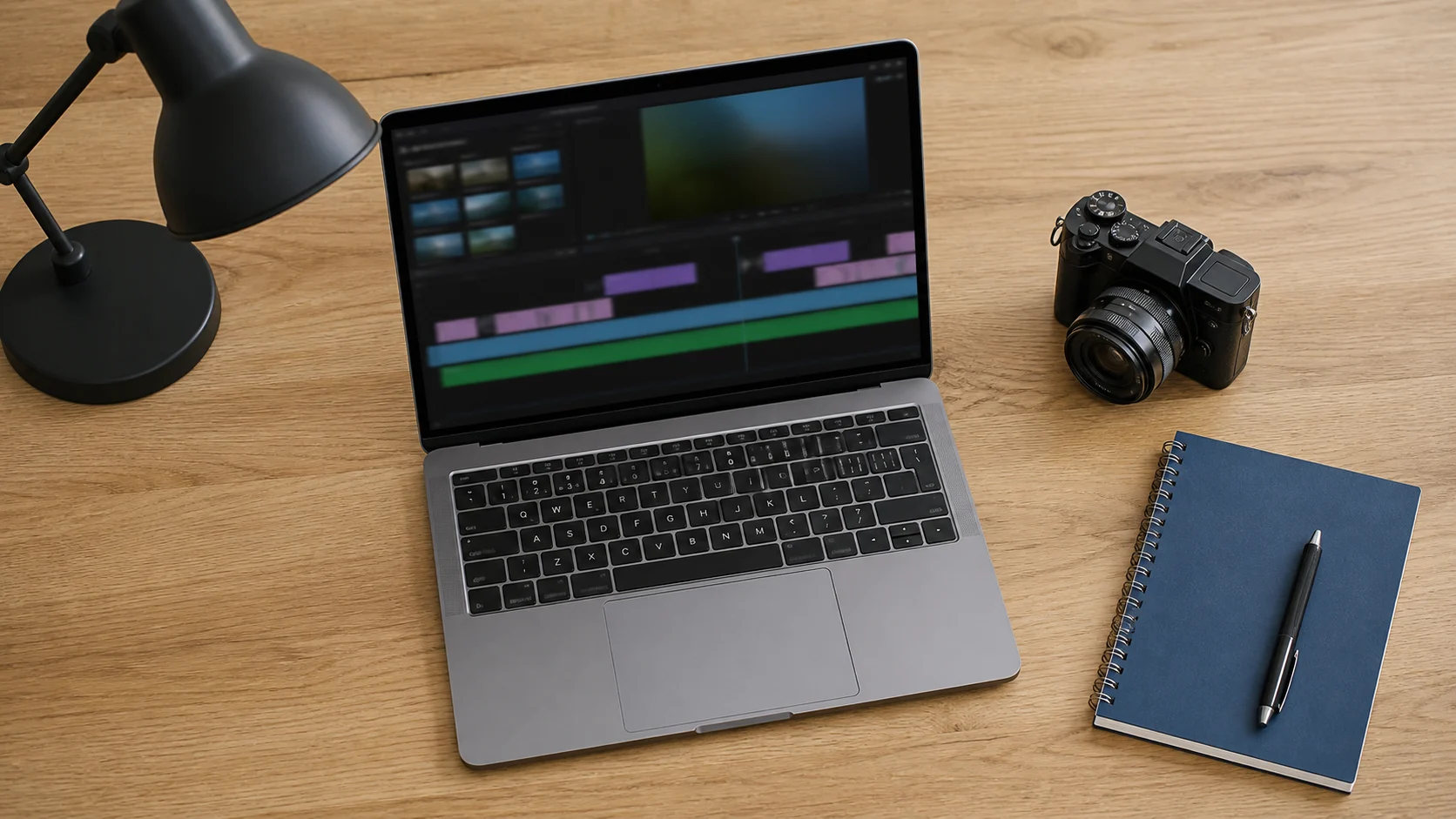
Keep the uploaded product recognizable, use a bold three-quarter angle, clean background separation, directional light, and room for a rating badge added in editing.
Choose a clear input and remove contradictory references before generation.
Define the subject, composition, background, lighting, intended crop, and text-safe space in a short ordered brief.
Check identity, edges, proportions, materials, logos, and text-safe space, then regenerate if important details drift.
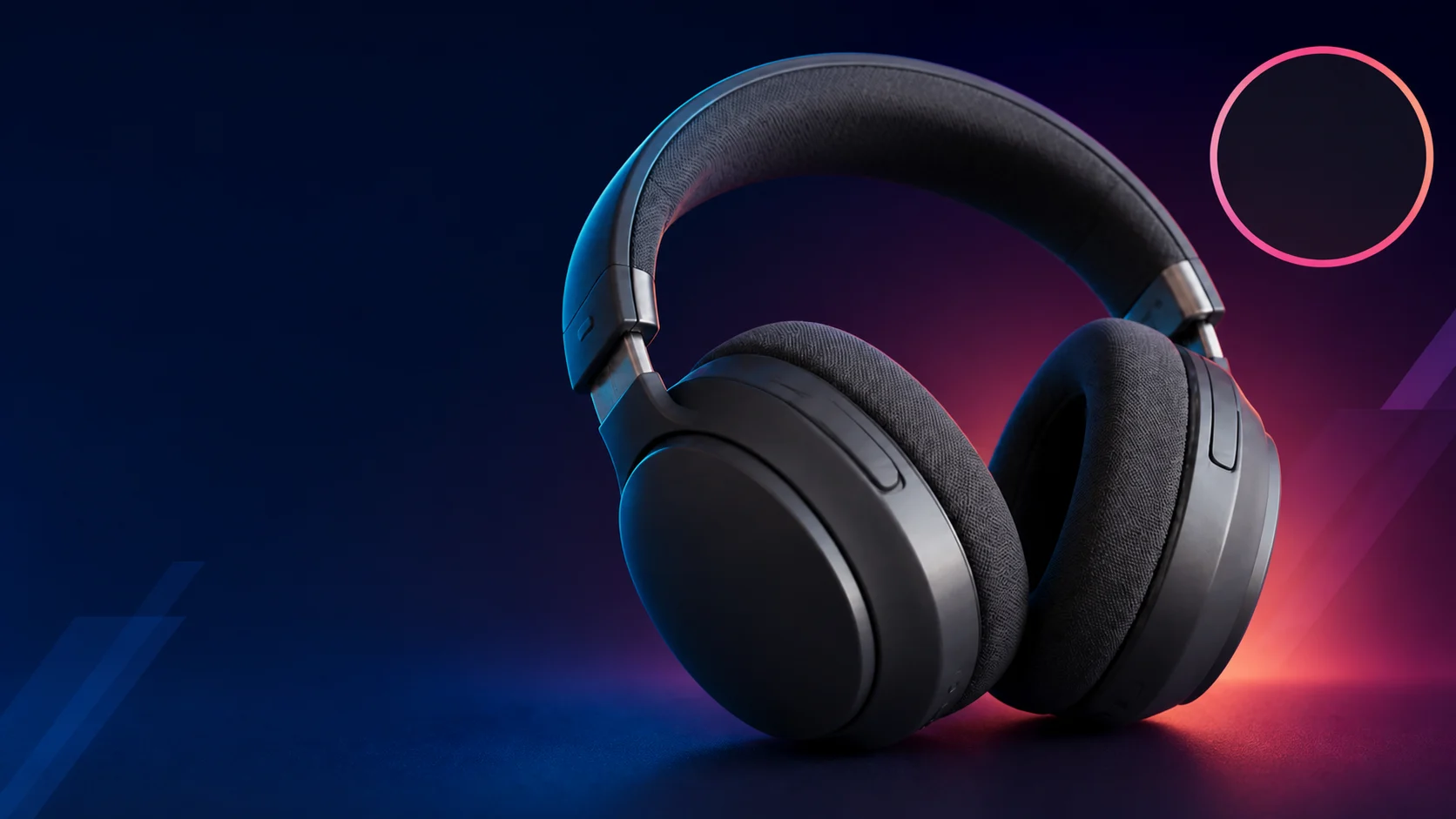
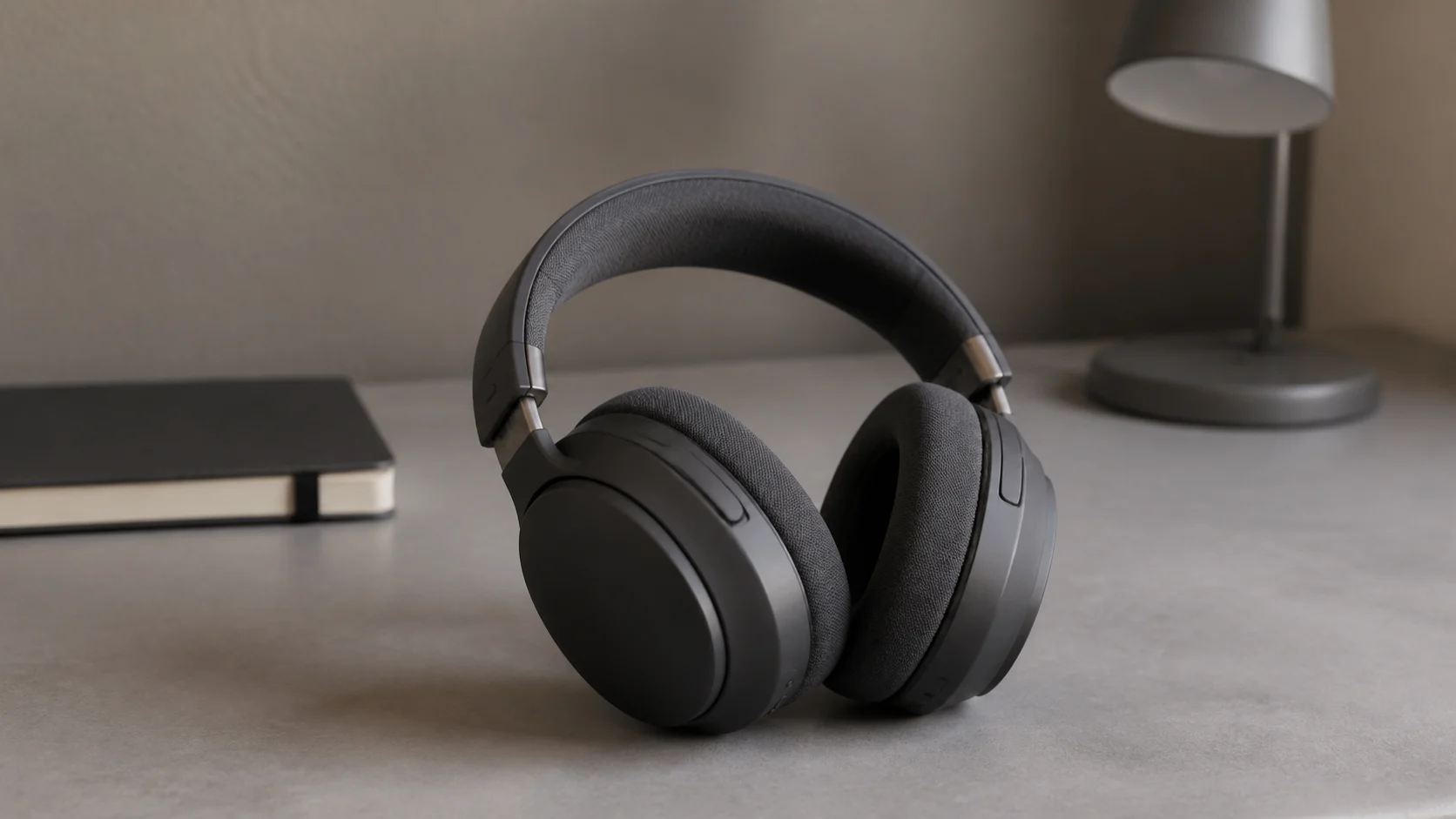
Write the single outcome viewers should expect and choose the host, product, or scene that proves it visually.
Direct subject placement, expression, contrast, background simplicity, and a protected area for the final hook.
View each option as a small card, remove details that disappear, and keep only variants with a distinct focal path.
Start with the video's payoff and the one subject that can demonstrate it. Add style cues only after that visual promise is clear.
A clean reference helps preserve a recognizable person or item, but a text-only concept can work when identity matching is not required.
Treat the generation as key art and reserve a clean hook zone. Add short, exact typography in your editor for dependable spelling and alignment.
Keep the topic and promise constant, vary one visual factor at a time, then compare legibility, curiosity, and channel consistency at small size.
Turn one video promise into a clear 16:9 concept you can test in the feed.