
Seedream 5.0 Pro
ByteDance's multimodal model for controlled image generation and editing.
Preview
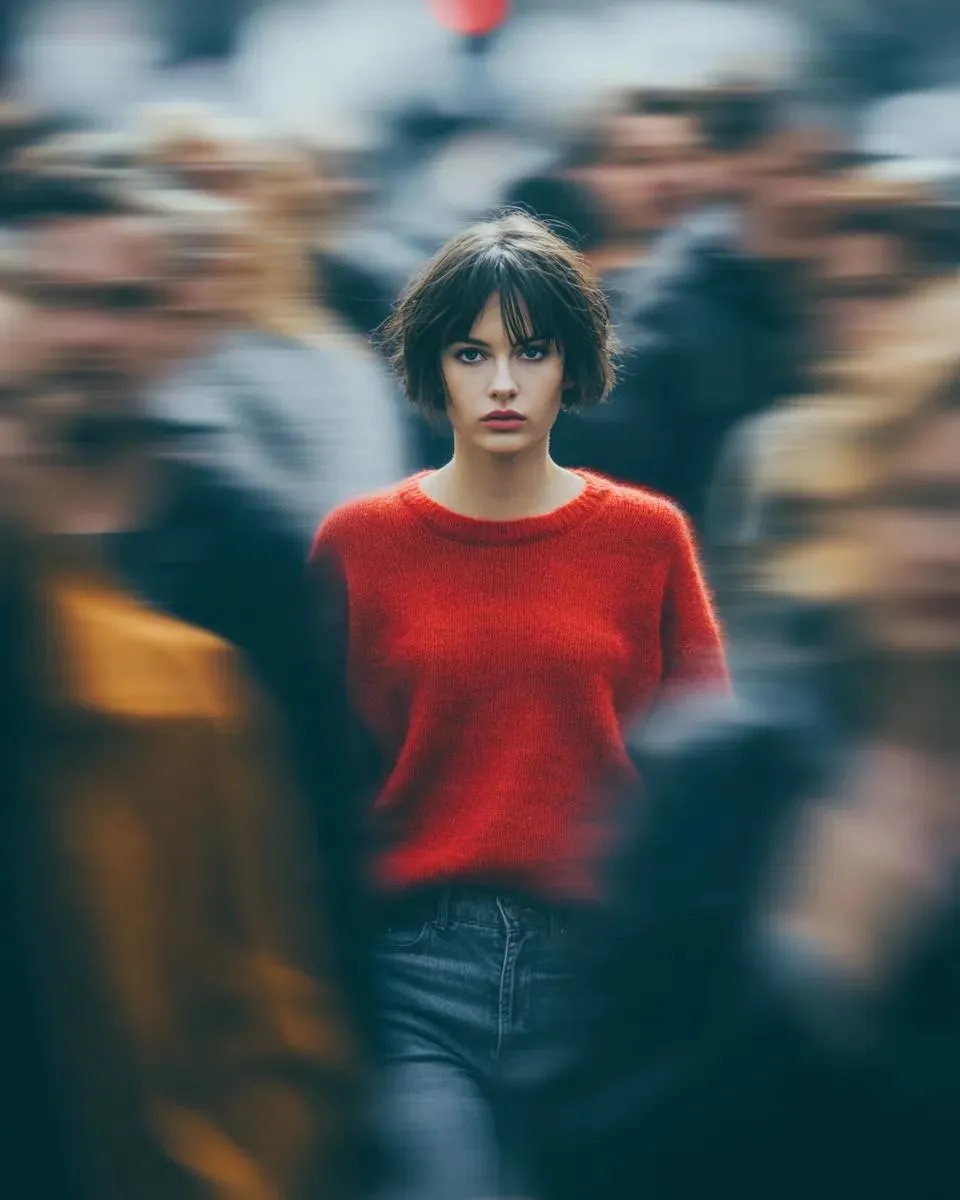
Compare image models, refine a generated asset, remove its background, or upscale the final image.
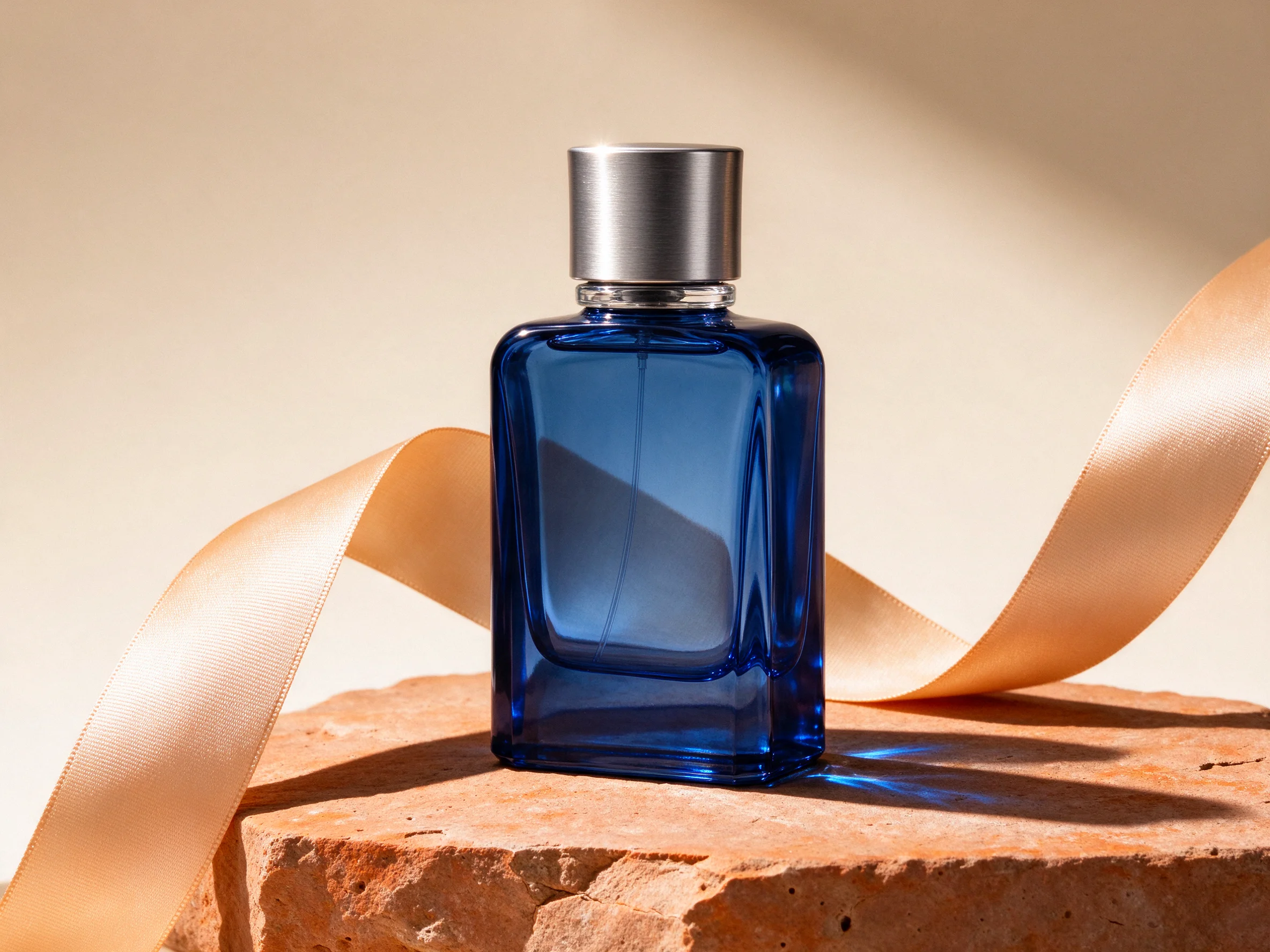
Open Seedream 5.0 Flash in AI Image Editor.
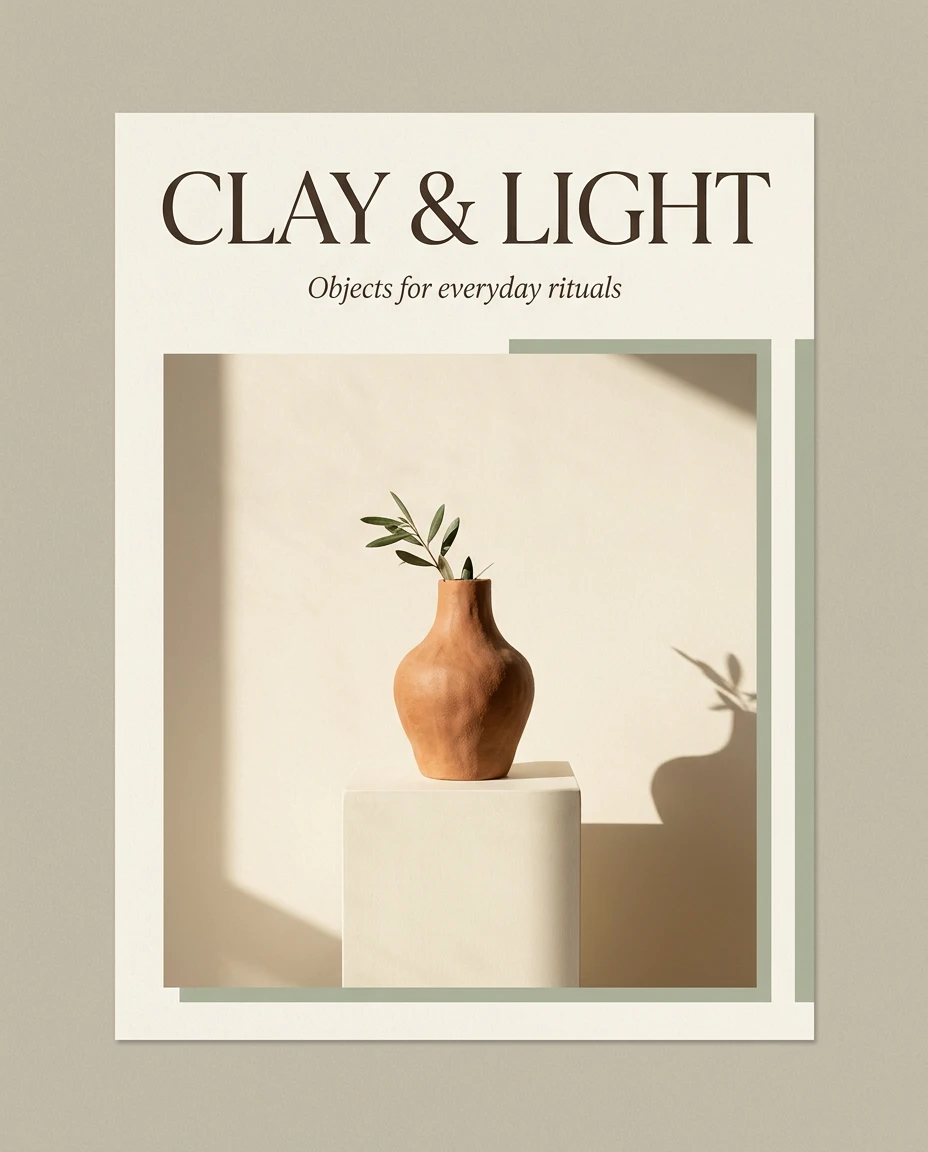
Open Nano Banana 2.1 in AI Image Editor.
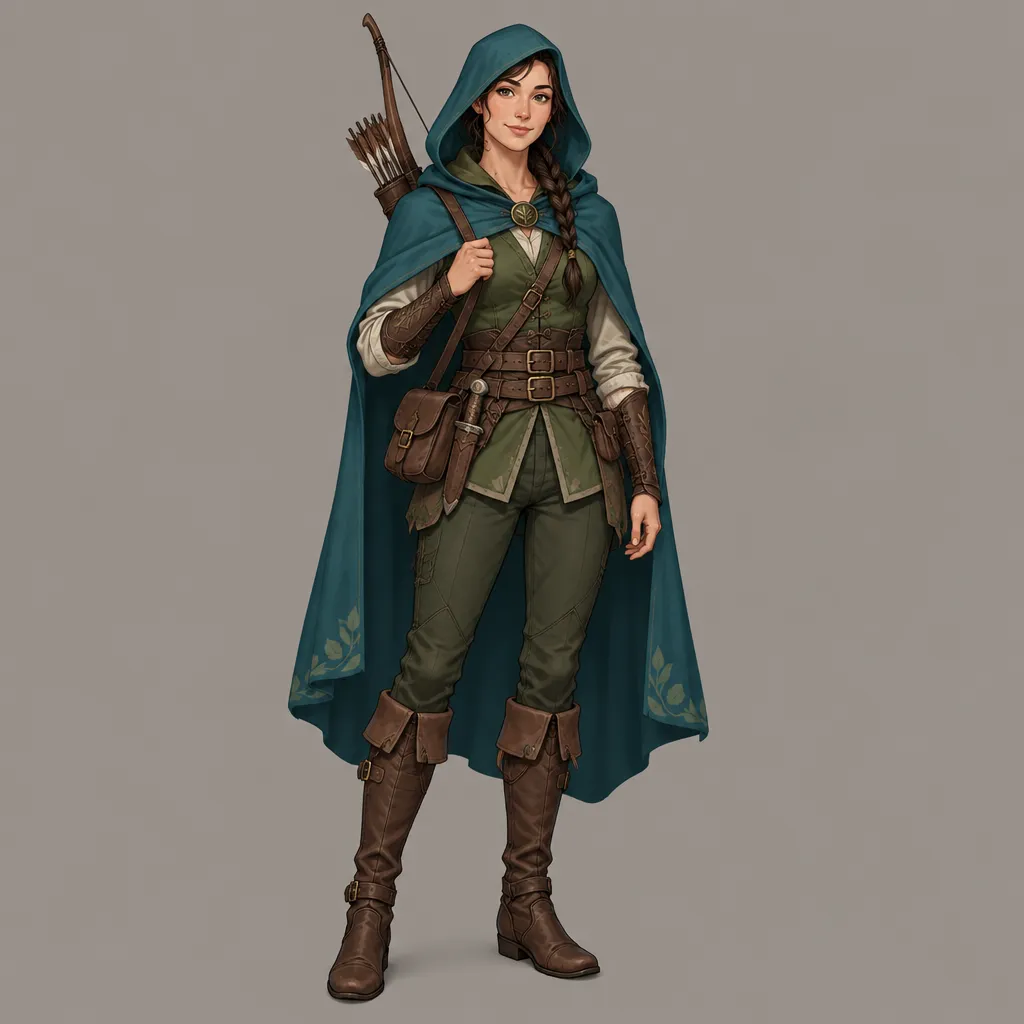
Open GPT Image 2.5 in AI Image Editor.
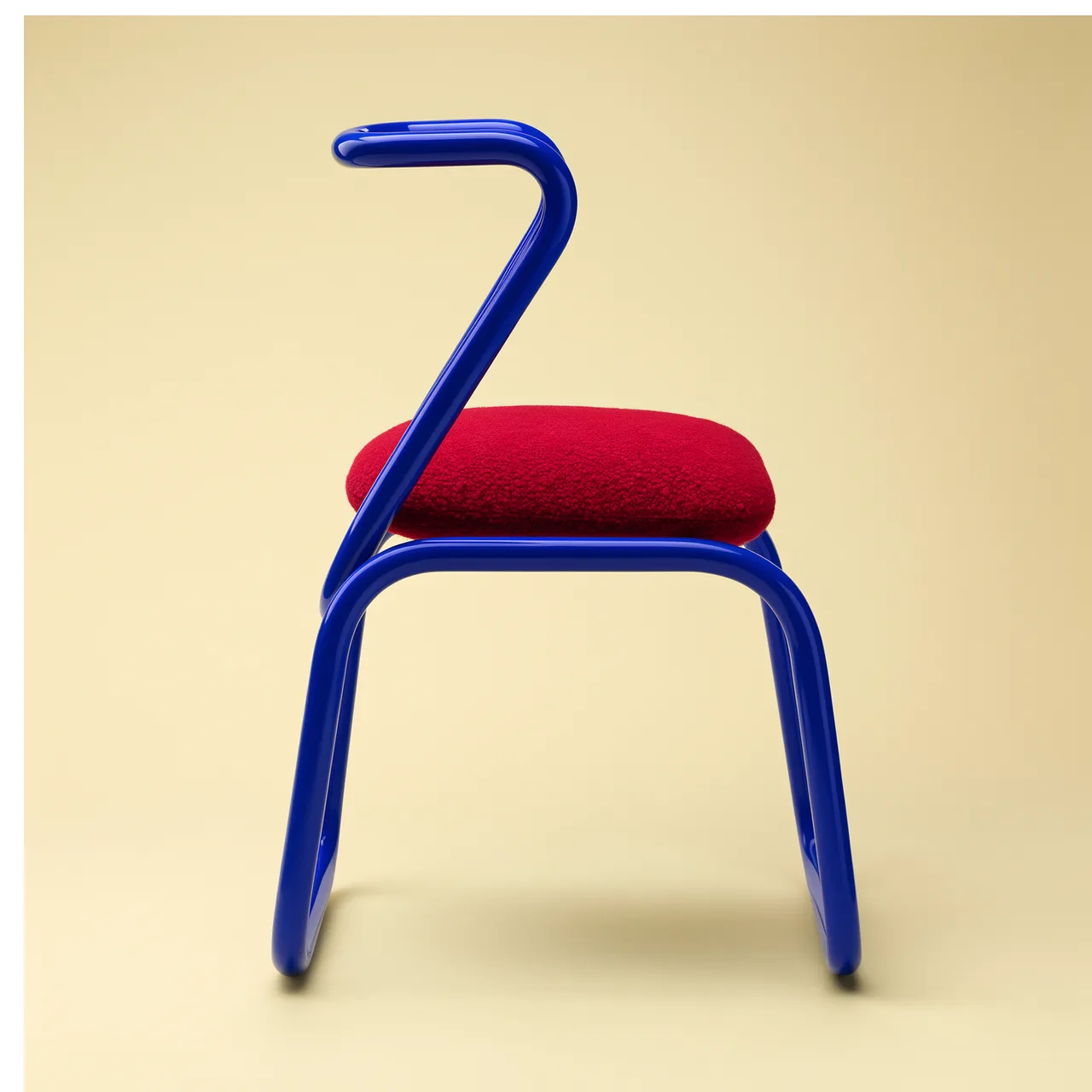
Open FLUX 3 Image in AI Image Editor.
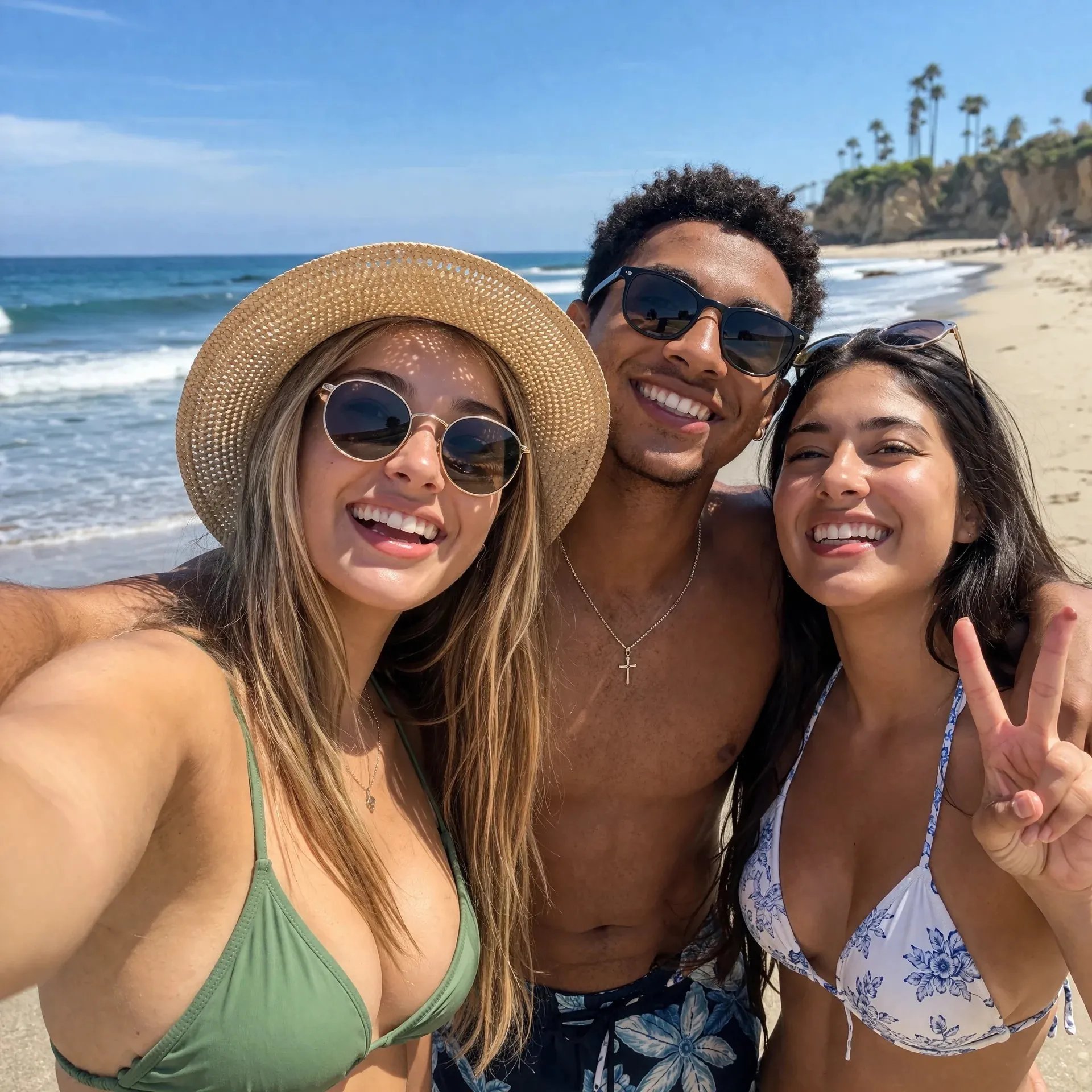
Open GPT image 2 in AI Image Editor.
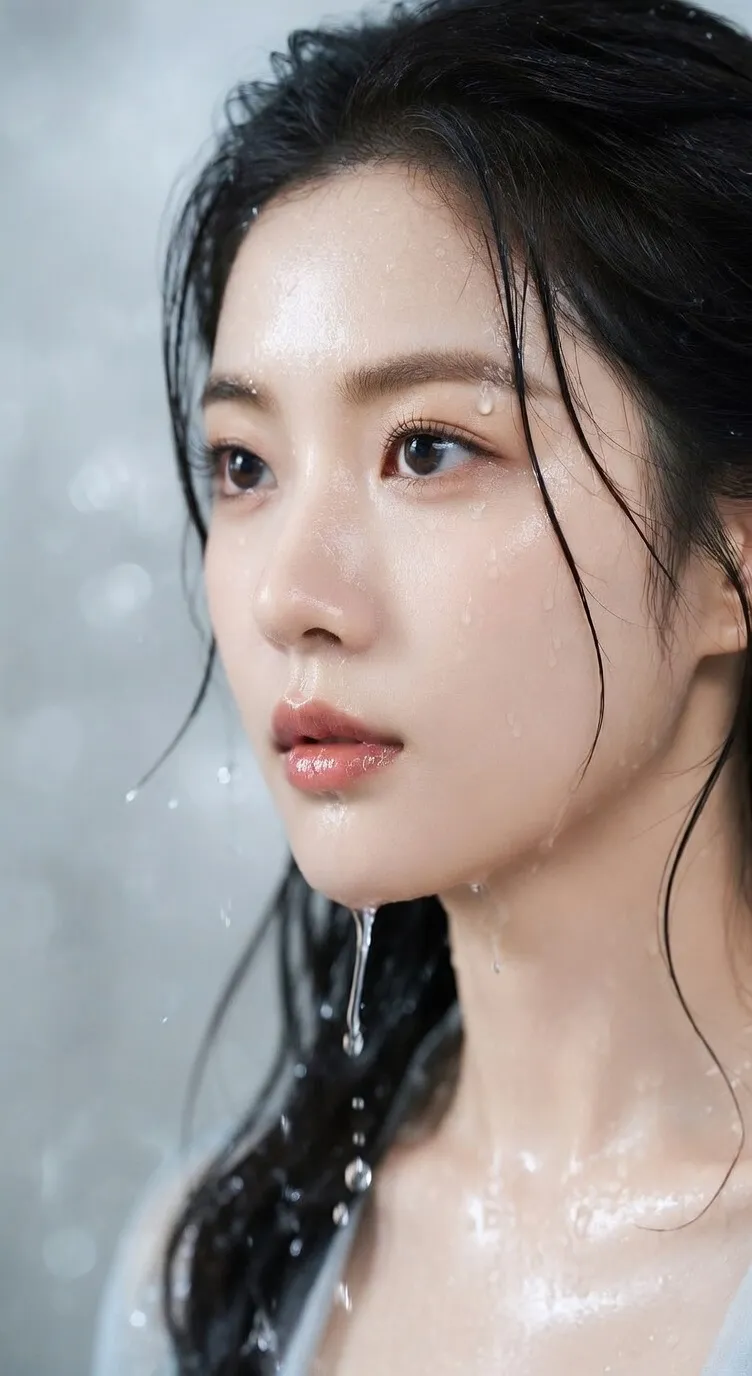
Open Seedream 5 Lite in AI Image Editor.
Turn a prompt into an image or combine up to 10 references to guide editing and composition. Seedream 5.0 Pro supports workflows involving dense infographics, realistic portraits, product visuals, and multilingual creative assets with structured layouts and readable hierarchy.
ByteDance's multimodal model for controlled image generation and editing.
Start from text or guide image-to-image creation with as many as 10 reference images.
Choose Basic 1K or High 2K output across eight common aspect ratios.
Explore image-text alignment, visual structure, and reference controls for creative work involving prompts and reference images.
Build infographics, explainers, comparison graphics, and educational visuals that organize headings, short labels, data, and relationships into a coherent composition.
Upload a source image and describe the exact object, region, color, material, background, or text area to refine while asking the model to preserve the rest of the composition.
Combine product shots, people, materials, backgrounds, style cues, and layout references in one request to communicate details that are difficult to express with words alone.
Create portraits, lifestyle scenes, product photography, and architectural images while directing light, shadow, reflection, material response, and skin texture.
Write localized prompts and create posters, social graphics, and campaign drafts with in-image text designed for multilingual audiences and regional contexts.
Choose PNG or JPEG, eight aspect ratios from portrait to ultrawide, and Basic 1K or High 2K quality for the intended publishing surface.
Move from structured information to precise edits and realistic campaign imagery in one prompt-and-reference generator.
Create product explainers, research graphics, educational diagrams, or comparison layouts where information needs to remain clear at a glance.
Describe the headline, sections, key numbers, labels, charts, and the order in which viewers should scan the page.
State which ideas connect, compare, branch, or progress so the composition communicates more than decoration.
Treat generated copy, numbers, and charts as a draft and verify them before publication.
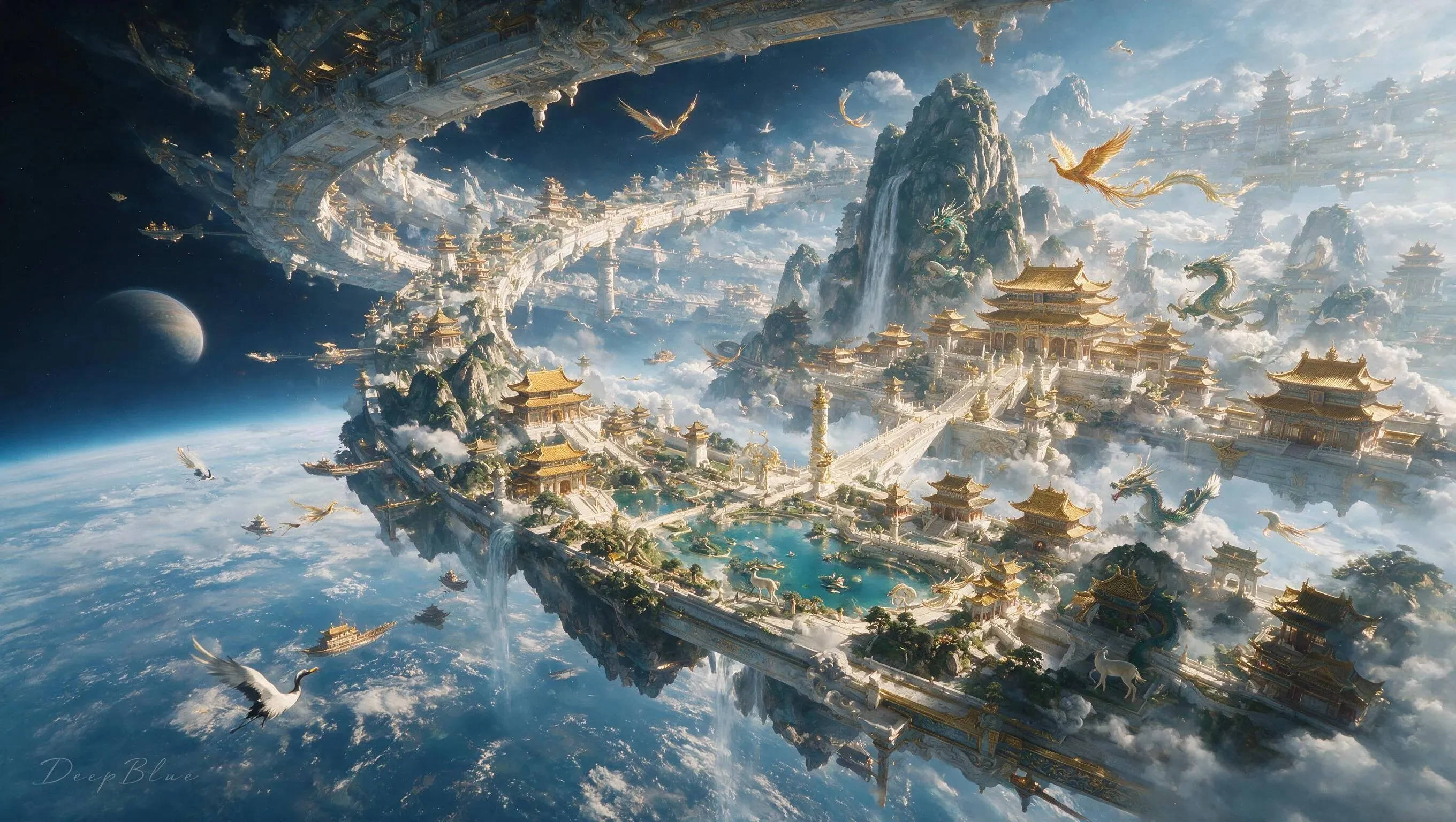
Use a source image and a focused instruction to replace an object, adjust a material, revise a background area, or correct a visual detail.
List the subject identity, product geometry, camera angle, lighting direction, and composition that should remain unchanged.
Ask for one precise revision at a time, including its location, new appearance, and relationship to nearby elements.
Inspect edges, text, reflections, anatomy, logos, and small background details before using the result.
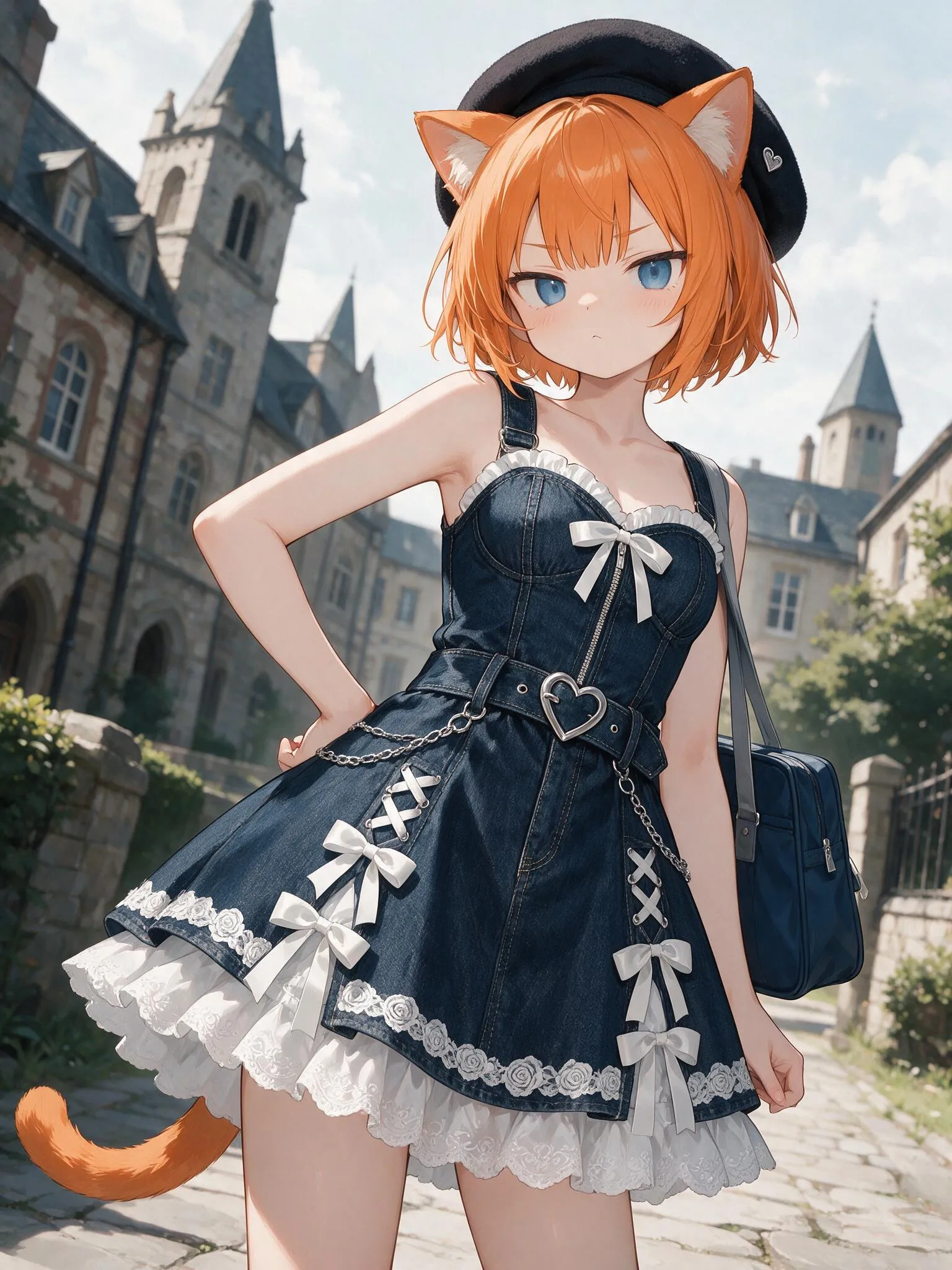
Generate portraits, product scenes, architecture, and cinematic first frames with controlled light, material, texture, and subject placement.
Describe the source, softness, time of day, shadow behavior, reflections, and surface response instead of relying only on style words.
Assign each uploaded image a purpose such as subject, product, material, background, styling, or composition.
Choose the aspect ratio and quality for a storefront, social post, poster, presentation, or motion-ready first frame.
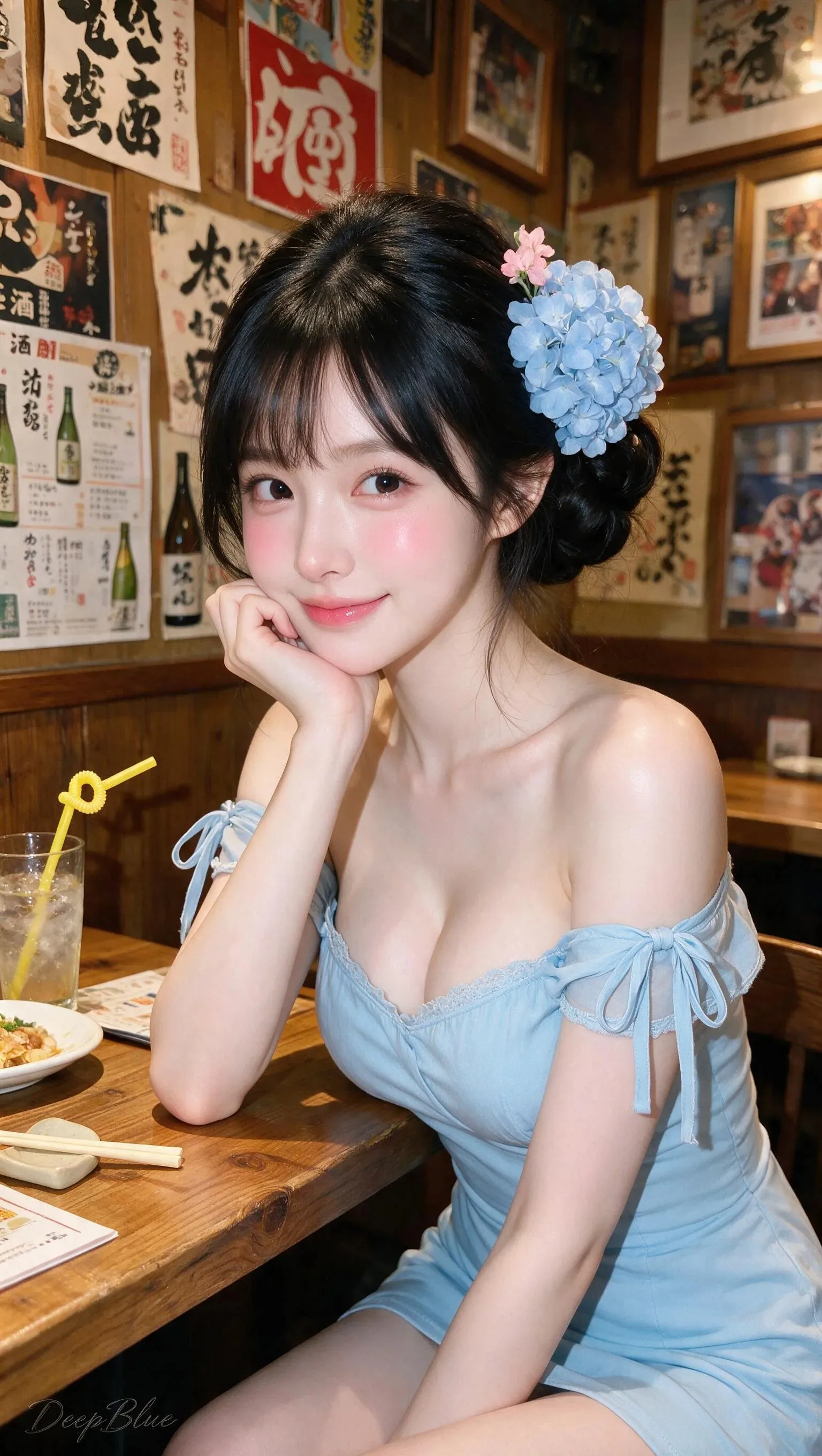
Start from a prompt for a new composition, or upload up to 10 references when the result needs to preserve or combine specific visual information.
Describe the subject, composition, hierarchy, lighting, style, required text, and what each reference contributes or what should remain unchanged.
Pick an aspect ratio, PNG or JPEG, and Basic 1K or High 2K quality, then verify text, facts, anatomy, product details, brand rules, and usage rights.
Seedream 5.0 Pro is ByteDance's multimodal AI image model for text-to-image, image editing, and multi-reference composition. It supports workflows involving dense infographics, realistic imagery, and multilingual creative content.
Yes. Choose image-to-image mode, upload one or more references, and describe what to preserve and what to change. The current generator supports prompt-led editing and multi-reference composition.
You can upload up to 10 reference images in image-to-image mode. Give each image a clear role such as subject, product, background, material, style, or layout.
Basic quality generates 1K images and High quality generates 2K images. The generator supports 1:1, 4:3, 3:4, 16:9, 9:16, 2:3, 3:2, and 21:9 aspect ratios.
It supports workflows involving dense information, visual hierarchy, and multilingual in-image text. Verify spelling, numbers, translations, labels, and charts before publishing.
A Basic 1K generation uses 10 credits and a High 2K generation uses 20 credits. The final credit cost is shown in the generator before you submit.
No. Each request returns one finished image. Sequential image generation and streaming output are not available in this generator.
Generate an image from text or guide the result with up to 10 references.