
Seedance 2.5 Flash
Create 4–30 second clips at 480p or 720p with Seedance 2.5 Flash.
Preview
Create 4–30 second clips at 480p or 720p with Seedance 2.5 Flash.
Open Gemini Omni 1.2 Flash in AI Image Editor.
Open Gemini Omni 1.1 Flash in AI Image Editor.
Open Kling 4.0 Flash in AI Image Editor.
Open Seedance 2.0 Mini in AI Image Editor.
Open MiniMax H3 Max in AI Image Editor.
Open MiniMax H3 Max Turbo in AI Image Editor.
Open Grok Imagine Video 1.5 in AI Image Editor.
Open Grok Imagine Video 1.5 Lite in AI Image Editor.
Create 4–30 second clips at 480p or 720p with Seedance 2.5 Flash.
Create 4–30 second clips at 480p or 720p with Seedance 2.5 Flash.
Use one opening image, or add a closing image in AI Image Editor. Describe the movement between the frames.
Use 480p for a draft or 720p to examine more detail. The model offers those two tiers.
Create 4–30 second clips at 480p or 720p with Seedance 2.5 Flash.
Describe one visible action, where the camera is and when the action ends.
Use one opening image, or add a closing image in AI Image Editor. Describe the movement between the frames.
Describe ambience, a line of dialogue or a sound at a specific moment. Listen for timing when you review.
Use 4 to 30 whole seconds. Start with a shot long enough for its main action.
Use 480p for a draft or 720p to examine more detail. The model offers those two tiers.
Watch the last seconds and check framing, identity and sound before saving. Check the credit estimate before you submit.
We generated this clip on November 13, 2026 from text alone. It is about four seconds long, plays at 480p, includes stereo audio and cost 96 SceneFlare credits.
Choose Text to video, 480p, 16:9, 4 seconds and Audio on. Ask for an orange paper boat crossing a turquoise pond, tracked from a low angle, with quiet water and birdsong.
The low camera angle shows the boat’s reflection and the ripples trailing behind it.
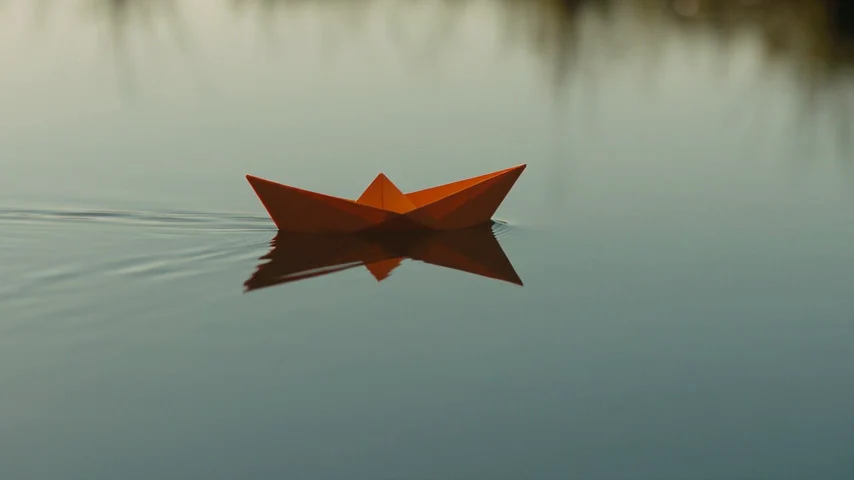
These two stills come from the same text-to-video sample. Use them to see how two keyframes can specify the boat’s position and scale. Describe how it should move between them when using Image to video.
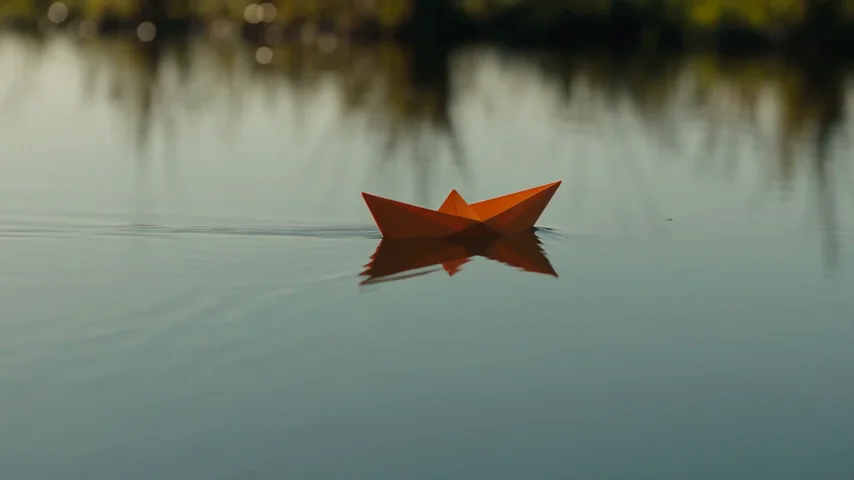
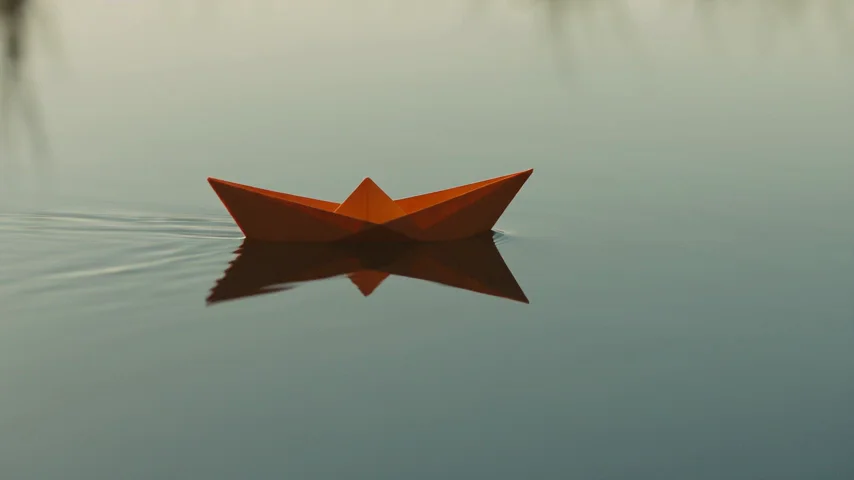
Describe one visible action, where the camera is and when the action ends.
Use one opening image, or add a closing image in AI Image Editor. Describe the movement between the frames.
Watch the last seconds and check framing, identity and sound before saving. Check the credit estimate before you submit.
Describe one visible action, where the camera is and when the action ends. Use one opening image, or add a closing image in AI Image Editor. Describe the movement between the frames.
Use 4 to 30 whole seconds. Start with a shot long enough for its main action.
Use 480p for a draft or 720p to examine more detail. The model offers those two tiers.
Audio is enabled by default. You can turn it off before generating.
Use one opening image, or add a closing image in AI Image Editor. Describe the movement between the frames.
Watch the last seconds and check framing, identity and sound before saving. Check the credit estimate before you submit.
Watch the last seconds and check framing, identity and sound before saving. Check the credit estimate before you submit.
Create 4–30 second clips at 480p or 720p with Seedance 2.5 Flash.
ModelCreate 4–30 second clips at 480p or 720p with Seedance 2.5 Flash.
DurationUse 4 to 30 whole seconds. Start with a shot long enough for its main action.
ReferencesUse one opening image, or add a closing image in AI Image Editor. Describe the movement between the frames.
OutputUse 480p for a draft or 720p to examine more detail. The model offers those two tiers.