How to Turn a Product Image Into a Video Ad With AI
Convert an approved product image into a short video ad with a motion-first workflow for camera movement, product continuity, pacing, sound planning, and final-frame review.
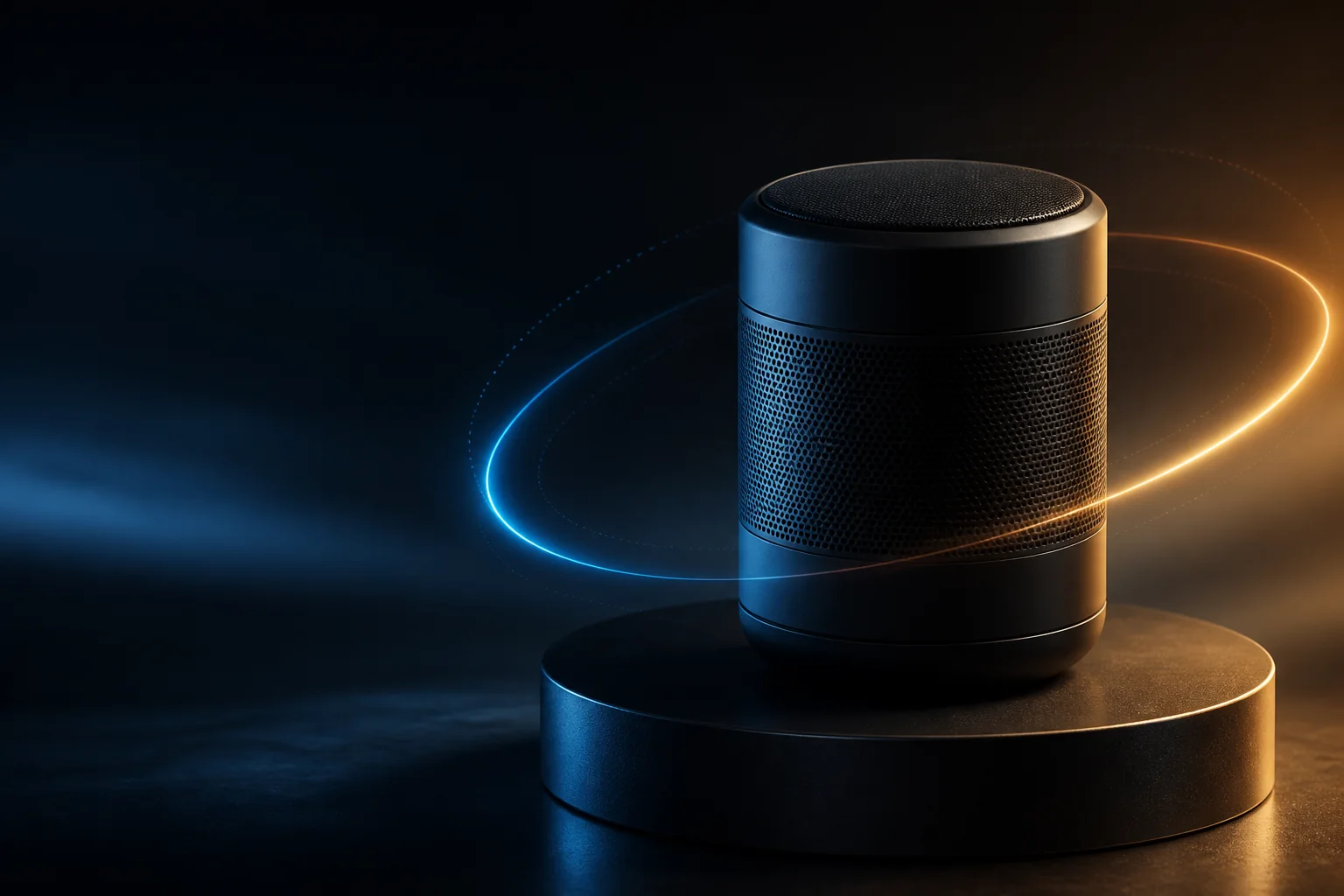
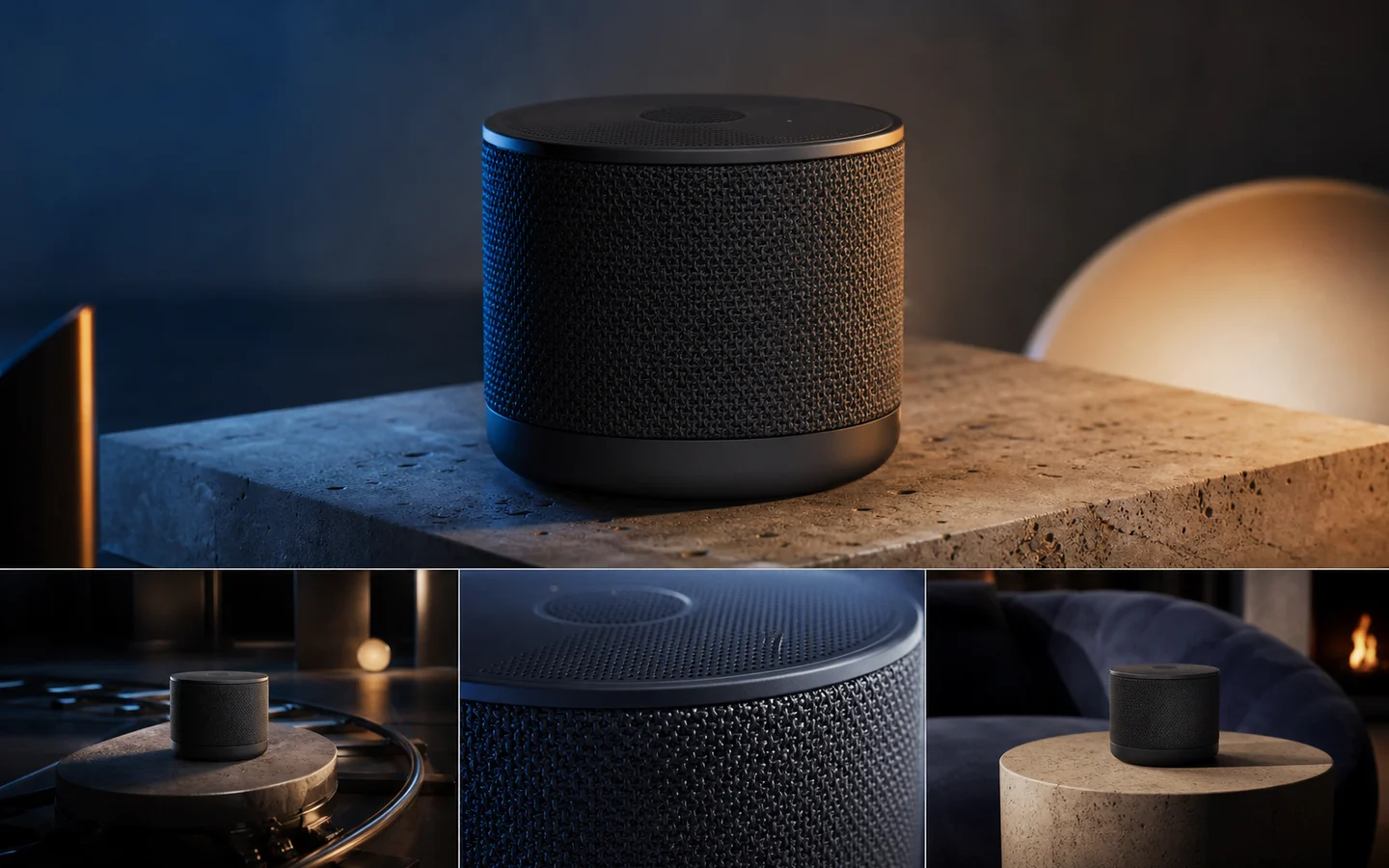
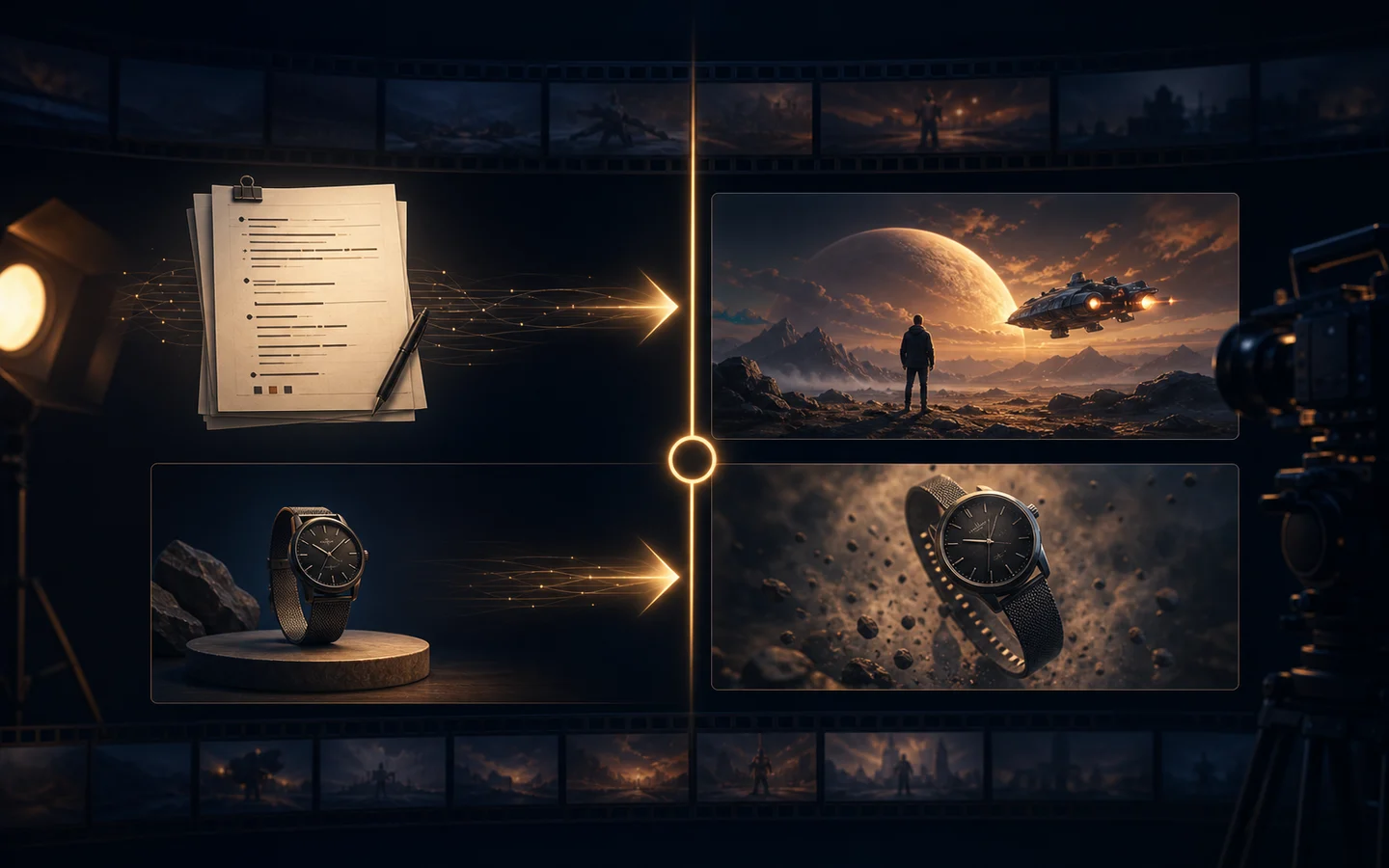
A product image already contains the most important visual decisions: product shape, color, composition, and starting frame. Image-to-video can build motion around that approved image, which is often more controllable than asking a video model to invent the product and scene at the same time.
The goal is not to make the product move as much as possible. The goal is one short, legible shot that communicates the product and its benefit without changing the object.
Choose the right starting image
Use a source image that already works as a still ad or product hero:
- The product is large enough to recognize on a phone.
- Important labels and controls are visible.
- The background supports the intended motion.
- The crop leaves room for a modest camera move.
- The product is not hidden behind a hand or prop.
If the source is cluttered, clean it with the AI Image Editor or create a controlled variant with Image to Image before animating. Motion will not repair incorrect geometry or a weak composition.
Define the job of the shot
A useful first ad shot answers three questions: what is the product, what should the viewer notice, and what should happen at the end?
Choose one motion pattern:
- Slow camera push-in for a premium hero.
- Small orbit to reveal material and shape.
- Light sweep across a reflective surface.
- Product reveal from a clean foreground transition.
- Gentle parallax for a still lifestyle composition.
Avoid combining a large orbit, fast zoom, product rotation, floating props, and a scene change in one short clip. Each extra action creates another opportunity for geometry drift.
Use a motion-first prompt
The source image already describes the product. Use the prompt to define motion and constraints:
Preserve the product shape, materials, label, and starting composition from the supplied image. Create a five-second premium product shot with a slow camera push-in and a very slight rightward orbit. Keep the product stationary and sharply recognizable while a soft key light travels across the surface. Maintain a realistic contact shadow and a clean warm-gray background. No new objects, no text, no geometry changes. End on a stable hero frame.
Follow “preserve the starting composition” with the details that matter: shape, label, controls, material, crop, and shadow.
Five practical product-ad directions
Premium hero: five-second push-in, soft studio light, restrained edge highlight, stable product geometry, and a two-second final hold.
Material reveal: a controlled left-to-right light sweep while the camera stays still; keep labels and edges stable.
Lifestyle motion: gentle parallax between product and background; keep the product in focus and unobstructed.
Social reveal: start with a close crop, pull back to show the full product, and finish on the original composition.
Product plus copy: keep a clean text-safe area throughout, then add verified campaign copy after export rather than generating words in the video.
Plan a short sequence
For a simple six-to-ten-second ad:
1. Opening: show the product clearly in the approved composition. 2. Motion: use one camera move or one controlled light change. 3. Benefit cue: reveal the material, feature, or use context without hiding the product. 4. End frame: hold long enough for verified copy and a call to action.
A product video does not need a dramatic transformation to be useful. Legibility and continuity usually matter more than spectacle.
Keep continuity across multiple shots
Keep the product source, approved crop, camera height, lens feel, background material, light direction, product scale, motion speed, and ending behavior stable. For multiple angles or hidden surfaces, use Reference to Video with coherent product references. Contradictory source images make the model invent changes between shots.
Review every frame that matters
Check the first frame, moment of maximum motion, and final frame:
- Is the product still the same shape?
- Did the label, logo area, and controls remain stable?
- Are reflections and shadows physically plausible?
- Did any extra object appear or merge into the product?
- Is the product readable on a phone-sized preview?
- Does the end frame leave space for verified copy?
- Is the audio or voiceover plan separate from unverified generated content?
If the product drifts, shorten the motion, reduce the viewpoint change, and return to the approved still. Do not fix continuity with more dramatic movement.
Select delivery format
Decide the destination before generating: vertical for short-form social placements, square for feeds and product grids, or landscape for storefronts and presentations. Keep a high-quality master and create channel-specific versions after review.
Final recommendation
Use image-to-video to animate an approved product image, not to redesign the product while it moves. Start with one five-second shot, one motion, and one ending frame. Once continuity passes review, build the longer ad from additional controlled shots.
Try the Image to Video AI Generator with one clean product hero. For a broader commercial workflow, pair it with the AI Product Video Generator and document the source image, prompt, duration, ratio, and review notes.