
1
Single-image endpoint supporting both text-to-image prompts and reference-guided edits.
Preview
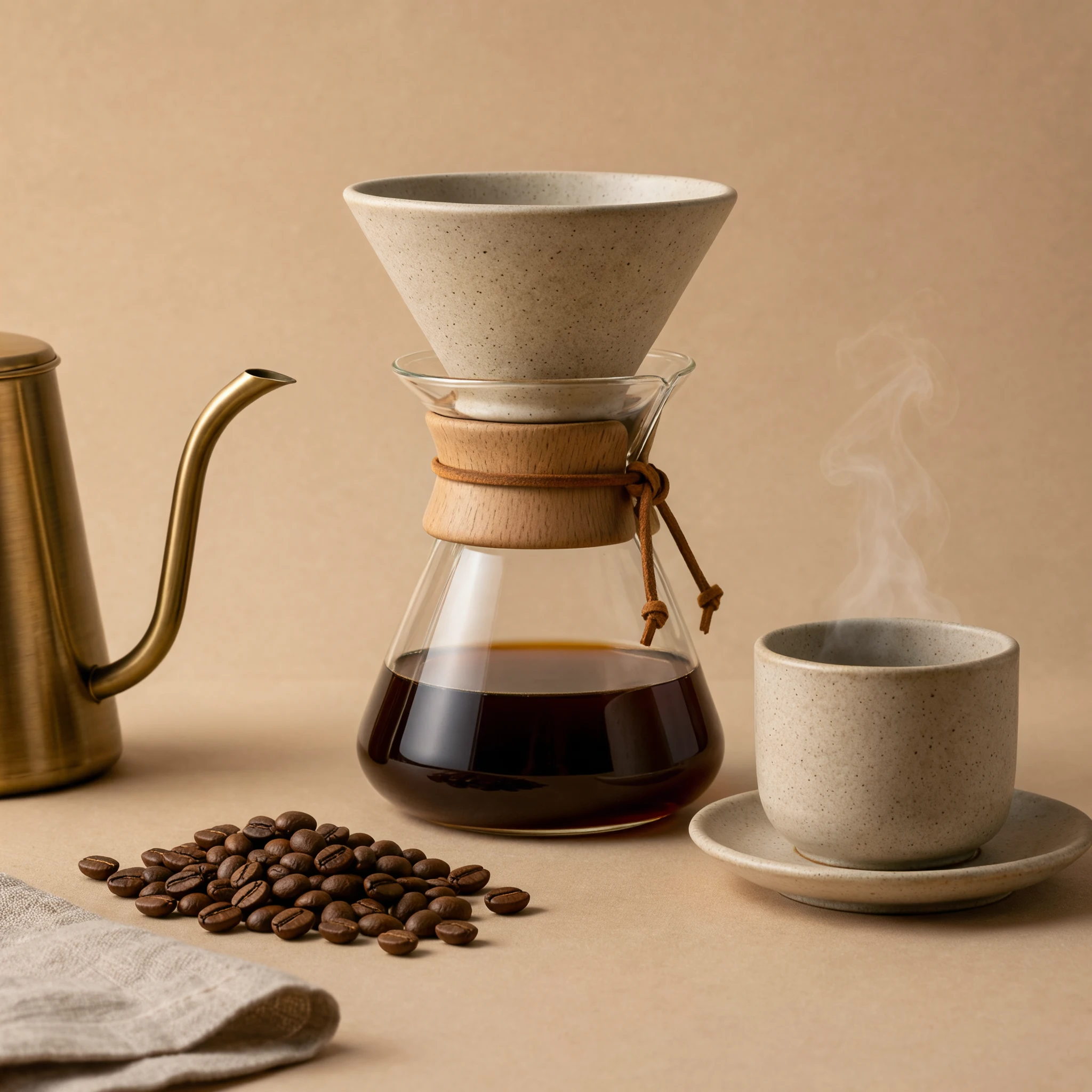
Choose another model or continue refining the asset in a related tool.

Open Seedream 5.5 Layerize in AI Image Editor.

Open GPT Image 2.6 in AI Image Editor.

Open Grok Imagine Image 2.0 in AI Image Editor.

Open Qwen Image 3.0 in AI Image Editor.

Open Midjourney V8.2 in AI Image Editor.

Open Nano Banana 2 Lite in AI Image Editor.

Open Seedream 5.5 in AI Image Editor.

Open Seedream 5.0 Flash in AI Image Editor.
Generate high-detail still images from text or guide edits with up to 10 JPG or PNG references. Choose Auto or a fixed aspect ratio with 2K, 4K or 8K single-image output.
Single-image endpoint supporting both text-to-image prompts and reference-guided edits.
Choose a fixed aspect ratio or Auto, then 2K, 4K or 8K. Start at 2K to review the layout before spending on a larger version.
Start from a written brief, or upload references and cite them in order as @image_1 and @image_2. Say which details to preserve.
Start from a written brief, or upload references and cite them in order as @image_1 and @image_2. Say which details to preserve.
Choose a fixed aspect ratio or Auto, then 2K, 4K or 8K. Start at 2K to review the layout before spending on a larger version.
Quote the exact words you want to appear. Check spelling, reflections, edges and the recognizable details of each referenced object.
See how Kling Image 4.0 handles quoted poster typography and multi-reference product placement across new scenes.
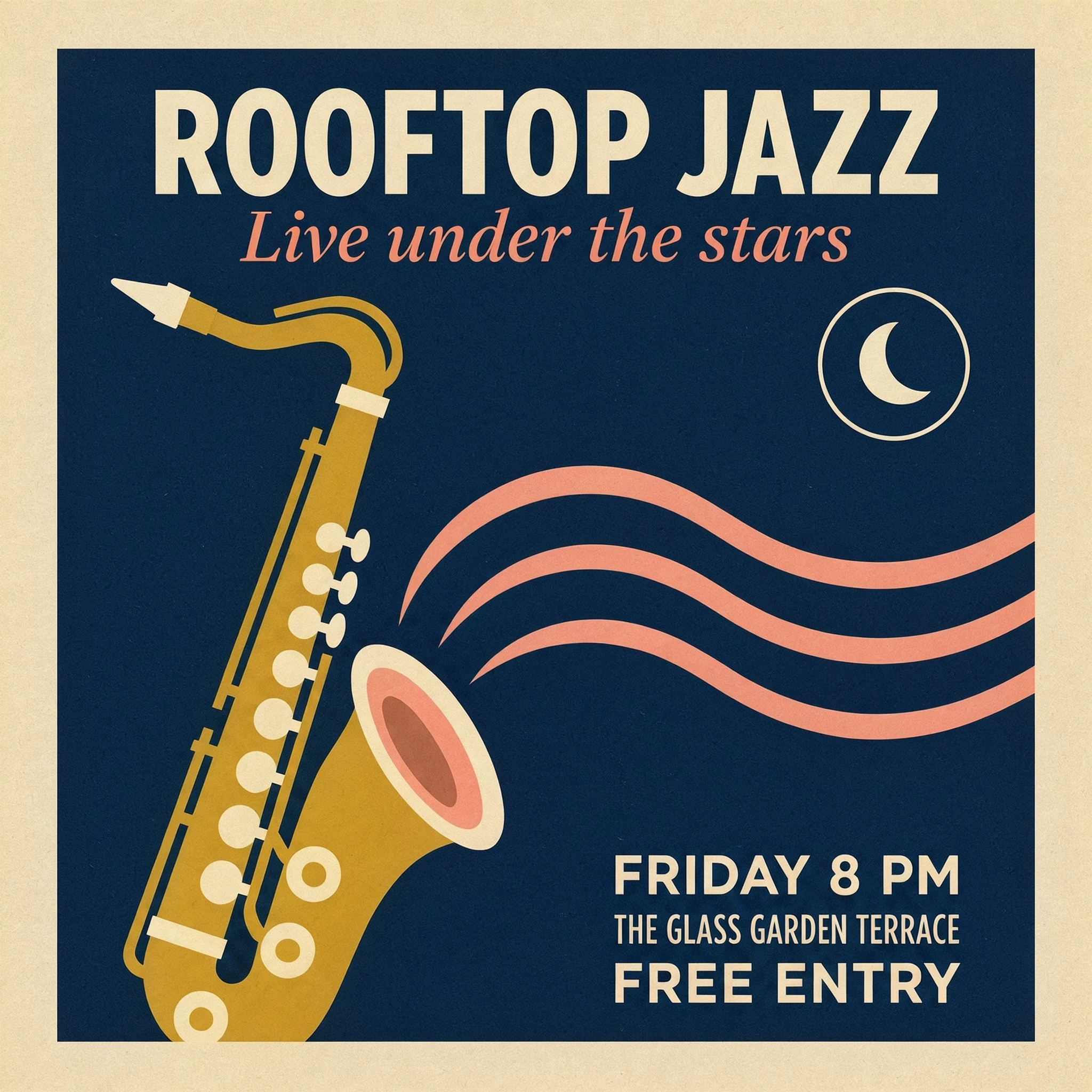
Quote every required phrase verbatim and separate the headline, subtitle, and event details so layout and letterforms stay clear.
Wrap exact words such as “ROOFTOP JAZZ”, “FRIDAY 8 PM”, and “FREE ENTRY” in quotes and place each line in a clear hierarchy.
Inspect every letter, margin, and color contrast in a 2K draft before spending credits on a 4K or 8K render.
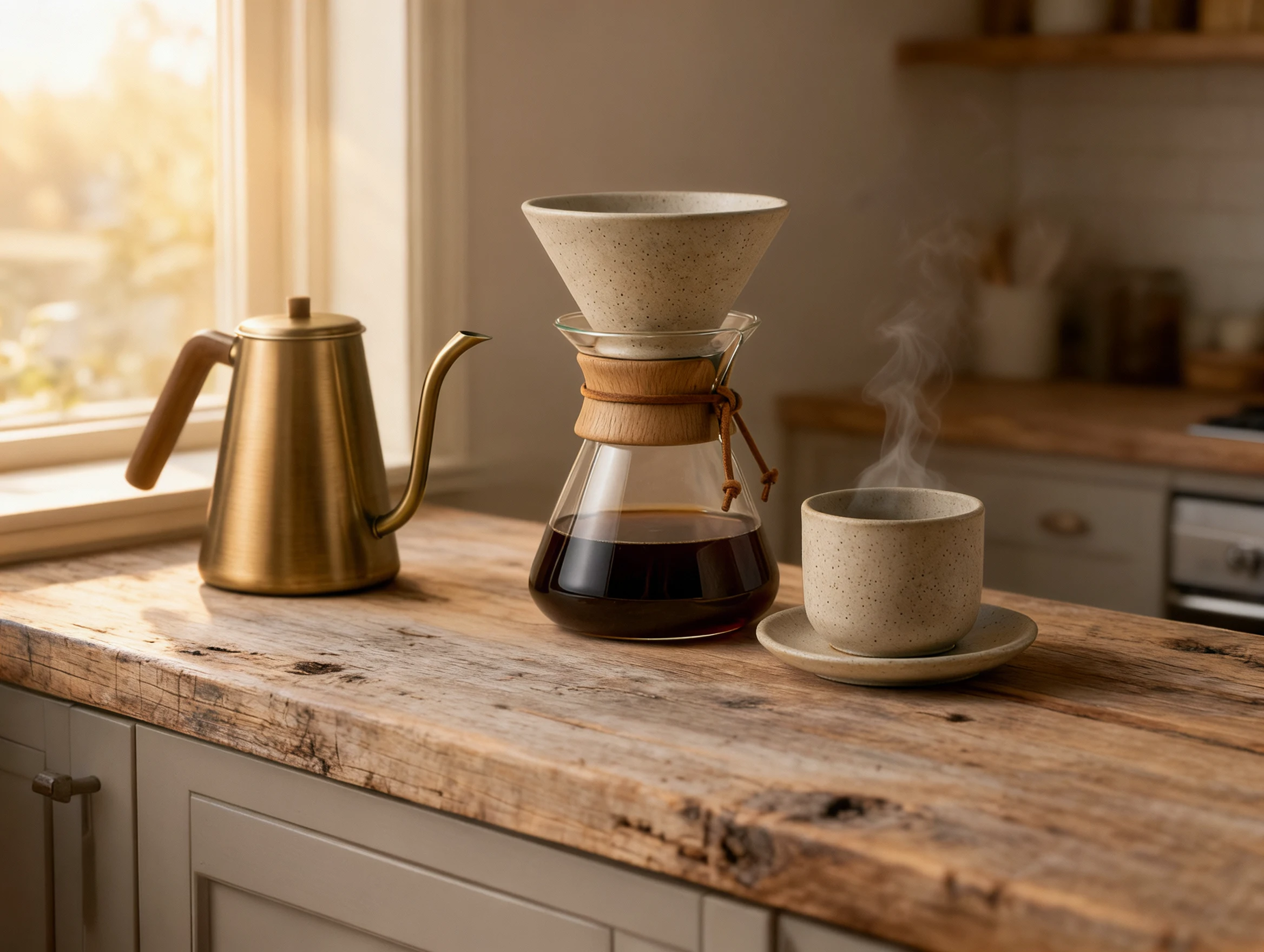
Keep the ceramic dripper, glass carafe, brass kettle, and matching cup intact while moving the set onto a sunlit wooden counter.
Attach up to 10 JPG or PNG files and refer to them in order as @image_1 and @image_2, naming the materials and shapes to preserve.
State that the glaze, glass silhouette, and camera angle stay fixed while changing only the wood tabletop and warm window light.
Select Text to image for new scenes, or Image to image to attach up to 10 JPG/PNG files and refer to them as @image_1, @image_2.
Pick Auto or a fixed aspect ratio and start at 2K to inspect composition before rendering larger 4K or 8K files.
Check spelling inside quoted text, edge transitions around edited objects, and whether referenced materials stayed faithful.
You can generate original still images or edit existing photos using up to 10 JPG or PNG reference images at 2K, 4K or 8K resolution.
One image is returned per request. Series mode, custom elements, masks and the separate long-image endpoint are not exposed here. At 8K the provider returns JPEG; 2K and 4K usually return PNG.
The estimate includes the output resolution and each reference image. Check the displayed credits before creating; a revision is a new request.
Write a focused brief or cite uploaded references as @image_1 and @image_2, then preview the layout at 2K before rendering higher resolutions.
Model versionsUnified single-image route for text prompts and reference edits.
Output resolution2K and 4K usually return PNG; 8K returns JPEG for high-res delivery.
Image referencesAttach JPG or PNG files and cite them in order as @image_1.
TipPut required words in quotes and verify spelling at 2K first.