
1 PNG / JPEG
Split a single flattened composition into elements.
Preview
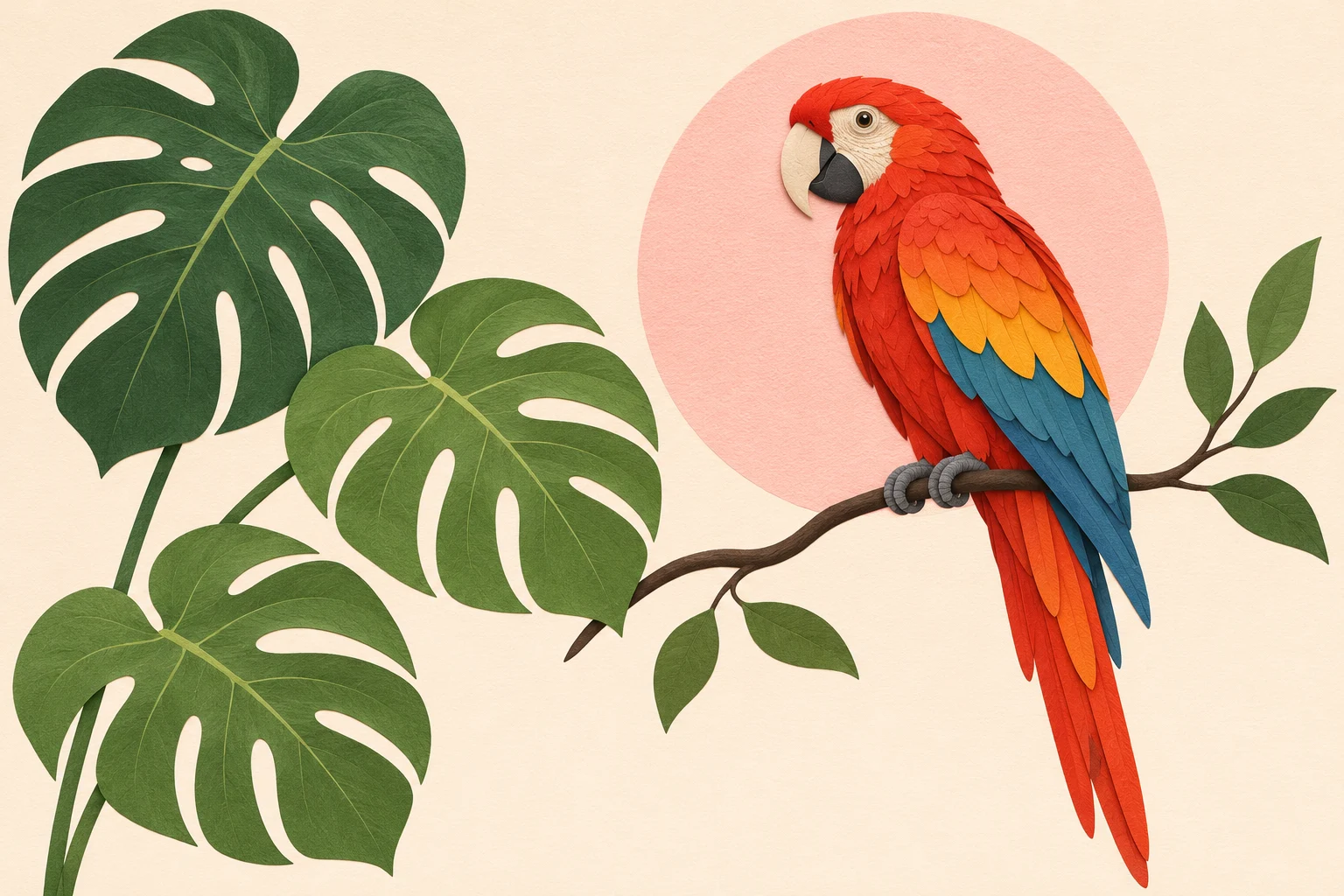
Concept illustration created for this guide; not an output sample from the named model.
Choose another model or continue refining the asset in a related tool.

Open Seedream 5.5 Layerize in AI Image Editor.

Open GPT Image 2.6 in AI Image Editor.

Open Grok Imagine Image 2.0 in AI Image Editor.

Open Qwen Image 3.0 in AI Image Editor.

Open Midjourney V8.2 in AI Image Editor.

Open Nano Banana 2 Lite in AI Image Editor.

Open Seedream 5.5 in AI Image Editor.

Open Seedream 5.0 Flash in AI Image Editor.
Turn one flat image into separate elements with Seedream 5.0 Flash Layerize. The result includes a base image and up to 16 transparent PNG layers. Preserve the supplied stacking order and bounding boxes when reconstructing the composition. Use it to prepare a poster for layout changes or simple motion editing.
Split a single flattened composition into elements.
A base image plus up to 16 transparent PNG layers.
Keep the returned stacking order and bounding boxes.
Separate the parrot, leaves and background. Import each PNG into your editor, place it using its bounding box and stacking order, then inspect edges and hidden areas before animation.
Exactly one PNG or JPEG is required. Layer count is chosen by the model and cannot be fixed. This tool returns image layers and JSON metadata, not a PSD file. The displayed task price covers up to 17 output images; it is a fixed product price.
Inspect the full image, then zoom into text, edges, reflections and object geometry. Download the accepted version and keep the prompt and settings so the next edit has a clear baseline.
Separate the parrot, leaves and background. Import each PNG into your editor, place it using its bounding box and stacking order, then inspect edges and hidden areas before animation. Concept illustration created for this guide; not an output sample from the named model.
Choose a mode first. Use clear source media you have permission to use, identify each reference’s role, and state what should remain unchanged.
Inspect the full image, then zoom into text, edges, reflections and object geometry. Download the accepted version and keep the prompt and settings so the next edit has a clear baseline.
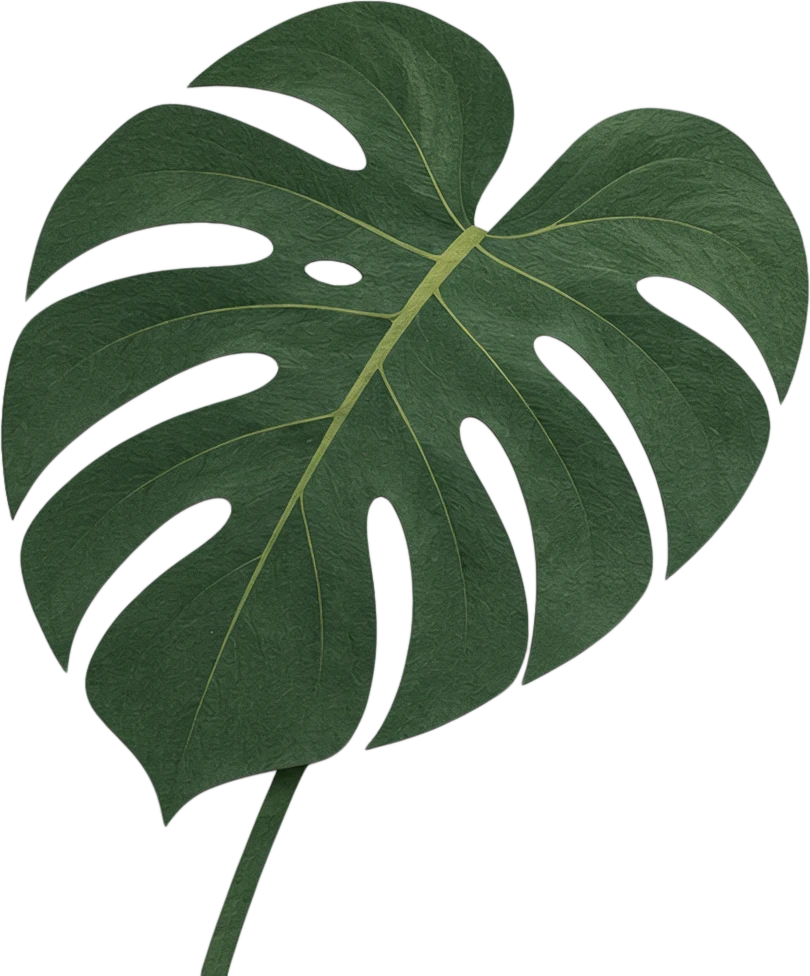
Created on 9 November 2026 with Seedream 5.0 Flash Layerize, using Split into layers. This request returned 7 files; the image or clip shown is one of them. The provider reported a charge of $0.114, separate from the site’s credit price.
Inspect the full image, then zoom into text, edges, reflections and object geometry. Download the accepted version and keep the prompt and settings so the next edit has a clear baseline.
Choose a mode first. Use clear source media you have permission to use, identify each reference’s role, and state what should remain unchanged.
Select the smallest useful resolution, duration or image count for the first attempt. Review the displayed credits before submitting. Change one setting at a time when comparing versions.
Inspect the full image, then zoom into text, edges, reflections and object geometry. Download the accepted version and keep the prompt and settings so the next edit has a clear baseline.
Exactly one PNG or JPEG is required. Layer count is chosen by the model and cannot be fixed. This tool returns image layers and JSON metadata, not a PSD file. The displayed task price covers up to 17 output images; it is a fixed product price.
The generator displays the site’s credit price for the selected settings. Resolution, duration, output count and reference inputs can affect it. Provider dollar estimates are not the site’s selling price. Review credits before submitting; generating another version is a new paid request.
Concept illustrations, reference stock and recorded model outputs are labeled separately. The recorded examples include the date, settings, output count and provider-reported charge; open the linked generation record to inspect the prompt and file list.
Separate the parrot, leaves and background. Import each PNG into your editor, place it using its bounding box and stacking order, then inspect edges and hidden areas before animation.
Source imageSplit a single flattened composition into elements.
Decomposition outputsA base image plus up to 16 transparent PNG layers.
Delivery formatsKeep the returned stacking order and bounding boxes.
TipUse the JSON positions when placing each PNG.