
One person, one message
Choose a warm family greeting, a welcome at the table or a restrained note of appreciation for a client.
Preview
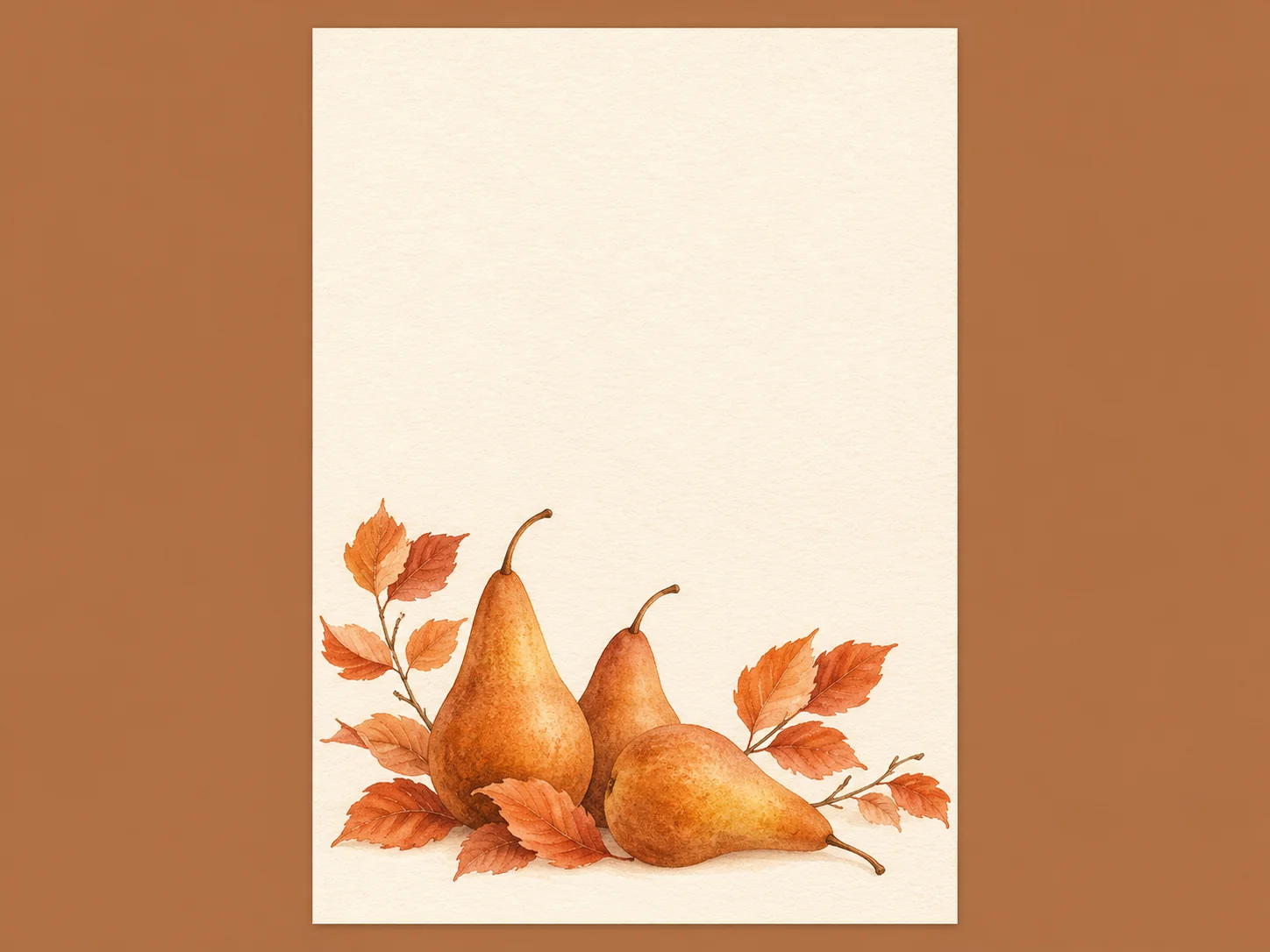
Card layout illustration; not a verified model output or a print-ready template.
Explore the available image models and their settings before choosing how to create your card artwork.

Open Seedream 5.5 Layerize in AI Image Editor.

Open GPT Image 2.6 in AI Image Editor.

Open Grok Imagine Image 2.0 in AI Image Editor.

Open Qwen Image 3.0 in AI Image Editor.

Open Midjourney V8.2 in AI Image Editor.

Open Nano Banana 2 Lite in AI Image Editor.

Open Seedream 5.5 in AI Image Editor.

Open Seedream 5.0 Flash in AI Image Editor.
Create Thanksgiving card artwork around the person receiving it. Start with a folded cover, a guest name card or a short note for a client. Describe the decoration and the space your message needs; add exact wording in a layout editor or by hand after printing.
Choose a warm family greeting, a welcome at the table or a restrained note of appreciation for a client.
Ask for a plain area large enough for the name, message and signature you plan to add.
Set the finished size and fold in a layout editor. Keep words and important details clear of both.
A small card needs room to read and room to write. Plan the physical format before adding autumn decoration.
Generate a flat front-cover design for a folded card, a single-sided note or the visible panel of a tent place card. Assemble the full sheet separately.
Put leaves, fruit or small harvest details around the edges. Leave a calm, light area for a greeting, guest name or handwritten line.
Describe clear edges in the prompt, then set exact margins in your layout file. Keep names, signatures and faces away from the trim and crease.
Add a short, specific thank-you after generation. Check spelling and contrast at the intended card size, then proof a print before making a batch.
Carry the same autumn palette and one botanical motif across greetings and place cards. Adjust the amount of decoration to fit each card’s format.
Print a small swatch on the paper you plan to use. Write on it with your pen to check for smudging and whether the ink stands out against the artwork.
Illustrative design directions for card artwork. Names, messages and production settings are added separately.
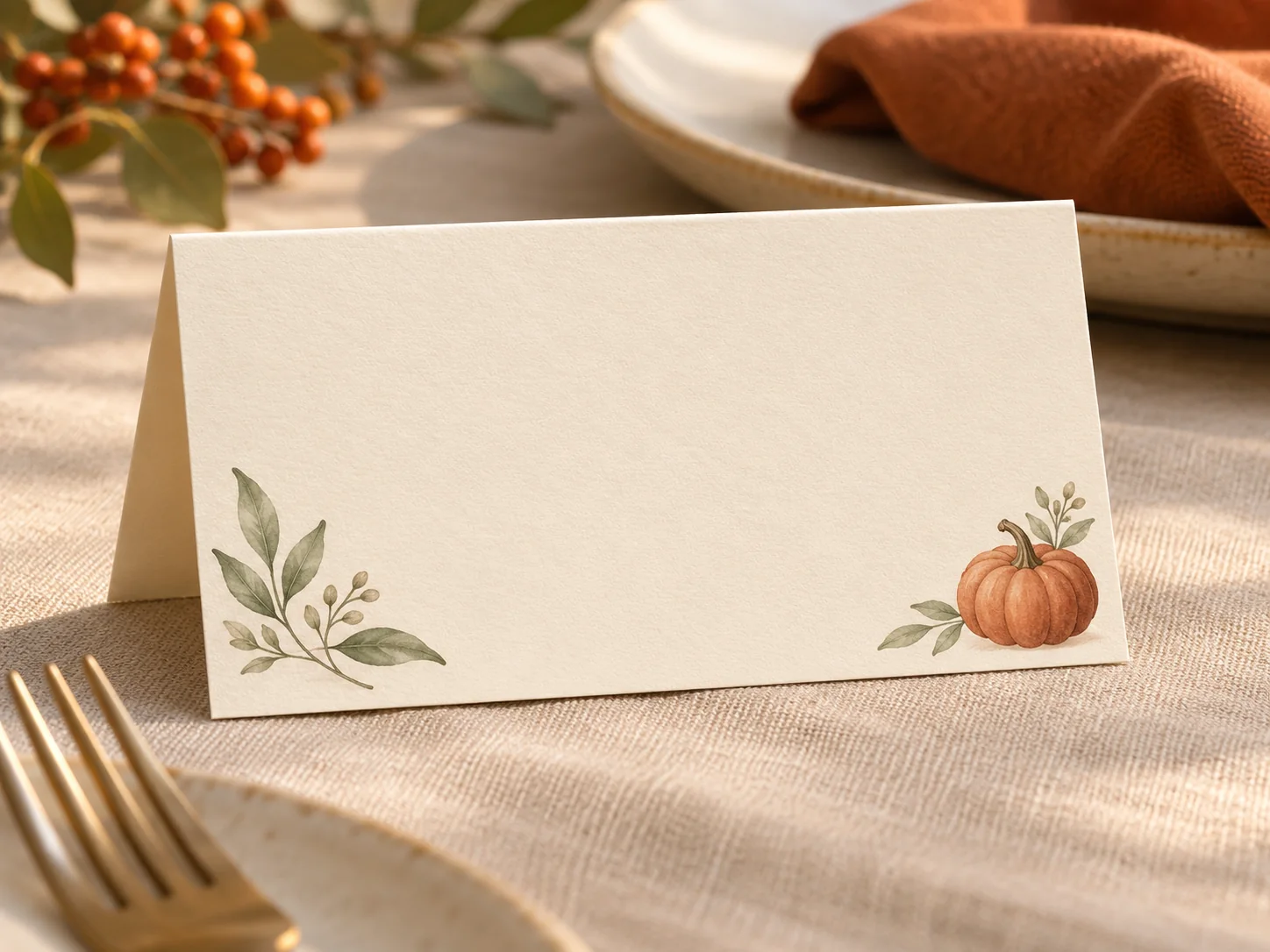
A small botanical border leaves the center open for a guest name and a handwritten word of thanks. Prepare one front-panel design, then duplicate it in your page layout.
Choose the finished standing size. Place the artwork on the front panel of a two-panel template in a layout editor.
Add each guest name with the same type size and contrast. Keep the longest name within the safe area.
Print and fold a paper proof. Check that the name faces outward and remains clear beside plates and glasses.
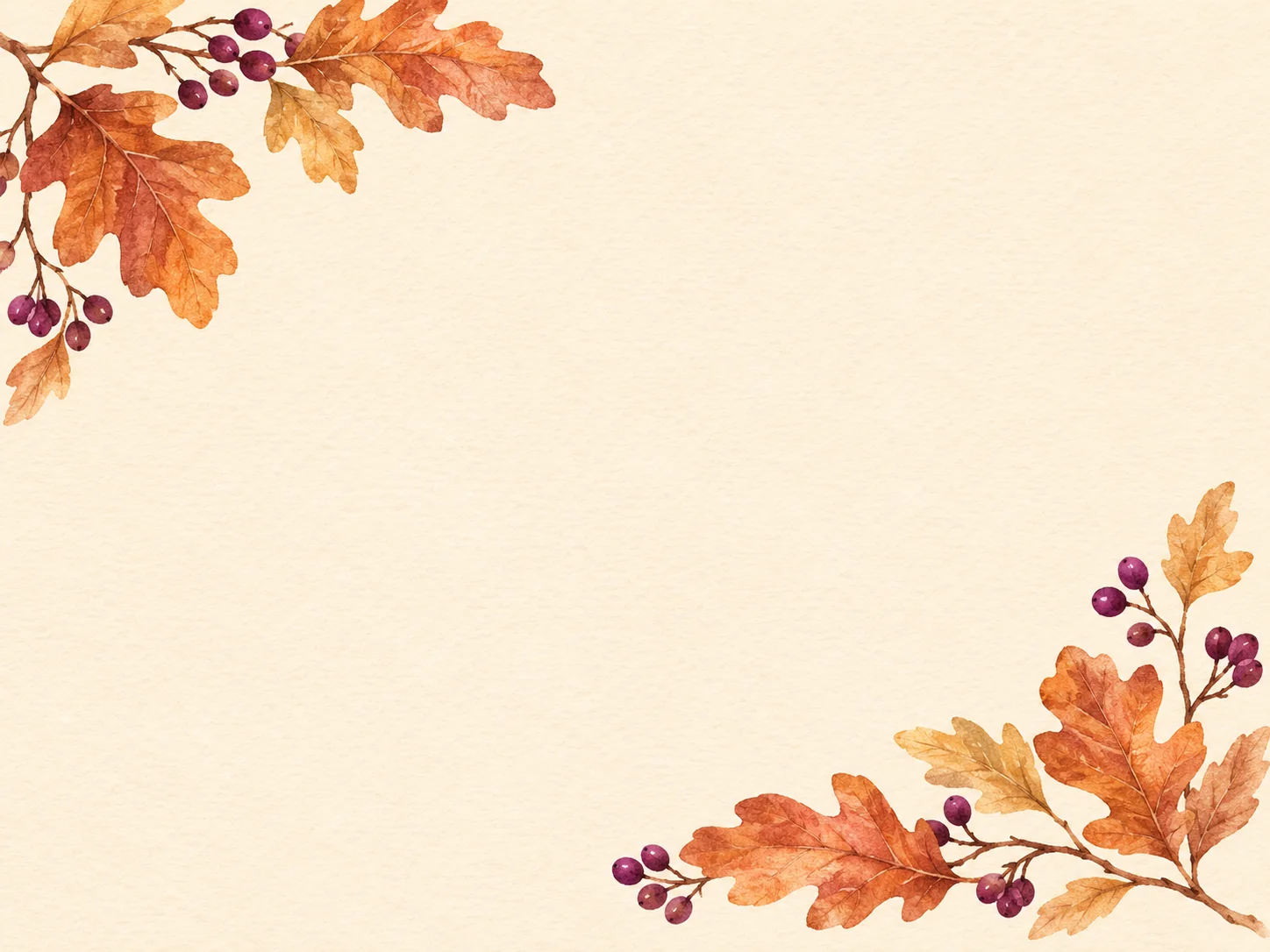
A restrained autumn frame gives a brief note of appreciation room to stand on its own. Mention something specific you value about the relationship and leave space for a real signature.
Draft two short sentences: what you appreciate and a warm closing. Avoid turning a thank-you into a sales message.
Place your own logo and exact text in a layout editor. Check names, permissions and the final sign-off.
Check the small text, border placement and writing space on your chosen paper before printing the full set.
Decide who the card is for and whether you need a folded cover, a flat note or a table place card. Choose the finished dimensions before generating.
Use a prompt example, then adjust the motifs, colors and blank area. Ask for flat artwork without text so the message can be added accurately later.
Download the chosen image, assemble the panels and add the words in a layout editor. Follow your printer’s bleed and resolution requirements, then print, trim and fold one proof.
The examples ask for artwork without text. Add exact names and a short greeting in a layout editor, or leave space to write by hand. Check any generated lettering before using it.
Use the image as one panel, not a finished folding template. In a layout editor, set the open sheet and folded size, place the front and back panels correctly, and leave the inside free for your message. Test the orientation with one paper fold.
Review it first. Check the image resolution at the finished size, safe margins, any bleed required by your printer and the fold position. The generator does not automatically supply a press-ready PDF or cut and fold guides.
Name one thing you appreciate and close with a personal wish. For clients, keep the tone appropriate to the relationship and check the recipient’s name. If you include a gathering date, enter and verify it yourself.
Choose a recipient, reserve writing space and create autumn artwork to finish with your own words.
For whomFamily, guest or client
FormatCover, note or place card
MessageAdd words and signature
Before printingCheck margins and fold