
Upload a subject photo
Upload the photo whose subject should remain, describe only the new Christmas setting, generate, and check the subject, lighting, and background edges.
Preview


Illustrations of background changes, not verified results from this editor.
Choose the page that matches the direction and task you want to complete.

Open Seedream 5.5 Layerize in AI Image Editor.

Open GPT Image 2.6 in AI Image Editor.

Open Grok Imagine Image 2.0 in AI Image Editor.

Open Qwen Image 3.0 in AI Image Editor.

Open Midjourney V8.2 in AI Image Editor.

Open Nano Banana 2 Lite in AI Image Editor.

Open Seedream 5.5 in AI Image Editor.

Open Seedream 5.0 Flash in AI Image Editor.
Upload a person or subject photo and describe a Christmas setting such as a tree-lit room, fireplace, or snowy street. The editor uses image-to-image instructions to replace the scene while trying to retain the subject. Results vary with the source photo and prompt.
Upload the photo whose subject should remain, describe only the new Christmas setting, generate, and check the subject, lighting, and background edges.
Be specific about the scene—such as a warm room with a decorated tree, a fireplace, or a snowy street—and say what must stay recognizable. Avoid asking for a costume or a portrait frame.
This page is for a seasonal background change, not a general background tool, Santa transformation, or avatar frame. The result may alter details of the original subject.
Be specific about the scene—such as a warm room with a decorated tree, a fireplace, or a snowy street—and say what must stay recognizable. Avoid asking for a costume or a portrait frame.
Name the person or main object and describe recognizable details to keep. Ask only for a seasonal background so the instruction stays focused.
This page is for a seasonal background change, not a general background tool, Santa transformation, or avatar frame. The result may alter details of the original subject.
Illustrations of background changes, not verified results from this editor.
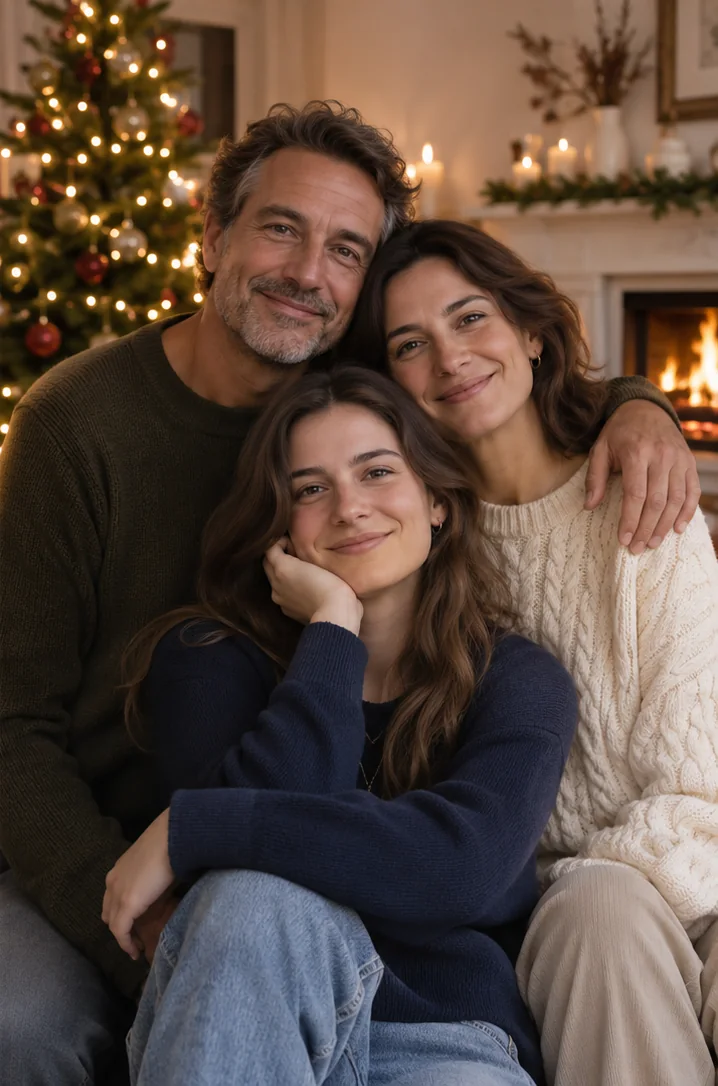
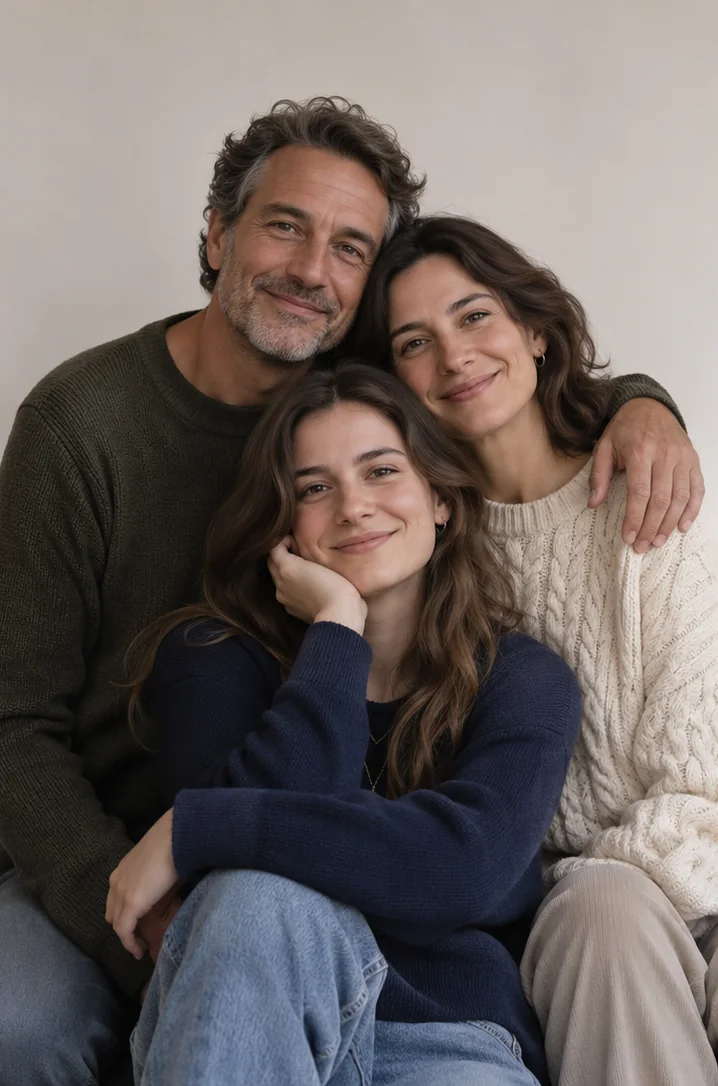
Replace the plain wall behind the family with a softly lit living room and decorated Christmas tree; keep each person recognizable and in the same pose.
Be specific about the scene—such as a warm room with a decorated tree, a fireplace, or a snowy street—and say what must stay recognizable. Avoid asking for a costume or a portrait frame.
For a group, check every face and the edges around hair. Ask for soft tree lights if the source photo has even lighting.
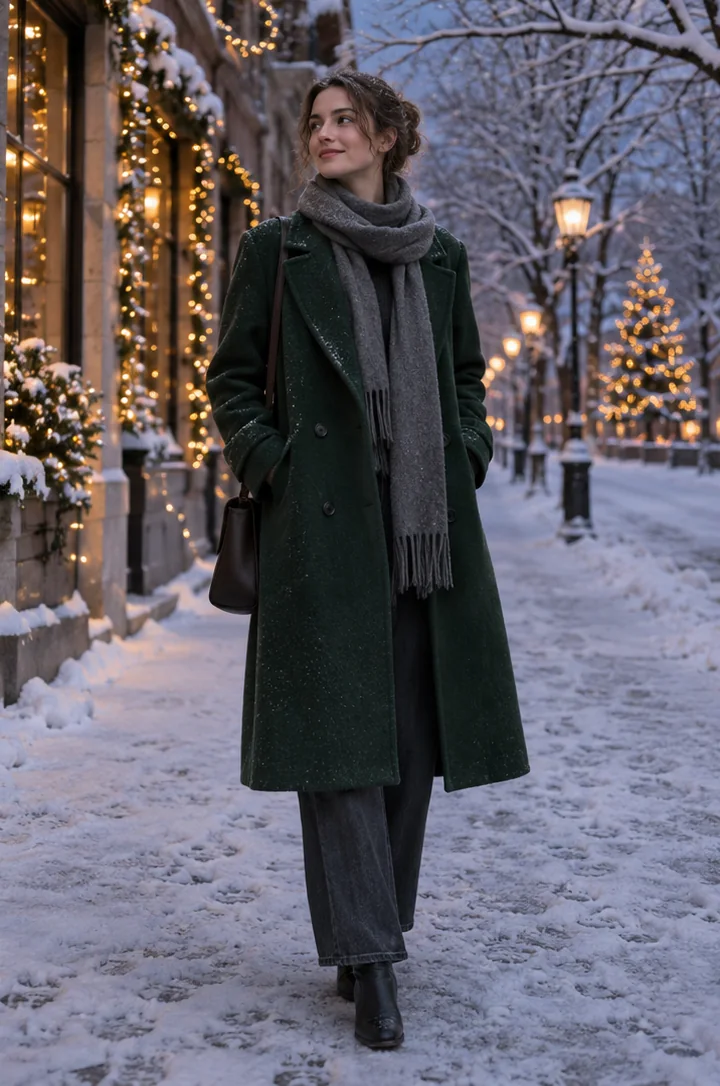
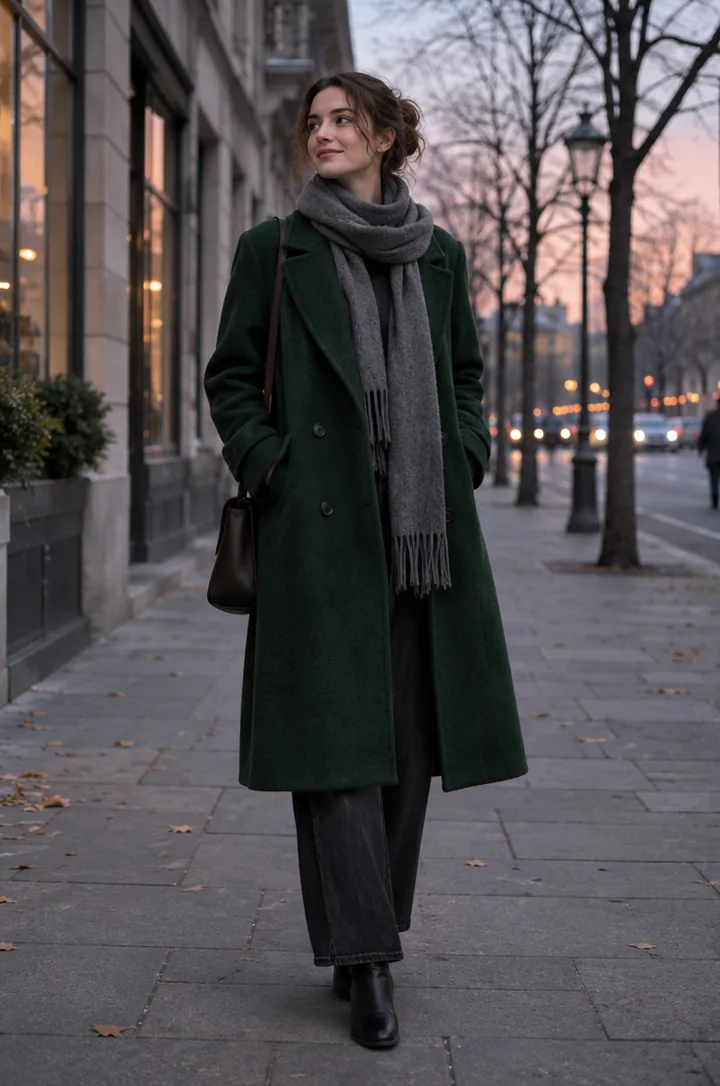
Replace the outdoor background with a quiet snowy street at dusk; preserve the main subject, clothing, and camera framing.
Name the person or main object and describe recognizable details to keep. Ask only for a seasonal background so the instruction stays focused.
Compare the coat and pose with the original. Check whether the outdoor light and shadows match across the subject and street.
Upload the photo whose subject should remain, describe only the new Christmas setting, generate, and check the subject, lighting, and background edges.
Be specific about the scene—such as a warm room with a decorated tree, a fireplace, or a snowy street—and say what must stay recognizable. Avoid asking for a costume or a portrait frame.
This page is for a seasonal background change, not a general background tool, Santa transformation, or avatar frame. The result may alter details of the original subject.
Yes. Upload the person or subject photo whose background you want to change.
This page is for a seasonal background change, not a general background tool, Santa transformation, or avatar frame. The result may alter details of the original subject.
The editor tries to retain the subject, but the result varies with the source photo and prompt. Review face, clothing, edges, shadows, and lighting.
Upload a person or subject photo and describe a Christmas setting such as a tree-lit room, fireplace, or snowy street. The editor uses image-to-image instructions to replace the scene while trying to retain the subject. Results vary with the source photo and prompt.
InputUpload the photo whose subject should remain, describe only the new Christmas setting, generate, and check the subject, lighting, and background edges.
OutputBe specific about the scene—such as a warm room with a decorated tree, a fireplace, or a snowy street—and say what must stay recognizable. Avoid asking for a costume or a portrait frame.
Keep in mindThis page is for a seasonal background change, not a general background tool, Santa transformation, or avatar frame. The result may alter details of the original subject.