
Choose an input mode
Aesthetic Cafe Photo
Preview
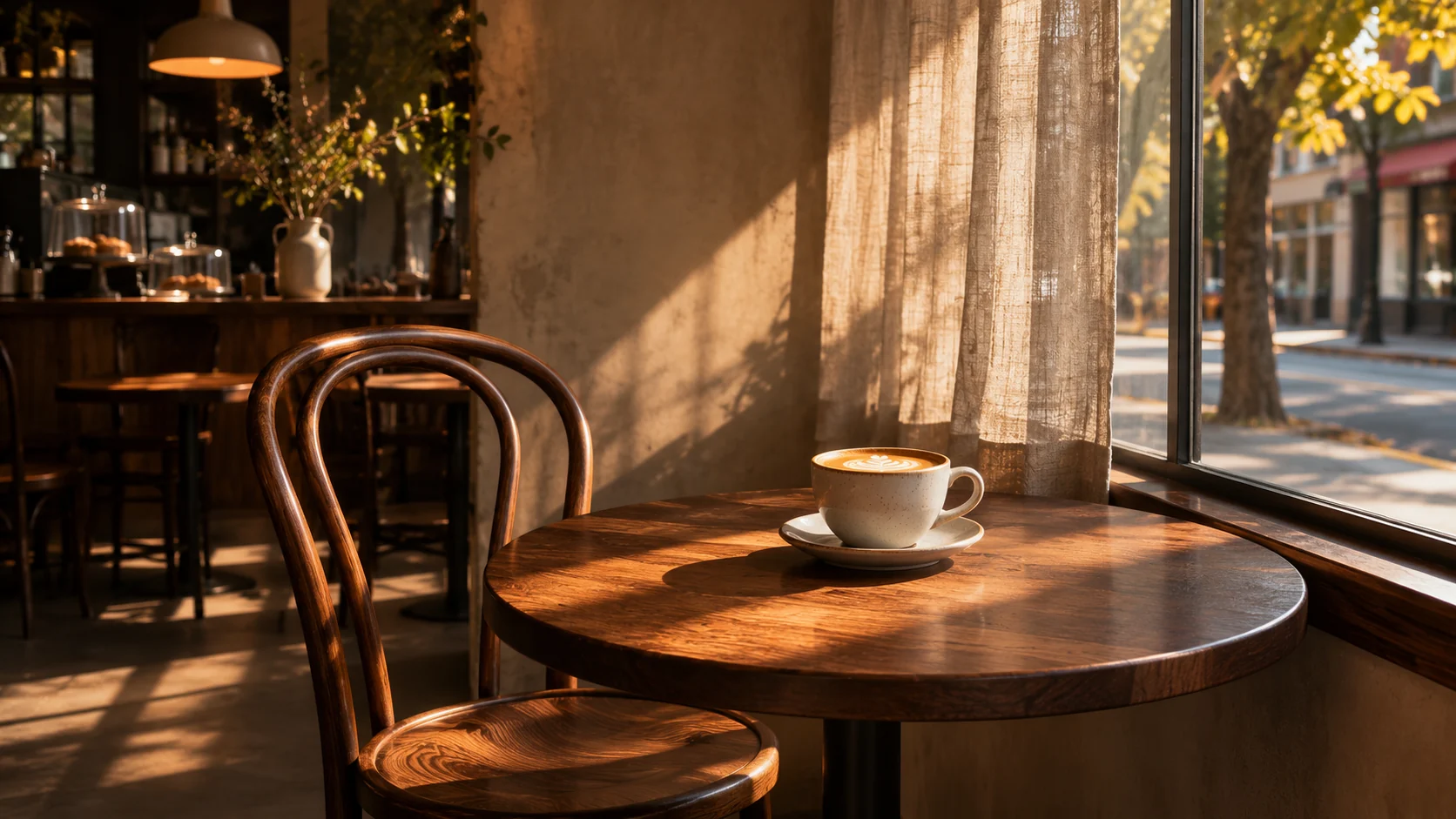
Images illustrate the workflow and are not verified results from this tool.
Related image tools
For broader edits, explore the image editor.

Seedream 5.5 Layerize
Open Seedream 5.5 Layerize in AI Image Editor.

GPT Image 2.6
Open GPT Image 2.6 in AI Image Editor.

Grok Imagine Image 2.0
Open Grok Imagine Image 2.0 in AI Image Editor.

Qwen Image 3.0
Open Qwen Image 3.0 in AI Image Editor.

Midjourney V8.2
Open Midjourney V8.2 in AI Image Editor.

Nano Banana 2 Lite
Open Nano Banana 2 Lite in AI Image Editor.

Seedream 5.5
Open Seedream 5.5 in AI Image Editor.

Seedream 5.0 Flash
Open Seedream 5.0 Flash in AI Image Editor.
Aesthetic Cafe Photo
Create a cafe-atmosphere portrait or scene from a text prompt, or upload a person or reference photo to guide the mood. Describe warm window light, a coffee table, and a film-like finish.
A sunny window tableReading beside the window
A sunny window table
Reading beside the window
Choose a starting point
A sunny window table
Warm late-afternoon light by a cafe window, a small coffee table, gentle film grain, candid relaxed mood.
Reading beside the window
A person reading beside a cafe window, soft amber light and understated film color; no visible brand marks.
A corner cafe in the rain
Show raindrops on the window and a softly lit interior. Use cool street light outside and warm lamps inside to set the mood.
Ways to use this tool
Create a window scene from a written brief, or use a reference portrait for a café reading scene. The images illustrate choices of light and framing and are not verified results from this tool.
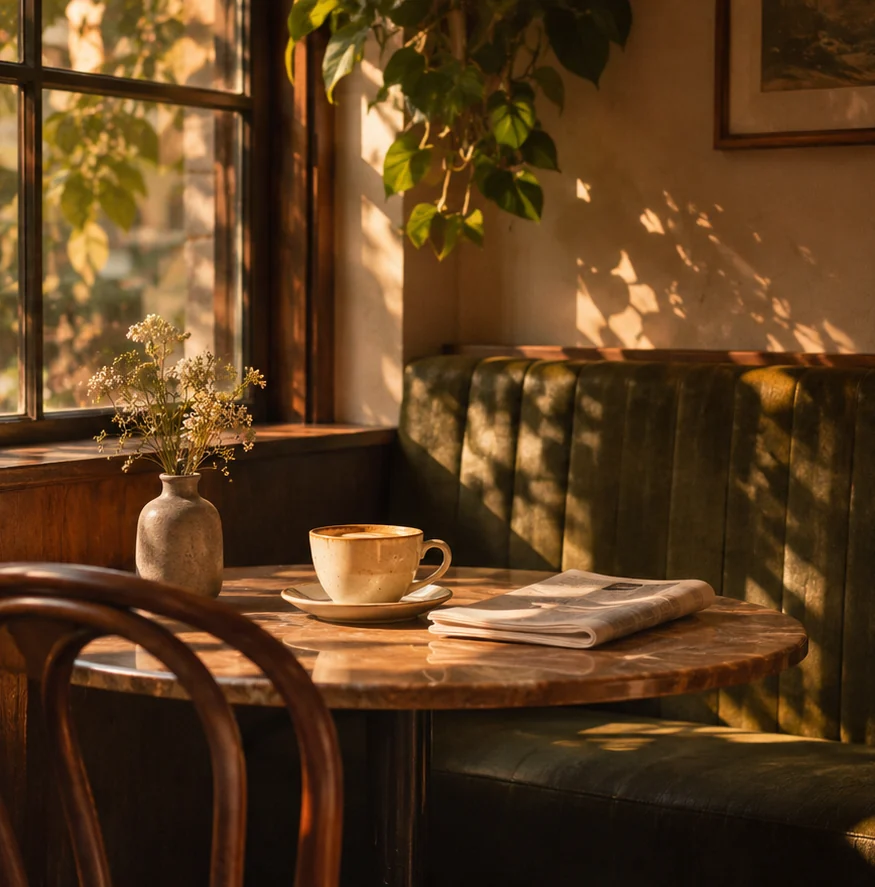
Create a sunlit café corner
Use a quiet table by the window for an editorial illustration or a mood board. A cup and one or two small details give the scene a focal point while leaving room for a headline.
Start with text and describe the window light
Choose Text to image. Specify late-afternoon light from the side, a cup on a wood table and subtle film grain. Say where to leave open space if you plan to add a headline.
Check where the light falls
Look at the direction of the window light, the cup’s shadow and any reflections. Review the crop at the size you’ll publish to make sure the cup still reads as the focal point.
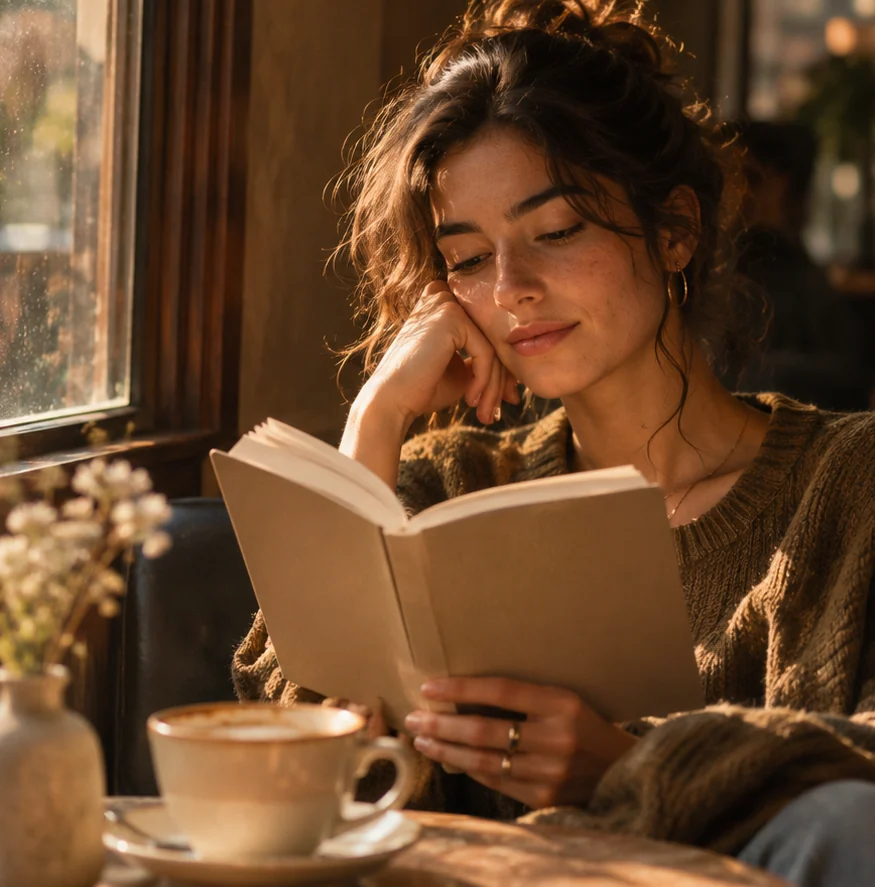
Restyle a portrait as a café reading scene
A person reading beside a window gives the portrait a natural action. Use a reference photo if you want the person to remain recognizable.
Use the reference to guide the portrait
Switch to Image to image and upload a clear portrait. Ask for a book, soft amber side light and an understated café background. Name the expression and hairstyle to keep.
Compare the face and the reading pose
Compare the eyes and face with the source. Check that the hands hold the book naturally and that window light reaches the person and table from the same direction.
How to use this page
01
Choose an input mode
Start in Text to image for a new scene. Switch to Image to image if you want to use a portrait or another reference photo.
02
Describe the change
Describe the framing first, then the time of day, light direction and texture. Add a subject only if it helps the scene.
03
Check before saving
Check the light and reflections around the window. For a portrait, also check hands, eyes and recognizability.
Questions before you start
Do I need to upload a photo?
Start in Text to image for a new scene. Switch to Image to image if you want to use a portrait or another reference photo.
What should I check?
Check the light and reflections around the window. For a portrait, also check hands, eyes and recognizability.
What should I know before using the result?
Describe a generic cafe if the image is for an editorial or concept. Use a real venue photo for a listing or review of that venue.
Aesthetic Cafe Photo
Describe a generic cafe if the image is for an editorial or concept. Use a real venue photo for a listing or review of that venue.