
An image concept
No STL, OBJ or printable 3D file is supplied.
Preview
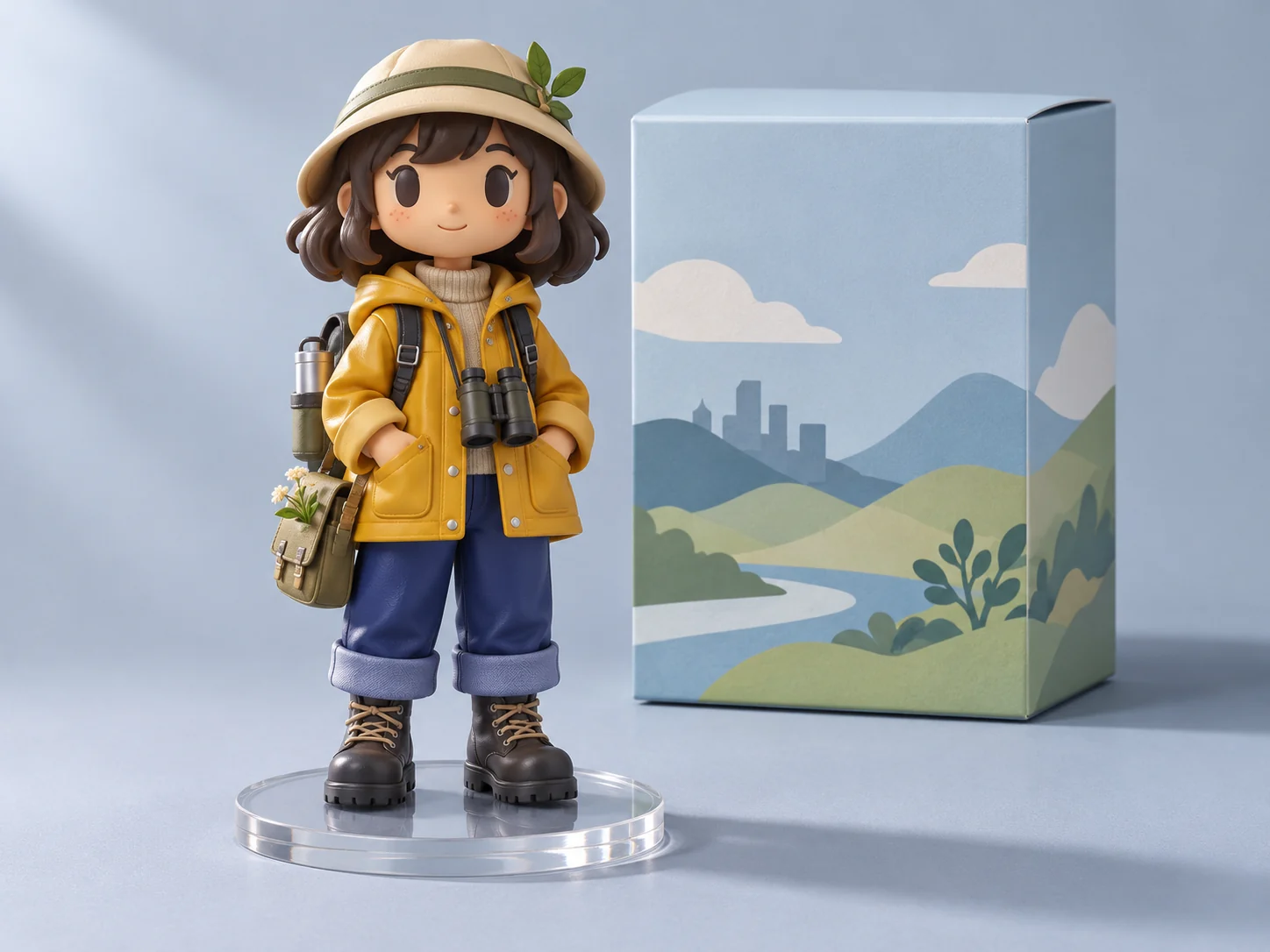
Collectible figure concept image; not a verified conversion, physical product or printable 3D model.
Compare image models for stylized character and packaging concept images.

Open Seedream 5.5 Layerize in AI Image Editor.

Open GPT Image 2.6 in AI Image Editor.

Open Grok Imagine Image 2.0 in AI Image Editor.

Open Qwen Image 3.0 in AI Image Editor.

Open Midjourney V8.2 in AI Image Editor.

Open Nano Banana 2 Lite in AI Image Editor.

Open Seedream 5.5 in AI Image Editor.

Open Seedream 5.0 Flash in AI Image Editor.
Upload a person or character image and describe a collectible figure, its pose and packaging. Explore the look of molded plastic, an acrylic base and a display box. The result is a 2D concept image with a 3D-style appearance, not a modeled or printable 3D object.
No STL, OBJ or printable 3D file is supplied.
Faces and proportions may change; exact portrait replication is not promised.
The box and base are visual ideas, not production specifications.
Use visual directions for material, silhouette and packaging to communicate an idea before any modeling or manufacturing.
The default image-to-image mode needs an uploaded reference and a prompt. Describe the outfit colors or silhouette to retain; the result can simplify or change facial features.
Ask for matte molded plastic, satin surfaces or glossy accents and a clear acrylic base. These are visual cues, not physical materials supplied by this tool.
Describe a window box, insert backdrop and blank name panel. Inspect the rendered box for inconsistencies; it is not a dieline, dimensional drawing or manufacturing-ready package.
Without a reference, switch to text-to-image and describe an original character, pose, base and accessories. Keep the figure and box in one clear composition.
Ask for a full-body three-quarter view with room around the head and feet. Check that the entire base is visible and the box leaves the figure unobstructed.
Reuse the same reference and change only the pose in your brief. Compare the silhouette, outfit and accessories across drafts for unintended changes.
Illustrative concept briefs, not verified photo conversions, manufactured products or technical drawings.
Combine a recognizable outfit palette with a stylized figure, acrylic base and companion display box.
Name the outfit colors and key accessories from the reference.
Request a full-body view with the box beside the base and a blank label panel.
Check faces, fingers, accessory shapes and box edges before sharing the image.
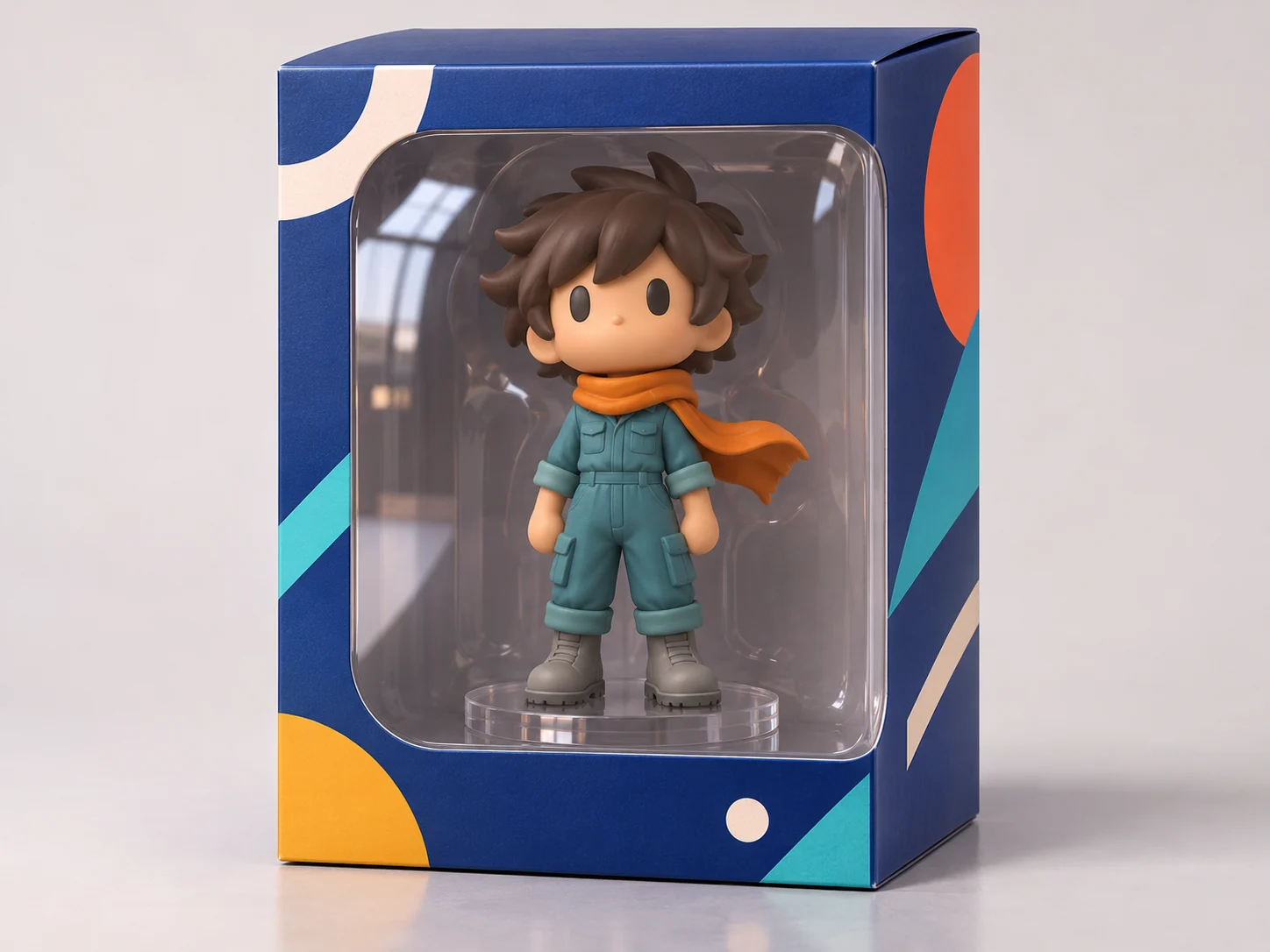
Study the pose, plastic surface and transparent stand without a busy package.
Specify a balanced standing pose and one accessory.
Ask for an unobstructed acrylic stand and enough space around the figure.
Use it to explain the look to a designer; actual modeling and structural checks happen separately.
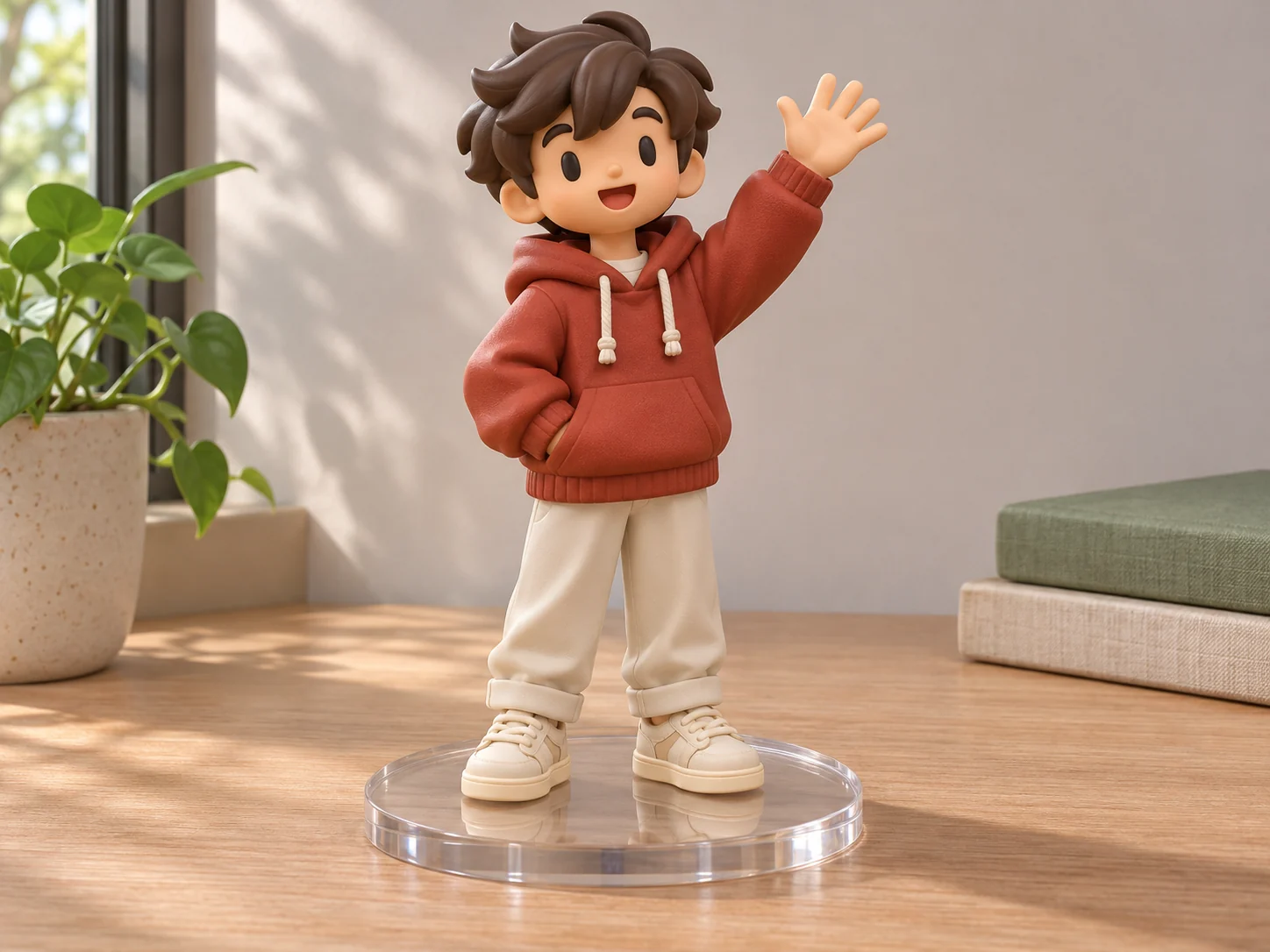
Upload a person or character reference in image-to-image. For a text-only idea, select text-to-image instead.
Specify pose, outfit, plastic finish, acrylic base and optional window box. Use a prompt example as a starting point.
Inspect likeness, limbs, base and packaging, then download the image. A separate 3D design process is needed for a model or physical object.
The page starts in image-to-image, which requires a reference image and a prompt. You can upload a person or character picture. To begin without an image, switch to text-to-image and describe your character.
No. The output is a 2D image with a rendered 3D-style appearance. It does not include a mesh, rig, STL, OBJ or printable 3D file. Modeling and print preparation require separate tools.
No exact portrait replication is promised. The reference guides appearance, but faces, proportions and clothing details can change. Review the image as a stylized concept.
It is a visual packaging concept, not a dieline, measured insert or tested structure. Box dimensions, tolerances, materials and assembly need separate design and validation.
You can request another view or reuse a reference, but separate images may change details. The tool does not maintain a shared 3D model or guarantee matching geometry across views.
Describe the pose, finish and display box to make a concept image you can review or share.
Subject
Finish
Display
Download