
Visible facial anchors
Use a photo that clearly shows face shape, eyes, hairline, expression, and any defining accessories.
Preview
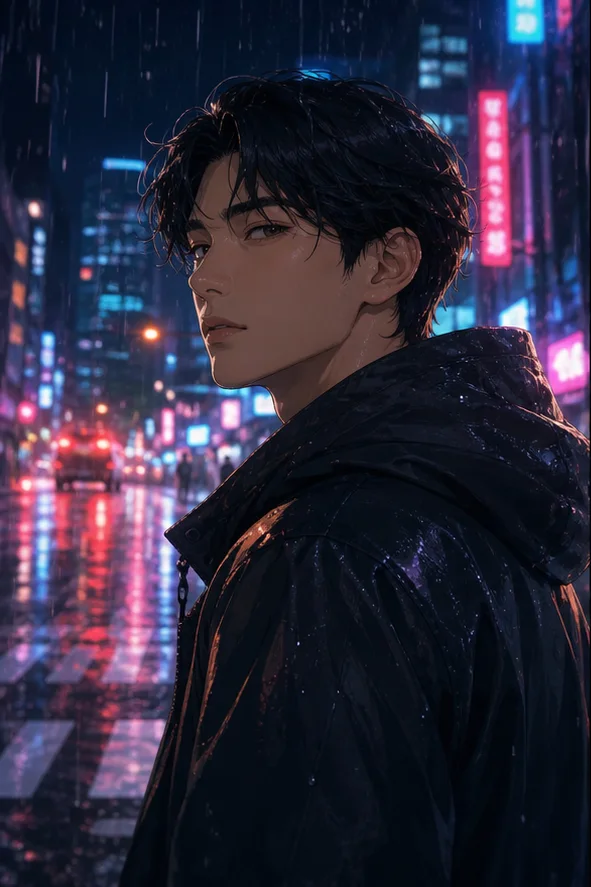
Compare Photo to Anime AI with other image and video generators, then continue from the result that best fits your brief.
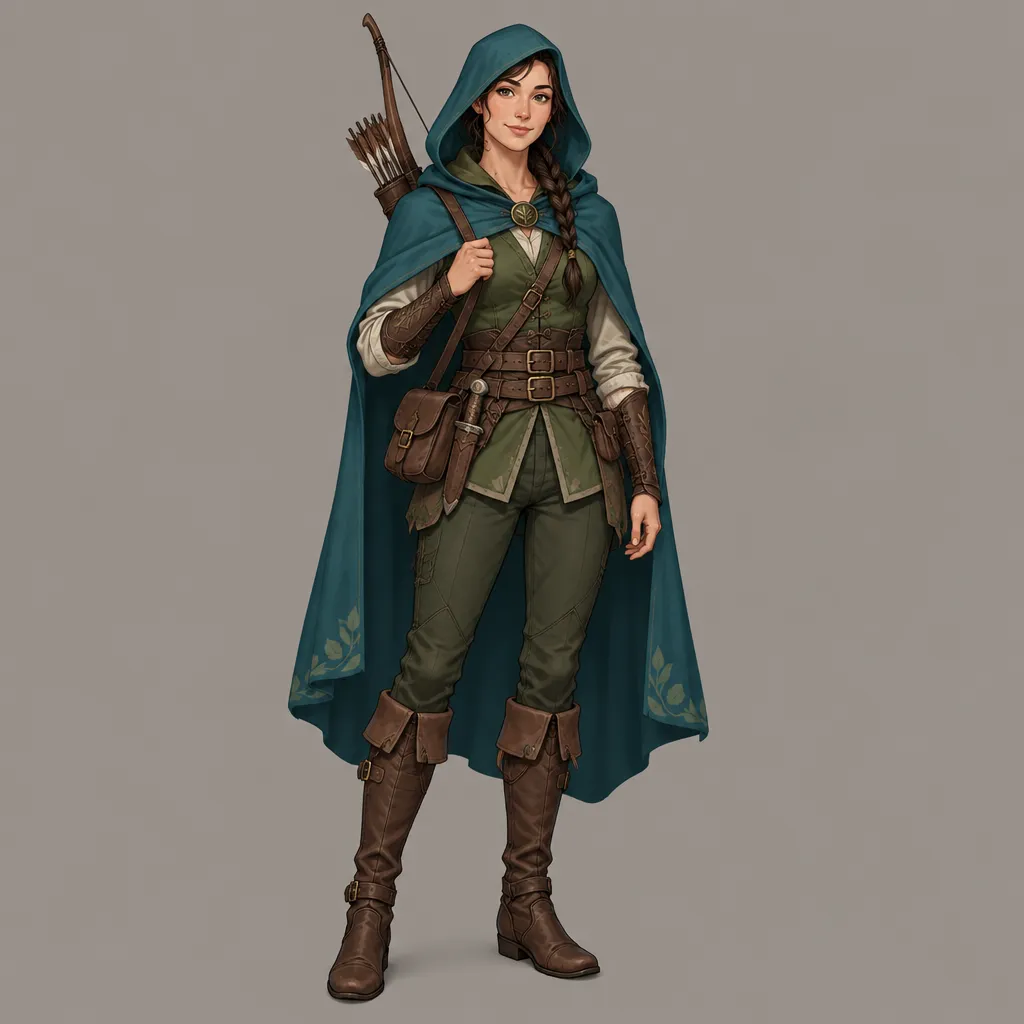
Open GPT Image 2.5 in AI Image Editor.
Open FLUX 3 Image in AI Image Editor.
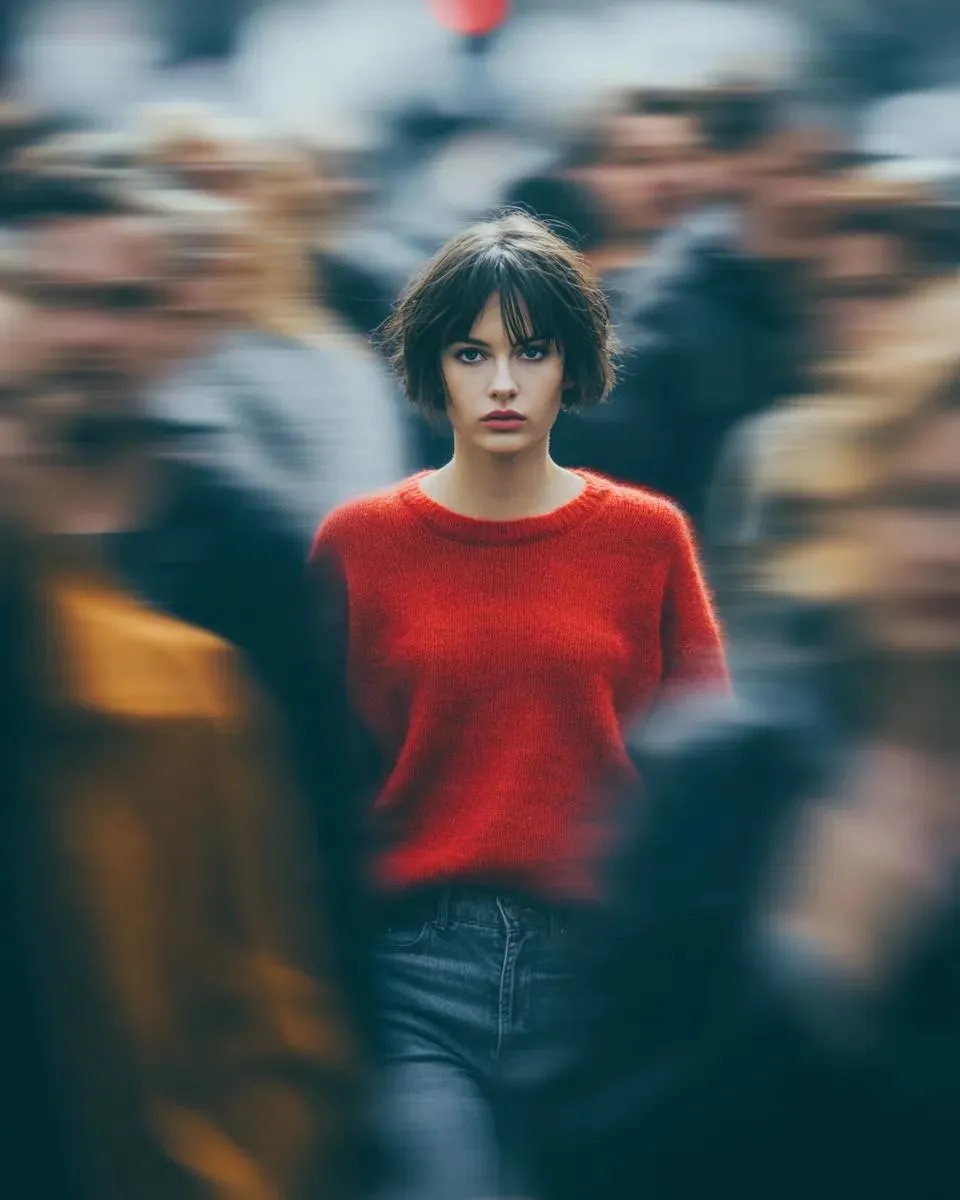
Open Seedream 5.0 Pro in AI Image Editor.
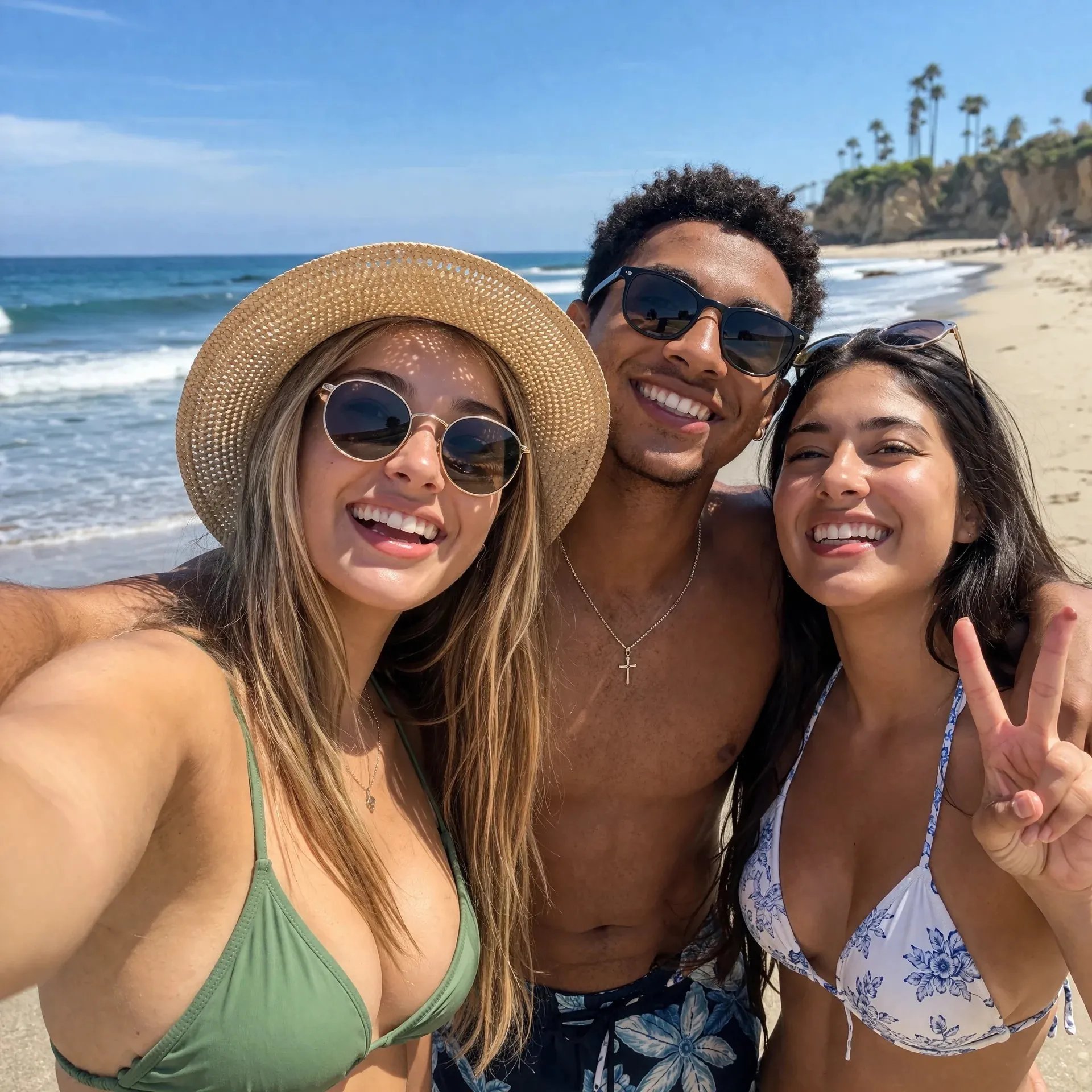
Open GPT image 2 in AI Image Editor.
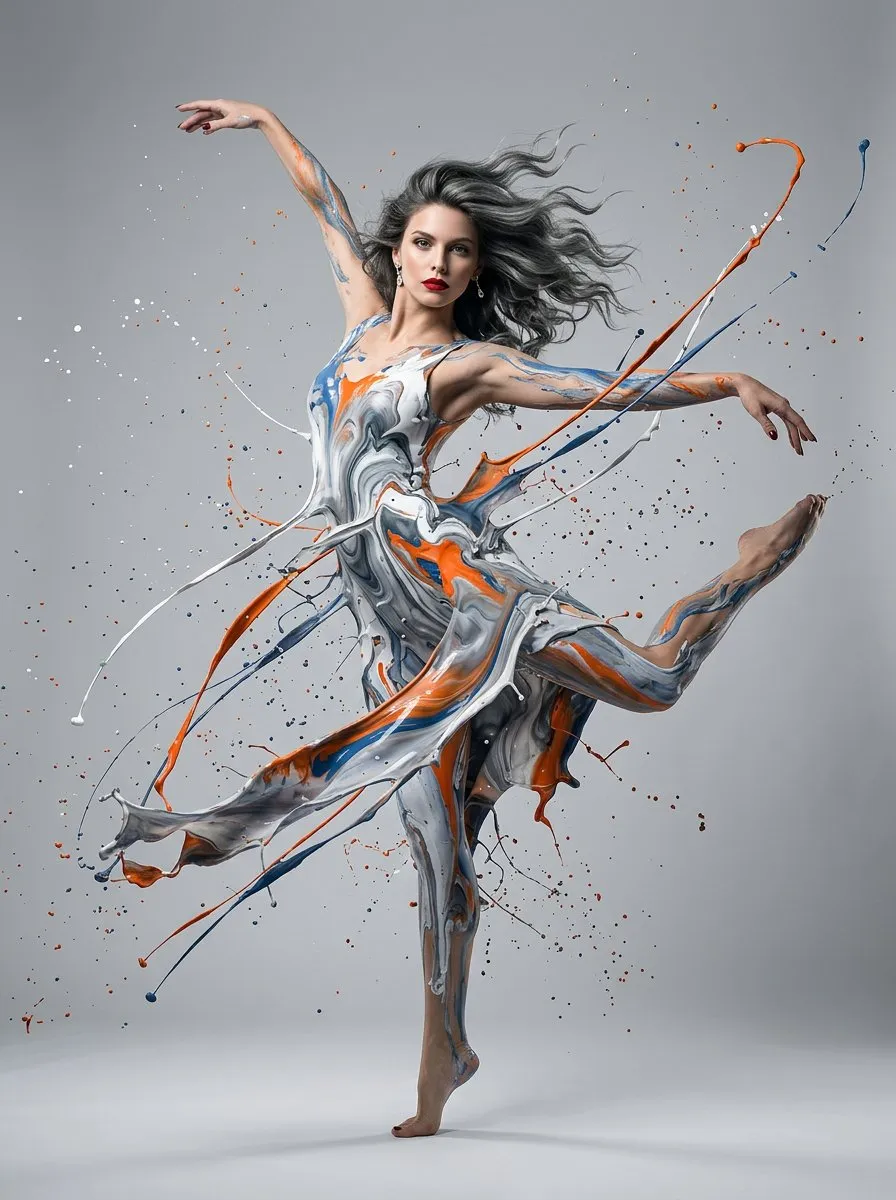
Open Nano Banana 2 in AI Image Editor.
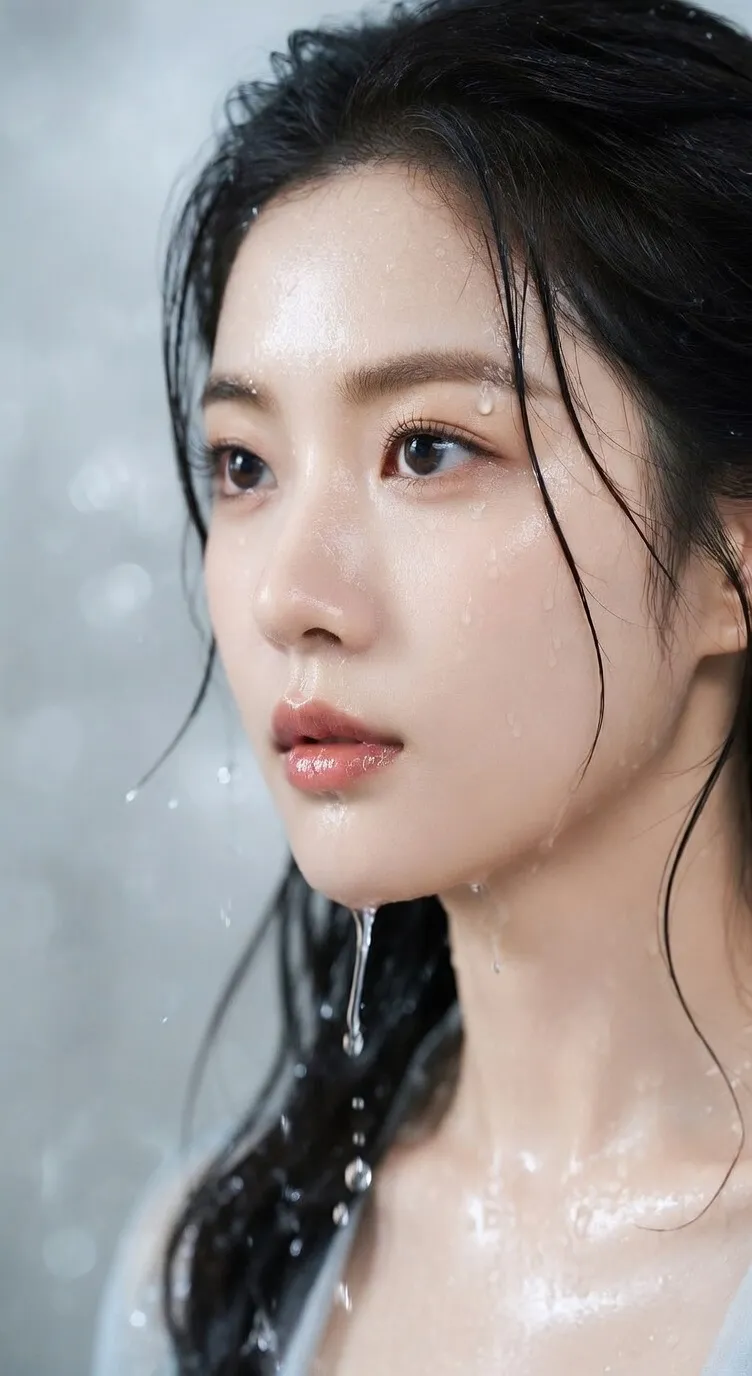
Open Seedream 5 Lite in AI Image Editor.
Upload a clear photo and describe the illustration style, atmosphere, background, and identity details to preserve. Default model: GPT image 2.
Use a photo that clearly shows face shape, eyes, hairline, expression, and any defining accessories.
Describe line, color, rendering, and mood without requesting an imitation of a living artist.
Compare facial proportions, hair, clothing, group count, and expression with the source.
Apply an original illustrated treatment while preserving the facial and contextual cues that make a solo or group photo recognizable.
Prioritize face shape, eye spacing, hairline, expression, and signature accessories before changing linework or color.
Specify clean or textured lines, flat or painted shading, palette, atmosphere, and background detail in descriptive terms.
Call out each person's position, hairstyle, glasses, clothing, and hand placement so identities do not merge.
Confirm permission to transform the portrait and reject results that misrepresent age, expression, identity, or relationships.
Begin with a specific publishing job, not a vague visual request.
Turn the uploaded travel photo into a warm hand-painted anime scene at golden hour. Keep the person recognizable and preserve the main environment layout.
Choose a clear input and remove contradictory references before generation.
Define the subject, composition, background, lighting, intended crop, and text-safe space in a short ordered brief.
Check identity, edges, proportions, materials, logos, and text-safe space, then regenerate if important details drift.
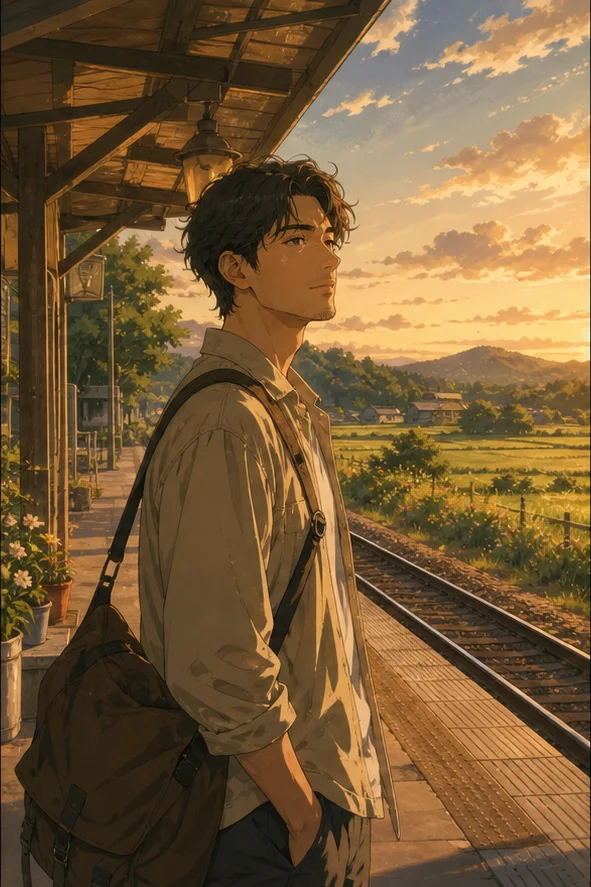
Transform the uploaded group photo into a clean modern anime illustration. Preserve each adult person, their relative positions, clothing colors, and the seaside setting.
Choose a clear input and remove contradictory references before generation.
Define the subject, composition, background, lighting, intended crop, and text-safe space in a short ordered brief.
Check identity, edges, proportions, materials, logos, and text-safe space, then regenerate if important details drift.
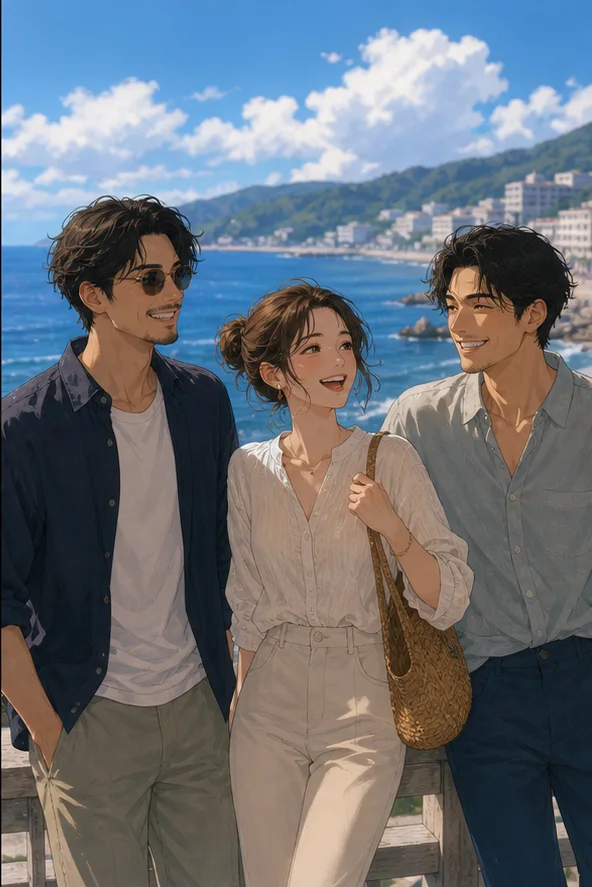
Choose a sharp image with unobstructed faces and note the hair, expression, clothing, and accessories that identify each person.
Set line quality, shading, palette, mood, background, and crop while explicitly preserving the important likeness cues.
Check every face, hairstyle, accessory, hand, and group position against the original before choosing a final illustration.
Sharp, well-lit images with visible eyes, hairline, face contour, and minimal motion blur provide the clearest identity anchors.
Use visual attributes such as line weight, cel shading, palette, era, mood, and detail level rather than naming a living artist.
Yes, but name each person's position and defining traits, then inspect the result for merged faces, swapped clothing, or missing people.
Use photos you are authorized to edit, respect the subject's consent and privacy, and review the final portrayal before sharing it.
Turn a readable portrait into an original illustration while protecting the subject's identity.