
Product and visual codes
Supply the approved packshot, palette, tone, and any elements the campaign must retain.
Preview
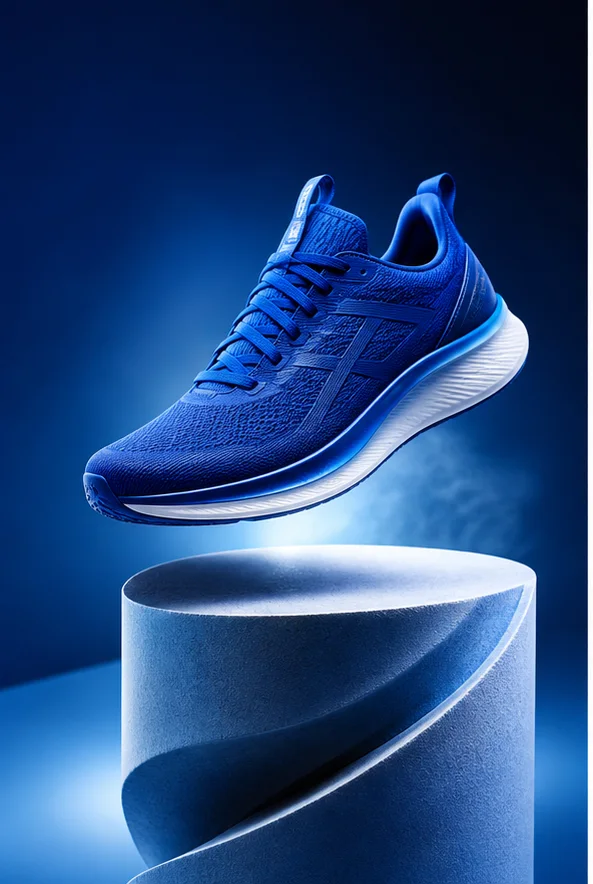
Compare AI Ad Image Generator with other image and video generators, then continue from the result that best fits your brief.
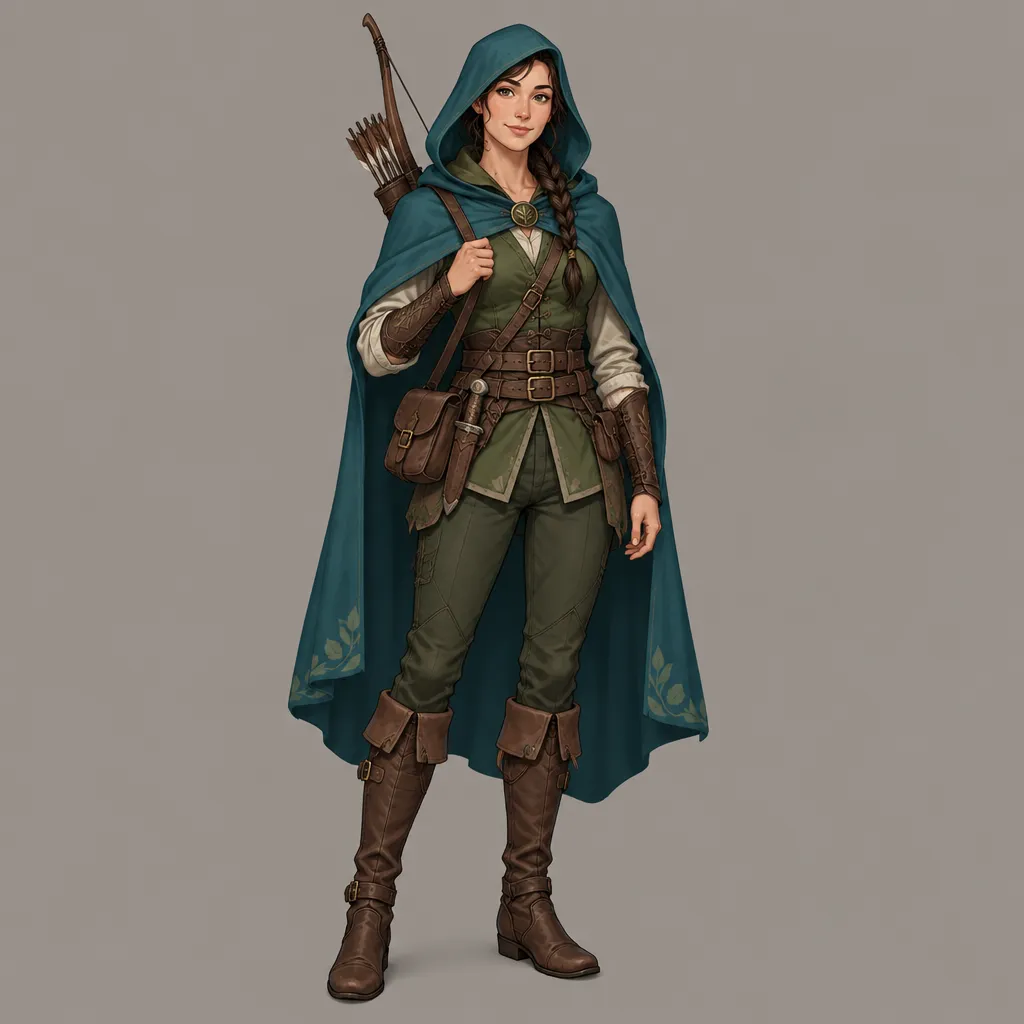
Open GPT Image 2.5 in AI Image Editor.
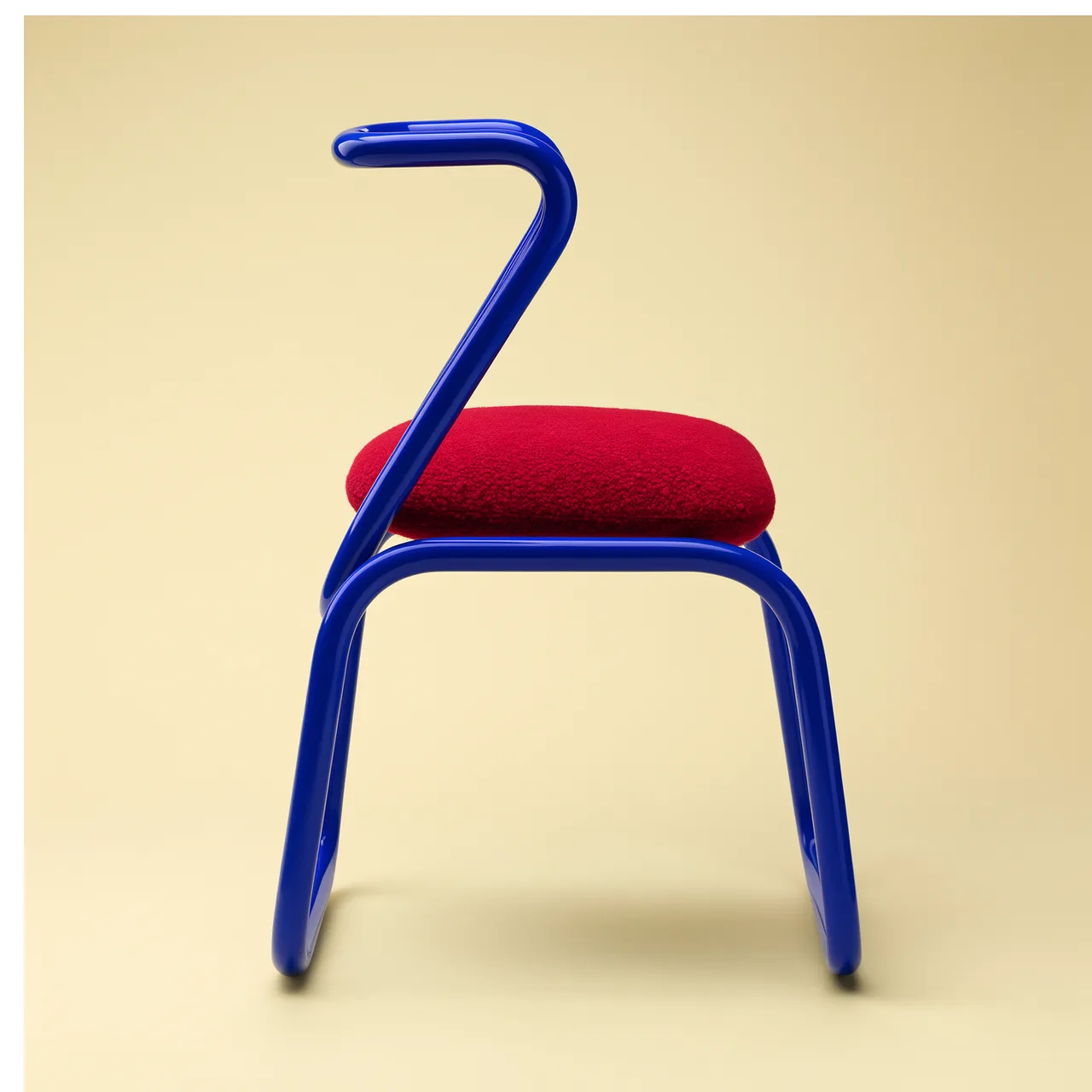
Open FLUX 3 Image in AI Image Editor.

Open Seedream 5.0 Pro in AI Image Editor.
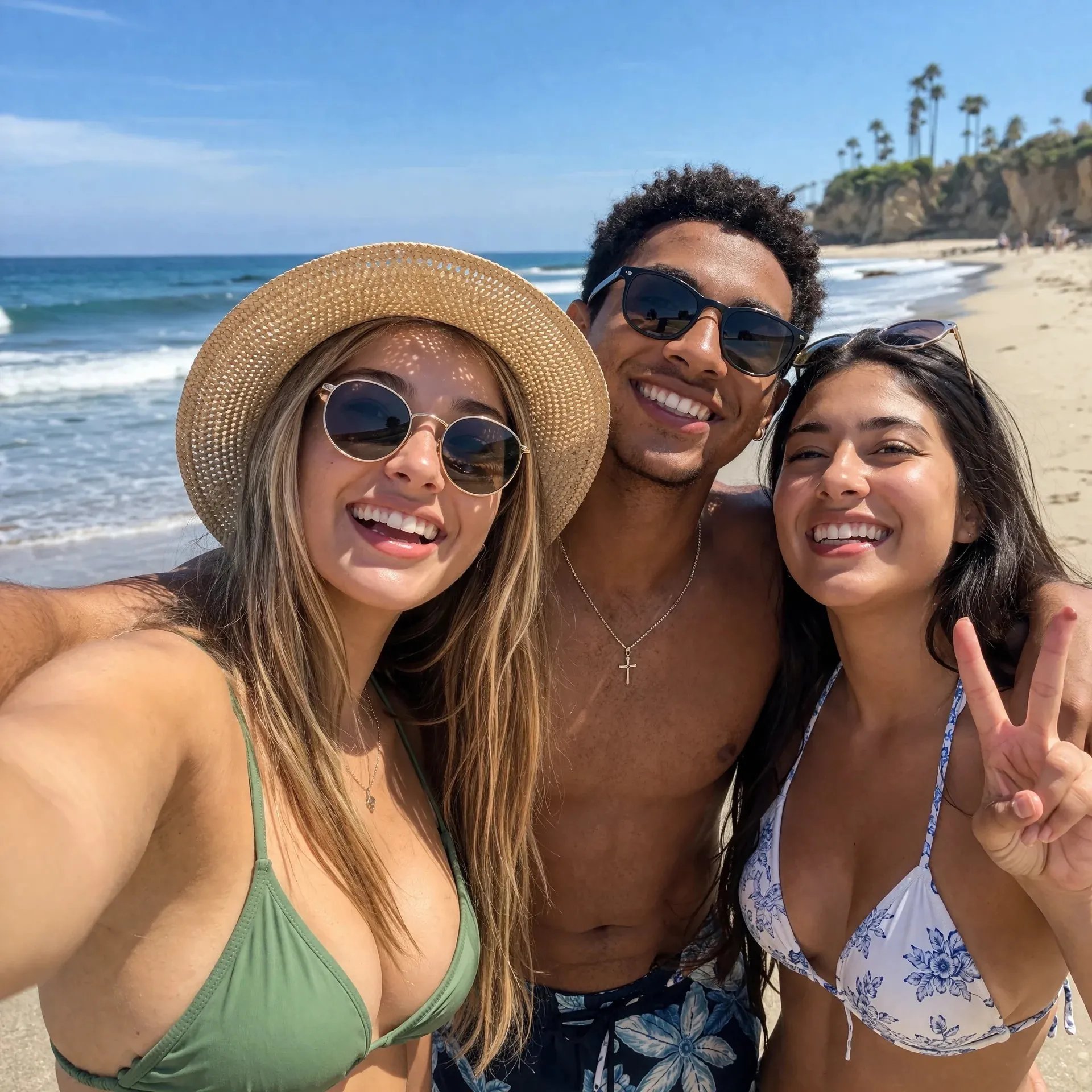
Open GPT image 2 in AI Image Editor.
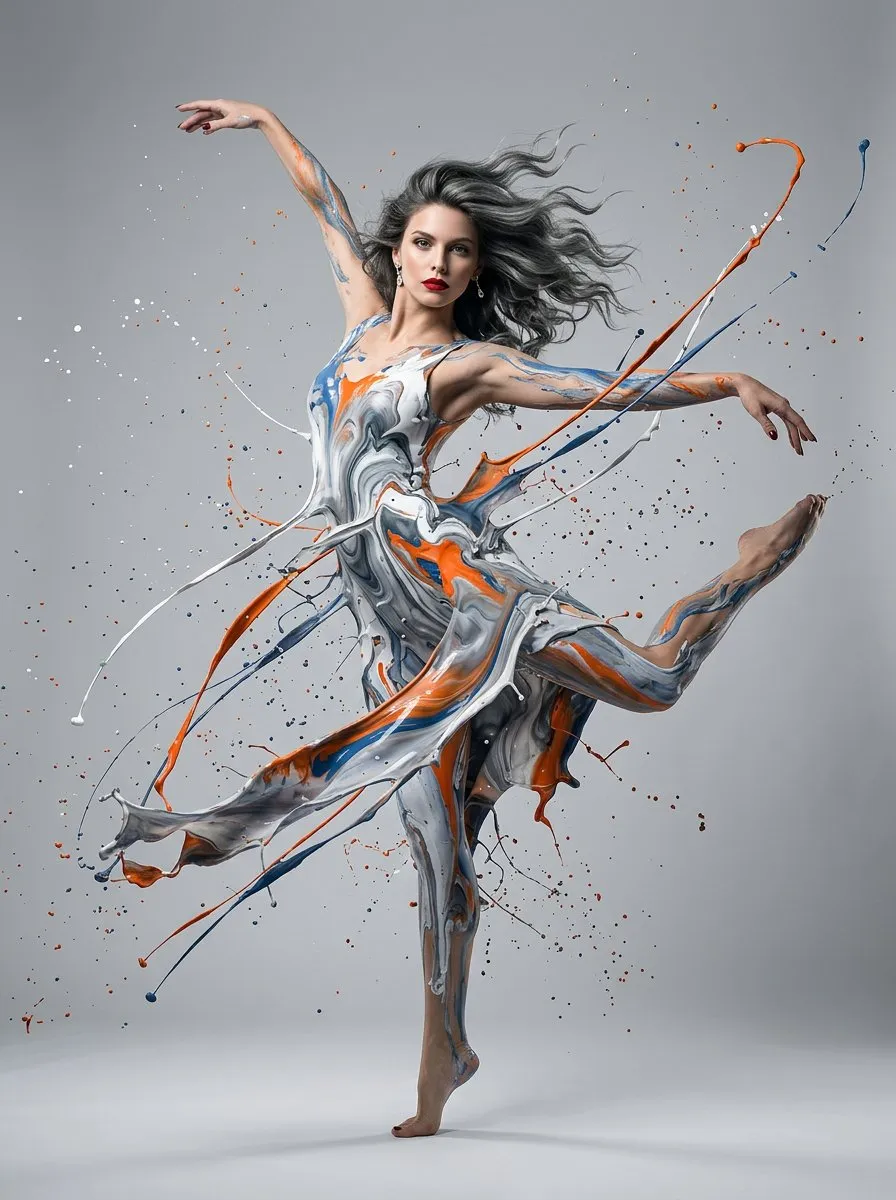
Open Nano Banana 2 in AI Image Editor.
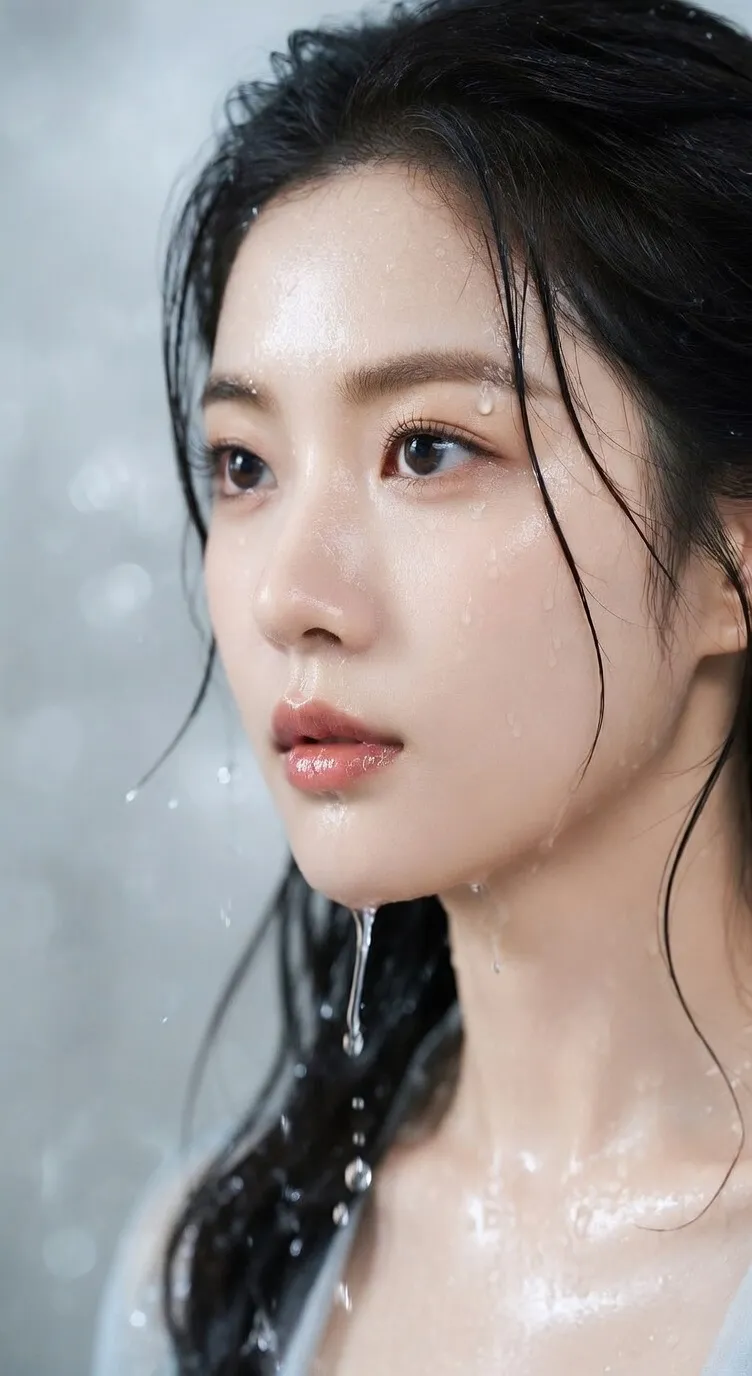
Open Seedream 5 Lite in AI Image Editor.
Upload a product or brand reference and describe the ad scene, ratio, lighting, and text-safe space. Default model: GPT image 2.
Supply the approved packshot, palette, tone, and any elements the campaign must retain.
Decide what the viewer notices first, what supports it, and where copy or disclosure will sit.
Review crop zones, product truth, claims, and brand rules for the intended ad placement.
Create campaign key art that keeps the product accurate, gives the selling point visual priority, and leaves room for compliant copy.
Keep packaging, logo treatment, product color, and distinctive design features faithful to the approved reference.
Use props, lighting, scale, and gesture to support the benefit instead of adding unrelated visual spectacle.
Plan around headlines, price, call to action, and mandatory qualifiers before selecting the crop.
Verify brand accuracy, claim support, prohibited imagery, safe areas, and legibility for each network or format.
Begin with a specific publishing job, not a vague visual request.
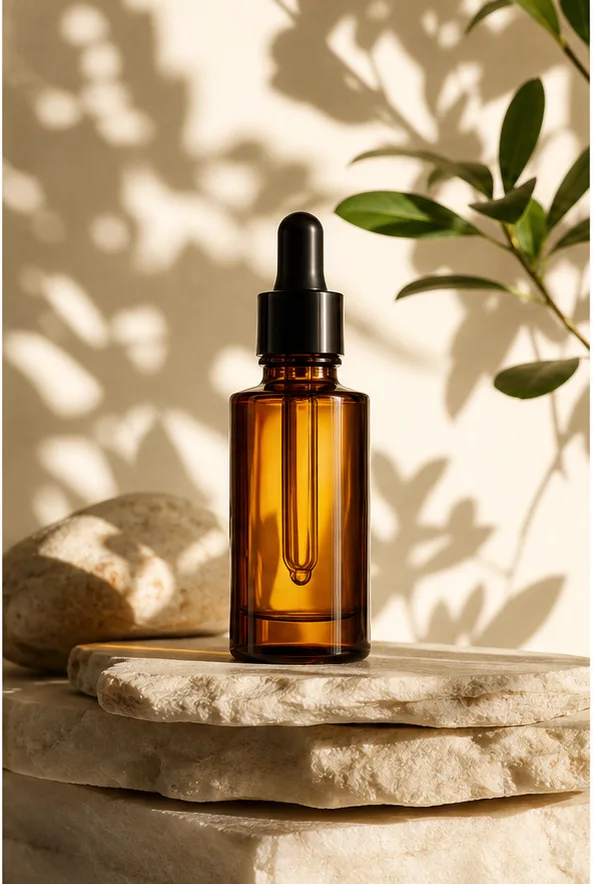
Preserve the bottle shape, cap, and material. Create a warm stone set with botanical shadows, controlled reflections, and a clean premium launch composition.
Choose a clear input and remove contradictory references before generation.
Define the subject, composition, background, lighting, intended crop, and text-safe space in a short ordered brief.
Check identity, edges, proportions, materials, logos, and text-safe space, then regenerate if important details drift.
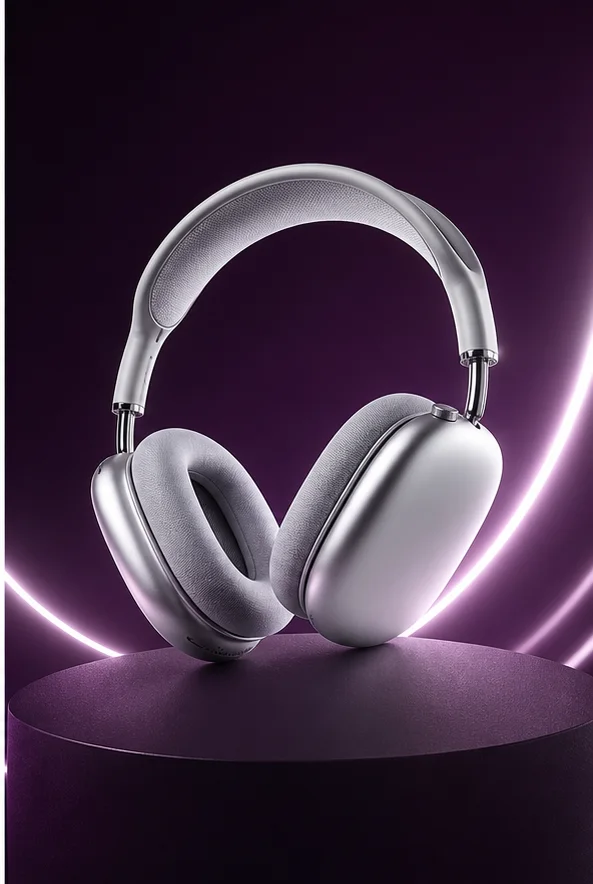
Keep the headphone geometry stable. Place it on a dark plum studio set with luminous curved accents, precise metallic highlights, and a text-safe area on the left.
Choose a clear input and remove contradictory references before generation.
Define the subject, composition, background, lighting, intended crop, and text-safe space in a short ordered brief.
Check identity, edges, proportions, materials, logos, and text-safe space, then regenerate if important details drift.
Upload the product or spokesperson reference and list the offer, audience, palette, and non-negotiable brand cues.
Specify the first visual read, supporting context, copy-safe region, disclosure area, and exact placement dimensions.
Confirm product truth and brand rules, then export distinct options for testing without changing the underlying offer.
Include the audience, offer, product reference, brand constraints, placement size, headline area, call to action, and required disclosures.
Use it to create the composition and protected text zones, then set exact headlines, prices, and legal language in a design tool.
Hold the offer and audience constant while varying one factor such as background, crop, prop, or subject expression.
The advertiser must substantiate claims, secure rights, follow brand approvals, and check every finished creative against the destination platform's rules.
Build a placement-aware ad concept from an approved product and a specific offer.