
Choose a source photo
AI Graduation Photo
Preview
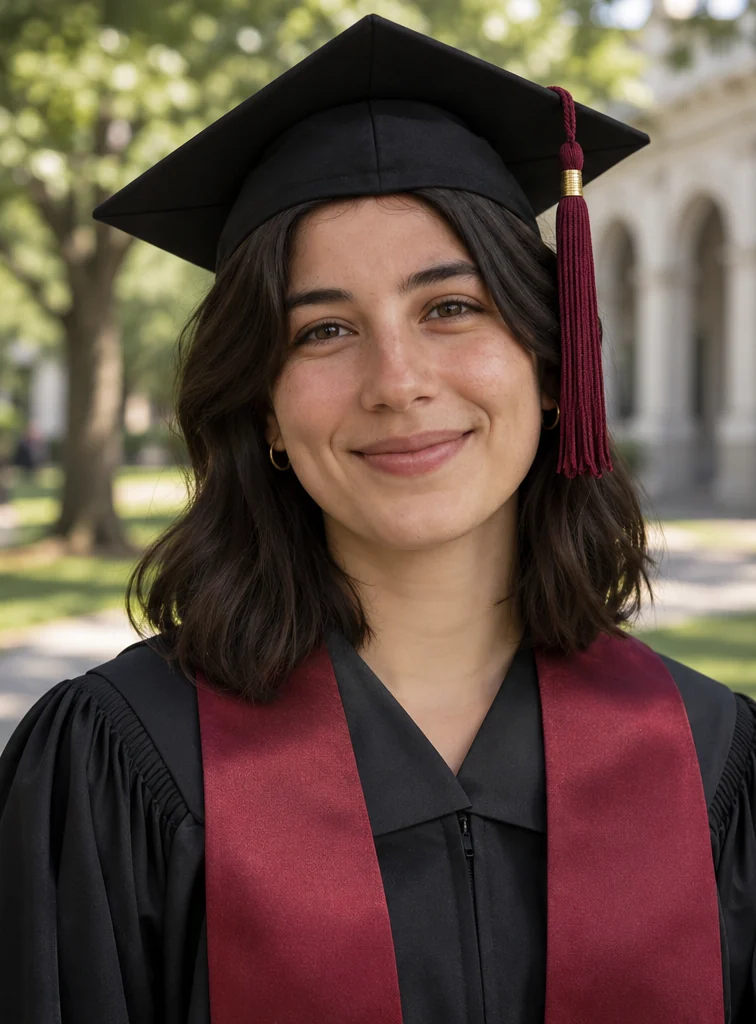
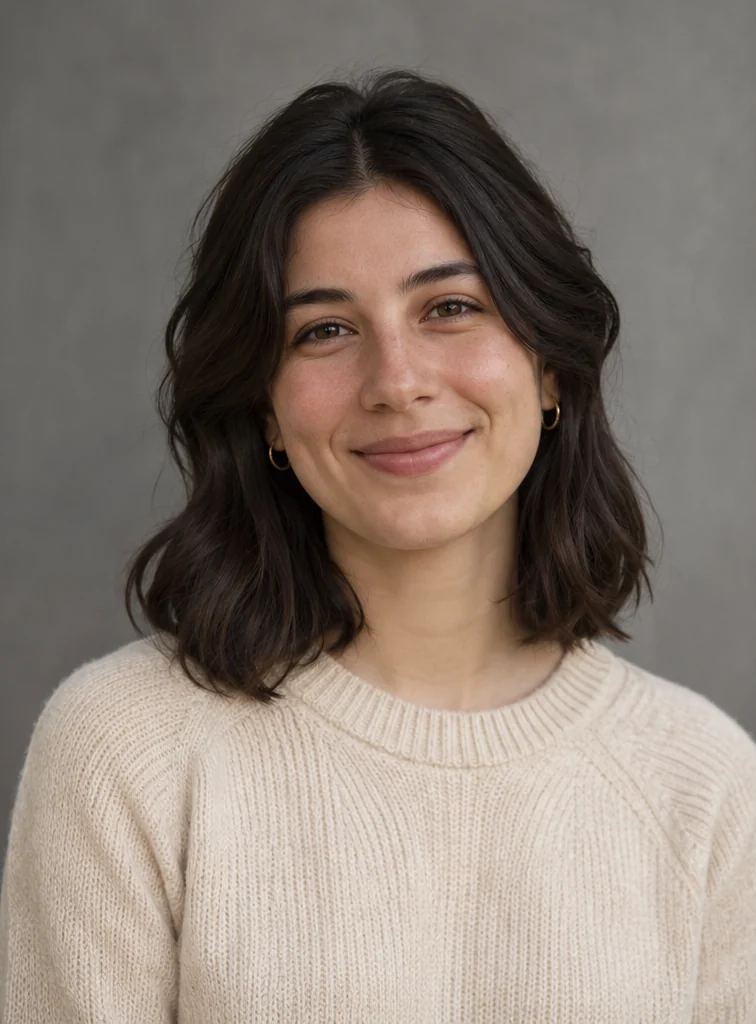
Images illustrate the workflow and are not verified results from this tool.
Related image tools
Explore more ways to work with a source portrait.

Seedream 5.5 Layerize
Open Seedream 5.5 Layerize in AI Image Editor.

GPT Image 2.6
Open GPT Image 2.6 in AI Image Editor.

Grok Imagine Image 2.0
Open Grok Imagine Image 2.0 in AI Image Editor.

Qwen Image 3.0
Open Qwen Image 3.0 in AI Image Editor.

Midjourney V8.2
Open Midjourney V8.2 in AI Image Editor.

Nano Banana 2 Lite
Open Nano Banana 2 Lite in AI Image Editor.

Seedream 5.5
Open Seedream 5.5 in AI Image Editor.

Seedream 5.0 Flash
Open Seedream 5.0 Flash in AI Image Editor.
AI Graduation Photo
Upload a portrait to create a commemorative graduation-style image with a cap and gown and a campus or studio setting. Results vary with the source photo and prompt; review facial resemblance.
Campus graduation portraitStudio graduation portrait
Campus graduation portrait
Studio graduation portrait
Choose a starting point
Campus graduation portrait
Keep the person recognizable in a classic graduation gown and cap, with a softly lit campus background; no school logos.
Studio graduation portrait
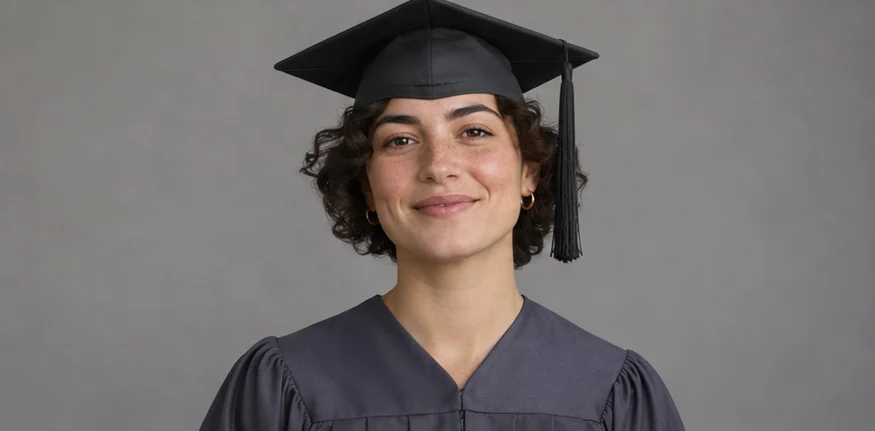
Studio graduation portrait with a neutral backdrop, natural expression, and no official insignia.
A portrait for a graduation card
Place the graduate on one side and leave a clear area for a greeting. Keep the eyes, smile and cap inside the crop.
Ways to use this tool
The campus example helps you plan an outdoor keepsake. The studio example shows how to frame a portrait for sharing or printing. The comparisons illustrate editing choices and are not verified results from this tool.
A campus portrait for a keepsake
Use a softly blurred campus backdrop to set the scene while keeping attention on the graduate. Start with a clear photo in which the person’s expression is easy to see.
Describe the outfit and setting
Ask for a plain gown and cap, a campus walkway and soft daylight. Name the expression and hairstyle to preserve.
Compare the face and cap
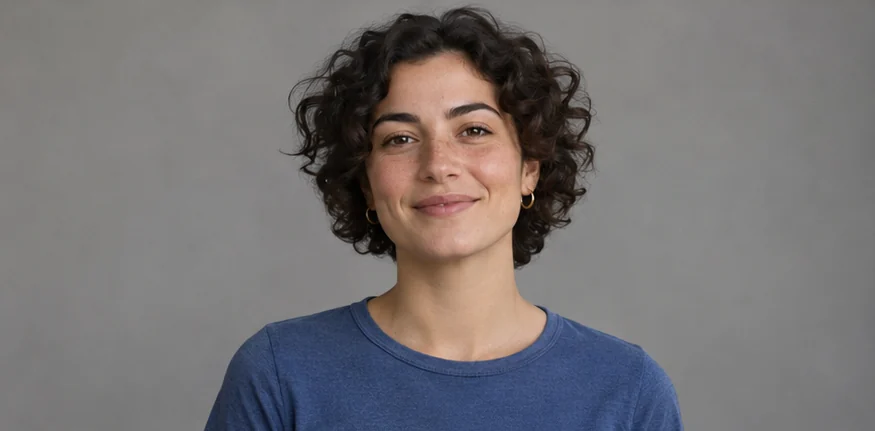
Check the eyes, smile and hairline against the original. Look for a cap that sits naturally, consistent shadows and a background free of unwanted school marks.
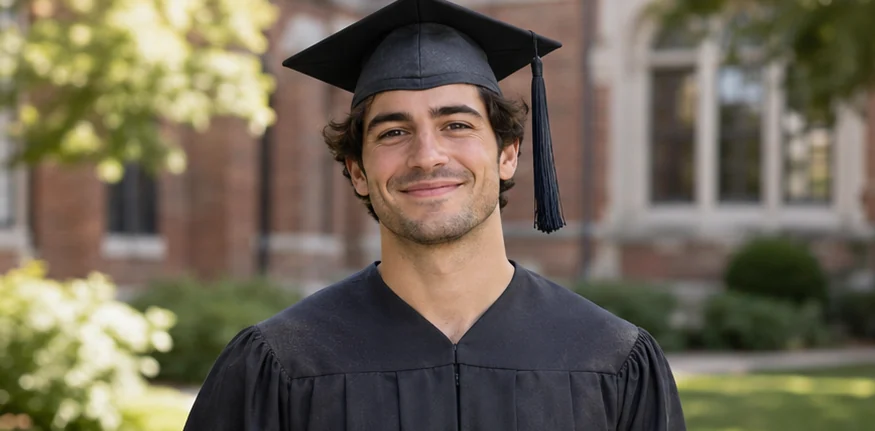
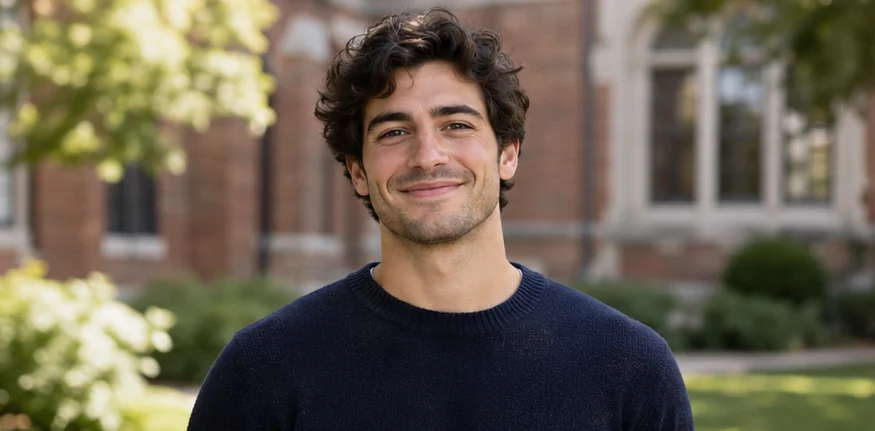
A studio-style portrait for sharing or printing
A plain background and head-and-shoulders framing work well for an album or a photo shared with family. Pick a source with space above the head.
Set the framing and backdrop
Ask for a neutral gray background, soft front lighting and a dark gown. Keep the framing and pose, with room around the cap and shoulders.
Check the intended crop
Crop to the size you’ll share or print. Check that the cap fits in the frame, the edges around the hair and shoulders look natural, and the skin tone matches the source.
How to use this page
01
Choose a source photo
Use a clear portrait with one person facing the camera and room above their head for a cap.
02
Describe the change
Specify the cap, gown color and setting. Say which facial features, hairstyle and expression should stay.
03
Check before saving
Compare the face, skin tone, hairline and cap placement with the source. Check the edges around the shoulders.
Questions before you start
What should I upload?
Use a clear portrait with one person facing the camera and room above their head for a cap.
What should I check?
Compare the face, skin tone, hairline and cap placement with the source. Check the edges around the shoulders.
What should I know before using the result?
Use this for a personal keepsake. For an official photo or credential, follow the issuing institution’s instructions.
AI Graduation Photo
Use this for a personal keepsake. For an official photo or credential, follow the issuing institution’s instructions.