
Headline, facts, and key art
List the information hierarchy before choosing a visual style or decorative motif.
Preview
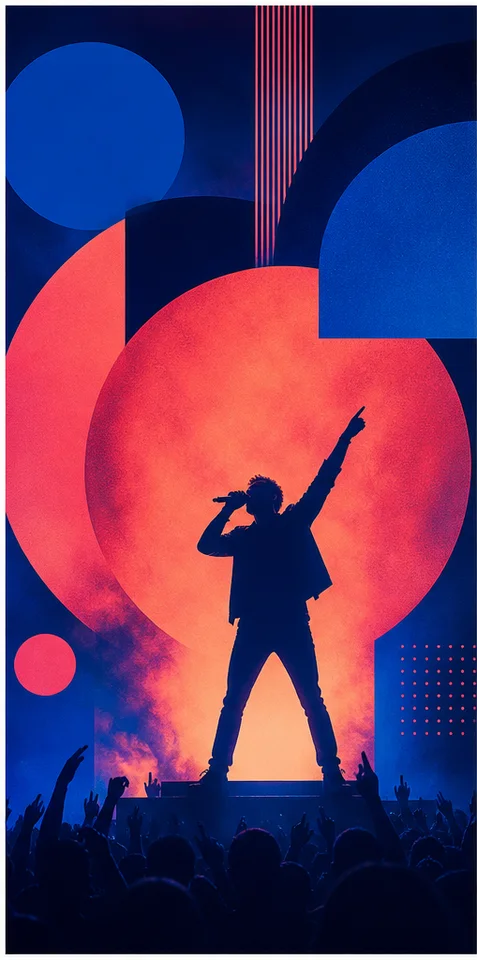
Compare AI Poster Generator with other image and video generators, then continue from the result that best fits your brief.
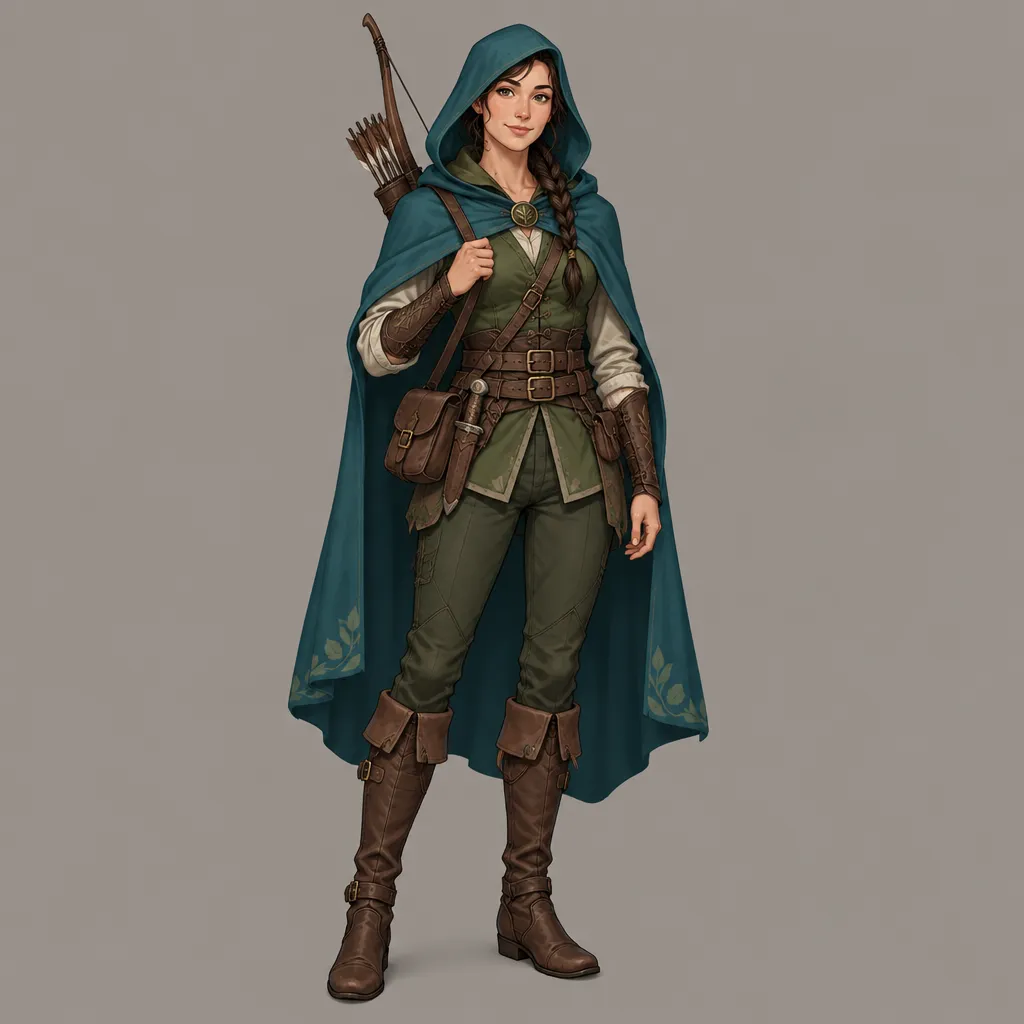
Open GPT Image 2.5 in AI Image Editor.
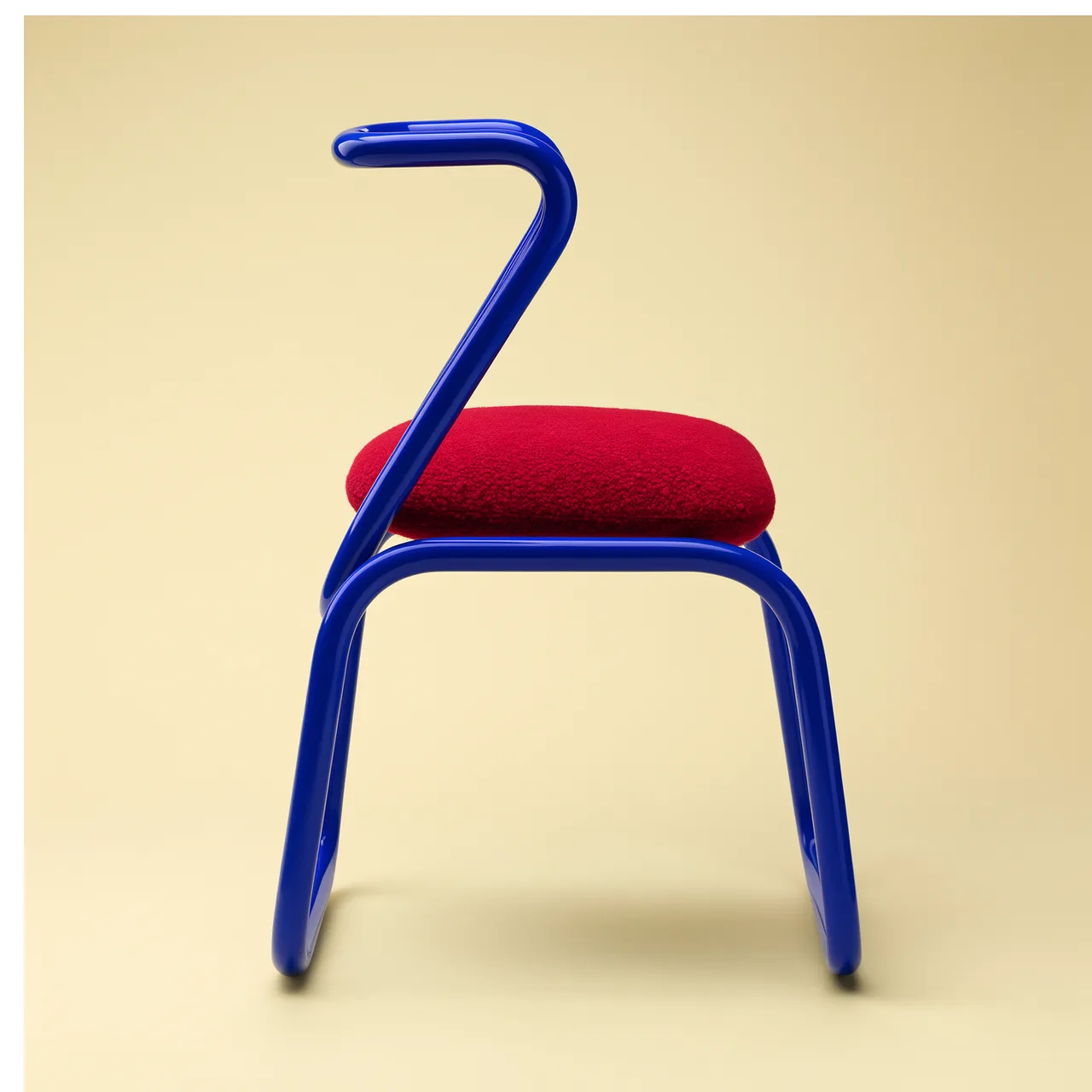
Open FLUX 3 Image in AI Image Editor.

Open Seedream 5.0 Pro in AI Image Editor.
Open GPT image 2 in AI Image Editor.
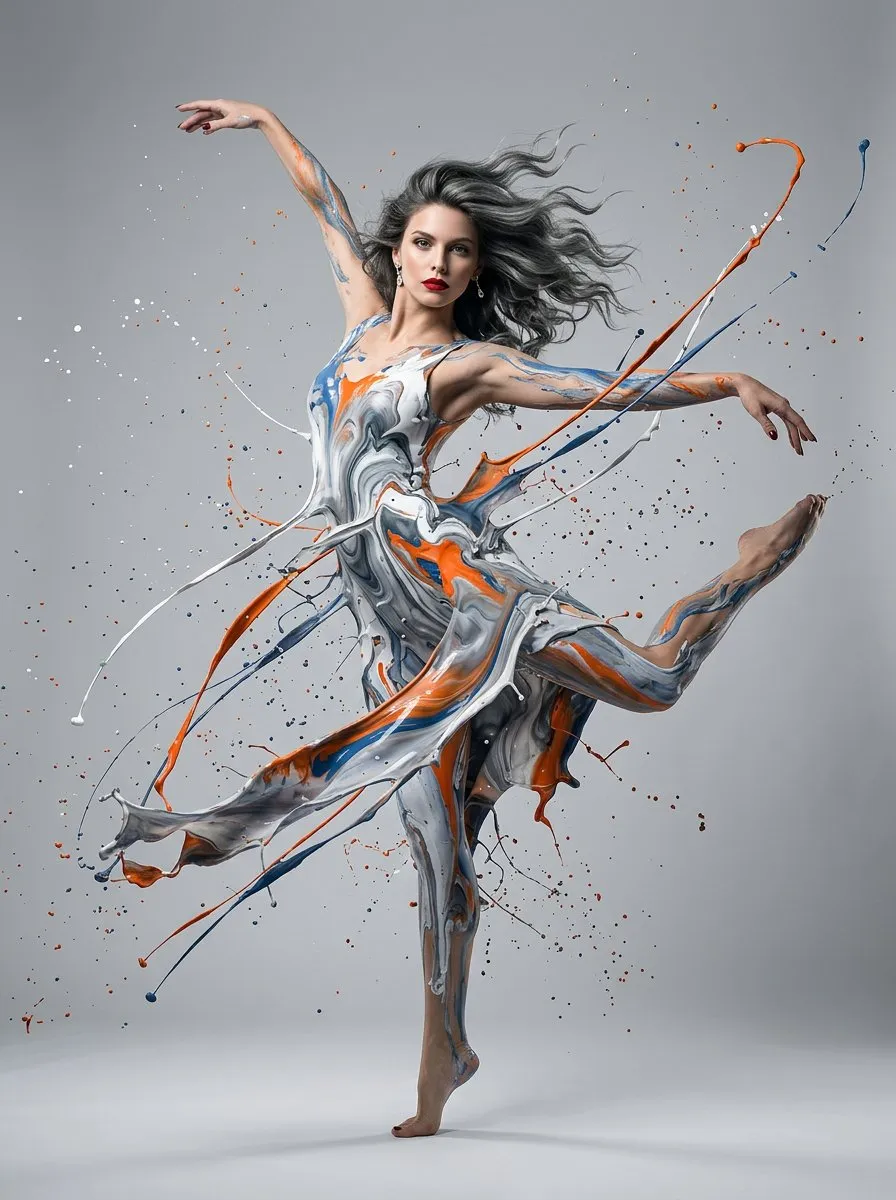
Open Nano Banana 2 in AI Image Editor.
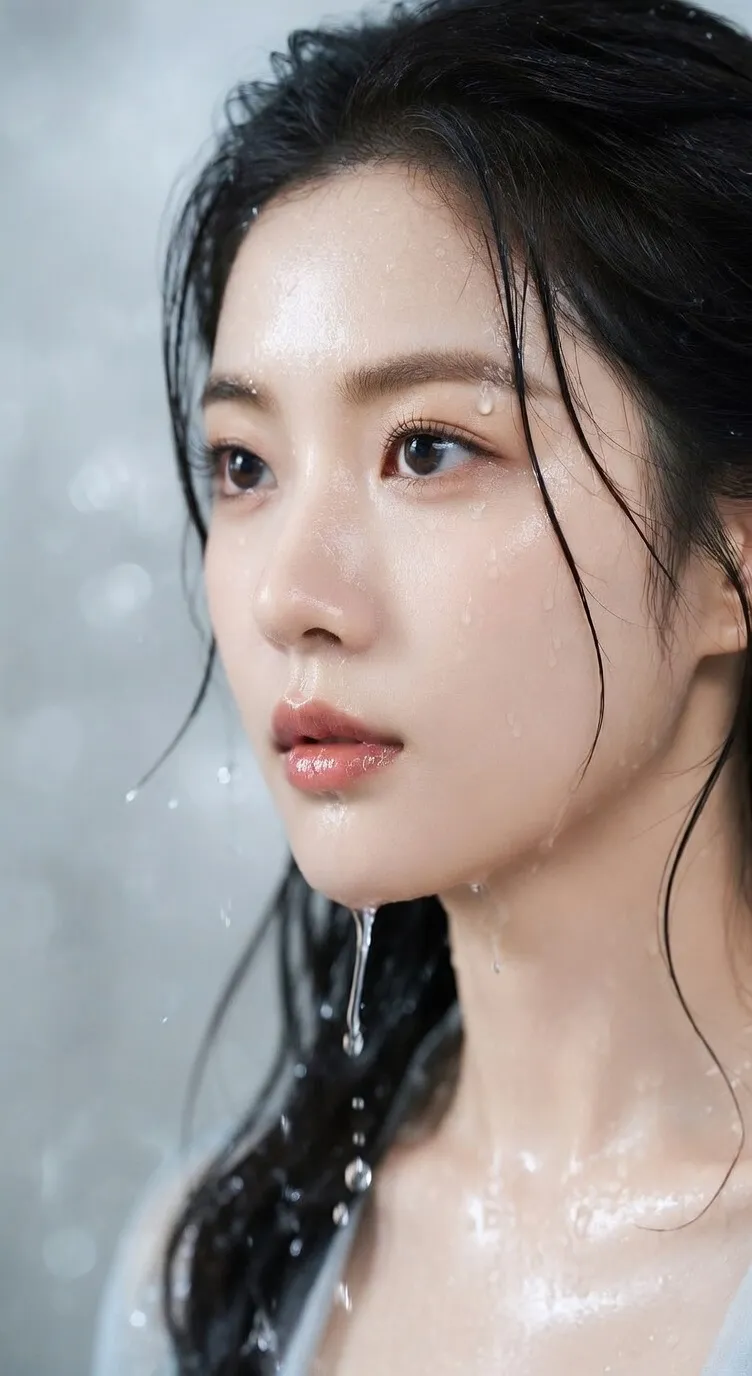
Open Seedream 5 Lite in AI Image Editor.
Describe the subject, poster type, visual hierarchy, palette, and text-safe areas. Default model: GPT image 2.
List the information hierarchy before choosing a visual style or decorative motif.
Define where the title, image, date, venue, credits, and action must live.
Evaluate the concept at its final dimensions and finish exact typography after generation.
Develop a visual system for events and campaigns without losing the reading order required for dates, venues, credits, and calls to action.
Rank the headline, subject, date, venue, sponsor, and response details before describing color or style.
Ask for a clear focal image and deliberate negative space where the final title and information stack can be typeset.
Choose portrait, landscape, print, story, or screen proportions early so the composition does not depend on a destructive crop.
Use the generated result as editable key art, then set exact spelling, fonts, logos, dates, credits, and bleed in a layout tool.
Begin with a specific publishing job, not a vague visual request.
Design a minimalist gallery exhibition poster with sculptural folded paper, an ivory and black palette, generous negative space, and a calm text-safe grid. Do not include readable text.
Choose a clear input and remove contradictory references before generation.
Define the subject, composition, background, lighting, intended crop, and text-safe space in a short ordered brief.
Check identity, edges, proportions, materials, logos, and text-safe space, then regenerate if important details drift.

Create an energetic community running event poster with dynamic athletes, teal and orange color blocking, a strong diagonal composition, and reserved space for event details added later.
Choose a clear input and remove contradictory references before generation.
Define the subject, composition, background, lighting, intended crop, and text-safe space in a short ordered brief.
Check identity, edges, proportions, materials, logos, and text-safe space, then regenerate if important details drift.
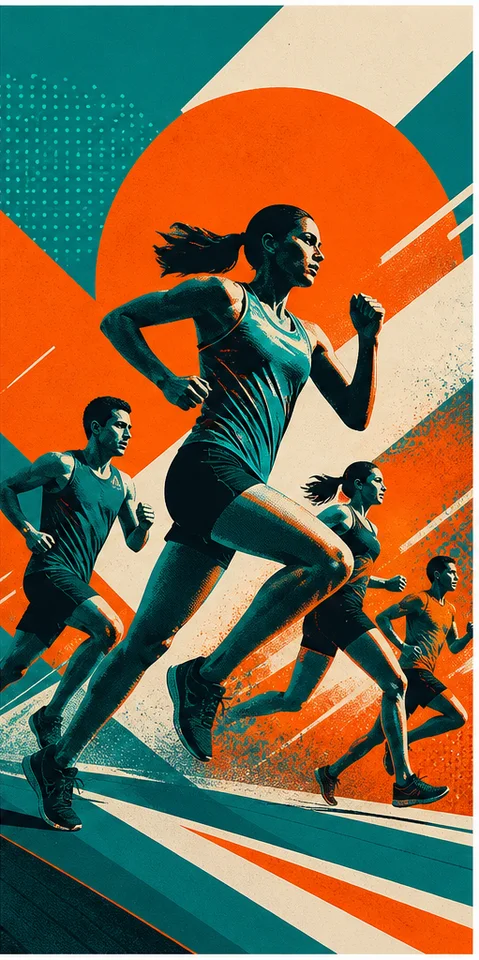
Separate the headline, key visual, event facts, sponsor line, and response action in their intended reading order.
Choose the final canvas, focal subject, palette, texture, era, and protected zones for typography and logos.
Select the concept with the strongest reading path, then add accurate copy, branding, trim, and accessibility details separately.
Generate the visual hierarchy and clean text zones first. Add exact titles, dates, prices, credits, and logos in a layout editor.
Rank every message, limit the number of focal elements, and reserve distinct zones for the headline, details, and action.
Treat it as key art until you have checked final dimensions, resolution, color handling, bleed, typography, and printer specifications.
Confirm permission for portraits, trademarks, sponsor assets, typefaces, referenced artwork, and any venue or event claims before release.
Map the information first, then generate key art with room for precise typography.