
A design image
The result does not apply a tattoo to your skin.
Preview
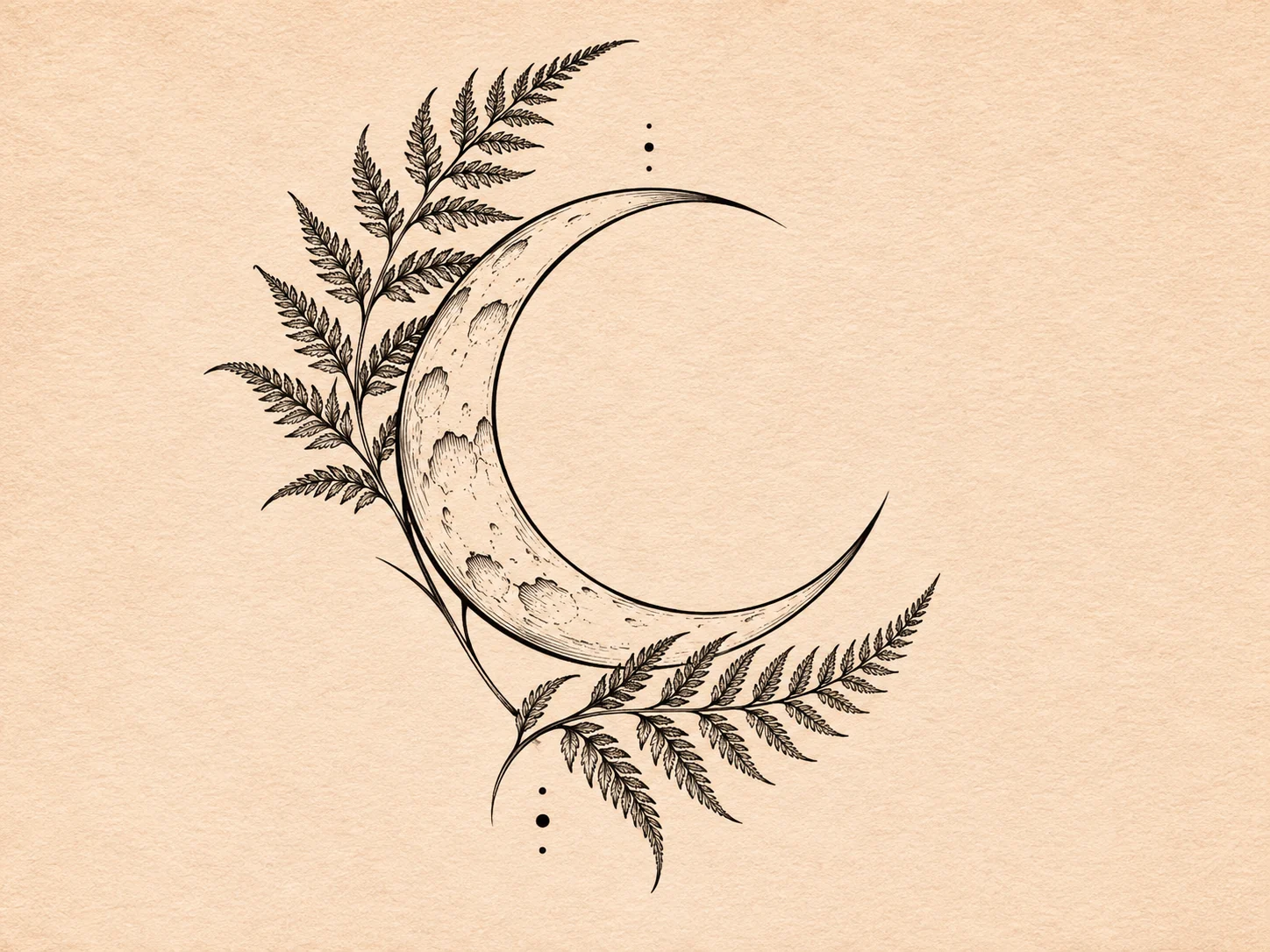
Tattoo design concept; not a real tattoo application or a verified model output.
Compare image models for linework and tattoo concept exploration.

Open Seedream 5.5 Layerize in AI Image Editor.

Open GPT Image 2.6 in AI Image Editor.

Open Grok Imagine Image 2.0 in AI Image Editor.

Open Qwen Image 3.0 in AI Image Editor.

Open Midjourney V8.2 in AI Image Editor.

Open Nano Banana 2 Lite in AI Image Editor.

Open Seedream 5.5 in AI Image Editor.

Open Seedream 5.0 Flash in AI Image Editor.
Turn a motif, personal symbol or lettering idea into a tattoo design image or sticker-style draft. Describe the line weight, empty space and intended body area. Use the result to compare compositions and explain your idea to an artist.
The result does not apply a tattoo to your skin.
Scale and body fit need an artist’s review.
This tool provides no medical or allergy advice.
A useful concept separates the artwork from decisions about applying it to skin.
Name the body area and the main motif. Ask for a long or curved arrangement with open gaps; the image does not calculate an exact wrap around a limb.
Start with text, or switch to image-to-image to upload a skin-area photo or existing line sketch. Explain which shapes to keep and what to change.
Try delicate botanical marks, symbols or initials. Check letter shapes and spelling yourself; simplify details that become hard to read at your intended size.
Save the draft with notes about scale, position and line weight. It is a raster design image, not a ready-to-use transfer stencil or a tattooing service.
Try the same motif with fine outlines and then with bolder strokes. View both at the size you have in mind to see which details stay clear.
Generate a blackwork draft and a version with one accent color. Keep the motif and composition consistent so the palette is easy to compare.
Illustrative design briefs, not verified model outputs or evidence of real tattoos.
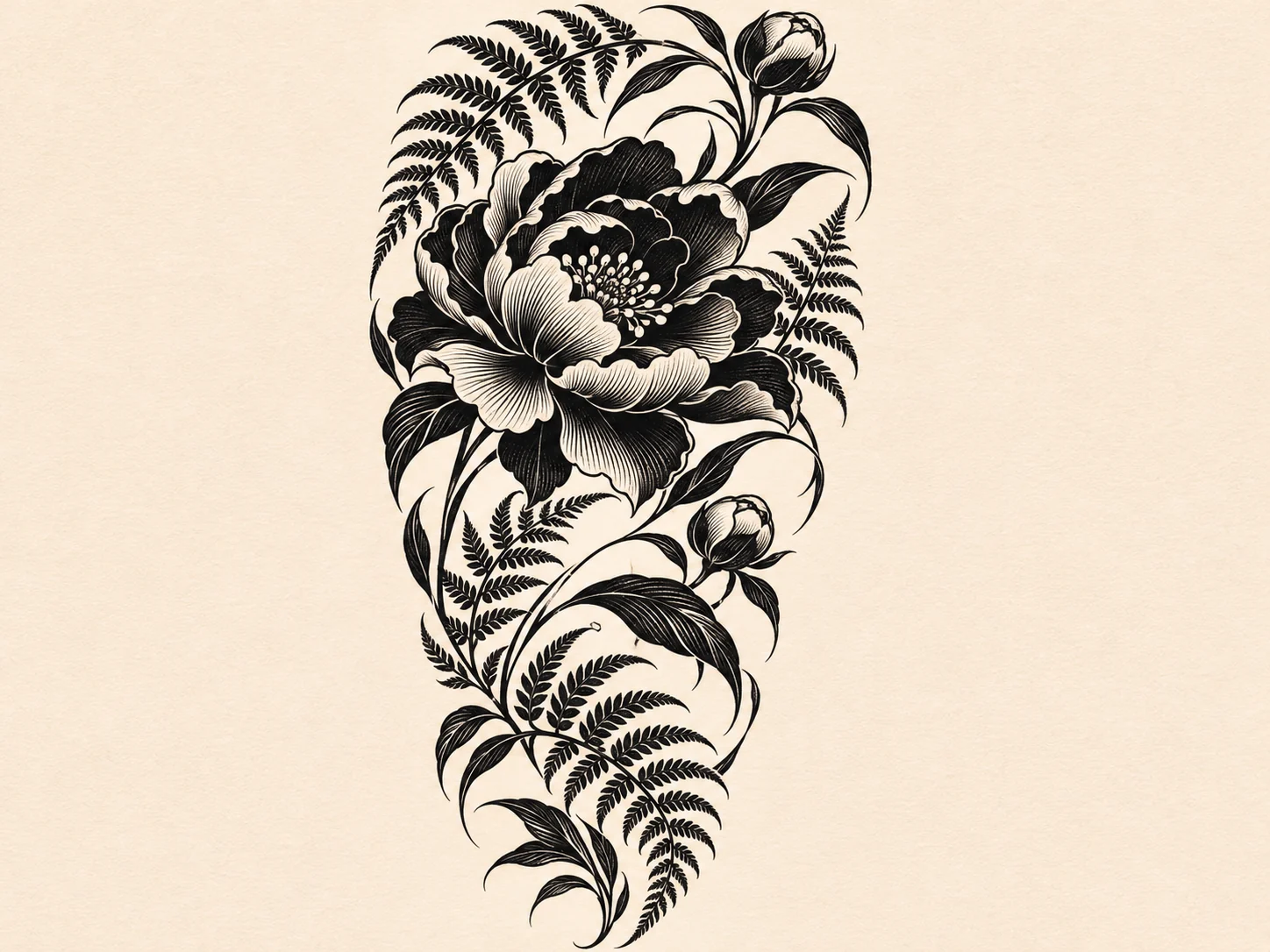
Organize flowers and leaves around one focal motif before discussing how they might wrap around the arm.
Set the largest flower first and describe the direction of surrounding leaves.
Use open gaps between shaded areas so the composition is easier to assess.
Ask an artist to adapt the flat draft to your proportions and intended size.
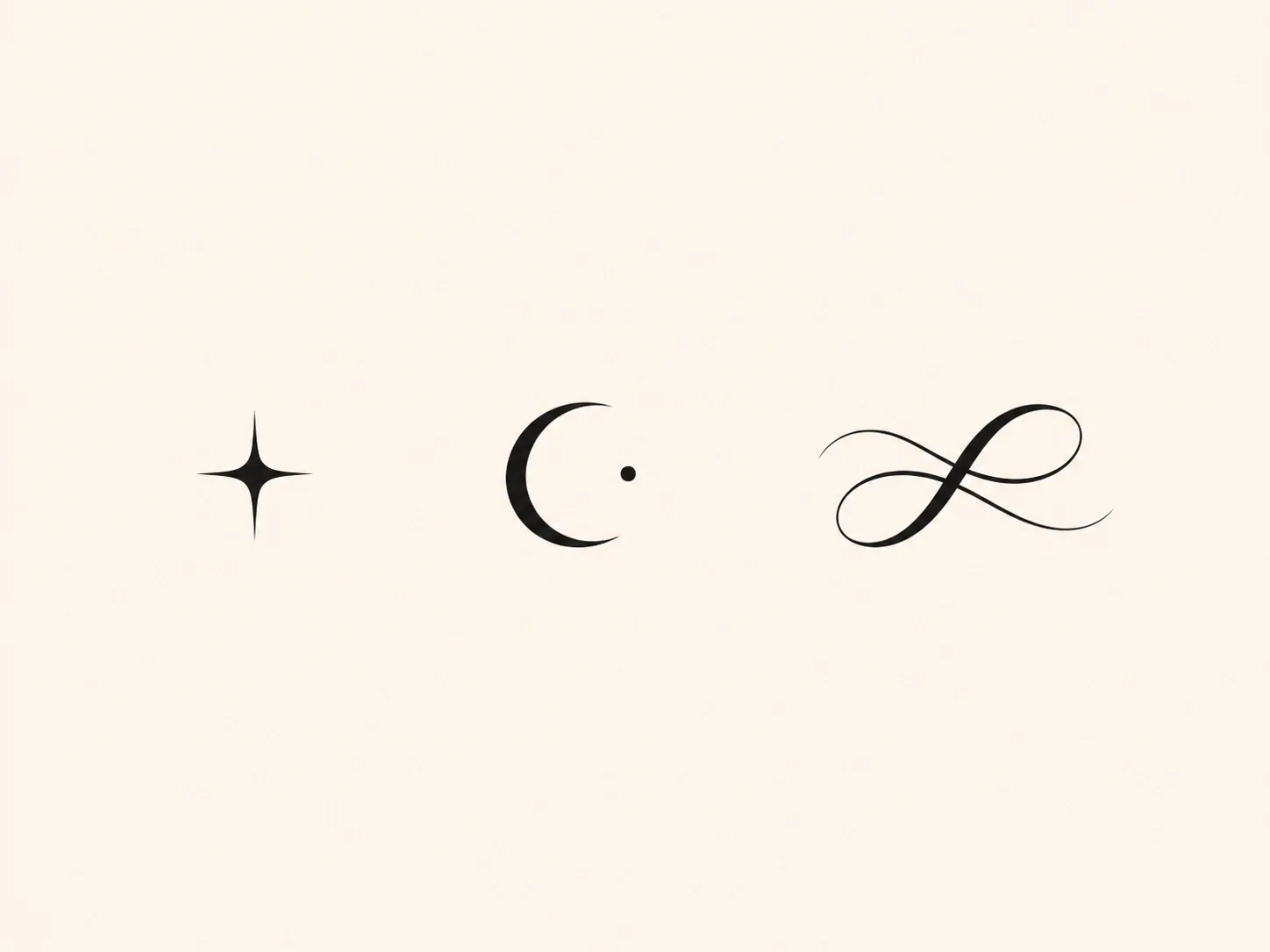
Compare a quiet wrist motif with alternative letterforms on a plain background.
Specify a moon, flower or short set of initials rather than a crowded collage.
Check spelling and spacing; rebuild exact lettering in a design editor if needed.
View a resized copy and note details to simplify with your artist.
Describe the motif, style, line weight and intended area. Choose a suitable image ratio for the composition.
Generate from text, or switch to image-to-image and upload an area photo or line sketch with a clear prompt.
Download the image, inspect lettering and discuss scale, placement and any stencil preparation with an artist.
No. It generates design images. Any skin reference is visual context; a generated preview does not apply a tattoo or predict its real appearance. The tool provides no medical or allergy advice.
Yes. It starts in text-to-image mode. To use a skin-area photo or an existing line drawing, switch to image-to-image and upload the reference with your instructions.
No. It is a raster concept or sticker-style artwork. A tattoo artist needs to review the linework, scale and suitability and prepare any transfer stencil separately.
Describe a location such as the inner wrist or outer arm to explore an arrangement. Fit, letterforms and spelling can vary; check them manually and let an artist adapt the design.
Choose a motif, line style and intended area, then make an image to review with your artist.
Motif
Style
Placement
Next step