

One subject
Choose a face you can clearly compare with the result.
Flashlight AI Photo
Give your photo a pocket-sized co-star. Add one portrait, then edit the prepared instructions to decide where your anime companion stands and what its torch reveals.
Explore the transformation
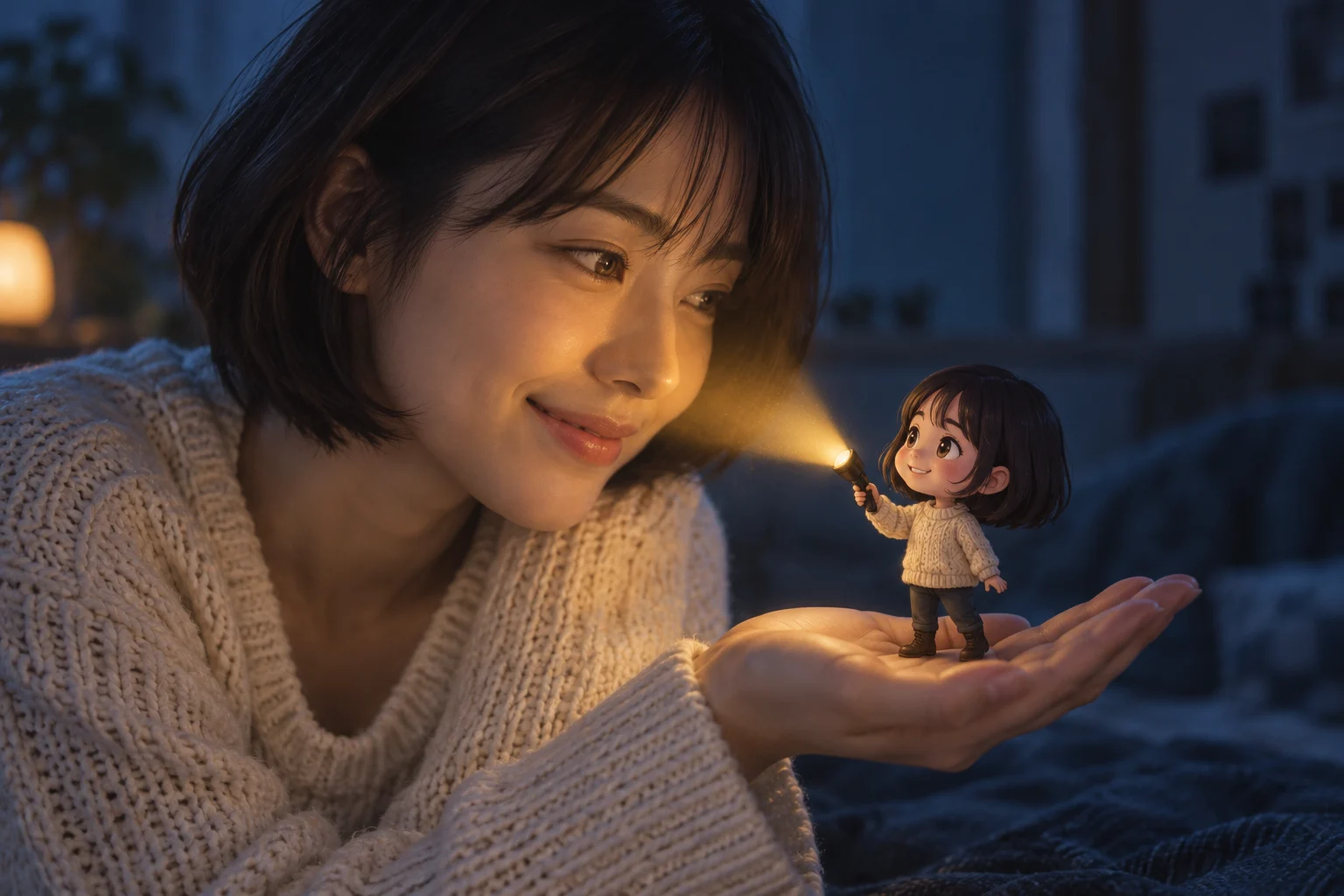
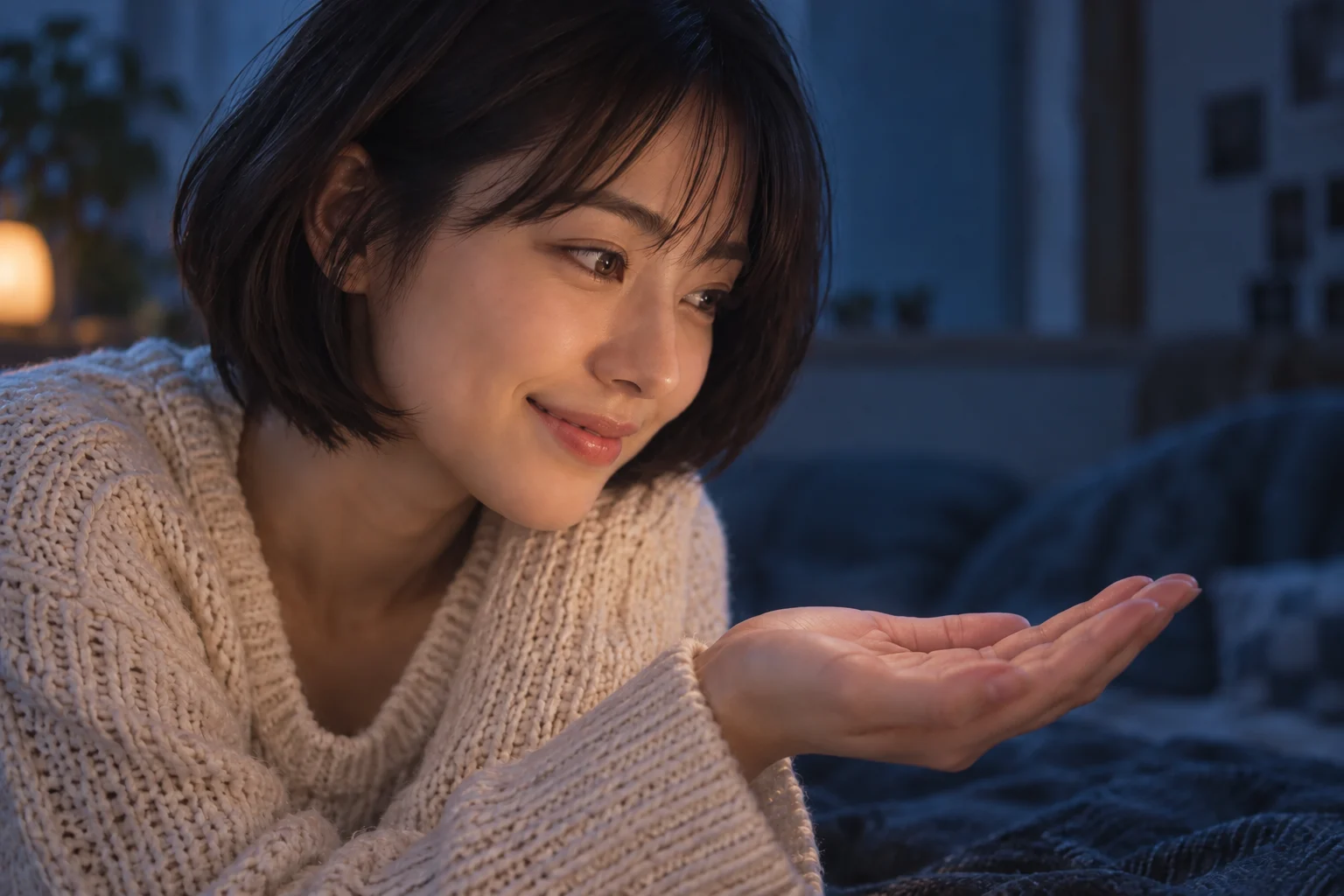
Drag the divider to explore these AI-made illustrations. This is a style preview, not a recorded generation from this tool.
Explore image models for your next portrait edit.
Give your photo a pocket-sized co-star. Add one portrait, then edit the prepared instructions to decide where your anime companion stands and what its torch reveals.
Choose a face you can clearly compare with the result.
Leave room for both characters; a landscape frame is also available.
Contact with the hand or table helps the miniature belong in the photograph.
Give the miniature a place to stand and the beam a clear destination.
Ask to retain the real face, hairstyle, and clothing. Only the small companion should become anime; inspect likeness after generation.
Choose a palm, book, or tabletop. Ask for small proportions and contact shadows so the double does not appear to float.
Name one target for the torch. Check that the light begins at its lens and that nearby highlights agree with the beam.
AI-created concept illustrations, including the preview above, show the intended look. They are not measured results from this site’s generator.
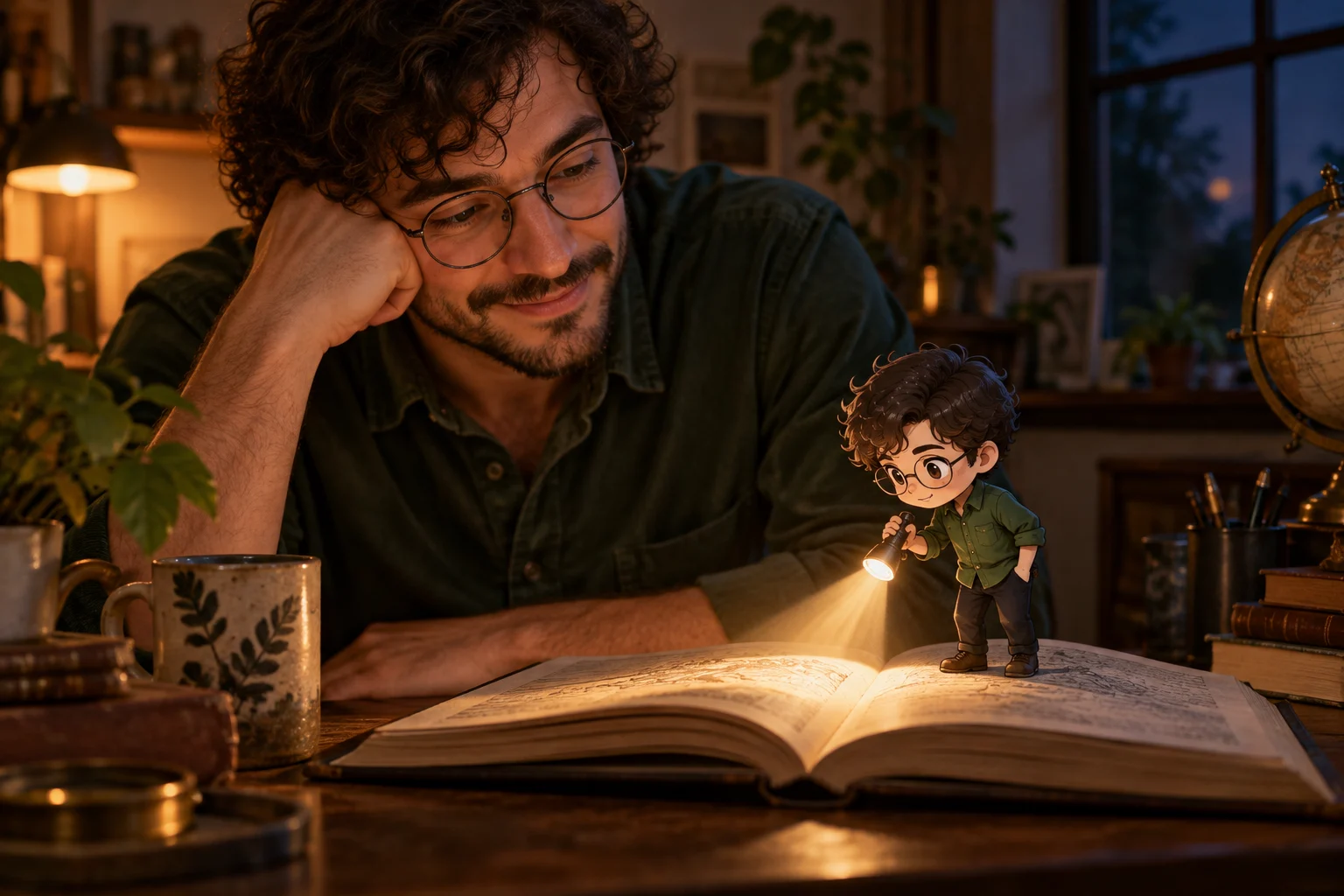
Use a book as a stage for a warm evening portrait.
Place the miniature below the face and keep the page light softer than the main portrait.
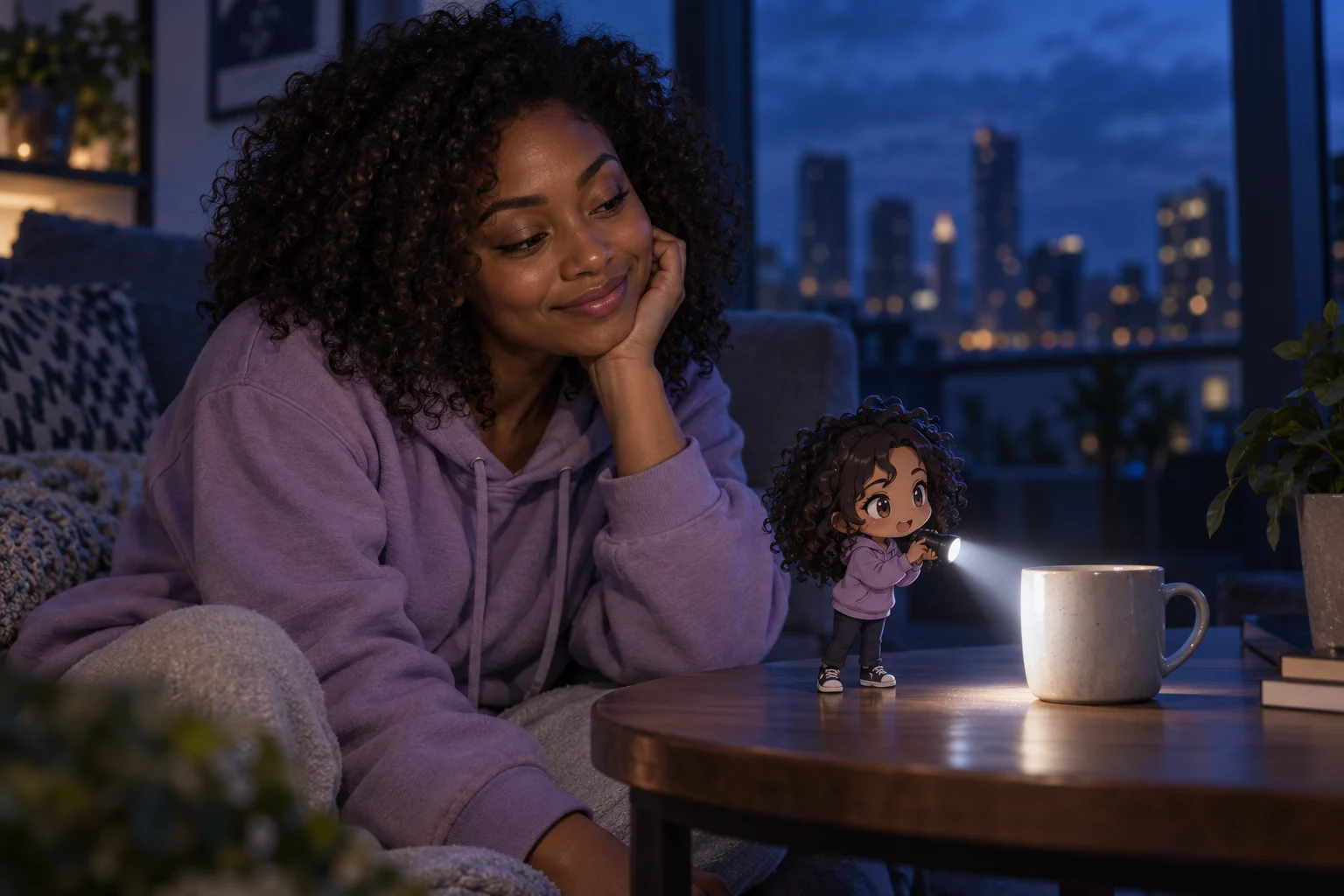
A familiar mug makes the miniature’s size easy to read.
Keep the person, companion, and beam inside the frame before sharing a square or vertical crop.
Choose a sharp image with a visible face and space for a palm or tabletop. Use a photo you have permission to edit.
The prompt is already filled in. Change the surface, light color or outfit detail, choose a frame and 1K or 2K, then review the credit estimate.
Sign in to generate. Review the face, fingers, miniature feet, and light direction; refine one issue at a time and download a result you like.
This scene keeps the main person photographic and adds a separate anime miniature. For a fully illustrated portrait, try Photo to Anime instead.
No. Describe the miniature and torch in your prompt. A clear face and an uncluttered supporting surface are more useful than an existing light prop.
No exact match is guaranteed. AI may alter facial features, fingers, or accessories. Compare with the original and revise the most important mismatch first.
This page uses GPT Image 2.5 and account credits. The displayed estimate reflects your output settings; review it and your balance before generating.
Start with one person, one miniature, and one clear beam.