
Set a directly overhead view
Flat Lay Product Photo
Preview
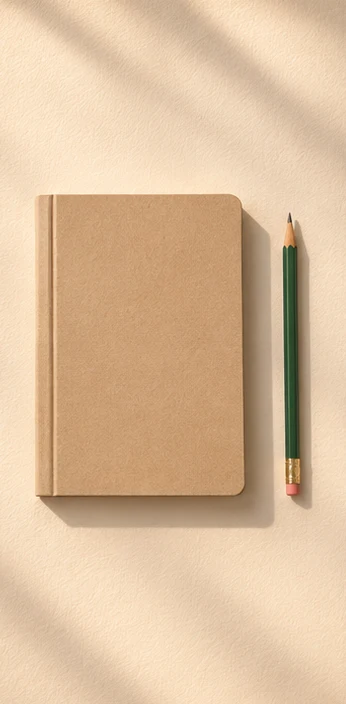
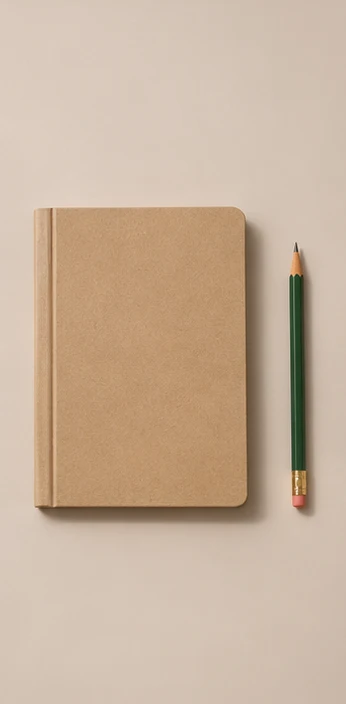
Images illustrate the workflow and are not verified results from this tool.
Related image tools
Open a model page to review its supported inputs, controls and availability before choosing it.

Seedream 5.5 Layerize
Open Seedream 5.5 Layerize in AI Image Editor.

GPT Image 2.6
Open GPT Image 2.6 in AI Image Editor.

Grok Imagine Image 2.0
Open Grok Imagine Image 2.0 in AI Image Editor.

Qwen Image 3.0
Open Qwen Image 3.0 in AI Image Editor.

Midjourney V8.2
Open Midjourney V8.2 in AI Image Editor.

Nano Banana 2 Lite
Open Nano Banana 2 Lite in AI Image Editor.

Seedream 5.5
Open Seedream 5.5 in AI Image Editor.

Seedream 5.0 Flash
Open Seedream 5.0 Flash in AI Image Editor.
Flat Lay Product Photo
Arrange a product photo into a straight overhead composition for a bundle, a catalog tile or a social post.
Skincare on linenTraining kit on wood
Control the spacing
Compare the objects
Choose a starting point
Set a directly overhead view
Say which products belong in the layout and keep their count and packaging.
Control the spacing
Leave a clear gap between items and a deliberate patch of space for any copy you add later.
Compare the objects
Check labels, lid shapes and fabric colors against the source before saving.
Ways to use this tool
Images illustrate the workflow and are not verified results from this tool.
Skincare on linen
Arrange both bottles on neutral linen in a top-down view. Keep their caps and leave open space above.
Control the spacing
Leave a clear gap between items and a deliberate patch of space for any copy you add later.
Compare the objects
Check labels, lid shapes and fabric colors against the source before saving.
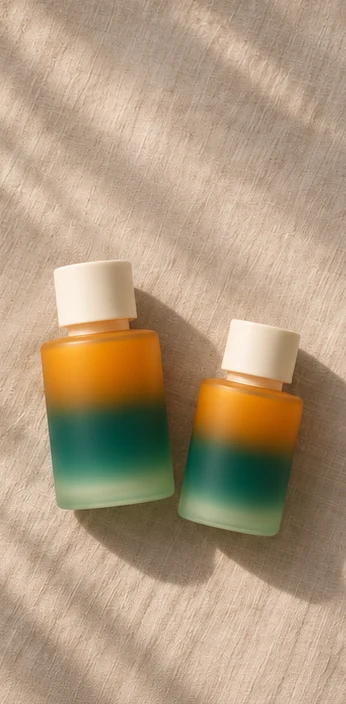
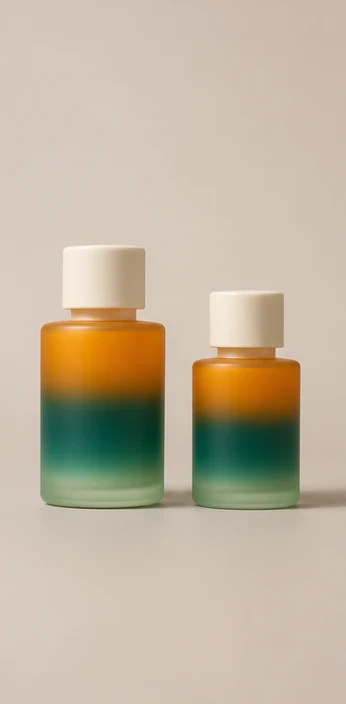
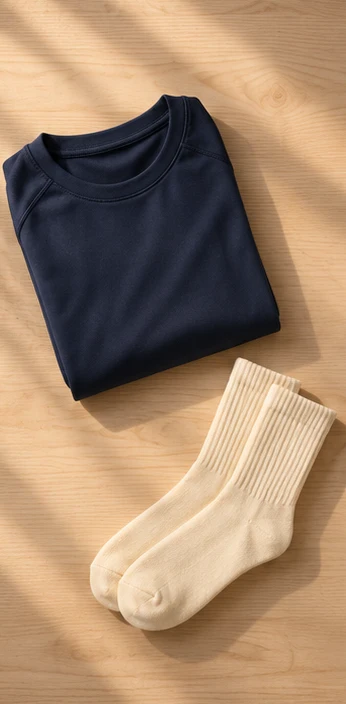
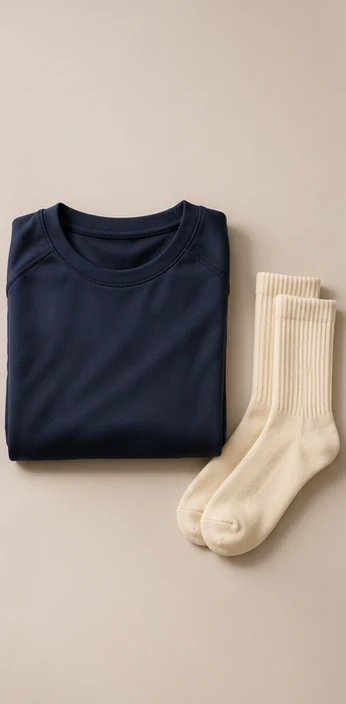
Training kit on wood
Lay the folded top and socks on pale wood in a loose diagonal. Keep the items separate.
Control the spacing
Leave a clear gap between items and a deliberate patch of space for any copy you add later.
Compare the objects
Check labels, lid shapes and fabric colors against the source before saving.
How to use this page
01
Add your photo
Say which products belong in the layout and keep their count and packaging.
02
Pick a prompt
Select an example or describe the treatment you want. Name the details to keep.
03
Generate and compare
Compare the result with the source at the size you plan to use, then save the image.
Questions before you start
What should I upload?
Say which products belong in the layout and keep their count and packaging.
What should I check?
Check labels, lid shapes and fabric colors against the source before saving.
What should I know before using the result?
The editor can change small product details. Compare the shape, color and finish with the source before saving.
Flat Lay Product Photo
Arrange a product photo into a straight overhead composition for a bundle, a catalog tile or a social post.