
Start with a visible outline
Floating Product Photo
Preview
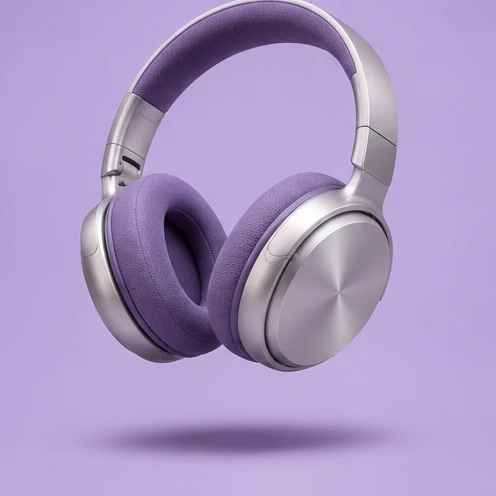
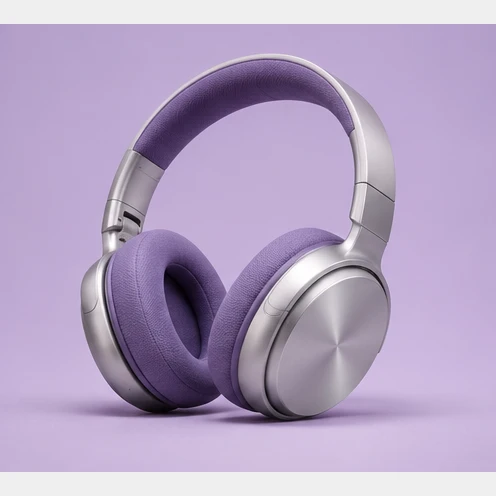
Images illustrate the workflow and are not verified results from this tool.
Related image tools
Open a model page to review its supported inputs, controls and availability before choosing it.

Seedream 5.5 Layerize
Open Seedream 5.5 Layerize in AI Image Editor.

GPT Image 2.6
Open GPT Image 2.6 in AI Image Editor.

Grok Imagine Image 2.0
Open Grok Imagine Image 2.0 in AI Image Editor.

Qwen Image 3.0
Open Qwen Image 3.0 in AI Image Editor.

Midjourney V8.2
Open Midjourney V8.2 in AI Image Editor.

Nano Banana 2 Lite
Open Nano Banana 2 Lite in AI Image Editor.

Seedream 5.5
Open Seedream 5.5 in AI Image Editor.

Seedream 5.0 Flash
Open Seedream 5.0 Flash in AI Image Editor.
Floating Product Photo
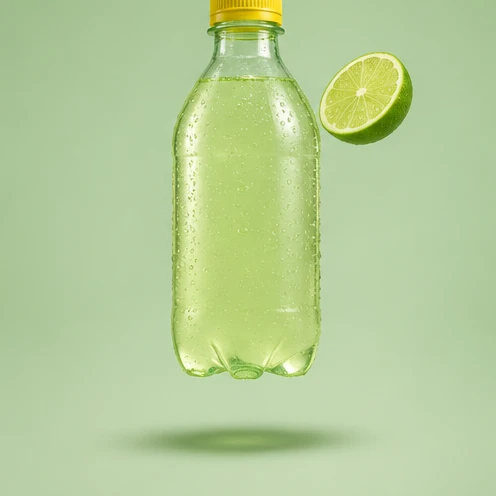
Turn a product photo into a suspended shot with clear space below the item and a believable shadow.
A sneaker with ribbonA drink with lime
Set the height and light
Keep details visible
Choose a starting point
Start with a visible outline
Use a sharp photo showing the item’s edges and main materials.
Set the height and light
Ask for a small gap above the surface and a soft shadow directly below it.
Keep details visible
Check color, proportions, seams and any lettering at listing size.
Ways to use this tool
Images illustrate the workflow and are not verified results from this tool.
A sneaker with ribbon
Lift the sneaker above a plain studio surface. Curl a thin ribbon around it without covering the sole.
Set the height and light
Ask for a small gap above the surface and a soft shadow directly below it.
Keep details visible
Check color, proportions, seams and any lettering at listing size.
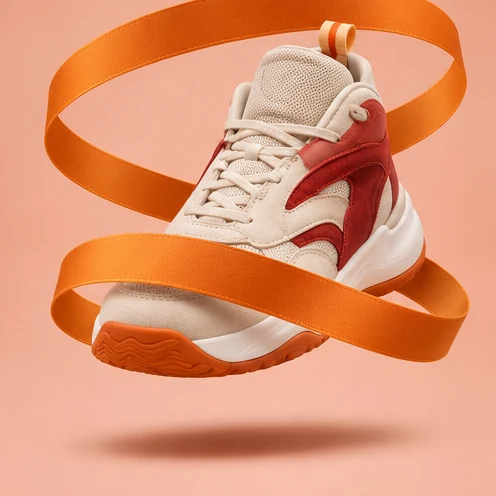
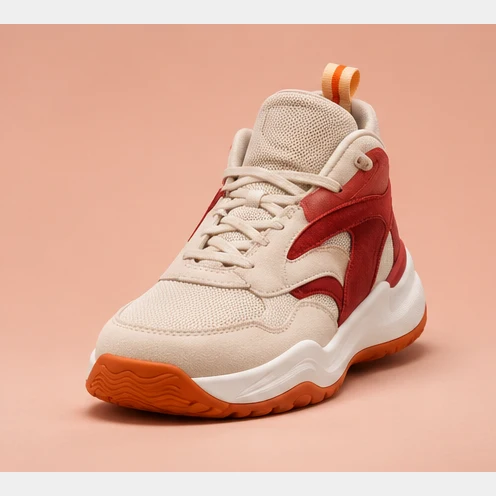
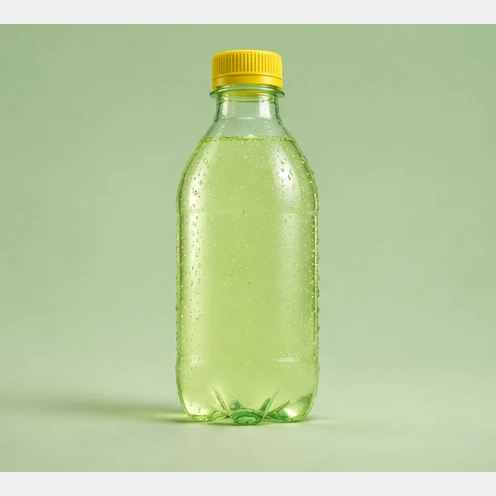
A drink with lime
Float the bottle and a lime slice above a softly lit surface. Keep the cap and bottle shape.
Set the height and light
Ask for a small gap above the surface and a soft shadow directly below it.
Keep details visible
Check color, proportions, seams and any lettering at listing size.
How to use this page
01
Add your photo
Use a sharp photo showing the item’s edges and main materials.
02
Pick a prompt
Select an example or describe the treatment you want. Name the details to keep.
03
Generate and compare
Compare the result with the source at the size you plan to use, then save the image.
Questions before you start
What should I upload?
Use a sharp photo showing the item’s edges and main materials.
What should I check?
Check color, proportions, seams and any lettering at listing size.
What should I know before using the result?
The editor can change small product details. Compare the shape, color and finish with the source before saving.
Floating Product Photo
Turn a product photo into a suspended shot with clear space below the item and a believable shadow.