
Use a straight-on garment photo
Ghost Mannequin Photo
Preview
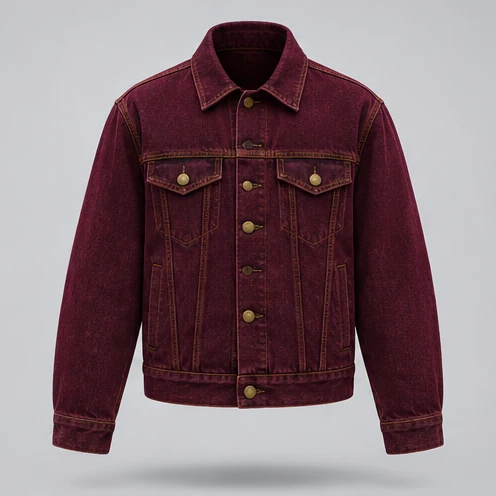
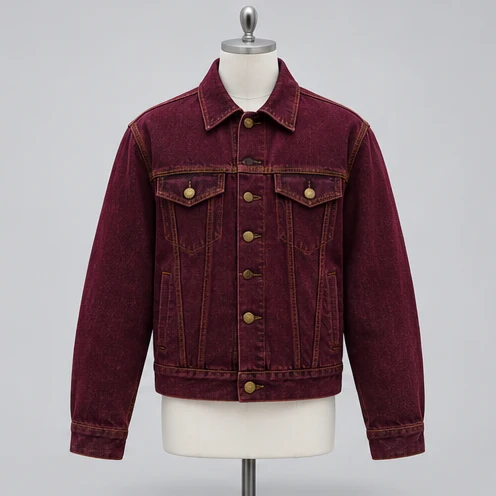
Images illustrate the workflow and are not verified results from this tool.
Related image tools
Open a model page to review its supported inputs, controls and availability before choosing it.

Seedream 5.5 Layerize
Open Seedream 5.5 Layerize in AI Image Editor.

GPT Image 2.6
Open GPT Image 2.6 in AI Image Editor.

Grok Imagine Image 2.0
Open Grok Imagine Image 2.0 in AI Image Editor.

Qwen Image 3.0
Open Qwen Image 3.0 in AI Image Editor.

Midjourney V8.2
Open Midjourney V8.2 in AI Image Editor.

Nano Banana 2 Lite
Open Nano Banana 2 Lite in AI Image Editor.

Seedream 5.5
Open Seedream 5.5 in AI Image Editor.

Seedream 5.0 Flash
Open Seedream 5.0 Flash in AI Image Editor.
Ghost Mannequin Photo
Remove a visible dress form from an apparel photo while keeping the garment’s shape and a believable hollow collar.
Quilted jacketRibbed sweater
Describe the hidden lining
Verify the garment details
Choose a starting point
Use a straight-on garment photo
Start with an evenly lit front view. Keep collar openings and sleeve edges within the frame.
Describe the hidden lining
Specify what should appear behind the neck opening where the form was removed.
Verify the garment details
Compare cut, color, closures and seams. Treat any generated inner fabric as a draft until checked.
Ways to use this tool
Images illustrate the workflow and are not verified results from this tool.
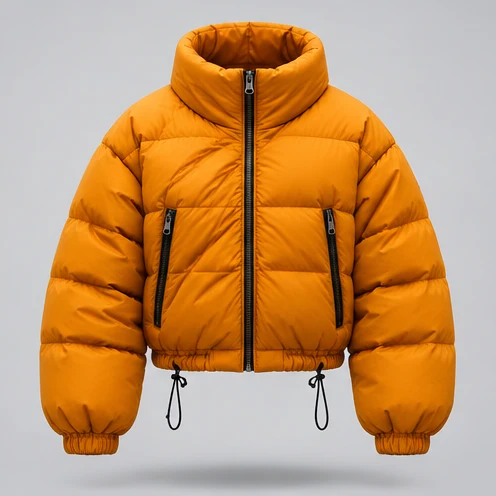
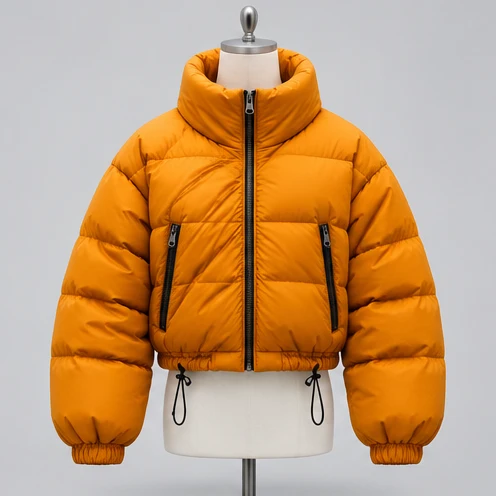
Quilted jacket
Turn this into a ghost mannequin product photo. Remove the entire dress form and its hardware: the metal finial and cap above the collar, the torso inside the jacket, and the support pole and base below the hem. Fill the cleared areas with the existing background and show dark inner lining inside the empty standing collar. Preserve the jacket’s original angle, color, volume, quilting, pockets, drawcords, and zippers.
Describe the hidden lining
Specify what should appear behind the neck opening where the form was removed.
Verify the garment details
Compare cut, color, closures and seams. Treat any generated inner fabric as a draft until checked.
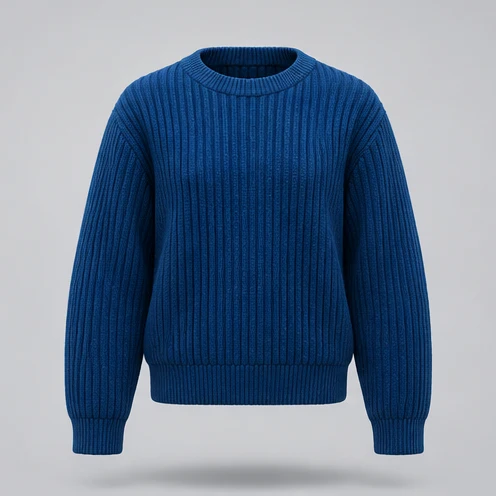
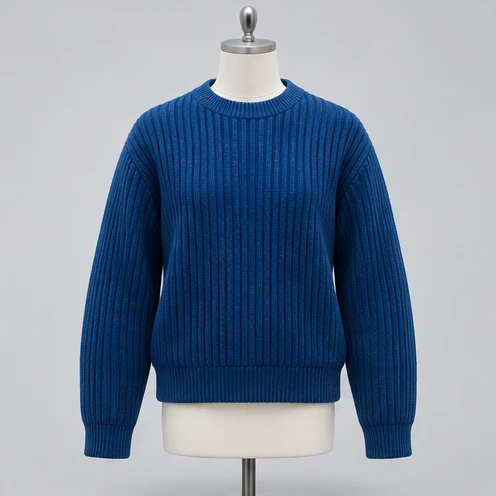
Ribbed sweater
Remove the entire dress form, including the neck cap, torso, support pole, and base. Continue the existing background above the neckline and below the hem. Show the inner knit at the back of the empty round neckline. Preserve the sweater’s original angle, silhouette, color, ribbed texture, and sleeve seams.
Describe the hidden lining
Specify what should appear behind the neck opening where the form was removed.
Verify the garment details
Compare cut, color, closures and seams. Treat any generated inner fabric as a draft until checked.
How to use this page
01
Add your photo
Start with an evenly lit front view. Keep collar openings and sleeve edges within the frame.
02
Pick a prompt
Select an example or describe the treatment you want. Name the details to keep.
03
Generate and compare
Compare the result with the source at the size you plan to use, then save the image.
Questions before you start
What should I upload?
Start with an evenly lit front view. Keep collar openings and sleeve edges within the frame.
What should I check?
Compare cut, color, closures and seams. Treat any generated inner fabric as a draft until checked.
What should I know before using the result?
The editor can change small product details. Compare the shape, color and finish with the source before saving.
Ghost Mannequin Photo
Remove a visible dress form from an apparel photo while keeping the garment’s shape and a believable hollow collar.