
Text to image
Nameplate Design
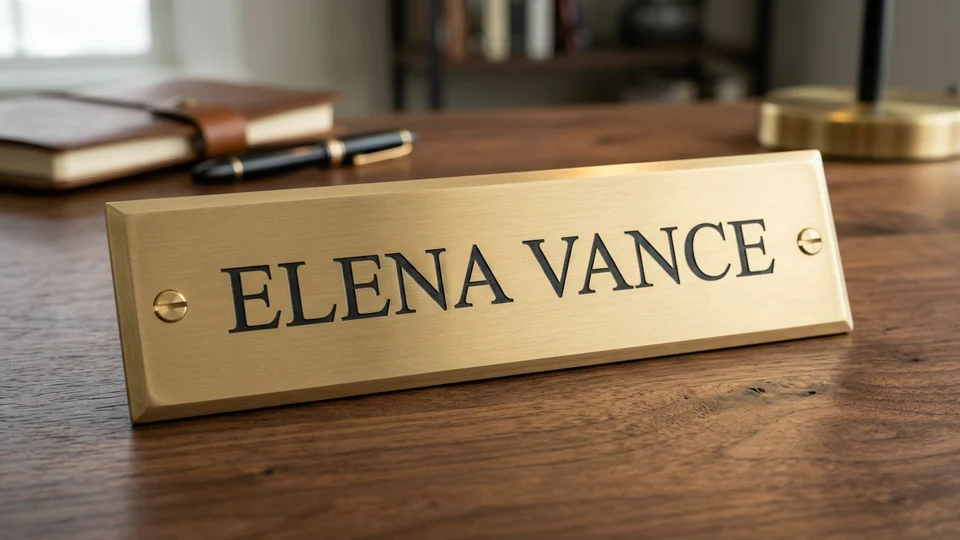
Preview
Related image tools
Need custom color tweaks, cropped signage views, or extra surface materials? Switch to the image editor.
Kling Image 4.0
Open Kling Image 4.0 in AI Image Editor.

Seedream 5.5 Layerize
Open Seedream 5.5 Layerize in AI Image Editor.

GPT Image 2.6
Open GPT Image 2.6 in AI Image Editor.

Grok Imagine Image 2.0
Open Grok Imagine Image 2.0 in AI Image Editor.

Qwen Image 3.0
Open Qwen Image 3.0 in AI Image Editor.

Midjourney V8.2
Open Midjourney V8.2 in AI Image Editor.

Nano Banana 2 Lite
Open Nano Banana 2 Lite in AI Image Editor.

Seedream 5.5
Open Seedream 5.5 in AI Image Editor.
Signage & Engraving Concepts
Preview real materials—like hairline brushed brass or glazed enamel—before ordering physical engraving. Test serif proportions, mounting screw placement, and edge clearance at widescreen 16:9 scale.
Legible custom wordingTrue-to-life plate finishes
16:9 widescreen
Brass & enamel plates
Plan plate finishes and hardware placement together
Realistic metal and enamel grain
Compare warm hairline brass, oxidized bronze, or glazed porcelain-enamel surfaces under soft studio highlights.
Safe mounting-hole spacing
Specify outer margin screws or corner rivets so hardware frames the name cleanly instead of crowding the first and last letters.
Ready for print-scale proofing
Inspect letter kerning and border thickness in your draft, then verify physical dimensions on paper before fabrication.
Plate styles built for real signage
Explore studio-lit examples covering executive desk plaques and framed entryway door plates.
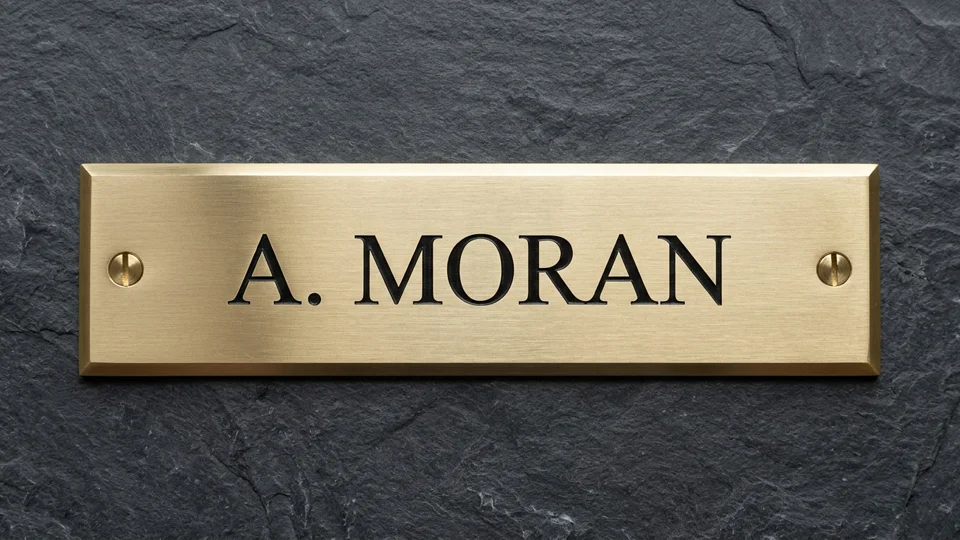
Brushed brass nameplate on dark slate
Straight-on studio render for checking bevel width, dark-filled serif engraving, and symmetrical slotted brass screws.
Centered high-contrast engraving
Place short names or titles inside generous horizontal breathing room so every serif terminal stays crisp.
Hardware set outside the copy
Anchor slotted brass screws well clear of the outer characters so drills and washers never encroach on lettering.
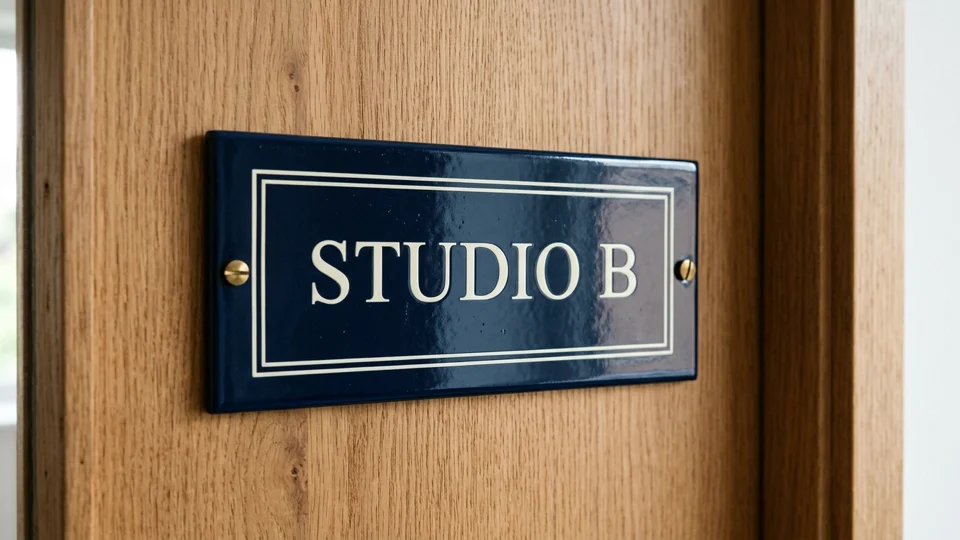
Navy vitreous enamel door plaque
Architectural close-up showing glossy kiln-fired blue enamel with crisp ivory typography and double-rule framing on natural oak.
Framed inner hairline border
Use a fine double border to unite studio numbers or room names across wide door panels.
Natural wood mounting contrast
Preview how glossy dark enamel reads against oak or painted trim before picking plate colors.
How to mock up your nameplate
01
1. Quote the exact inscription
Keep the text concise—a surname, initials, or room label—and put it in quotation marks for cleaner spelling.
02
2. Name the substrate and hardware
Call out brushed brass, stainless steel, or enamel alongside bevel angle, border lines, and screw locations.
03
3. Proof lettering and margins
Verify every letter, check equal distance between screws and edges, and scale a paper template to real size.
Nameplate design FAQ
How do I keep mounting screws from crowding the letters?
Specify wide horizontal padding and instruct the generator to place two small slotted screws near the outer left and right ends, well outside the first and last letters.
How should I format exact names for engraving concepts?
Wrap short wording like "A. MORAN" or "STUDIO B" in quotes and keep lines to one or two short phrases so letter spacing stays consistent.
Can this export a CAD or vector engraving file?
This tool outputs raster concept photographs at 16:9 or your selected ratio. Once you approve proportions and finish, recreate exact vector paths in CAD or design software for fabrication.
Design your desk or door nameplate
Test engraved brass, slate, and glazed enamel concepts in seconds before ordering a physical plaque.