
Keep the face recognizable
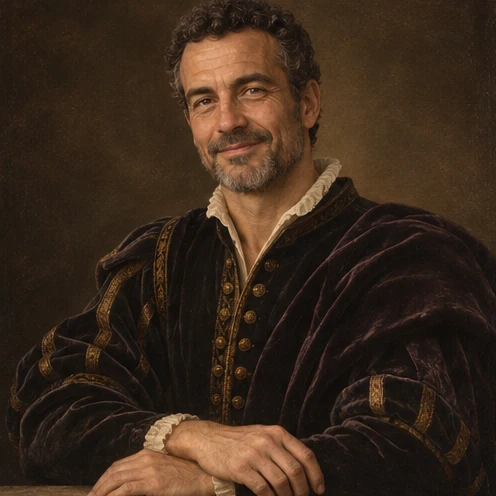
Renaissance Portrait
Preview
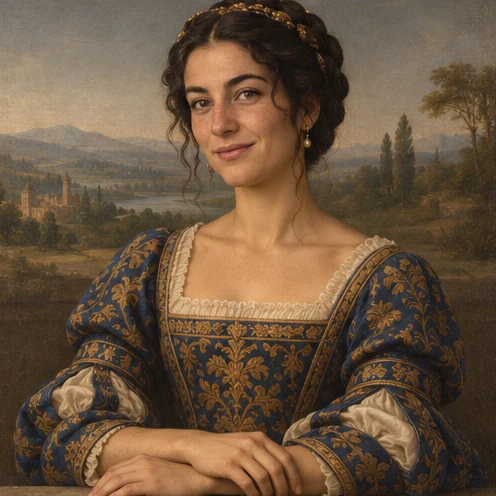
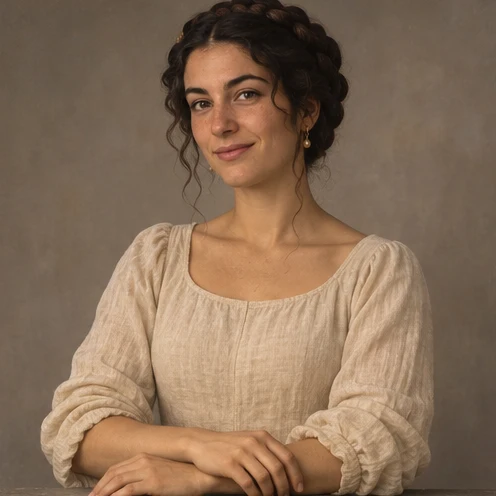
Images illustrate the workflow and are not verified results from this tool.
Related image tools
Explore more ways to work with a source portrait.

Seedream 5.5 Layerize
Open Seedream 5.5 Layerize in AI Image Editor.

GPT Image 2.6
Open GPT Image 2.6 in AI Image Editor.

Grok Imagine Image 2.0
Open Grok Imagine Image 2.0 in AI Image Editor.

Qwen Image 3.0
Open Qwen Image 3.0 in AI Image Editor.

Midjourney V8.2
Open Midjourney V8.2 in AI Image Editor.

Nano Banana 2 Lite
Open Nano Banana 2 Lite in AI Image Editor.

Seedream 5.5
Open Seedream 5.5 in AI Image Editor.

Seedream 5.0 Flash
Open Seedream 5.0 Flash in AI Image Editor.
Renaissance Portrait
Repaint a photo as a Renaissance-style oil portrait with soft side light, velvet and a distant landscape.
Velvet by the windowDark studio portrait
Choose the setting and light
Check the painted details
Choose a starting point
Keep the face recognizable
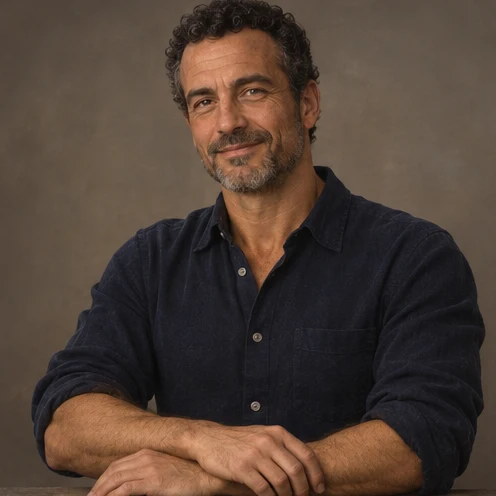
Use one sharply focused portrait. Ask the editor to retain the person’s expression, pose and main facial features.
Choose the setting and light
Try warm light at a landscape window or a dark study with one soft light source.
Check the painted details
Zoom in on the eyes, hands and seams. Keep the soft painted edges while checking that the person is still recognizable.
Ways to use this tool
Images illustrate the workflow and are not verified results from this tool.
Velvet by the window
Repaint this portrait with burgundy velvet, soft window light and a distant hill landscape. Keep the face and pose.
Choose the setting and light
Try warm light at a landscape window or a dark study with one soft light source.
Check the painted details
Zoom in on the eyes, hands and seams. Keep the soft painted edges while checking that the person is still recognizable.
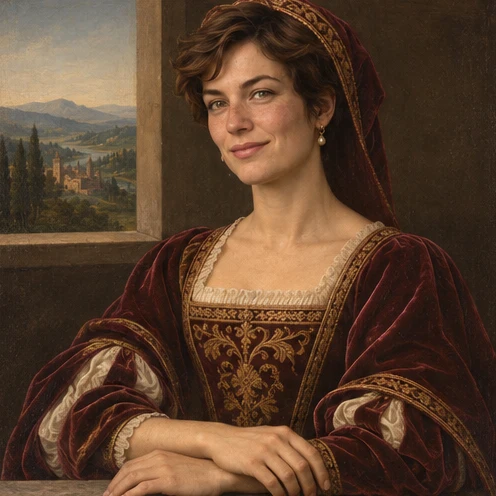
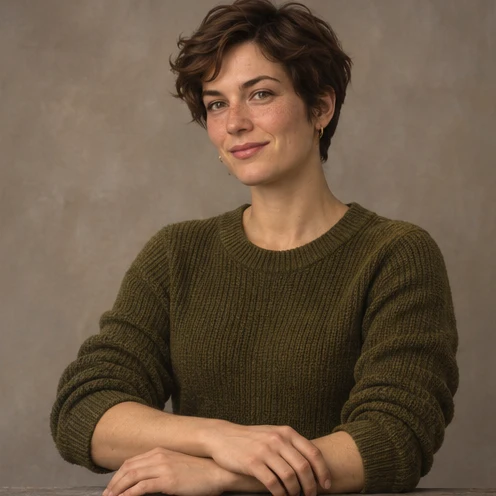
Dark studio portrait
Use deep blue brocade, a muted studio backdrop and gentle light from one side. Preserve the expression and framing.
Choose the setting and light
Try warm light at a landscape window or a dark study with one soft light source.
Check the painted details
Zoom in on the eyes, hands and seams. Keep the soft painted edges while checking that the person is still recognizable.
How to use this page
01
Add your photo
Upload one sharp portrait with the eyes and outline visible.
02
Pick a prompt
Select an example or describe the treatment you want. Name the details to keep.
03
Generate and compare
Compare the result with the source at the size you plan to use, then save the image.
Questions before you start
What should I upload?
Use one sharply focused portrait. Ask the editor to retain the person’s expression, pose and main facial features.
What should I check?
Zoom in on the eyes, hands and seams. Keep the soft painted edges while checking that the person is still recognizable.
What should I know before using the result?
The editor can change small facial or clothing details. Compare the output with the source before saving.
Renaissance Portrait
Repaint a photo as a Renaissance-style oil portrait with soft side light, velvet and a distant landscape.