
Choose the subject clearly
Snow Globe Photo
Preview
Related image tools
For broader edits, explore the image editor.
Kling Image 4.0
Open Kling Image 4.0 in AI Image Editor.

Seedream 5.5 Layerize
Open Seedream 5.5 Layerize in AI Image Editor.

GPT Image 2.6
Open GPT Image 2.6 in AI Image Editor.

Grok Imagine Image 2.0
Open Grok Imagine Image 2.0 in AI Image Editor.

Qwen Image 3.0
Open Qwen Image 3.0 in AI Image Editor.

Midjourney V8.2
Open Midjourney V8.2 in AI Image Editor.

Nano Banana 2 Lite
Open Nano Banana 2 Lite in AI Image Editor.

Seedream 5.5
Open Seedream 5.5 in AI Image Editor.
Snow Globe Photo
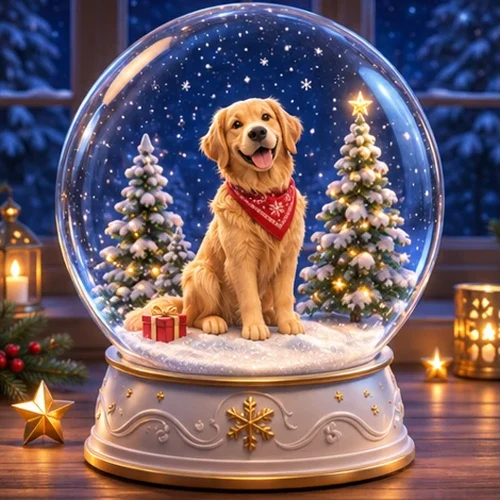
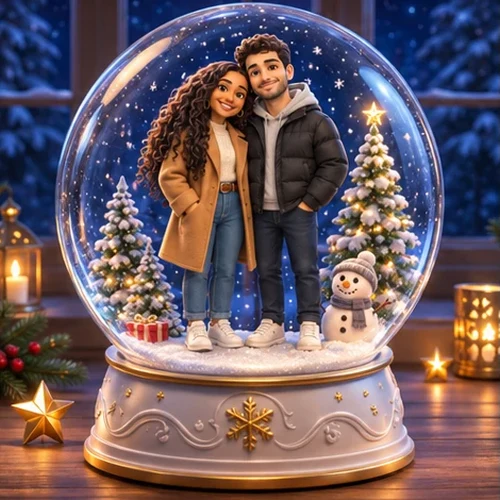
Turn a person, couple or pet into a small 3D figure inside a Christmas snow globe. Keep the face or fur recognizable, with snow, tiny trees and the whole glass dome in frame.
A solo keepsake globeA couple in one globe
Build a miniature scene
Review the glass and likeness
Choose a starting point
Choose the subject clearly
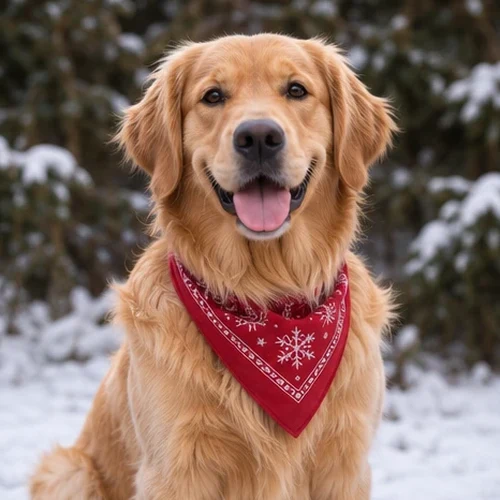
Upload a photo where the face, hairstyle or pet markings are easy to see. For a couple, use one photo showing both people.
Build a miniature scene
Place the stylized full-body figure inside a round glass globe on a decorative base. Add small evergreens and falling snow without covering the face.
Review the glass and likeness
Check faces, hands and fur markings, then inspect the glass curve and base. Leave room around the whole globe before cropping.
Ways to use this tool
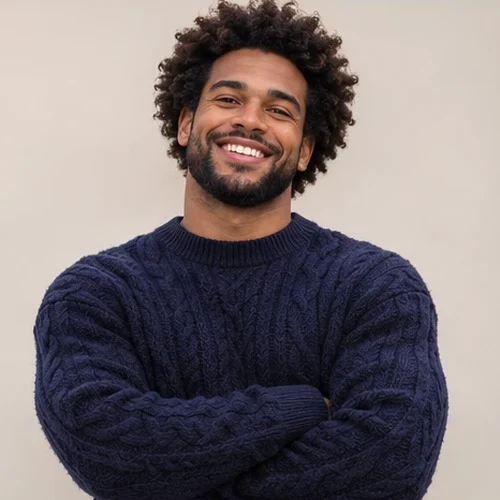
A solo keepsake globe
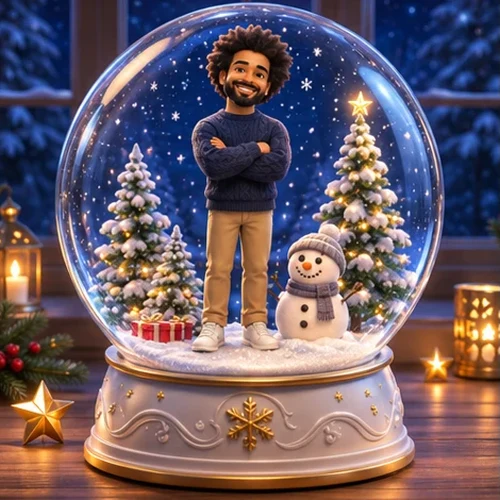
Keep the person’s navy sweater and hairstyle. Turn them into a friendly 3D miniature in a complete globe with snow and tiny trees.
Build a miniature scene
Place the stylized full-body figure inside a round glass globe on a decorative base. Add small evergreens and falling snow without covering the face.
Review the glass and likeness
Check faces, hands and fur markings, then inspect the glass curve and base. Leave room around the whole globe before cropping.
A couple in one globe
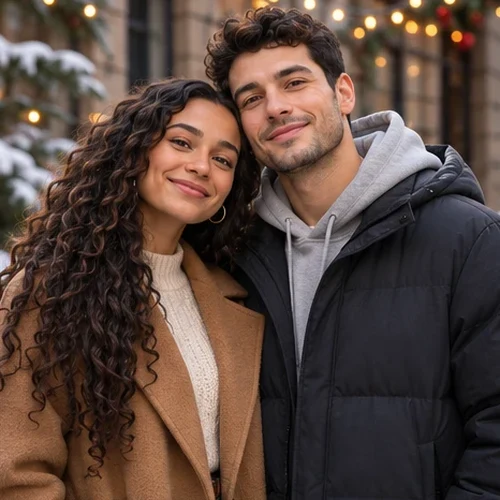
Keep both people and their outfits recognizable. Place them side by side in a Christmas globe with warm lights and a small snowman.
Build a miniature scene
Place the stylized full-body figure inside a round glass globe on a decorative base. Add small evergreens and falling snow without covering the face.
Review the glass and likeness
Check faces, hands and fur markings, then inspect the glass curve and base. Leave room around the whole globe before cropping.
How to use this page
01
Choose a source photo
Upload a photo where the face, hairstyle or pet markings are easy to see. For a couple, use one photo showing both people.
02
Describe the change
Place the stylized full-body figure inside a round glass globe on a decorative base. Add small evergreens and falling snow without covering the face.
03
Check before saving
Check faces, hands and fur markings, then inspect the glass curve and base. Leave room around the whole globe before cropping.
Questions before you start
What should I upload?
Upload a photo where the face, hairstyle or pet markings are easy to see. For a couple, use one photo showing both people.
What should I check?
Check faces, hands and fur markings, then inspect the glass curve and base. Leave room around the whole globe before cropping.
What should I know before using the result?
This page makes a still image. It does not animate the snow or produce a physical globe.
Snow Globe Photo
Turn a person, couple or pet into a small 3D figure inside a Christmas snow globe. Keep the face or fur recognizable, with snow, tiny trees and the whole glass dome in frame.