
Text to image
Twitch Emote Maker
Preview
Related image tools
Need background removal or clean transparent cutouts before uploading to your channel? Try a related tool.

Kling Image 4.0
Open Kling Image 4.0 in AI Image Editor.

Seedream 5.5 Layerize
Open Seedream 5.5 Layerize in AI Image Editor.

GPT Image 2.6
Open GPT Image 2.6 in AI Image Editor.

Grok Imagine Image 2.0
Open Grok Imagine Image 2.0 in AI Image Editor.

Qwen Image 3.0
Open Qwen Image 3.0 in AI Image Editor.

Midjourney V8.2
Open Midjourney V8.2 in AI Image Editor.

Nano Banana 2 Lite
Open Nano Banana 2 Lite in AI Image Editor.

Seedream 5.5
Open Seedream 5.5 in AI Image Editor.
Stream Reactions & Badges
Generate punchy square chat reactions built around bold outlines, vibrant cel colors, and unmistakable facial expressions that stay legible beside usernames in fast-moving streams.
28 px chat legibilityBold cel-shaded stickers
1:1 square
Readable at 28 px
Built for tiny chat grids, not crowded posters
Thick outlines that separate clearly
Request dark-navy or black outer strokes around warm cel shading so characters pop on both dark and light Twitch themes.
One bold emotion per square
Focus on oversized eyes, heavy brows, or wide mouths instead of tiny props so viewers recognize the joke in a split second.
Extra margin for safe cropping
Leave breathing room around hats, ears, and "Z" bubbles before resizing to Twitch upload sizes (112, 56, and 28 px).
Reaction ideas tuned for live chat
Compare how cozy sleepy moods and exaggerated shock stay readable inside 1:1 sticker proportions.
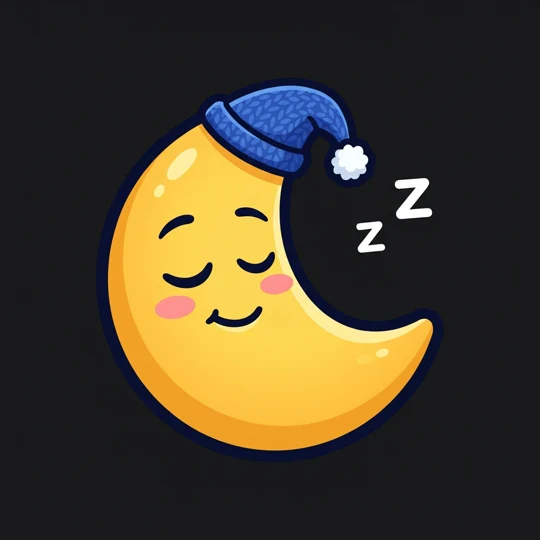
Cozy sleepy crescent moon
Pairs curved closed eyelids, soft blush, and a textured knit nightcap while pushing the floating "Z"s safely outside the silhouette.
Uncluttered facial features
Place small sleep bubbles outside the crescent rim so nothing overlaps the eyes or gentle smile at small sizes.
Smooth gradient cel shading
Use warm golden fills inside a heavy outline to preserve curved moon tips against dark chat windows.
Wide-eyed shocked star
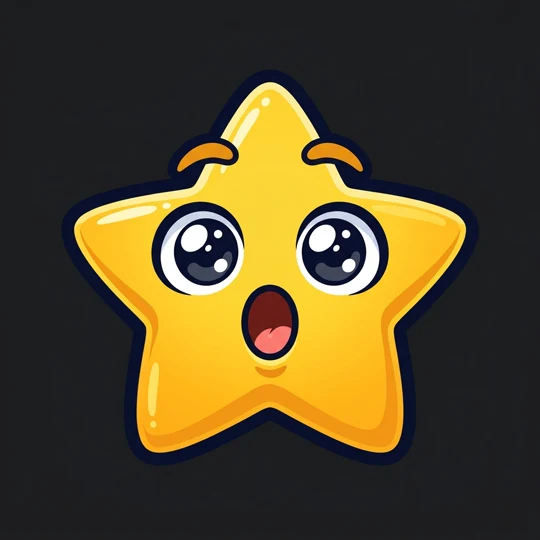
Maximizes contrast with huge glossy eyes, lifted brows, and an unmistakable open "O" mouth centered inside a five-point star.
Oversized expression geometry
Give eyes and mouth extra scale relative to the star points so the reaction still lands at 28 × 28 px.
Clean solid backdrop for easy cutout
Keep sparkles off the character edges so background removal produces crisp alpha edges in seconds.
How to create stream-ready emotes
01
1. Choose character and single emotion
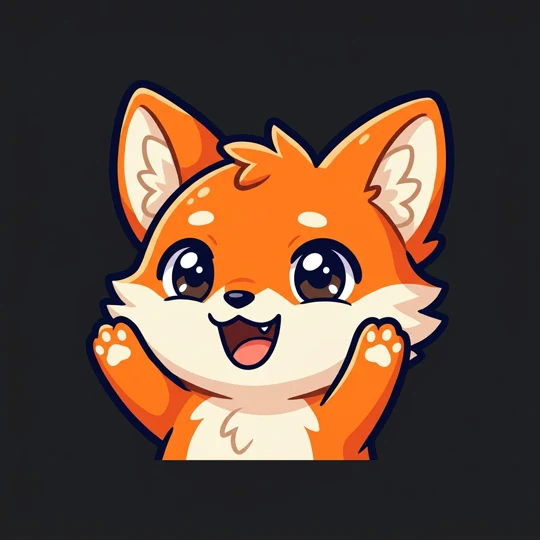
Pick one mascot or object—a fox, moon, or star—and pair it with one clear emotion like hype, cozy sleep, or shock.
02
2. Specify bold outline and plain backdrop
Ask for thick dark strokes, cel shading, generous border padding, and a solid #18181B background for fast cutout.
03
3. Shrink to 28 px and remove background
Zoom the square way down to test readability, then run Background Remover if you need transparent PNG files.
Twitch emote FAQ
How do I keep a custom emote readable at 28 px?
Use a bold dark outer outline, exaggerate the eyes and mouth, avoid fine crosshatching, and leave all tiny floating symbols outside the main face.
Does this export a transparent PNG sized for Twitch directly?
No; it generates a high-resolution 1:1 square image on a clean backdrop. Pass it through Background Remover for transparency and resize to 112/56/28 px before uploading.
Can I make a matching set around one channel mascot?
Yes—keep the exact character colors and outline weight constant across prompts while changing only the pose, hat, or facial expression.
Sketch your next Twitch emote pack
Create crisp, high-contrast square reactions built to pop in dark and light stream chats.