
Text to image
Valentine Desktop Background
Preview

Related image tools
Want to retouch colors, adjust crops for ultrawide displays, or blend an existing photo? Explore more image tools.

Kling Image 4.0
Open Kling Image 4.0 in AI Image Editor.

Seedream 5.5 Layerize
Open Seedream 5.5 Layerize in AI Image Editor.

GPT Image 2.6
Open GPT Image 2.6 in AI Image Editor.

Grok Imagine Image 2.0
Open Grok Imagine Image 2.0 in AI Image Editor.

Qwen Image 3.0
Open Qwen Image 3.0 in AI Image Editor.

Midjourney V8.2
Open Midjourney V8.2 in AI Image Editor.

Nano Banana 2 Lite
Open Nano Banana 2 Lite in AI Image Editor.

Seedream 5.5
Open Seedream 5.5 in AI Image Editor.
Icon-Friendly Widescreen Wallpapers
Design 16:9 Valentine wallpapers that actually leave room for your folders and shortcuts. Compose focal bouquets, bokeh ribbons, or starry hearts on the right while keeping the left side calm—or switch to Image to image when starting from your own photo.
Clear left icon zoneBalanced 16:9 wallpaper layout
16:9 widescreen
Left-side icon margin
Built around real desktop icon and taskbar space
Calm left third for readable labels
Keep soft solid matte tones or quiet gradient sky on the left edge so white desktop filenames never fight busy highlights.
Focal art anchored on the right
Arrange origami paper bouquets, silk hearts, or glowing constellations across the open right canvas where windows rarely cover them.
Switch to Image to image anytime
Need your own portrait framed on a wide backdrop? Switch modes inside the generator and shift the subject neatly to the right.
Widescreen styles with clean icon zones
Preview tactile craft photography and deep twilight skies balanced specifically for desktop monitors.
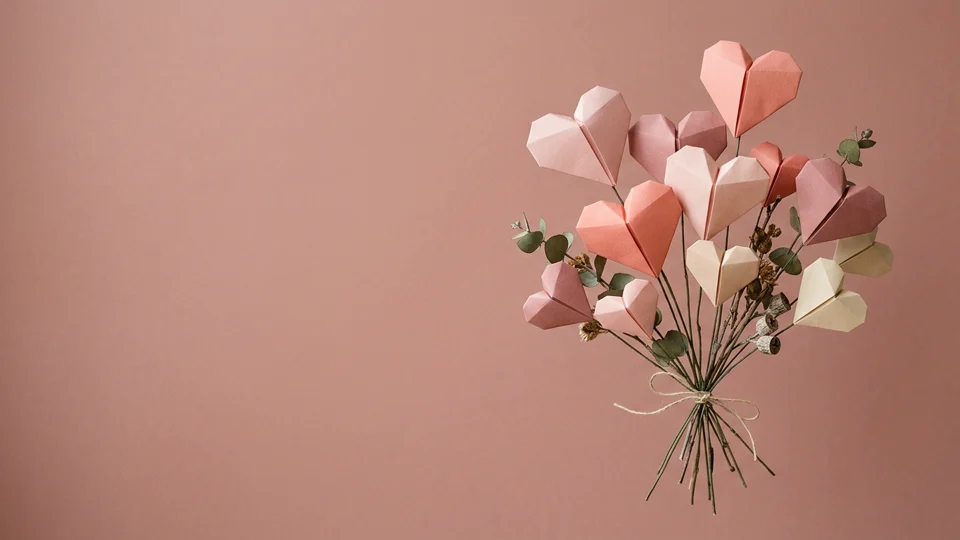
Tactile origami heart bouquet
Soft dusty-rose studio lighting meets dimensional folded paper hearts and eucalyptus stems tucked cleanly onto the right side.
Quiet matte backdrop under icons
Smooth uniform plaster-rose tones on the left keep shortcut text effortless to scan.
Real paper fold depth and shadow
Natural side shadows give paper pleats tactile warmth without visual clutter.
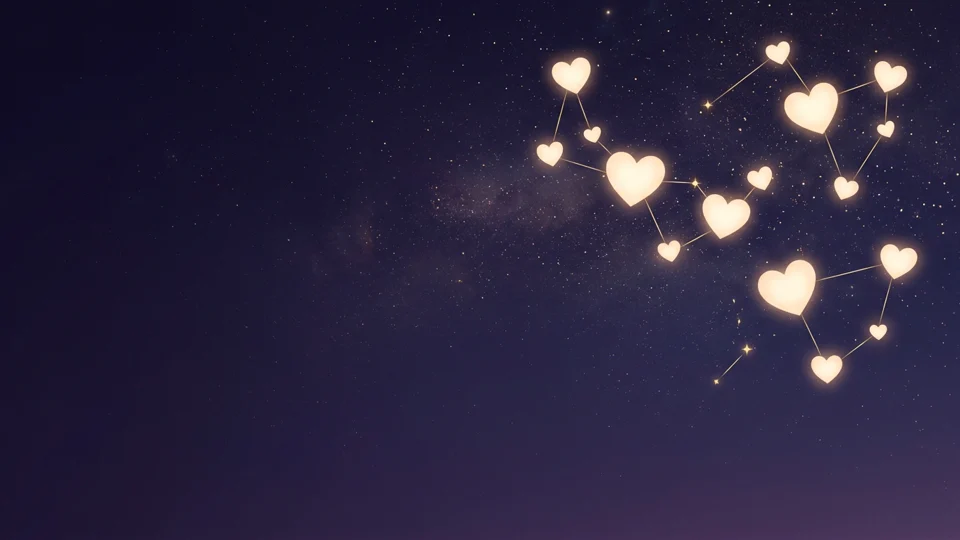
Plum sky heart constellation
Glowing warm-cream hearts linked by delicate golden lines sit in the upper-right sky safely clear of the dock and left folders.
Taskbar and dock clearance
Keep constellation stars anchored higher up on the canvas so bottom app bars stay uncluttered.
Soft starry contrast for dark themes
Deep plum-indigo darkness reduces monitor glare while letting cream hearts shine cleanly.
How to create your desktop wallpaper
01
1. Stay in Text to image or attach a photo
Keep the default 16:9 text-to-image workflow for original scenes, or switch to Image to image to extend a personal portrait.
02
2. Reserve quiet zones in your brief
Ask for the main cluster on the right and tell the prompt to leave the left third and bottom taskbar edge smooth.
03
3. Test contrast on your own monitor
Preview at 16:9 fullscreen and verify that bright hearts or ribbons never cross directly behind white desktop folder names.
Valentine wallpaper FAQ
How do I keep desktop icons easy to read?
Include "leave the left third calm and uncluttered" in your prompt and choose matte, dusk, or smooth gradient backgrounds behind the icon column.
Can I turn a personal photo into a Valentine wallpaper too?
Yes—switch the generator mode from Text to image to Image to image, upload your portrait, and instruct it to keep the subject on the right with warm bokeh on the left.
What prevents elements from getting covered by the taskbar or dock?
Explicitly ask for focal clusters, bouquets, or constellations to sit in the middle-right to upper-right zone so the bottom margin remains open.
Design a clutter-free Valentine wallpaper
Generate 16:9 widescreen desktop art tailored around real icon columns and bottom taskbars.