
Choose a source photo
Add Text to Image AI
Preview
Images illustrate the workflow and are not verified results from this tool.
Related image tools
For layouts from scratch, see the social post generator.

Seedream 5.5 Layerize
Open Seedream 5.5 Layerize in AI Image Editor.

GPT Image 2.6
Open GPT Image 2.6 in AI Image Editor.

Grok Imagine Image 2.0
Open Grok Imagine Image 2.0 in AI Image Editor.

Qwen Image 3.0
Open Qwen Image 3.0 in AI Image Editor.

Midjourney V8.2
Open Midjourney V8.2 in AI Image Editor.

Nano Banana 2 Lite
Open Nano Banana 2 Lite in AI Image Editor.

Seedream 5.5
Open Seedream 5.5 in AI Image Editor.

Seedream 5.0 Flash
Open Seedream 5.0 Flash in AI Image Editor.
Add Text to Image AI
Add a headline, label, or short caption to an existing image with an image-to-image prompt. Upload a picture, describe the wording and placement, then inspect every character.
Turn a product photo into an adMake a portrait into an interview coverMake an event announcement
Turn a product photo into an ad
Check before saving
Choose a starting point
Turn a product photo into an ad
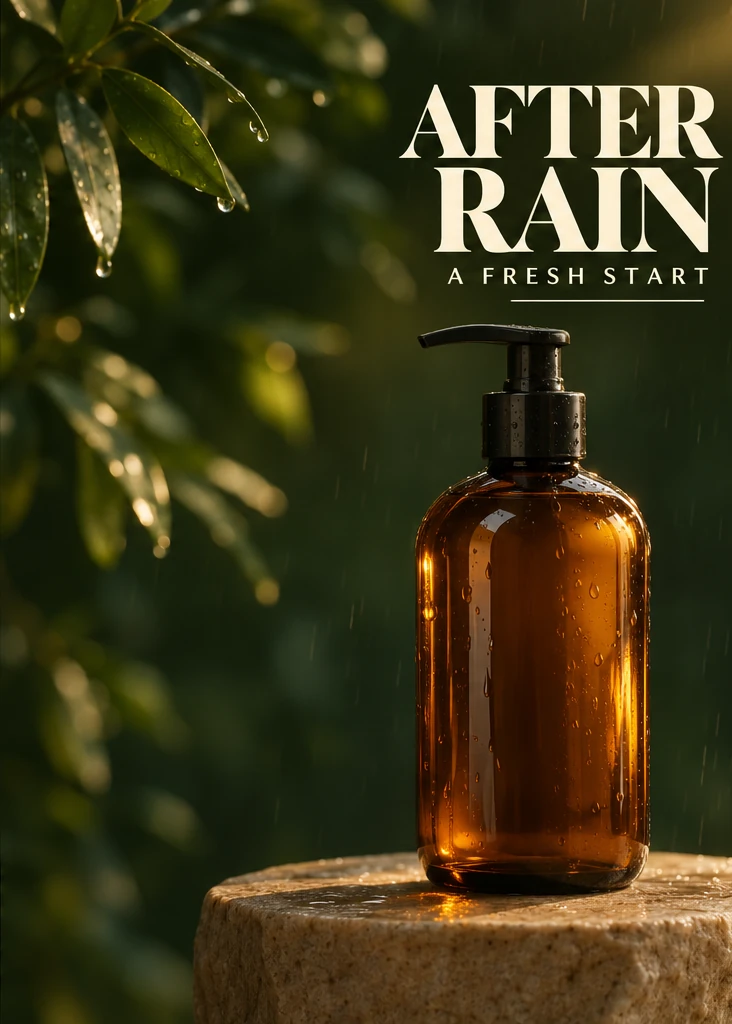
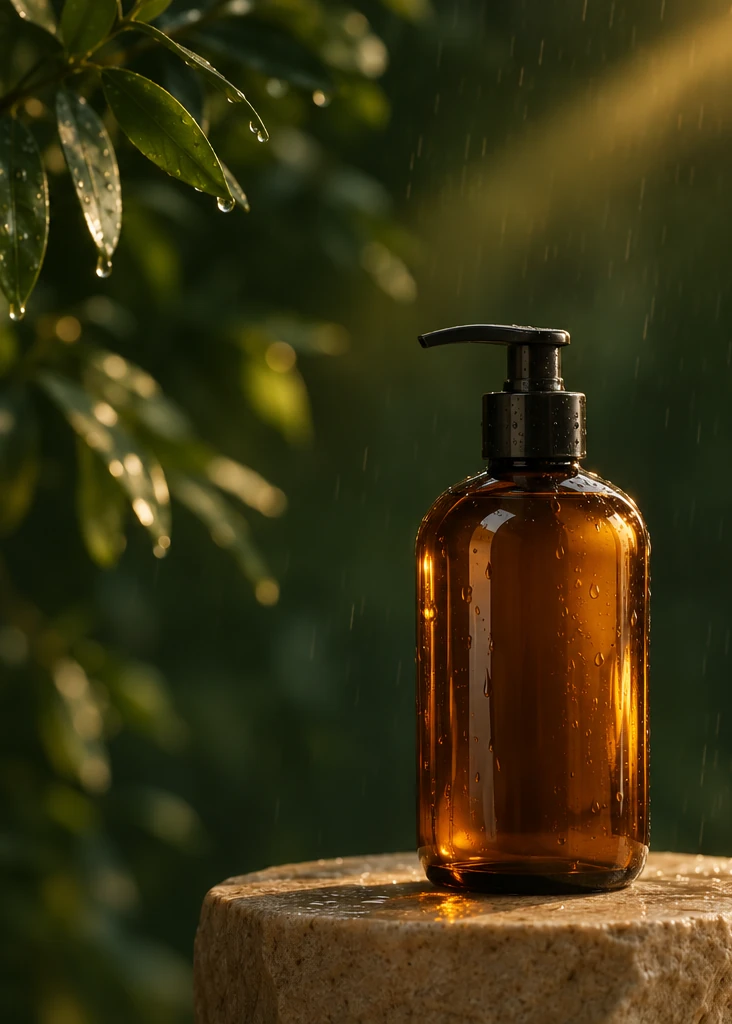
Keep the amber bottle and lighting. Add the large headline “AFTER RAIN” and the smaller “A FRESH START” in the open space above the bottle.
Make a portrait into an interview cover
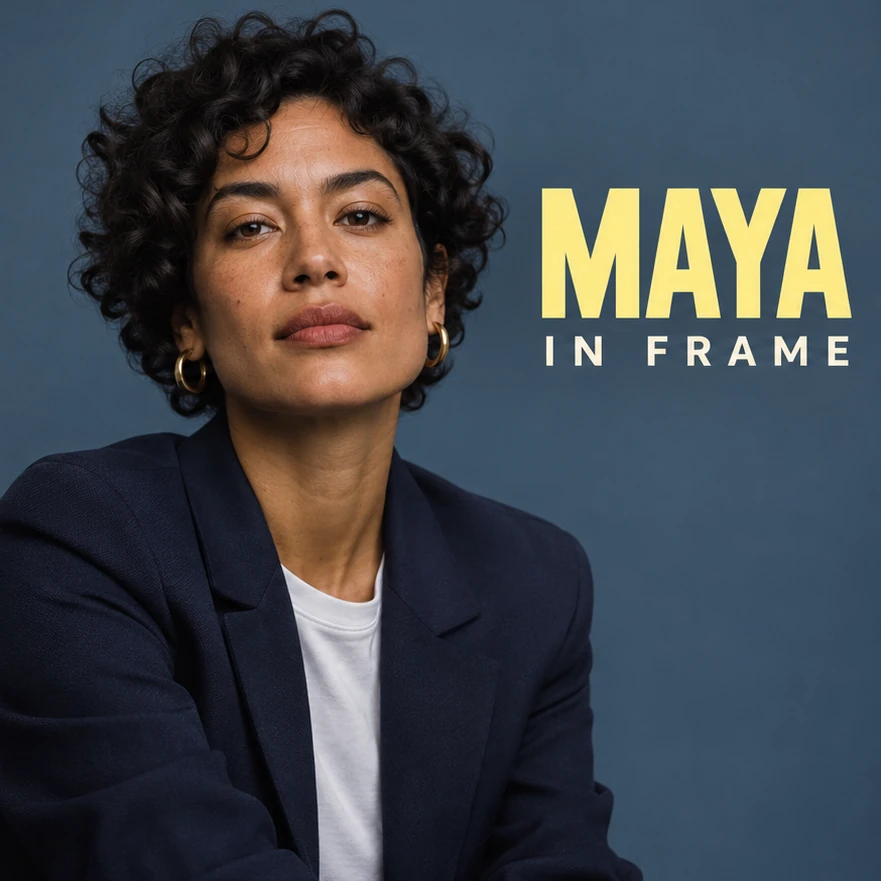
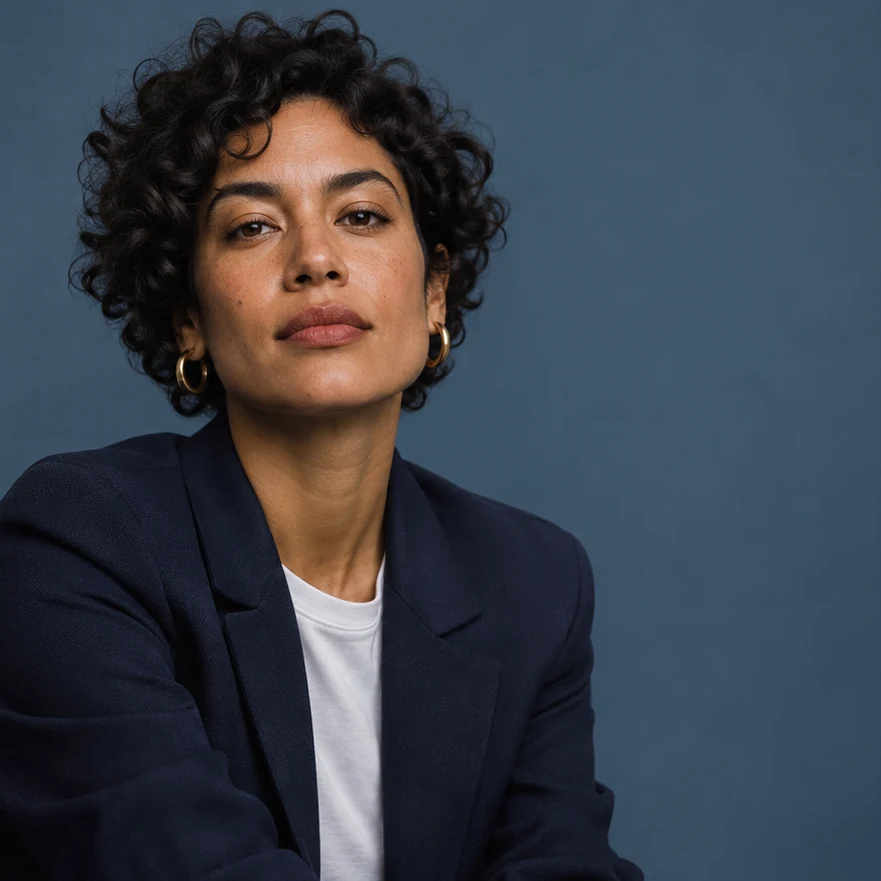
Keep the expression and lighting. Set “MAYA” in large type and “IN FRAME” below it in the open space beside the portrait.
Make an event announcement
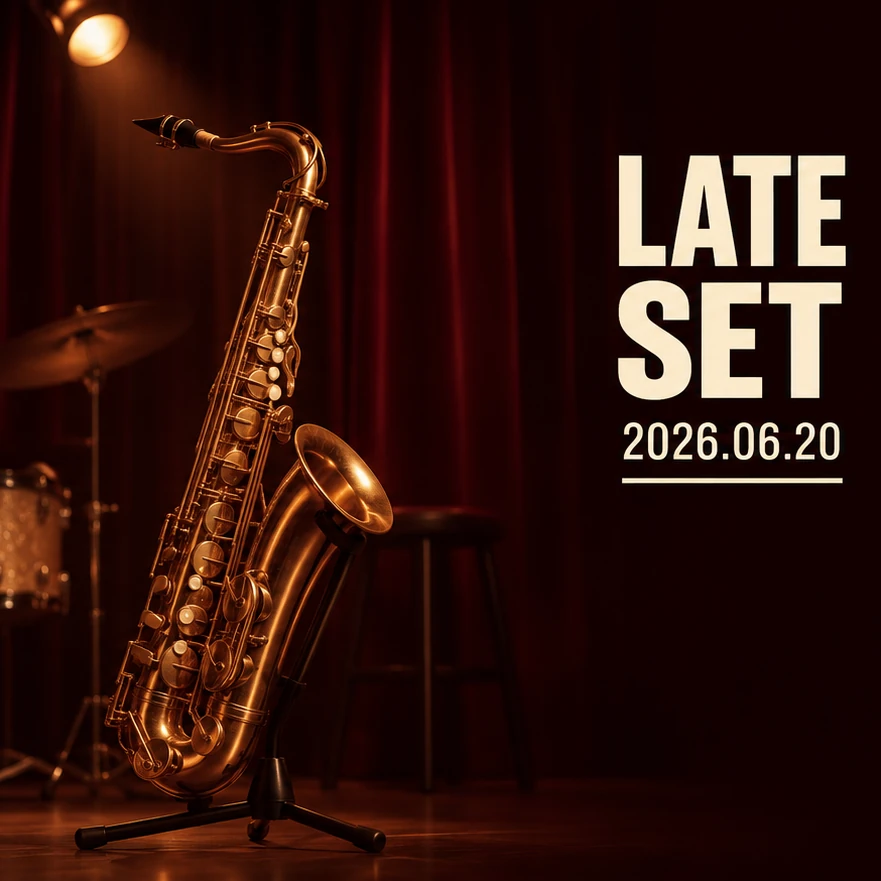
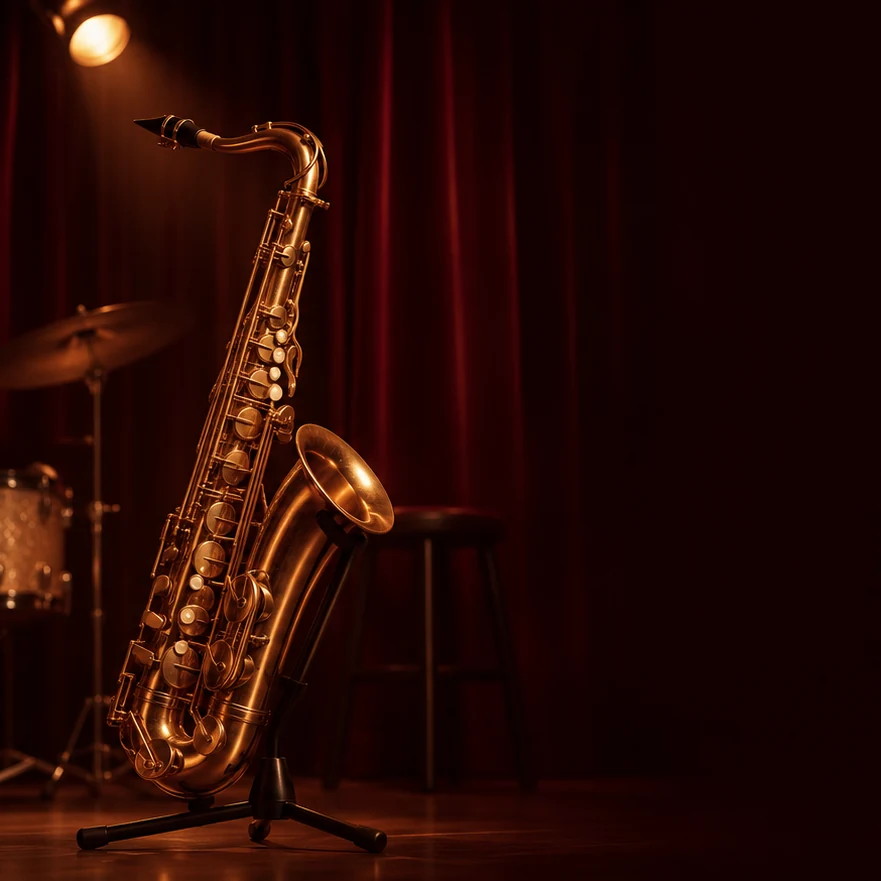
Keep the stage and saxophone. Add the title “LATE SET” with the date “2026.06.20” underneath, away from the instrument.
Ways to use this tool
Images illustrate the workflow and are not verified results from this tool.
Make an event announcement
Keep the stage and saxophone. Add the title “LATE SET” with the date “2026.06.20” underneath, away from the instrument.
Check before saving
Zoom in and check every character, spacing and contrast. Compare the rest of the image with the original.
Make a portrait into an interview cover
Keep the expression and lighting. Set “MAYA” in large type and “IN FRAME” below it in the open space beside the portrait.
Check before saving
Zoom in and check every character, spacing and contrast. Compare the rest of the image with the original.
How to use this page
01
Choose a source photo
Choose an image with open space where the text should go.
02
Describe the change
Put the exact wording in quotation marks and specify placement, size and color. Start with one short line.
03
Check before saving
Zoom in and check every character, spacing and contrast. Compare the rest of the image with the original.
Questions before you start
What should I upload?
Choose an image with open space where the text should go.
What should I check?
Zoom in and check every character, spacing and contrast. Compare the rest of the image with the original.
What should I know before using the result?
For exact spelling, a particular font or an editable text layer, use a graphics editor with text tools.
Add Text to Image AI
For exact spelling, a particular font or an editable text layer, use a graphics editor with text tools.