
Choose 1:1
Select the square aspect ratio in the generator.
Preview
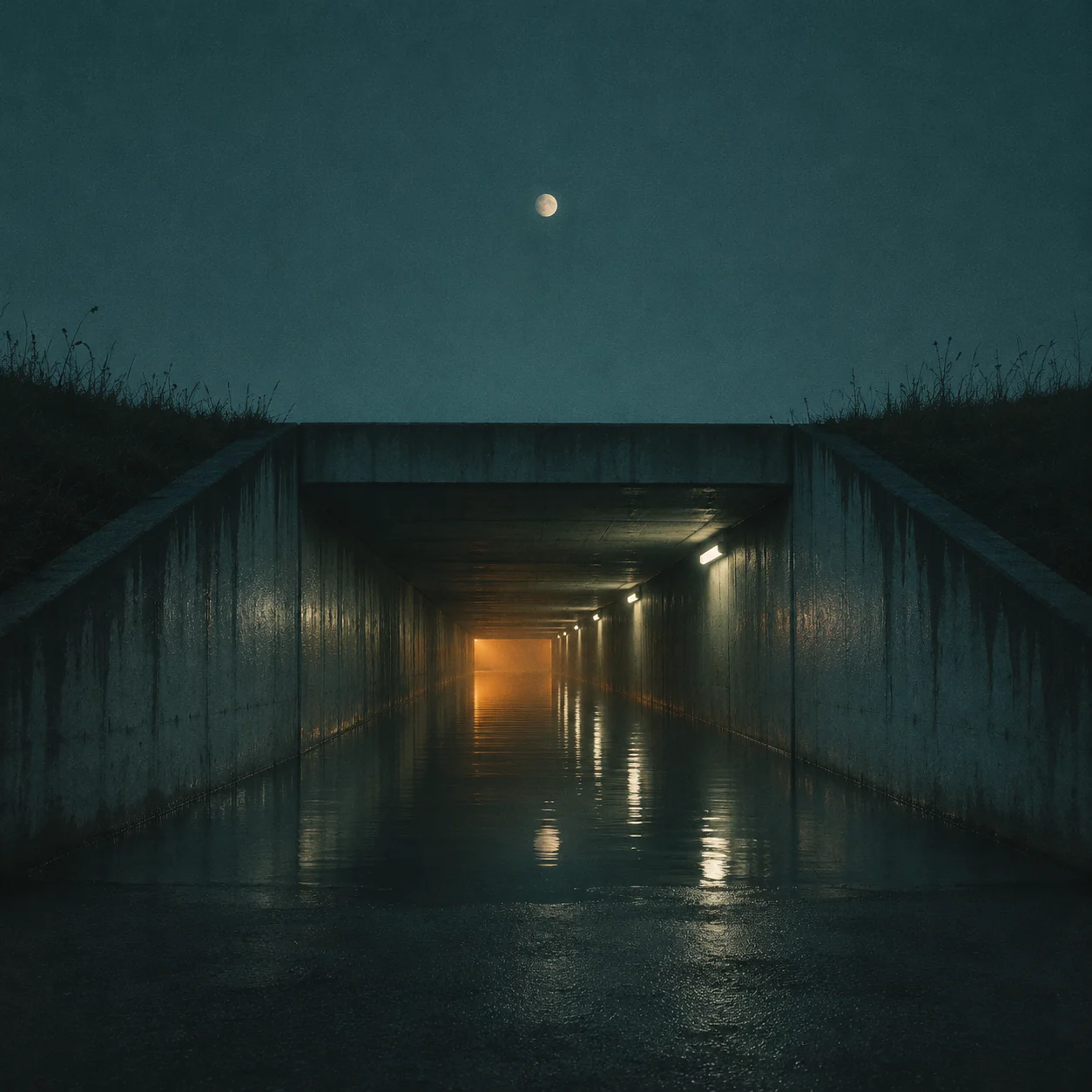
Album cover concept; not a verified model output or a distributor-approved release file.
Explore image models for your music artwork and reference-based variations.

Open Seedream 5.5 Layerize in AI Image Editor.

Open GPT Image 2.6 in AI Image Editor.

Open Grok Imagine Image 2.0 in AI Image Editor.

Open Qwen Image 3.0 in AI Image Editor.

Open Midjourney V8.2 in AI Image Editor.

Open Nano Banana 2 Lite in AI Image Editor.

Open Seedream 5.5 in AI Image Editor.

Open Seedream 5.0 Flash in AI Image Editor.
Translate a track’s atmosphere into a square cover image. Describe the genre, mood, focal subject and palette, then reserve quiet areas for the title and artist name. Use this page for music-release artwork and a connected visual identity across singles.
Select the square aspect ratio in the generator.
Add exact title and artist lettering separately when needed.
Review each result; consistency is not automatic.
A cover should hold together as a small square image, with space for typography that you can finish separately.
Select 1:1 before generating. Keep the main subject away from the edges and inspect the cover at a small size, where fine texture may disappear.
Start from text or switch to image-to-image to upload a reference. Generated faces and marks may change; place an approved logo separately when exact branding matters.
Ask for an empty top band or quiet corner instead of crowding the image. Add final lettering in an editor and check spelling, contrast and spacing.
Reuse a written palette, framing and subject brief across singles. Supply a previous cover as a reference in image-to-image, then compare and adjust each result manually.
Pick two cues from the music, such as a slow tempo and a warm tone. Turn them into lighting, color and texture choices for the prompt.
Keep an editable master with separate artwork and text layers. Before exporting, check your distributor’s current size, file type and color requirements.
Illustrative cover briefs, not verified model outputs or approved distributor submissions.
An atmospheric square image supports the track without turning the cover into an event announcement.
Translate a mood into light, color and a focal object rather than a list of song lyrics.
Keep a deliberate quiet zone for the title and artist name.
Reduce the cover and confirm that the subject and final text remain readable.
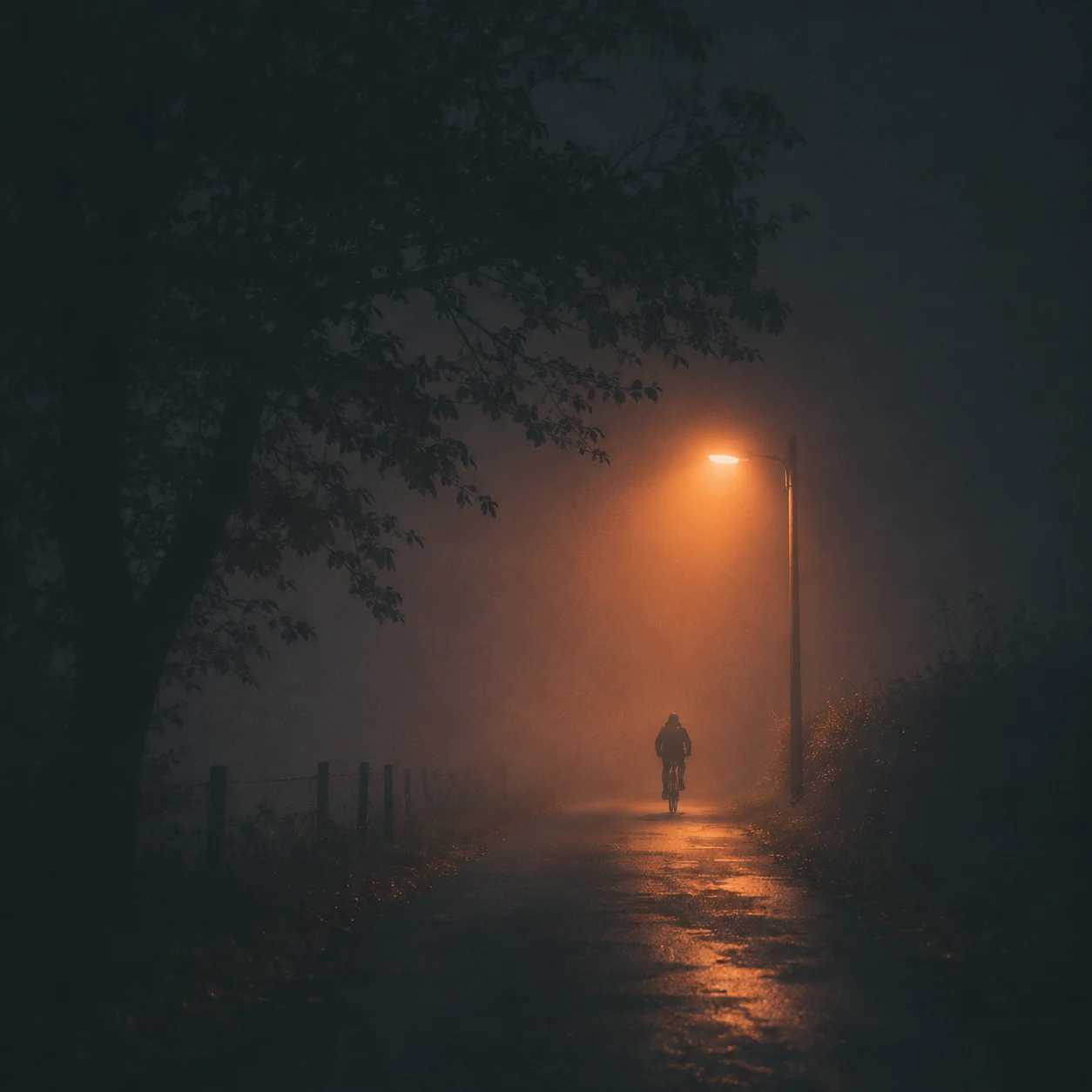
Repeat a visual anchor while changing an accent color or texture for each single.
Record the palette, camera distance, focal shape and text zone.
Keep the brief stable and vary an accent; use a previous cover as a reference if helpful.
Review covers side by side and correct mismatched framing or lettering in an editor.
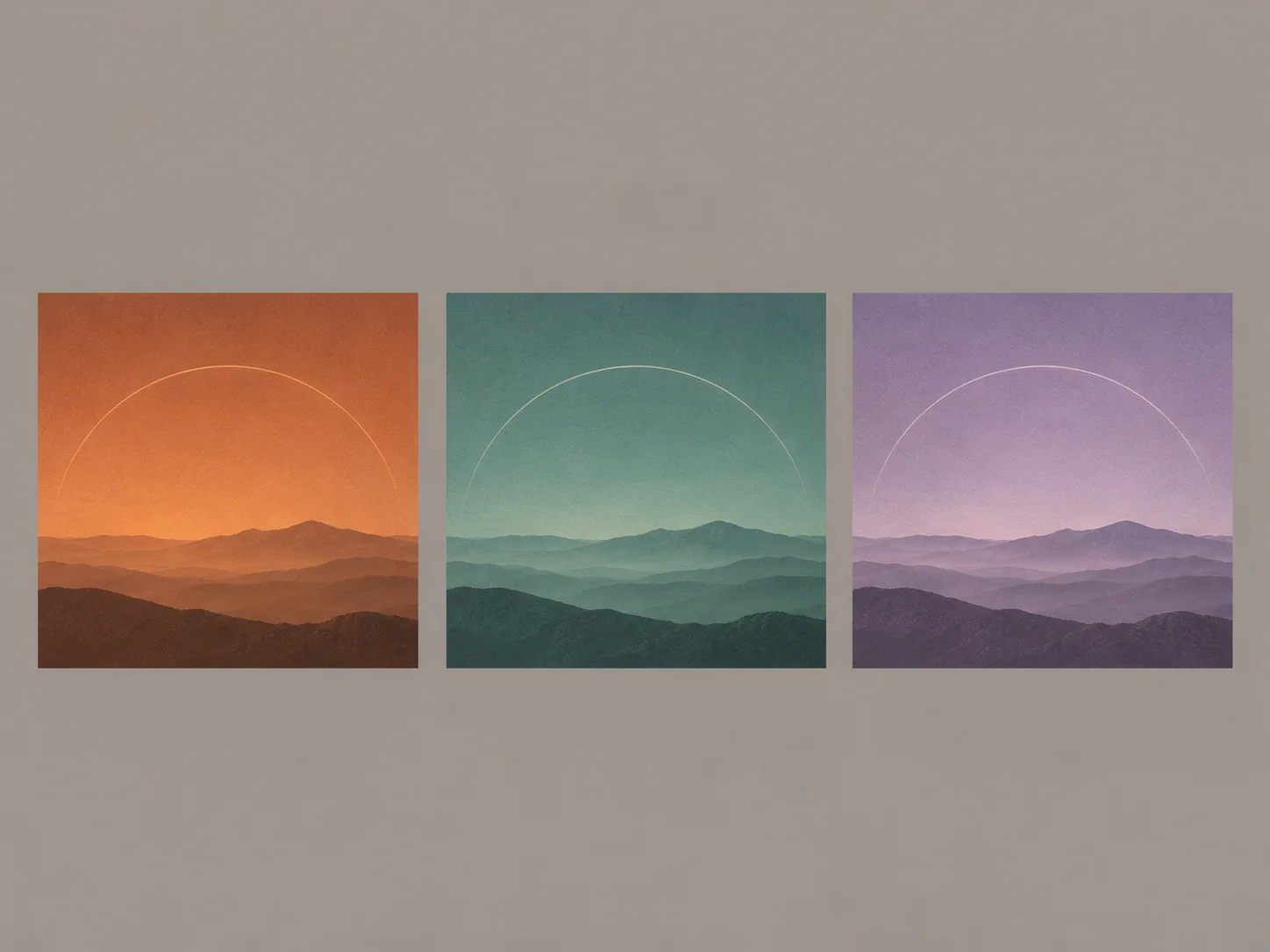
State the music’s mood, subject and palette. Select the 1:1 aspect ratio and define blank title and artist areas.
Use text-to-image, or switch to image-to-image for a portrait, logo or previous cover reference with your prompt.
Download the image, add approved typography and check resolution, cropping and your distributor’s current artwork requirements.
It starts in text-to-image mode using the shared model settings. Select 1:1 in the aspect-ratio control for a square cover. Mentioning “square” in the prompt alone does not change that control.
Yes. Switch to image-to-image and upload the reference with instructions. Likeness and logo geometry may vary; use an approved portrait or place the original logo separately when exact reproduction is needed.
Generated lettering can contain errors. For exact names and alignment, reserve blank areas and add editable text in a design editor. Inspect the finished cover at both full and thumbnail size.
Reuse the palette, subject and framing brief, and optionally reference an earlier cover in image-to-image. Outputs can vary; this is not an automatic series-lock feature. Compare the set and refine it manually.
This page focuses on square music-release identity, title space and related cover series. It does not prepare event schedules, take-home contact details or card messages. The output is an image concept; check your distributor’s requirements before submitting.
Set the musical mood, choose a square ratio and leave deliberate space for the release title.
Format
Text
Identity
Review