




Original product photo
Decide whether this is a gallery detail or a banner. Leave room for the crop or nearby headline.
Preview
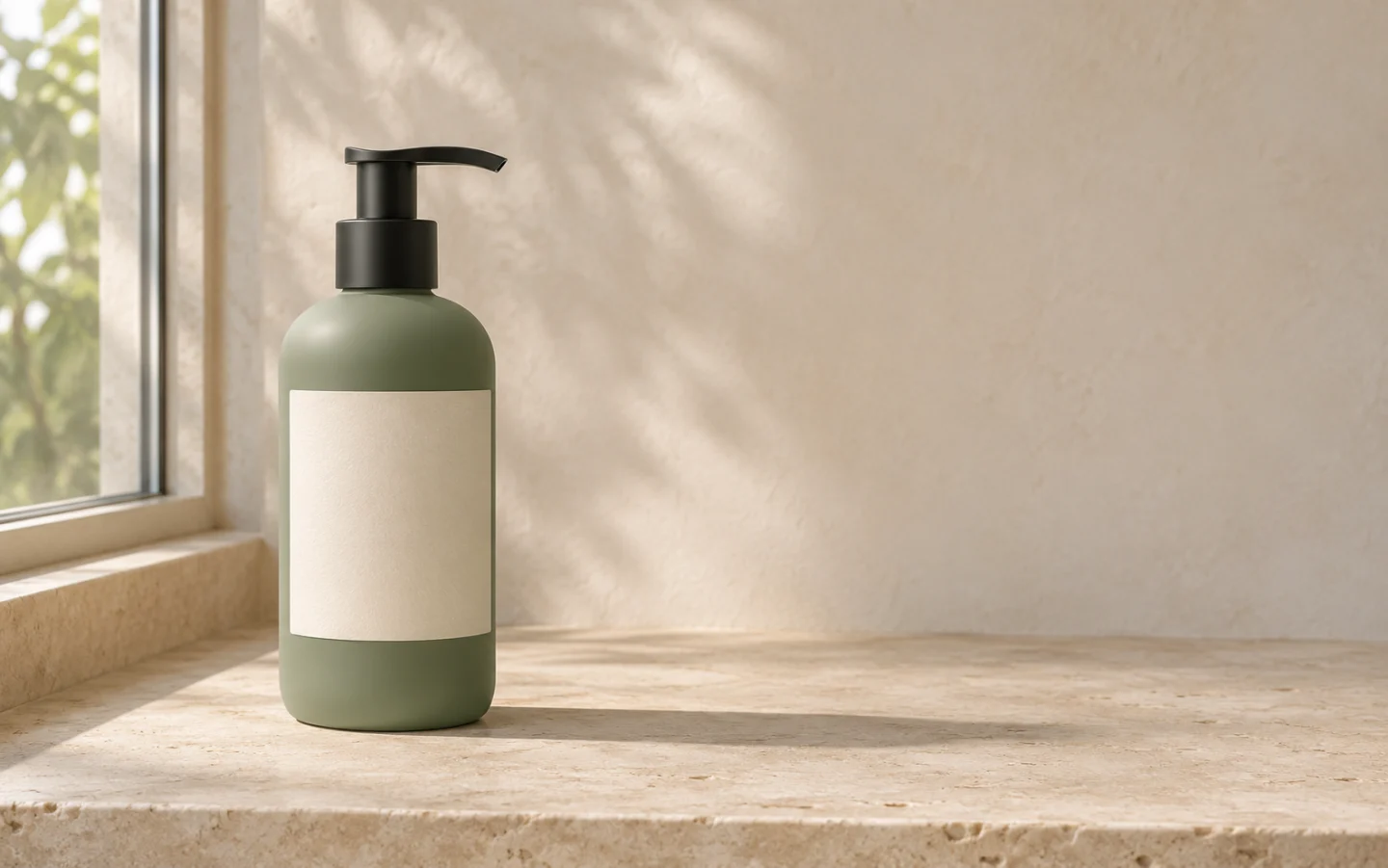
AI-created illustration. Review results against your own photo.
Open a model page to check its current modes and settings.
Use a clear photo of the item you sell and choose a setting that explains where it belongs. Keep the original view while changing the surroundings. Design a secondary gallery image, store banner or ad with the crop in mind before generating.
Decide whether this is a gallery detail or a banner. Leave room for the crop or nearby headline.
Upload the original, choose one preset and adapt the surface, light and allowed props to your product.
Check the item beside the original. If the product changes, retry with a simpler scene and the original as input.
Set the product on a surface that supports its weight. A bottle belongs upright on a shelf, and a backpack needs enough bench space to show its shape.
Name one main light direction. Compare the highlight and the contact shadow to see whether the item looks planted on the surface.
Use props to suggest scale or use. Keep them clear of the label and avoid arrangements that imply unlisted accessories are included.
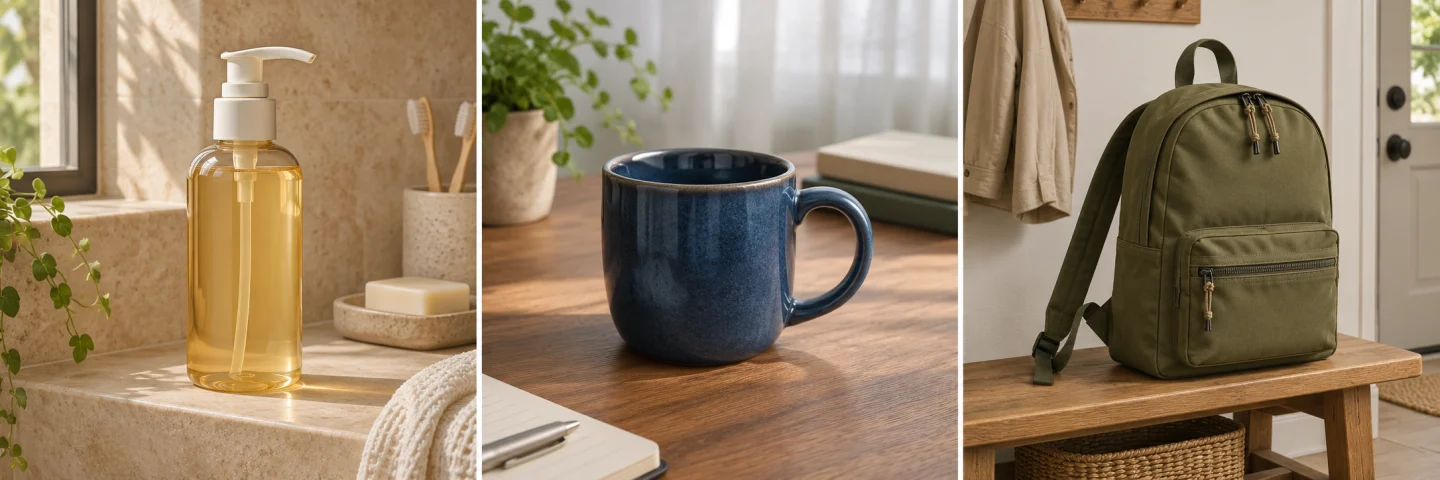
AI-created illustrations for reviewing material and framing.
AI-created illustrations for reviewing material and framing.
Check the pump spout, printed details and the shadow at the base.
Compare the handle opening and rim. Remove props that hide either.
Inspect seam count, strap shape and bag scale against the bench.
Decide whether this is a gallery detail or a banner. Leave room for the crop or nearby headline.
Upload the original, choose one preset and adapt the surface, light and allowed props to your product.
Check the item beside the original. If the product changes, retry with a simpler scene and the original as input.
Check your marketplace’s rules for the main image. Context photography is often better suited to a secondary image or a dedicated lifestyle slot.
Give a familiar surface and keep the source view. Review the size against surrounding objects. The image does not establish physical measurements.
Reject the altered result for a real SKU. Return to the original and reduce the scene change. For exact detail, retain the original product pixels in a conventional editor.
Check the generator’s current credit estimate for the selected settings before submitting. Another generation is a separate request.
Keep the whole product within the crop for the intended placement.
InputDecide whether this is a gallery detail or a banner. Leave room for the crop or nearby headline.
ModeUpload the original, choose one preset and adapt the surface, light and allowed props to your product.
ReviewCheck the item beside the original. If the product changes, retry with a simpler scene and the original as input.
PlacementKeep the whole product within the crop for the intended placement.