
Approved product master
Use a sharp packshot that shows the real silhouette, finish, label, and closure.
Preview
Compare AI Product Photo Generator with other image and video generators, then continue from the result that best fits your brief.
Open GPT Image 2.5 in AI Image Editor.
Open FLUX 3 Image in AI Image Editor.

Open Seedream 5.0 Pro in AI Image Editor.
Open GPT image 2 in AI Image Editor.

Open Nano Banana 2 in AI Image Editor.
Open Seedream 5 Lite in AI Image Editor.
Upload a clear product photo or start from a detailed text brief. Default model: GPT image 2.
Use a sharp packshot that shows the real silhouette, finish, label, and closure.
State which product details are immutable before changing the set, surface, or lighting.
Compare every result with the product master and the rest of the catalog set.
Turn an approved packshot into catalog and campaign variants while protecting the details customers use to identify the item.
Anchor the outline, proportions, label placement, hardware, and color before asking for a different environment.
Describe surface reflections, contact shadow, light direction, and material response so the product still feels tangible.
Match crop, scale, horizon, and background tone across neighboring SKUs instead of styling each image in isolation.
Reject invented seams, warped packaging, altered logos, false texture, or inconsistent color before export.
Begin with a specific publishing job, not a vague visual request.
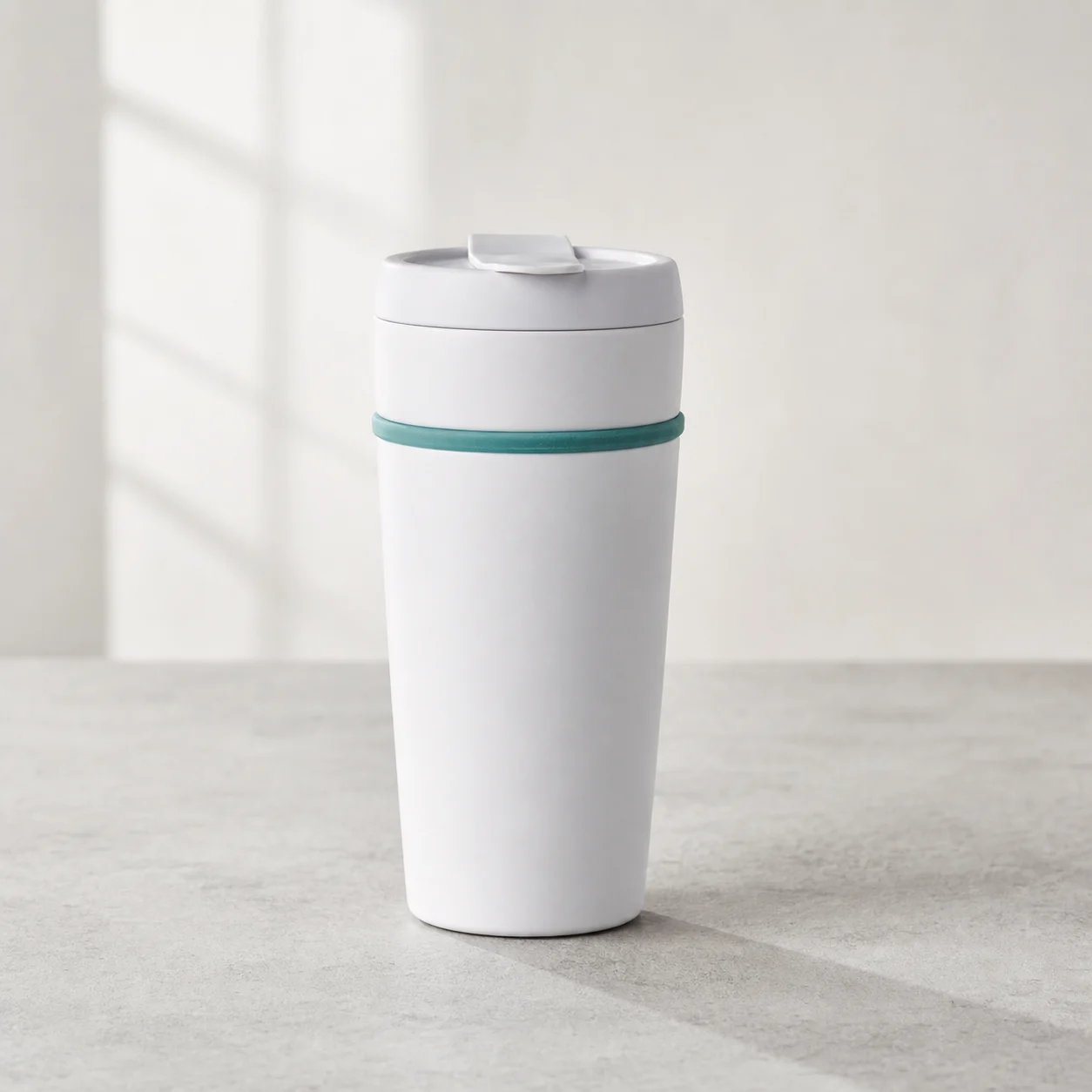
Preserve the exact product shape and materials; place it on a clean off-white sweep with soft contact shadow and balanced studio light.
Choose a clear input and remove contradictory references before generation.
Define the subject, composition, background, lighting, intended crop, and text-safe space in a short ordered brief.
Check identity, edges, proportions, materials, logos, and text-safe space, then regenerate if important details drift.
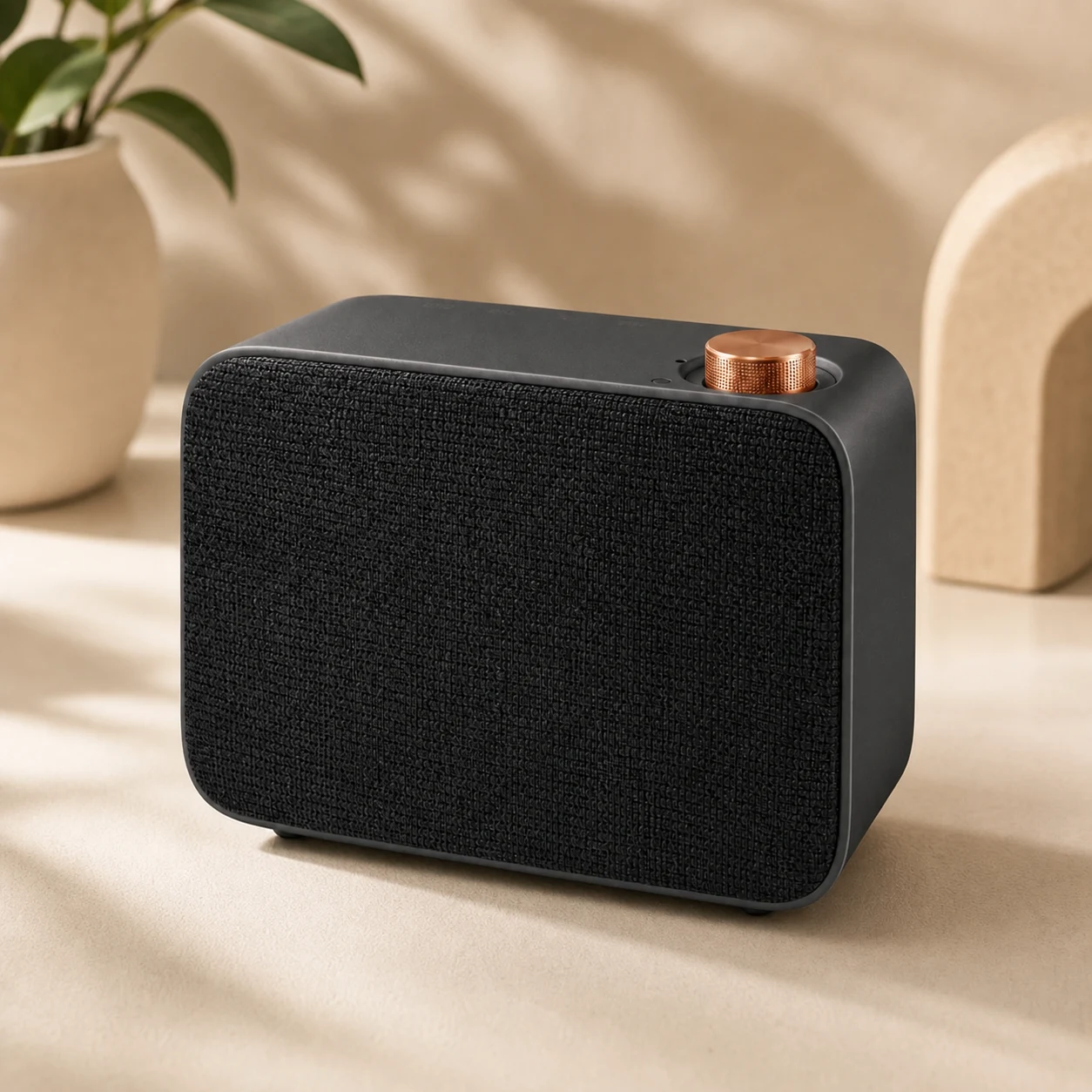
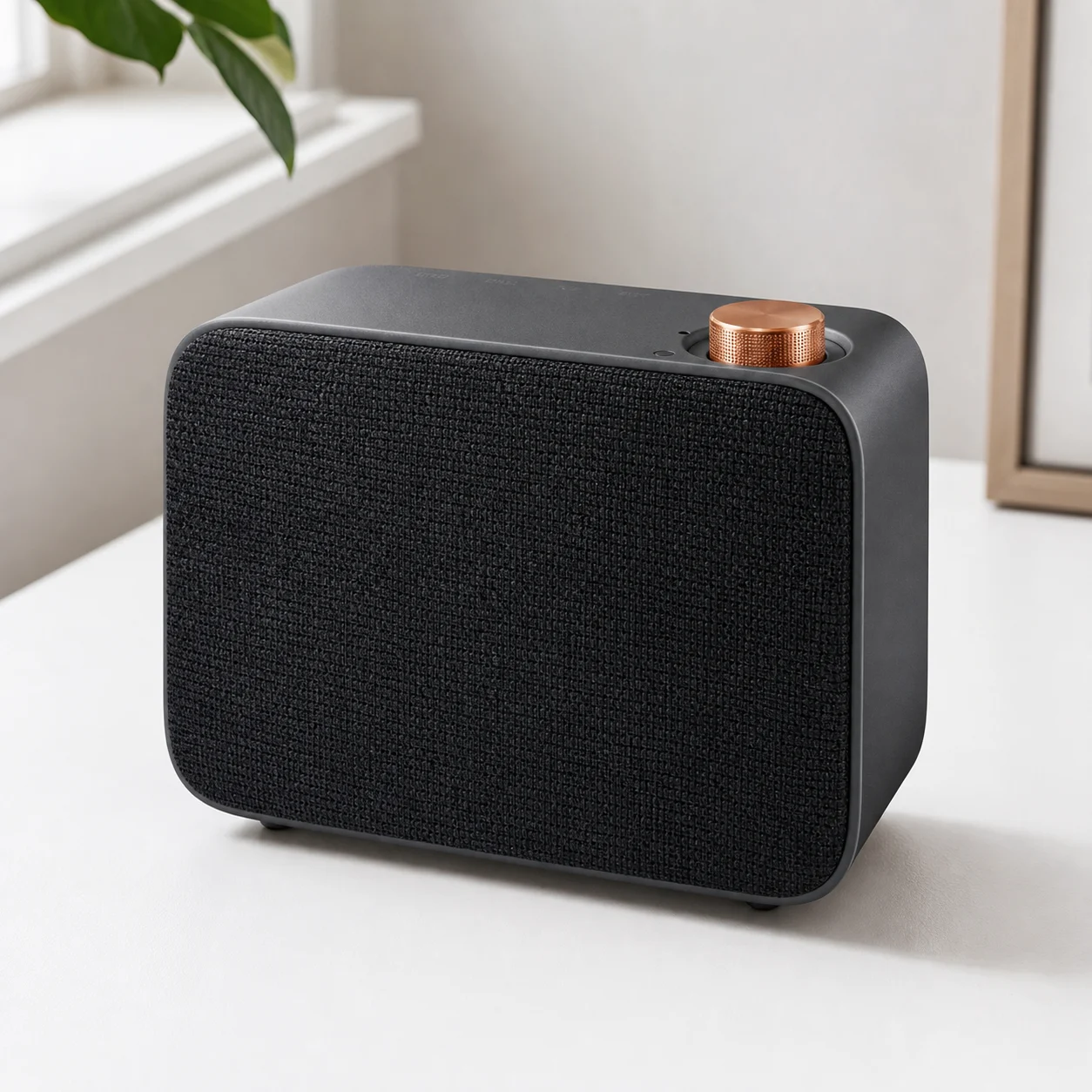
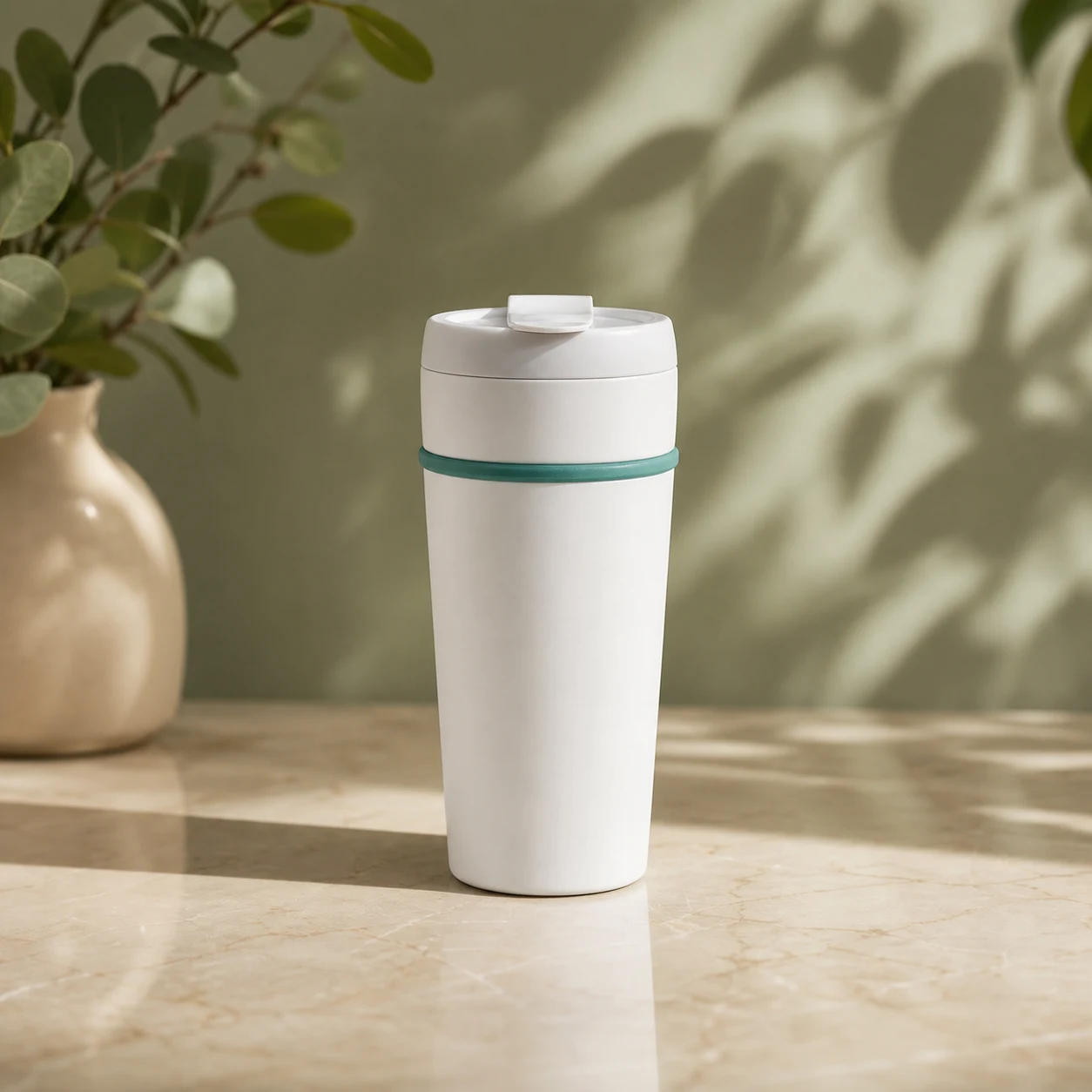
Keep the product recognizable and place it on warm travertine beside a window with natural shadows and generous copy space.
Choose a clear input and remove contradictory references before generation.
Define the subject, composition, background, lighting, intended crop, and text-safe space in a short ordered brief.
Check identity, edges, proportions, materials, logos, and text-safe space, then regenerate if important details drift.
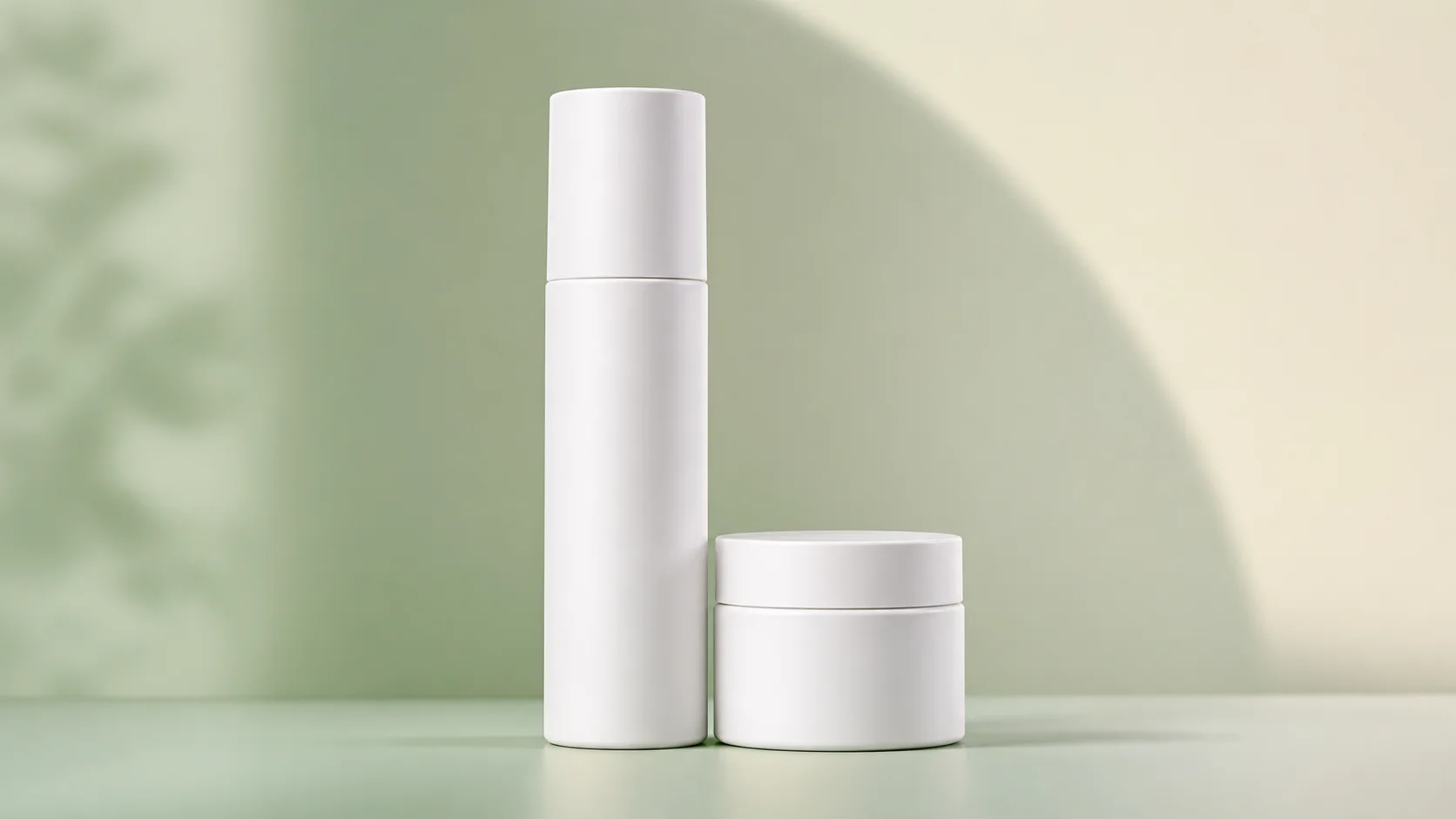
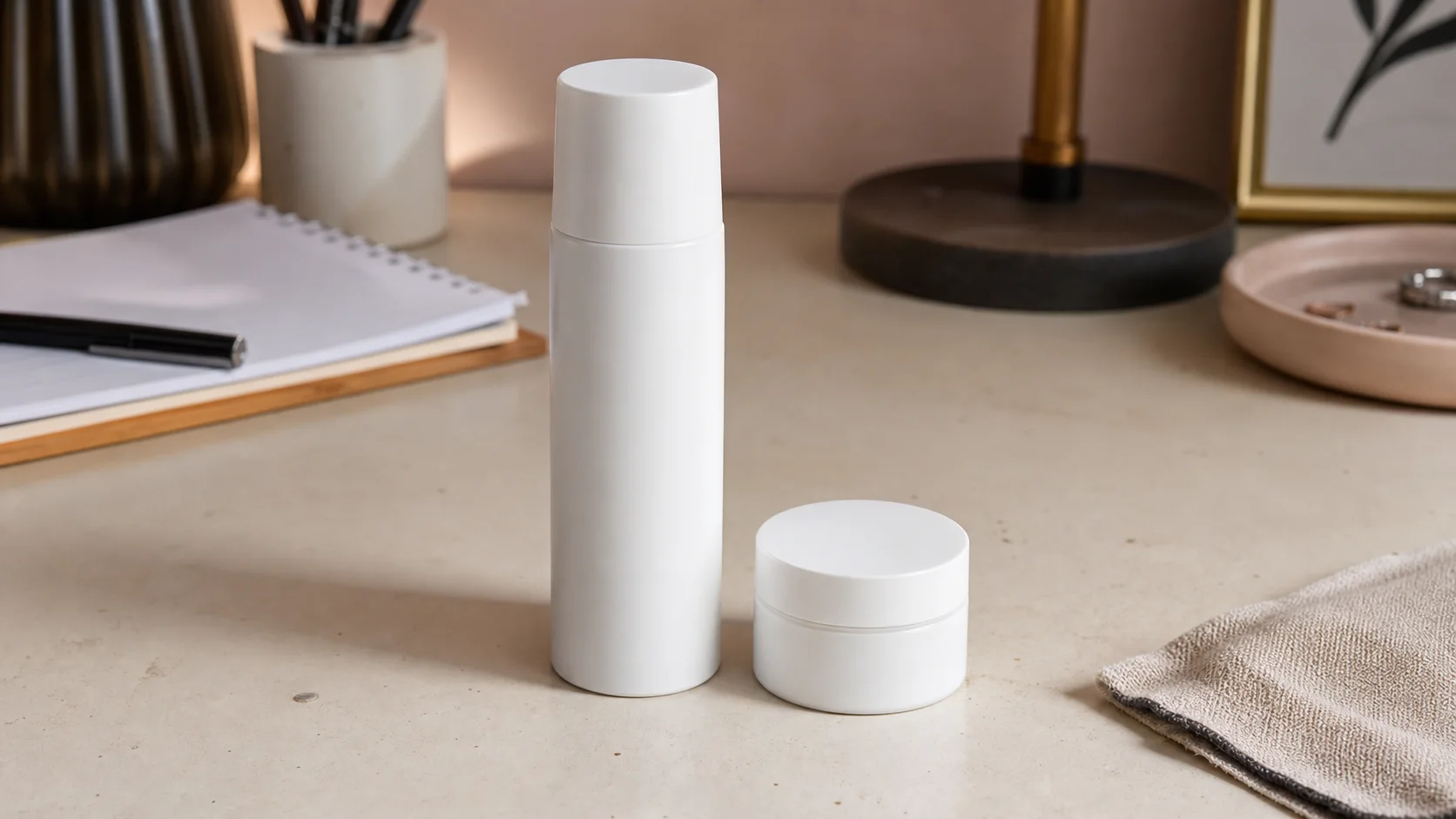
Choose the cleanest approved SKU image and note the label, materials, dimensions, and finishes that cannot change.
Specify catalog or lifestyle use, surface, light, camera angle, crop, and the amount of copy space required.
Compare shape, color, label, reflections, and scale with the source, then approve only a coherent set of variants.
Use a high-resolution packshot with visible edges, accurate color, readable branding, and no hand covering an important product feature.
Name the label, closure, seams, controls, and printed elements as locked details, then compare the result against the source at full size.
Yes. Reuse the same camera angle, crop, surface, background value, and lighting recipe while supplying the approved source for each SKU.
Verify product accuracy, color, included accessories, claim-bearing text, shadows, edge quality, and the marketplace image requirements.
Bring one approved SKU image and turn it into a catalog-ready visual system.