




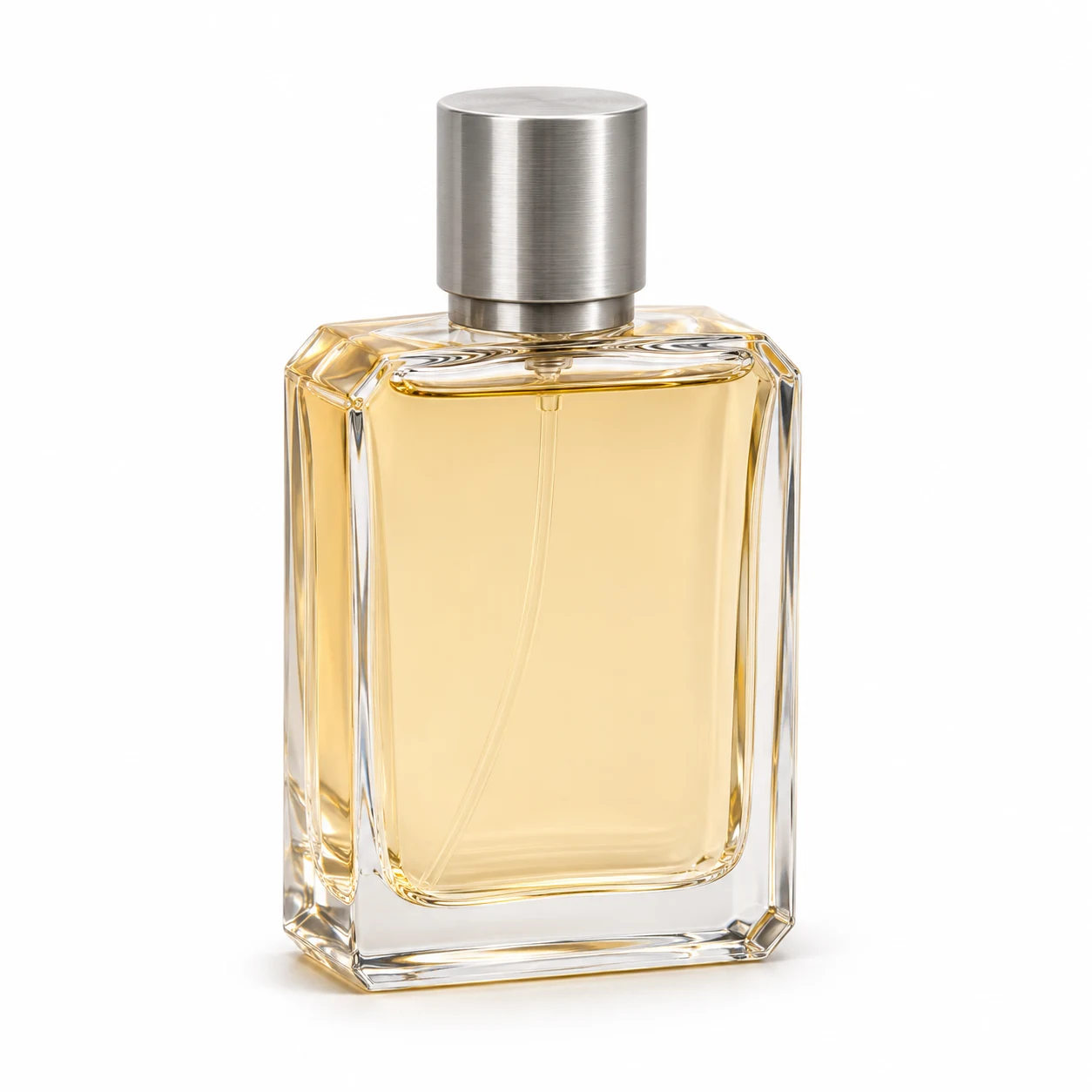
Original product photo
Choose the correct SKU with the whole outline visible. Keep a copy for side-by-side review.
Preview
AI-created illustration. Review results against your own photo.
Open a model page to check its current modes and settings.
Start with a clear photo of the exact item and change the background to white. Keep the angle, product color and label. Choose a short contact shadow or request a shadowless backdrop based on the destination. Check the downloaded file before using it.
Choose the correct SKU with the whole outline visible. Keep a copy for side-by-side review.
Upload the photo and choose one preset. Request a white backdrop and specify whether a faint shadow is acceptable.
Compare edges, color and label. Download the image and sample the background if exact white matters. If the product changed, restore its original pixels in an editor.
Inspect around corners, seams and cap edges at full size. A bright halo or clipped corner is a reason to reject the edit.
Glass needs a readable rim and base. Keep texture on matte and dark surfaces. Brightening the backdrop should not bleach the item.
If the destination needs RGB 255, 255, 255, sample multiple background points outside the shadow in an editor. Verify the platform’s crop and image requirements separately.
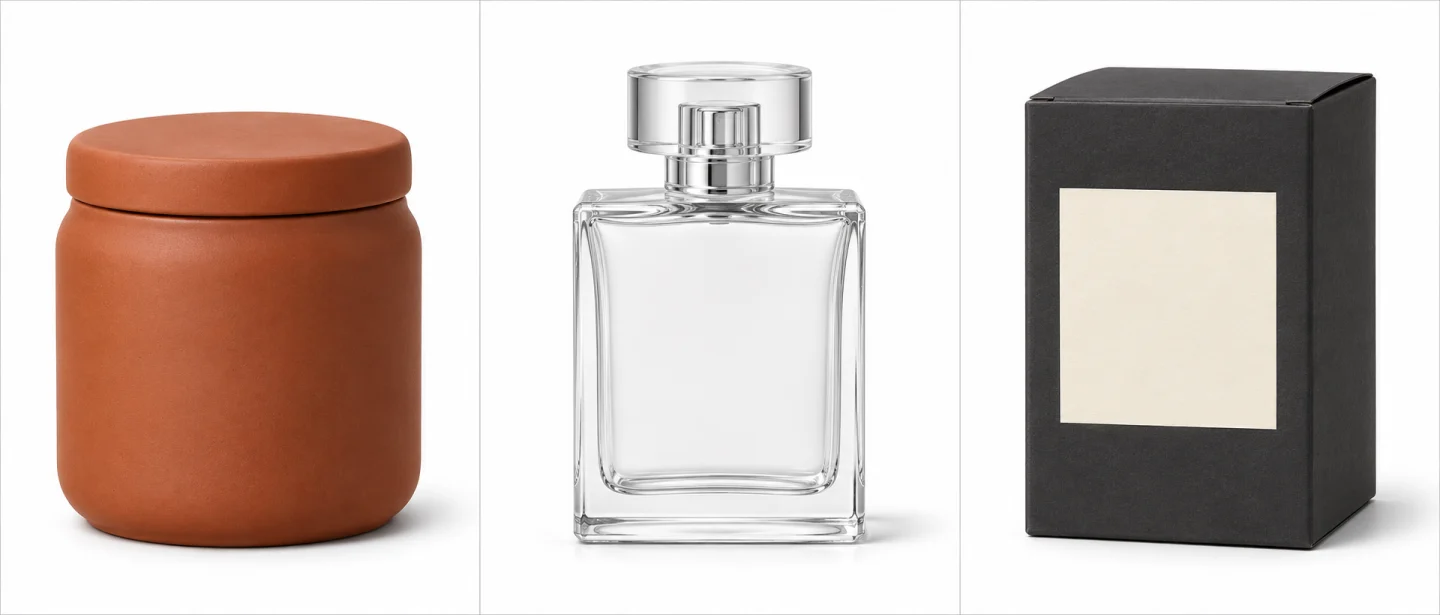
AI-created illustrations for reviewing material and framing.
AI-created illustrations for reviewing material and framing.
Check texture, color and the lid seam at full size.
Look for missing transparent edges and unrealistic opaque patches.
Check corner shape, seams and the original label before using the result.
Choose the correct SKU with the whole outline visible. Keep a copy for side-by-side review.
Upload the photo and choose one preset. Request a white backdrop and specify whether a faint shadow is acceptable.
Compare edges, color and label. Download the image and sample the background if exact white matters. If the product changed, restore its original pixels in an editor.
A prompt cannot guarantee exact pixel values. Inspect the exported file and use conventional background compositing for an exact color.
This workflow asks for a visible white background. Use the background remover for a transparent cutout and inspect its alpha edges.
Check the rules for the specific listing. White alone does not prove the right crop, dimensions, product accuracy or metadata.
Check the generator’s current credit estimate for the selected settings before submitting. Another generation is a separate request.
Check several exported background points away from the shadow.
InputChoose the correct SKU with the whole outline visible. Keep a copy for side-by-side review.
ModeUpload the photo and choose one preset. Request a white backdrop and specify whether a faint shadow is acceptable.
ReviewCompare edges, color and label. Download the image and sample the background if exact white matters. If the product changed, restore its original pixels in an editor.
DeliveryCheck several exported background points away from the shadow.