


Zero cloud uploads
Pixel resampling happens inside your browser tab with no external transfers.
Target dimensions (px)
100% browser-side resizing. No uploads, no cloud processing, zero cost.
Resize preview
Frame custom crops first, upscale small photos with AI, or export social variations together.
Enter target pixel dimensions, lock or unlock proportions, apply social and catalog presets, and export crisp resized PNG, JPEG, or WebP images locally in your browser.
Pixel resampling happens inside your browser tab with no external transfers.
Keep original width-to-height balance automatically or unlock to hit fixed boxes.
Control Cover/Contain fitting and compression quality before saving to disk.
Hit store catalog requirements, shrink heavy camera photos for web speed, and avoid unwanted stretching.
Every pixel calculation runs on an HTML5 canvas inside local memory without uploading originals.
Type either width or height and let the companion axis recalculate immediately without distortion.
Jump straight to half-size, 1080×1080 square, 1080×1350 portrait, 1920×1080 HD, or 1080×1920 story.
Compare original versus target pixels in real time and spot upscaling above 100% before saving.
Choose clean center-crop Cover, full-subject Contain padding, or Stretch when changing aspect ratio.
Export sharp lossless PNGs or dial JPEG and WebP quality right down to the target file weight.
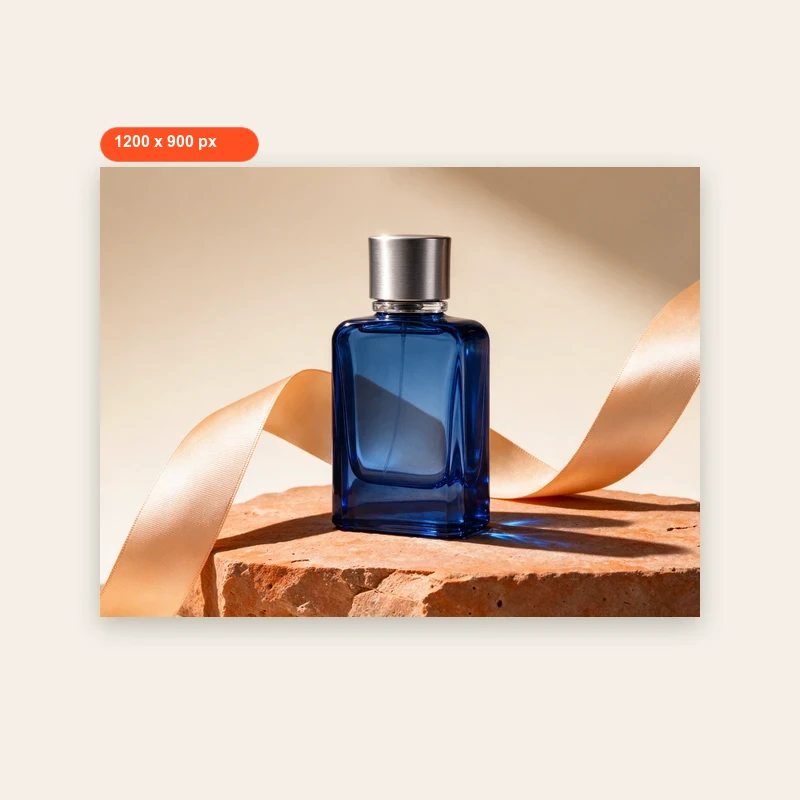
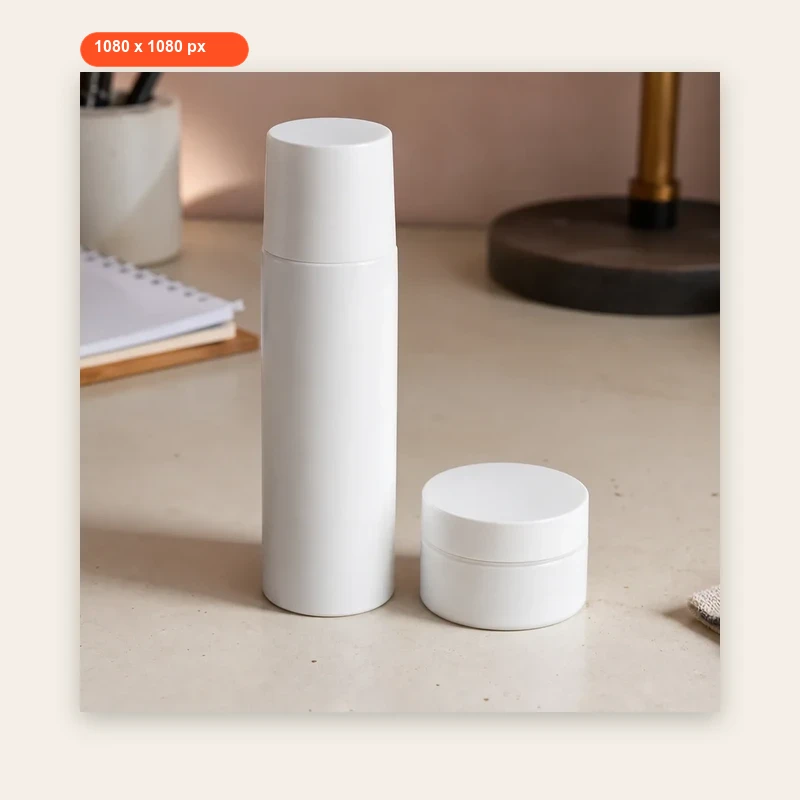
Apply the 1080 × 1080 catalog preset with Cover fit so minimalist skincare bottles fill a clean square product listing.
Use Cover mode instead of Stretch when moving from 16:9 widescreen down to a 1:1 marketplace frame.
Verify the target output reads 1080 × 1080 px before exporting to your store catalog.
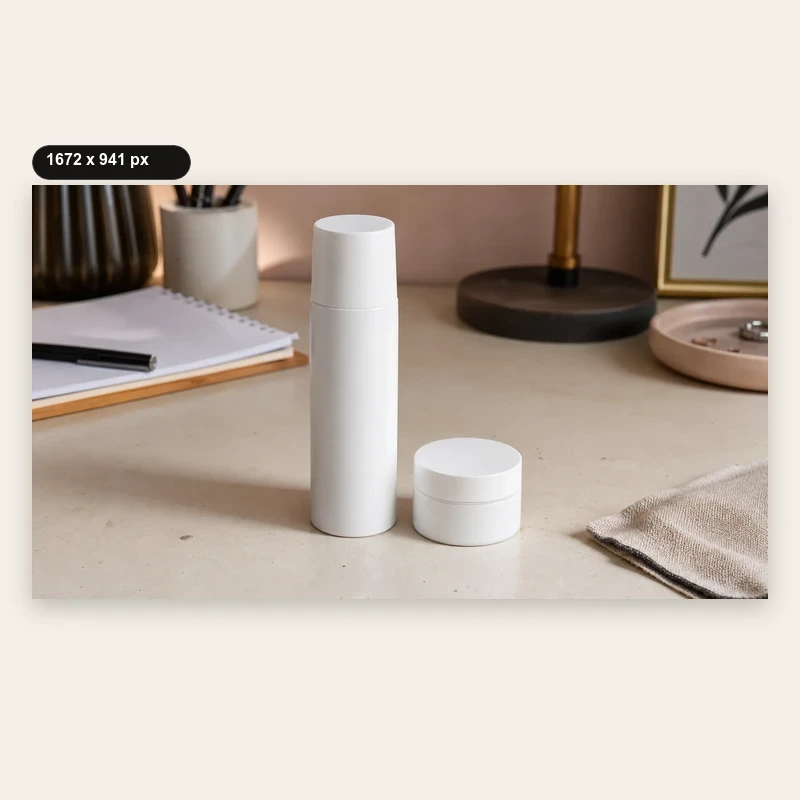
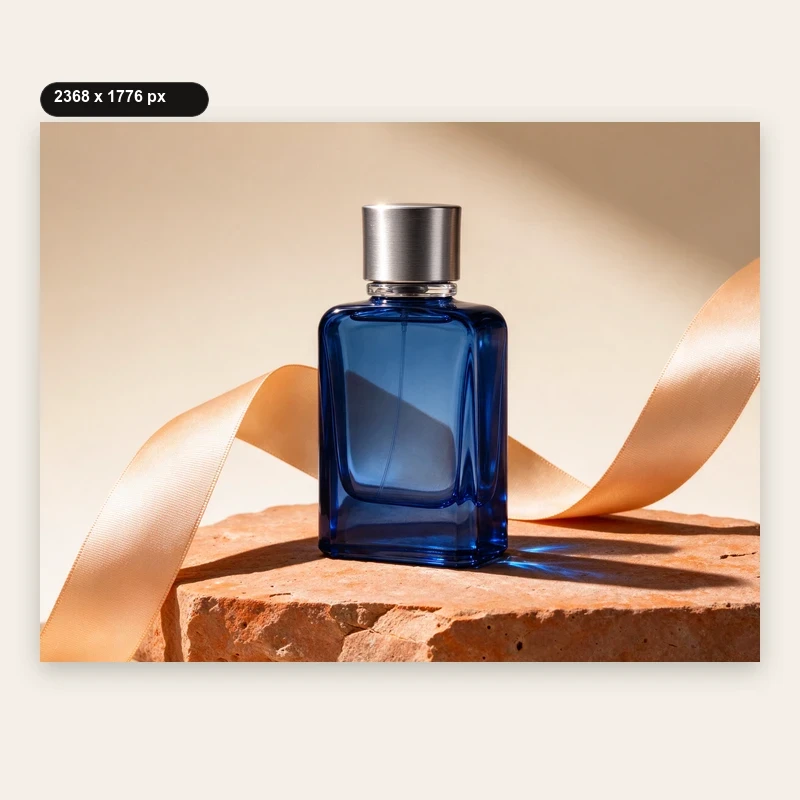
Downscale an oversized high-megapixel studio photograph into a crisp 16:9 web banner ready for fast page loads.
Use the HD preset to trim excess megapixel weight while keeping crisp surface details intact.
Inspect the Before vs. After preview and download a web-ready hero asset in one click.
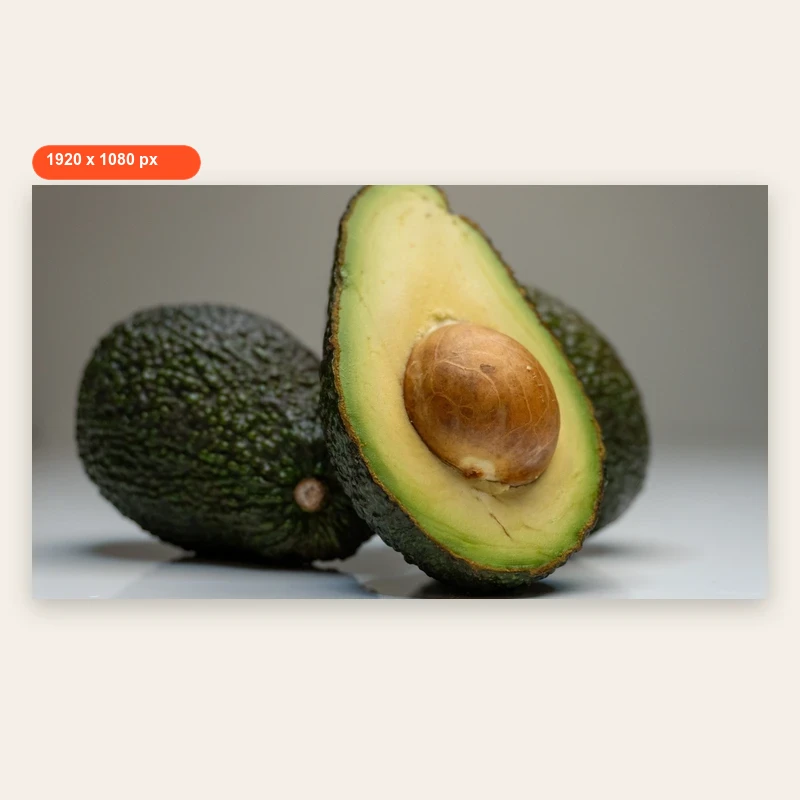
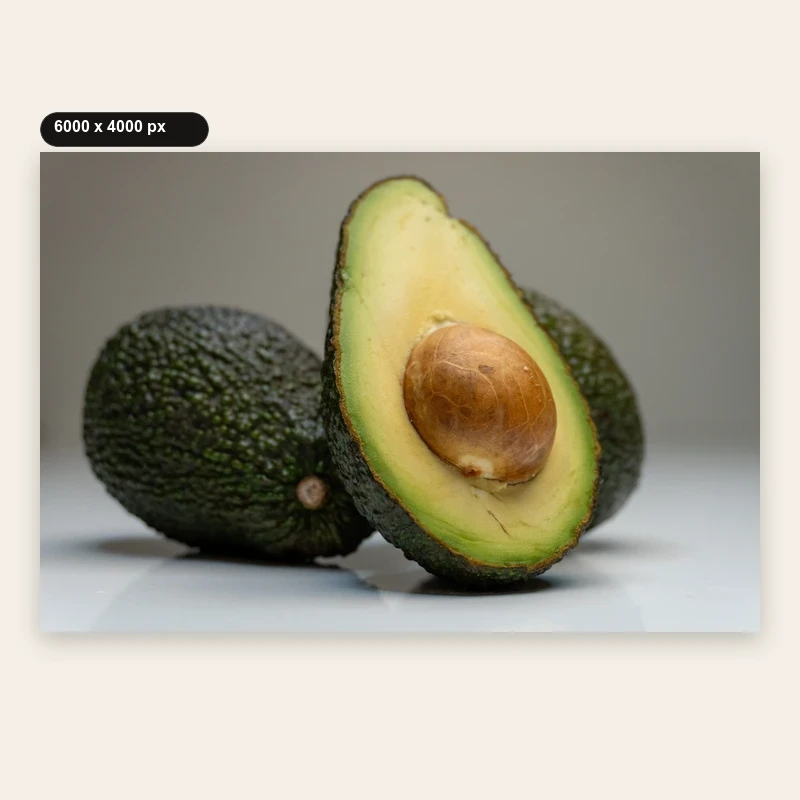
Open any PNG, JPEG, or WebP file directly in local browser memory.
Type exact pixel numbers with aspect lock on, or tap 50%, 1080×1080, 1080×1350, 1920×1080, or 1080×1920.
Check Original vs. Resized preview, choose PNG, JPEG, or WebP, and save the exact pixel dimensions.
No. Dimension calculation, resampling, and export run strictly on a local HTML5 canvas inside your browser.
Use Cover when changing aspect ratio and you want the target box completely filled without letterbox bars; use Contain when every edge of the original image must stay visible.
Standard browser canvas scaling stretches existing pixels cleanly for small increases, whereas large enlargements benefit from AI detail synthesis in our Image Upscaler.
Change pixel width and height accurately right inside your browser with zero uploads and instant download.