




On-device canvas
Your selected photograph stays in browser memory and never touches an external server.
Drag inside the frame to move it or pull any corner handle to resize. Focus the crop frame and use arrow keys to nudge its position, or hold Shift for larger steps.
100% browser-side cropping. No uploads, no cloud processing, zero cost.
Crop preview

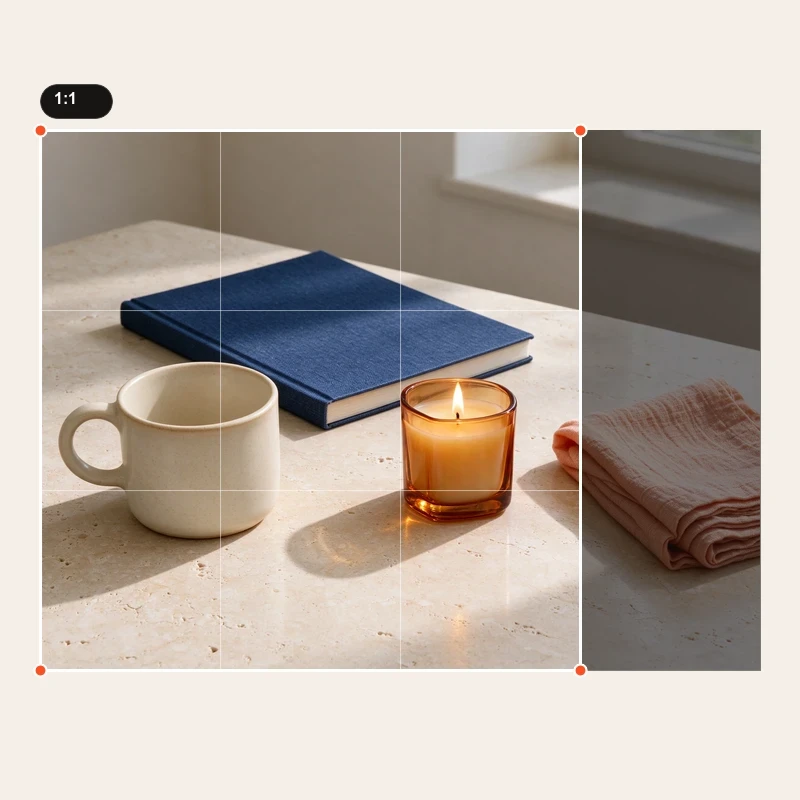
Resize exact pixel dimensions, format social posts, or edit scenes in companion tools.
Upload a photo, drag the crop window over your subject or lock a social and widescreen ratio, inspect the trimmed frame, and download full-resolution pixels without server uploads.
Your selected photograph stays in browser memory and never touches an external server.
Switch instantly between freeform dragging and locked 1:1, 4:5, 16:9, 9:16, 4:3, or 3:2 frames.
Exports exact cropped source pixels as PNG, JPEG, or WebP with zero watermarks.
Remove edge distractions, match platform aspect ratios, and check final crop dimensions before saving.
Load PNG, JPEG, or WebP files straight into an offline-ready browser canvas with no queue or upload delay.
Pick Freeform for custom edges or lock 1:1, 4:5, 16:9, 9:16, 4:3, and 3:2 compositions in one click.
Drag the framed selection to re-center subjects or pull any corner handle while preserving locked ratios.
Watch exact crop width and height update as you drag, then toggle Cropped preview before downloading.
Re-center your crop window over the frame or use arrow keys for fine pixel positioning.
Export only the pixels inside your selection box at full native resolution with zero added borders.
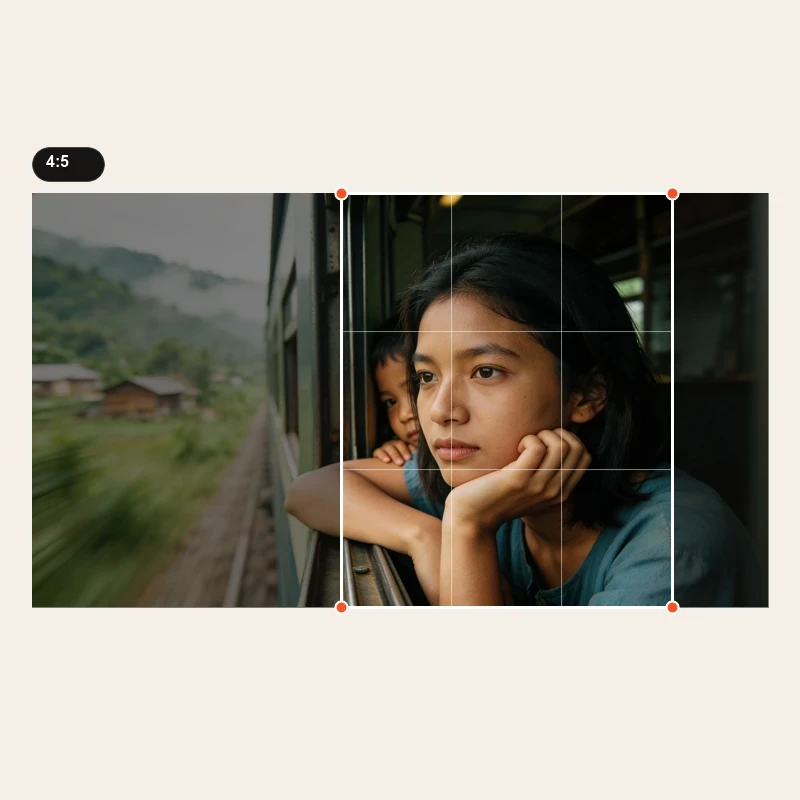
Trim away the blurred passing forest on the left while centering the traveler looking out the train window in a crisp vertical cut.
Move the 4:5 frame to the right so motion-blurred tracks drop cleanly outside the vertical boundary.
Switch to Cropped preview to confirm top window headroom and shoulder framing look balanced.
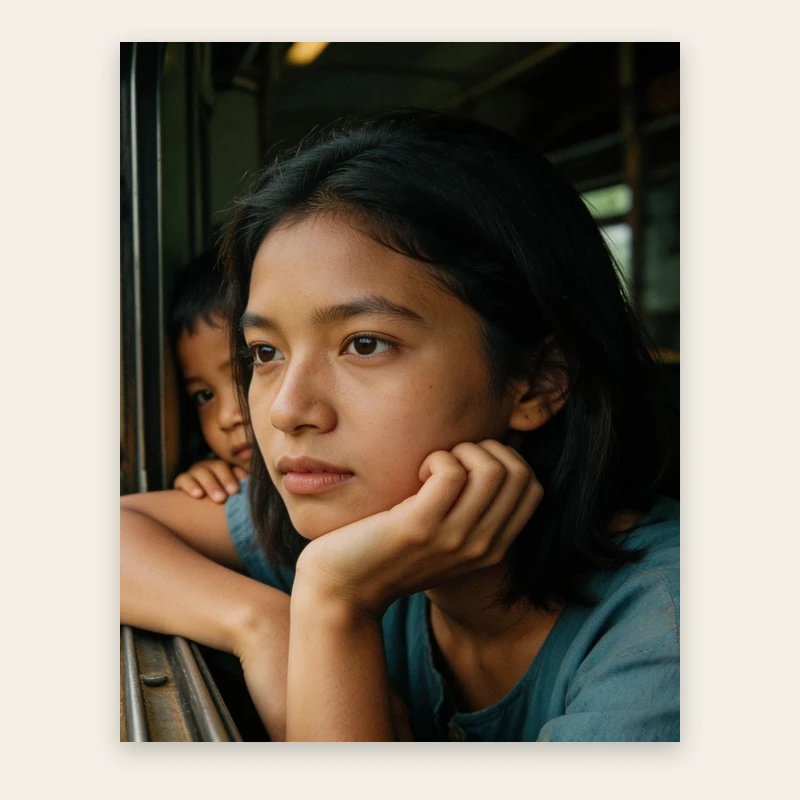
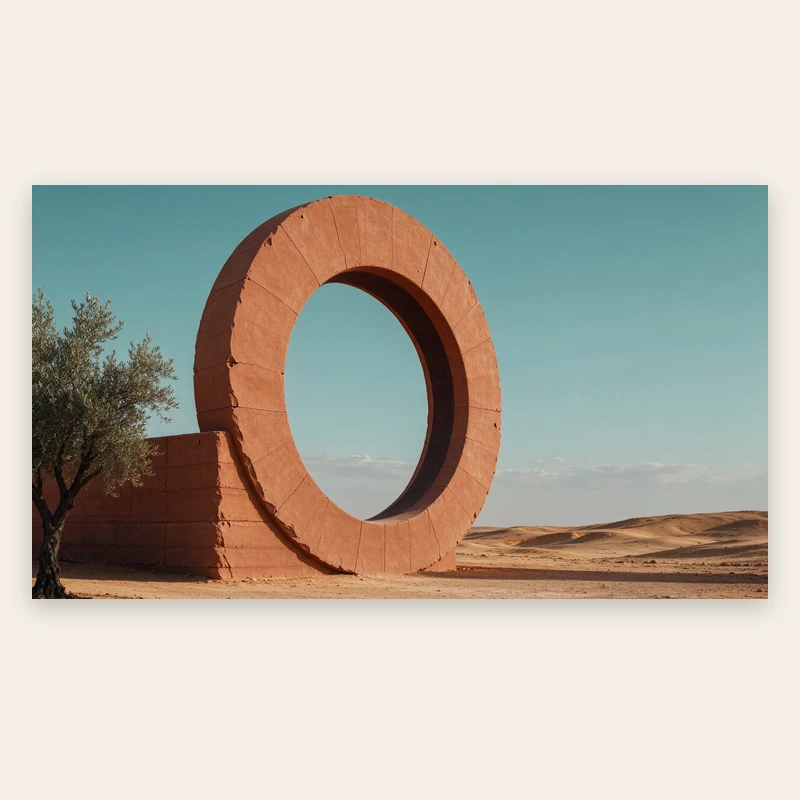
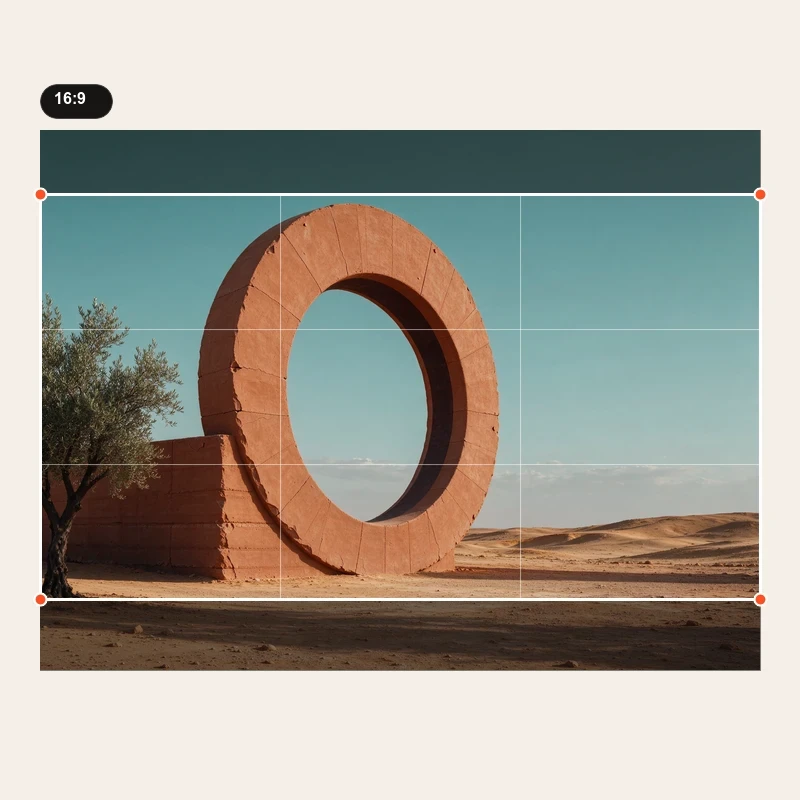
Slice excess upper sky and foreground gravel from a terracotta monument photo to fit a wide editorial header.
Use the rule-of-thirds intersections to keep the curved terracotta monument and horizon aligned in the widescreen cut.
Confirm the output pixel badge hits a wide horizontal ratio before exporting as WebP or PNG.
Select any PNG, JPEG, or WebP from your device to load it directly into the browser stage.
Click Freeform or a locked ratio such as 1:1, 4:5, or 16:9, then drag the box or corner handles.
Switch to Cropped preview to verify clean edges, pick PNG, JPEG, or WebP, and download.
No. The crop box, live preview, and file export run strictly on an HTML5 canvas inside your browser with zero network transfers.
No. Export slices pixels directly from the original image dimensions inside your selected rectangle without downscaling.
When you select 1:1, 4:5, 16:9, 9:16, 4:3, or 3:2, pulling any corner scales width and height together so the ratio never drifts.
Frame photos to any custom or locked aspect ratio directly in your browser and export clean pixels in seconds.