




Zero cloud uploads
Compression runs inside local browser canvas memory with no server transfer.
100% browser-side compression. No uploads, no queues, zero cost.
Compression preview
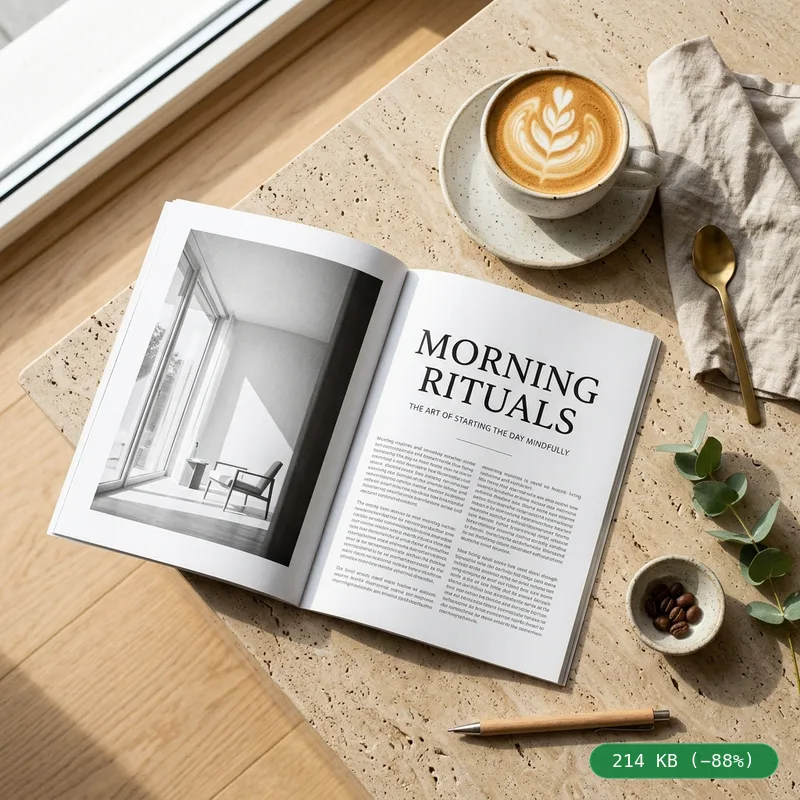

Convert file formats, resize pixel dimensions, or crop framing locally alongside compression.
Drop any photo into your browser, adjust WebP or JPEG compression quality, cap oversized long edges if needed, and verify both KB savings and 100% text sharpness before saving.
Compression runs inside local browser canvas memory with no server transfer.
Measure exact original versus compressed kilobytes before exporting.
Toggle native 1:1 inspection to confirm small label text stays crisp.
Balance smaller KB payloads with sharp typography across store listings, blog headers, and mobile pages.
Load JPEG, PNG, or WebP files straight into local memory and re-encode instantly as you adjust settings.
See exact kilobyte totals update in real time so you never guess whether a change saved space.
Switch between Light (88%), Balanced (76%), and Small (60%) presets or fine-tune manually from 30% to 98%.
Zoom directly into native pixels to spot blocky halos around lettering before finalizing your export.
Trim oversized camera shots down to 1920px, 1280px, or 800px on the longest edge for dramatic weight savings.
Get an immediate warning if an export format produces a larger file so you can switch to WebP or JPEG.
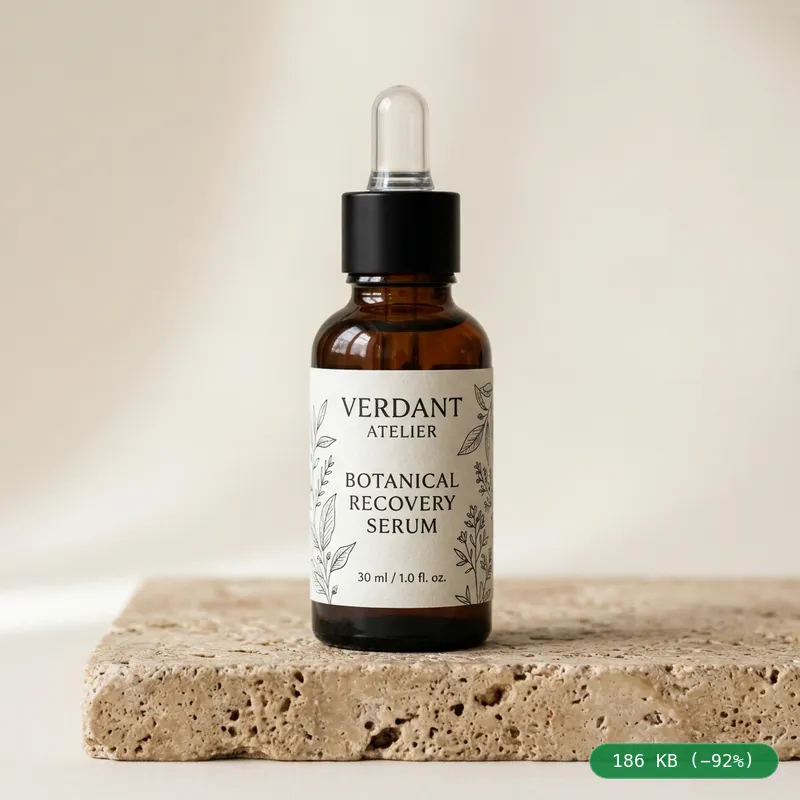
Reduce a 2.40 MB studio product photograph by 92% while preserving every line of botanical label text.
Check volume numerals and fine serif lines so compression never introduces ringing around high-contrast labels.
Confirm the compressed WebP stays well under 250 KB for rapid product gallery loading.

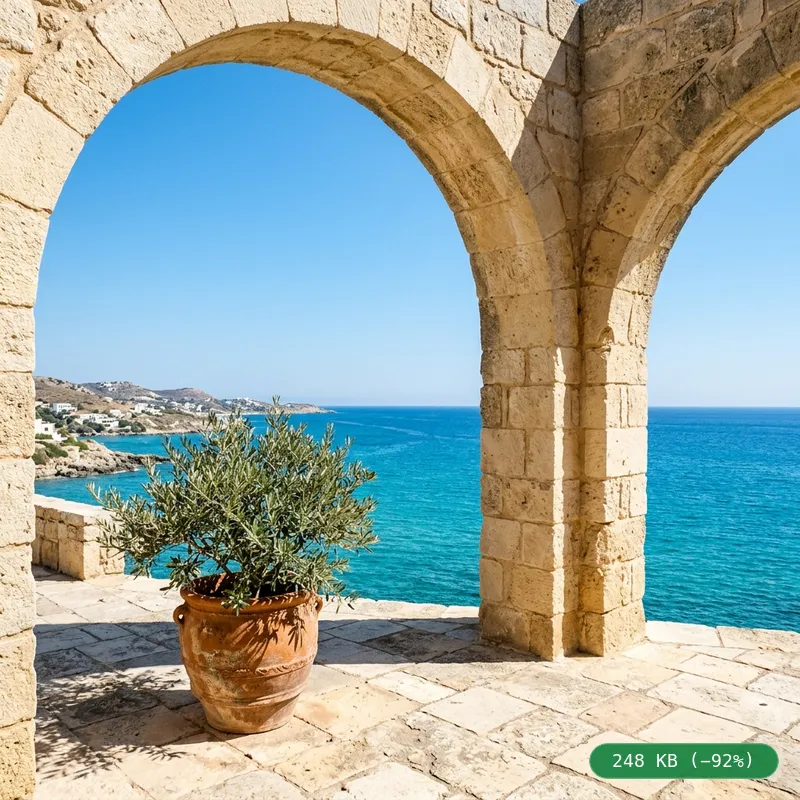
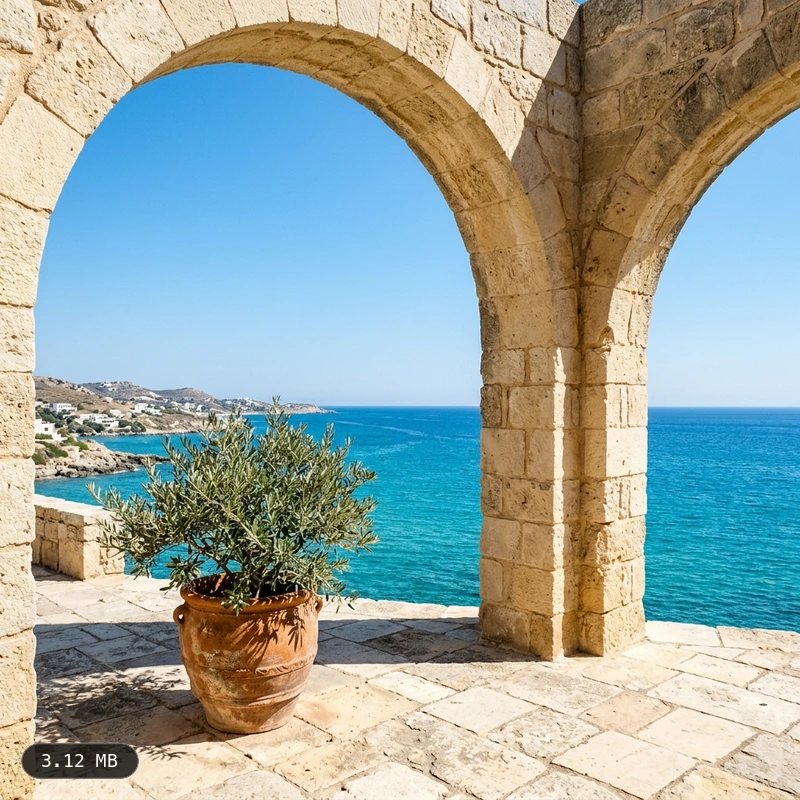
Eliminate bloated megabytes on hero travel photography without creating banding across bright blue skies.
Choose Balanced 76% WebP quality to avoid posterized steps across sunlit architectural backgrounds.
Combine long-edge sizing with lossy WebP compression when assets exceed container width.
Load any local JPEG, PNG, or WebP photograph directly into your browser canvas.
Choose WebP or JPEG, select a preset or drag the quality slider, and optionally cap large dimensions.
Compare original vs. compressed KB totals, inspect text sharpness at 100%, and export locally.
No. Re-encoding, byte measurement, and pixel inspection happen strictly on an HTML5 canvas inside your browser tab.
PNG uses lossless compression, so photographic textures cannot be discarded. Switching to WebP or JPEG typically reduces photo size by 60%–90%.
JPEG does not support alpha transparency, so transparent pixels automatically flatten onto a clean white background.
Shrink file sizes in kilobytes right in your browser while checking readability at 100% scale.