




Zero server uploads
Format re-encoding and alpha compositing happen inside your local browser tab.
Modern compact web format with full alpha transparency support.
100% browser-side conversion. No uploads, no cloud processing, zero cost.
Conversion preview

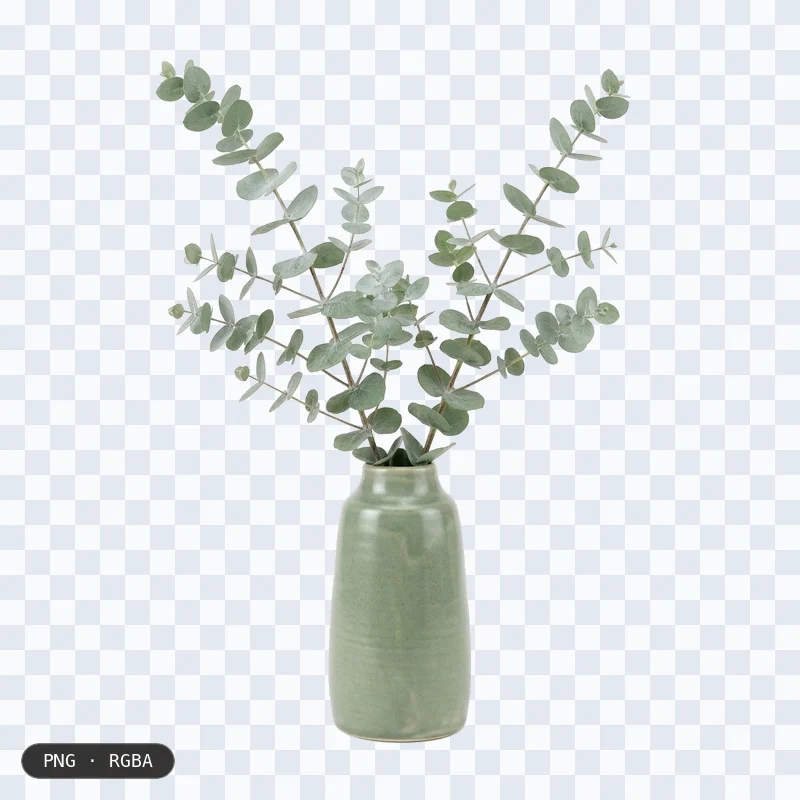
Compress file weight, remove photo backgrounds, or resize pixels locally after format conversion.
Open any image locally, inspect whether transparent pixels exist, preserve alpha in PNG or WebP or flatten cleanly onto a chosen backdrop for JPEG, and download immediately.
Format re-encoding and alpha compositing happen inside your local browser tab.
Keep transparent edges in PNG/WebP or composite onto white, black, or custom colors.
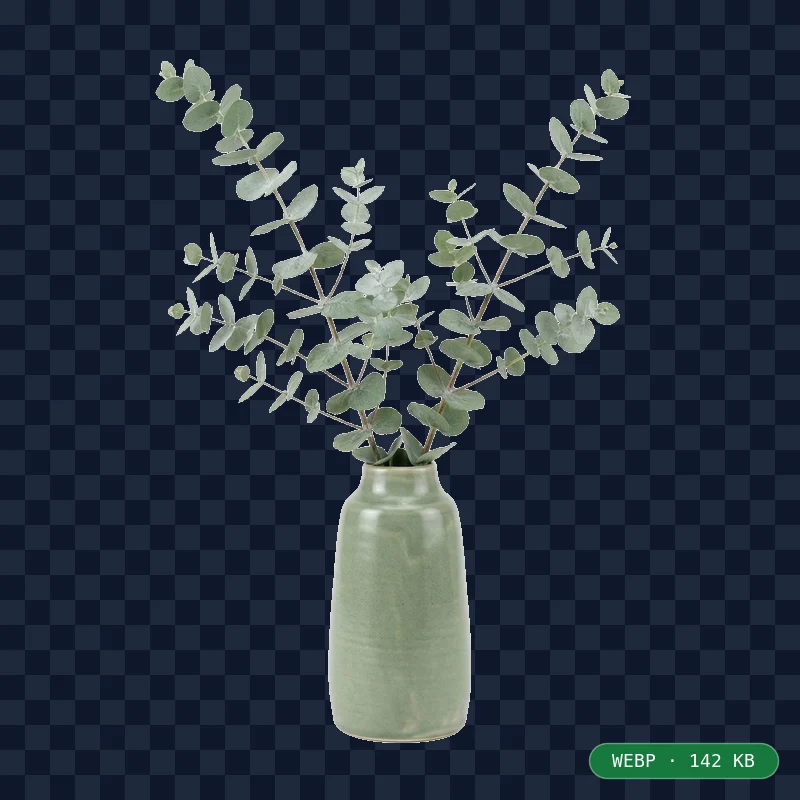
Inspect converted results over checkerboard, bright light, and deep dark surfaces.
Avoid unexpected black backgrounds when converting cutouts to JPEG and trim heavy PNGs into transparent WebPs.
Accepts PNG, JPEG, WebP, GIF, BMP, and AVIF files straight in memory without uploading originals.
Scans pixel alpha values on load and flags whether your uploaded image contains transparent regions.
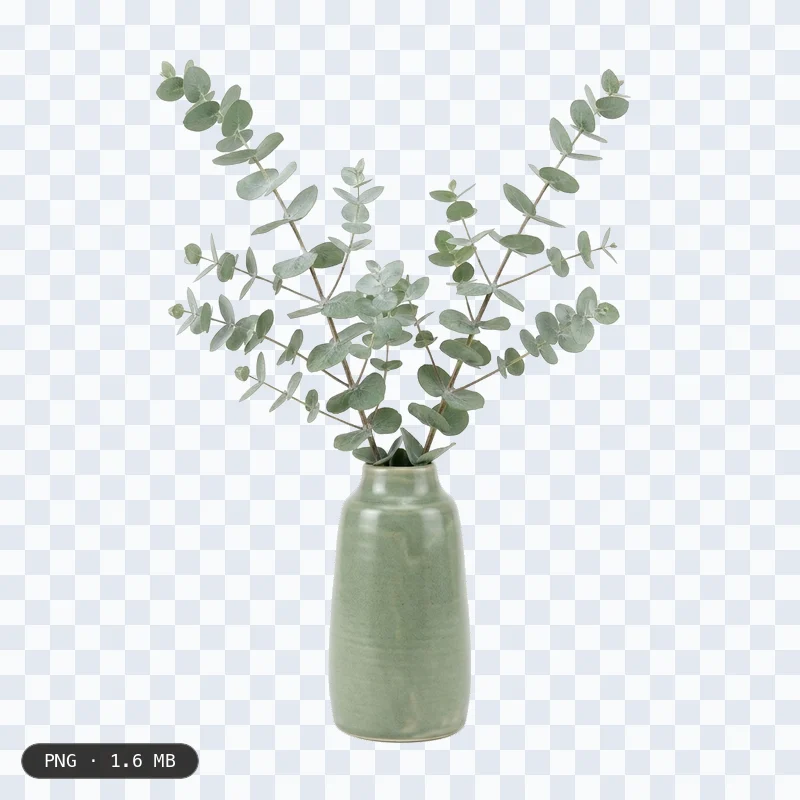
Convert bulky transparent PNG graphics into compact WebP assets while keeping soft edges intact.
Because JPEG cannot store transparency, pick an exact matte fill instead of getting harsh black fringes.
Verify cutout edges against multiple background tones before saving your converted file to disk.
Dial JPEG and WebP encoding quality from 60% to 100% while watching converted file size update.
Prepare transparent product photography for marketplaces that require solid white #FFFFFF JPEG uploads.
Explicitly select a white matte fill before exporting to JPEG so soft cutout borders stay crisp.
Switch the preview backing to Light before clicking export to confirm zero unwanted tinting.

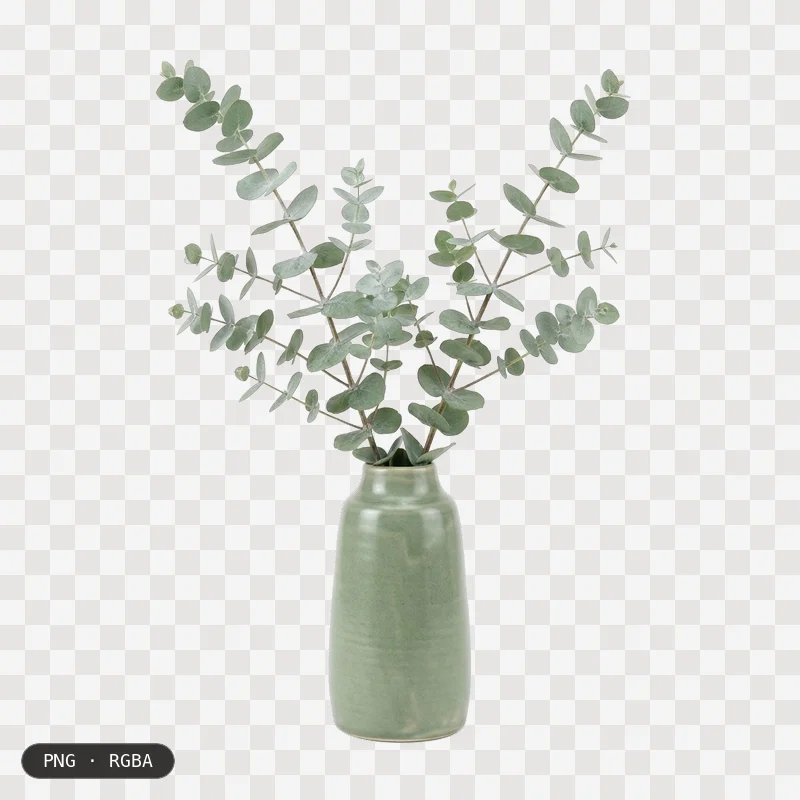
Keep full RGBA transparency for overlays and web UI cards while cutting file payload by more than 90%.
Leave Transparency set to Preserve when outputting WebP to maintain clean alpha around eucalyptus stems.
Toggle the Dark backing option to catch stray light fringe pixels before deploying to dark-mode pages.
Drop any PNG, JPEG, WebP, GIF, BMP, or AVIF image directly into your browser.
Pick PNG or WebP to preserve transparency, or select JPEG with a white, black, or custom color matte.
Check edges over checkerboard, light, or dark backgrounds, adjust quality, and export your converted file.
Both PNG and WebP preserve full alpha transparency when Transparency is set to Preserve. JPEG always flattens onto a solid background color.
The JPEG specification has no alpha channel, so choosing JPEG automatically applies your selected matte fill (defaulting to solid white) to prevent black background artifacts.
No. Decoding, alpha inspection, matte compositing, and export run strictly on your local device.
Switch cleanly between PNG, JPEG, and WebP right inside your browser with full alpha and matte control.