
One clear subject
Start with readable edges and an uncluttered composition.
Preview
Explore the available image models, or follow the photo-to-anime link below for a colored illustration instead.
Open GPT Image 2.5 in AI Image Editor.
Open FLUX 3 Image in AI Image Editor.
Open Seedream 5.0 Pro in AI Image Editor.
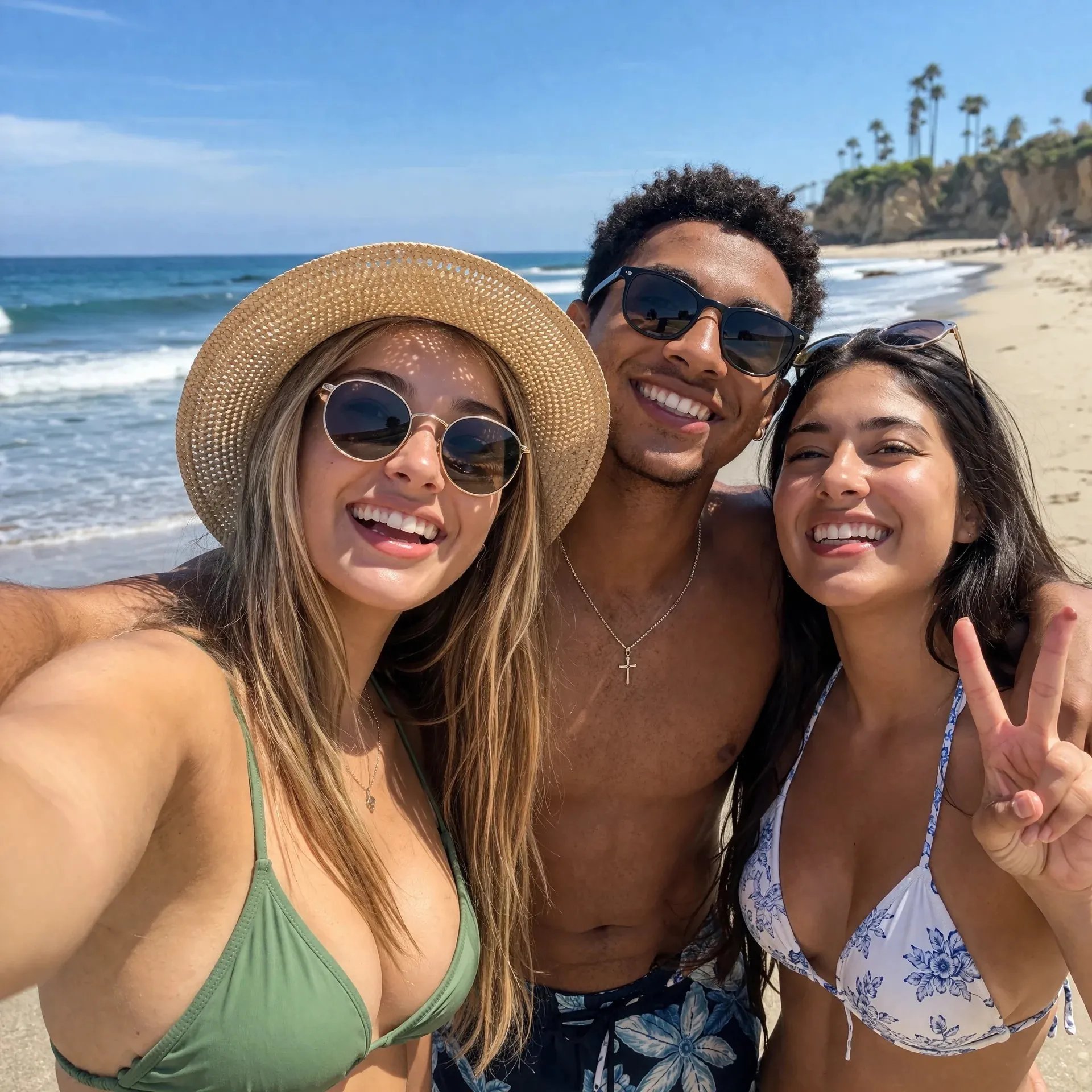
Open GPT image 2 in AI Image Editor.
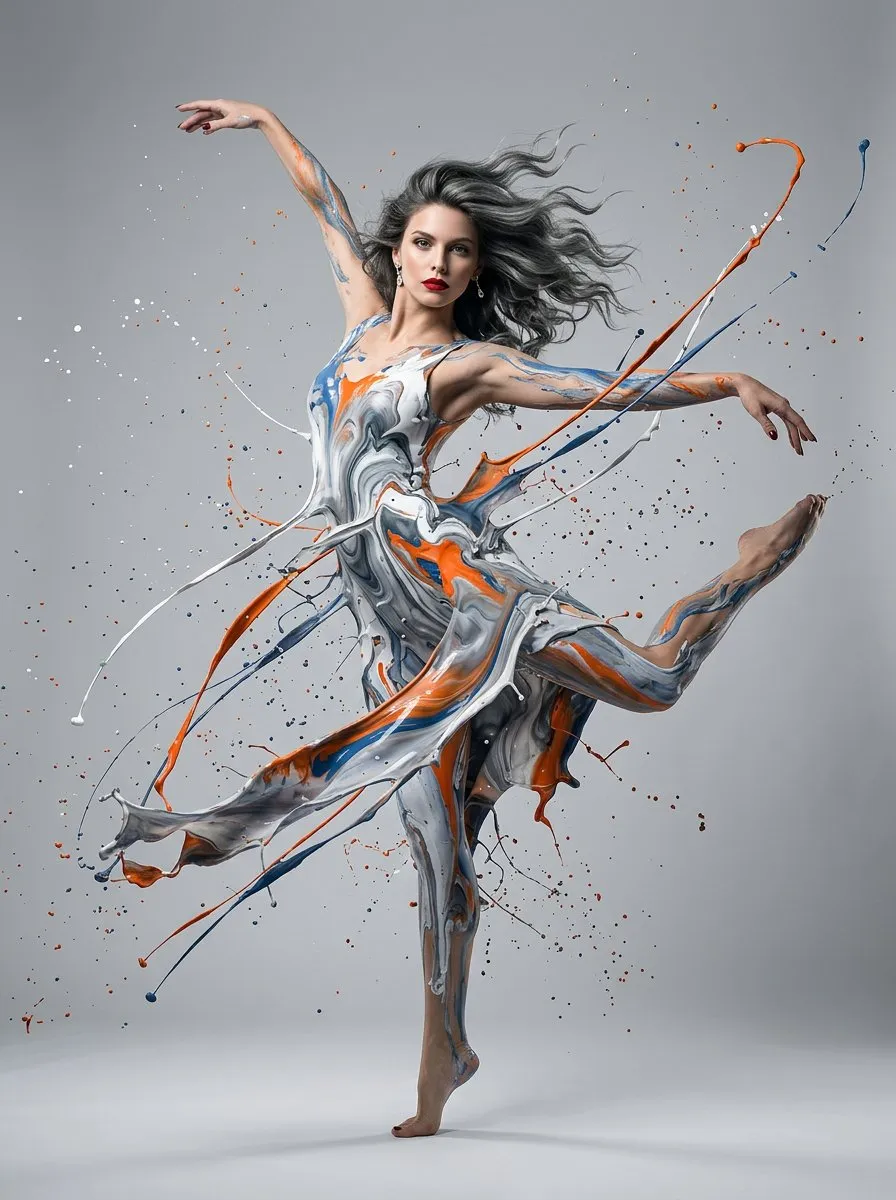
Open Nano Banana 2 in AI Image Editor.
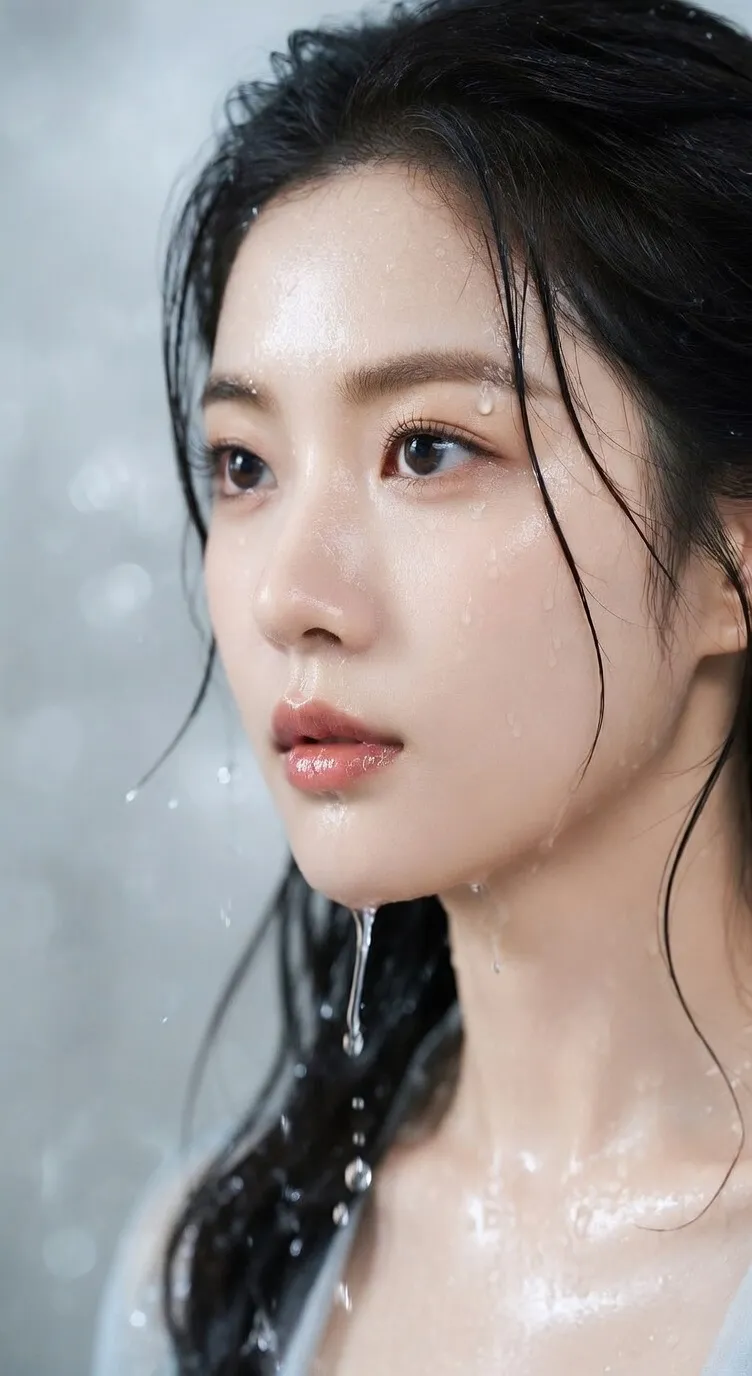
Open Seedream 5 Lite in AI Image Editor.
Upload a clear photo and use GPT image 2 to explore black-and-white outlines with open areas for coloring. Choose a simple or detailed prompt, check the subject and line quality, then download the image for printing.
Start with readable edges and an uncluttered composition.
Request white regions with outlines instead of gray shading.
Check line visibility, margins, and printer scaling before a full run.
A coloring activity needs recognizable shapes, readable boundaries, and enough blank space to fill.
Crop toward the main subject and ask to remove busy surroundings, small textures, and distracting shadows.
Request simple outlines and large white coloring regions, or moderate detail to retain recognizable faces and objects. Adjust these instructions in the prompt and review the result; this is not an exact line-width control.
Download a reviewed image and choose your paper size and scaling in the print dialog. The generator does not export a page-sized PDF or a vector worksheet.
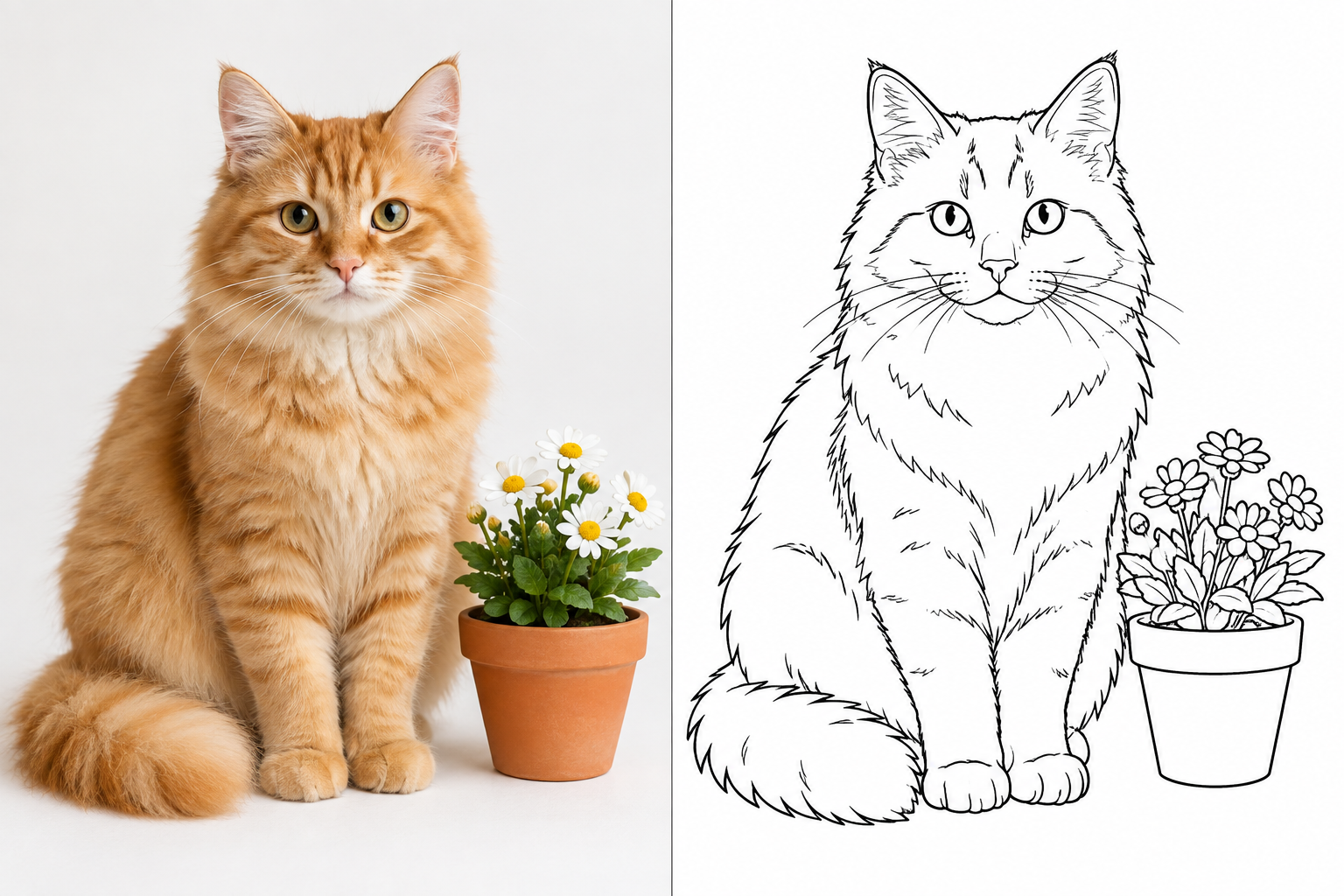
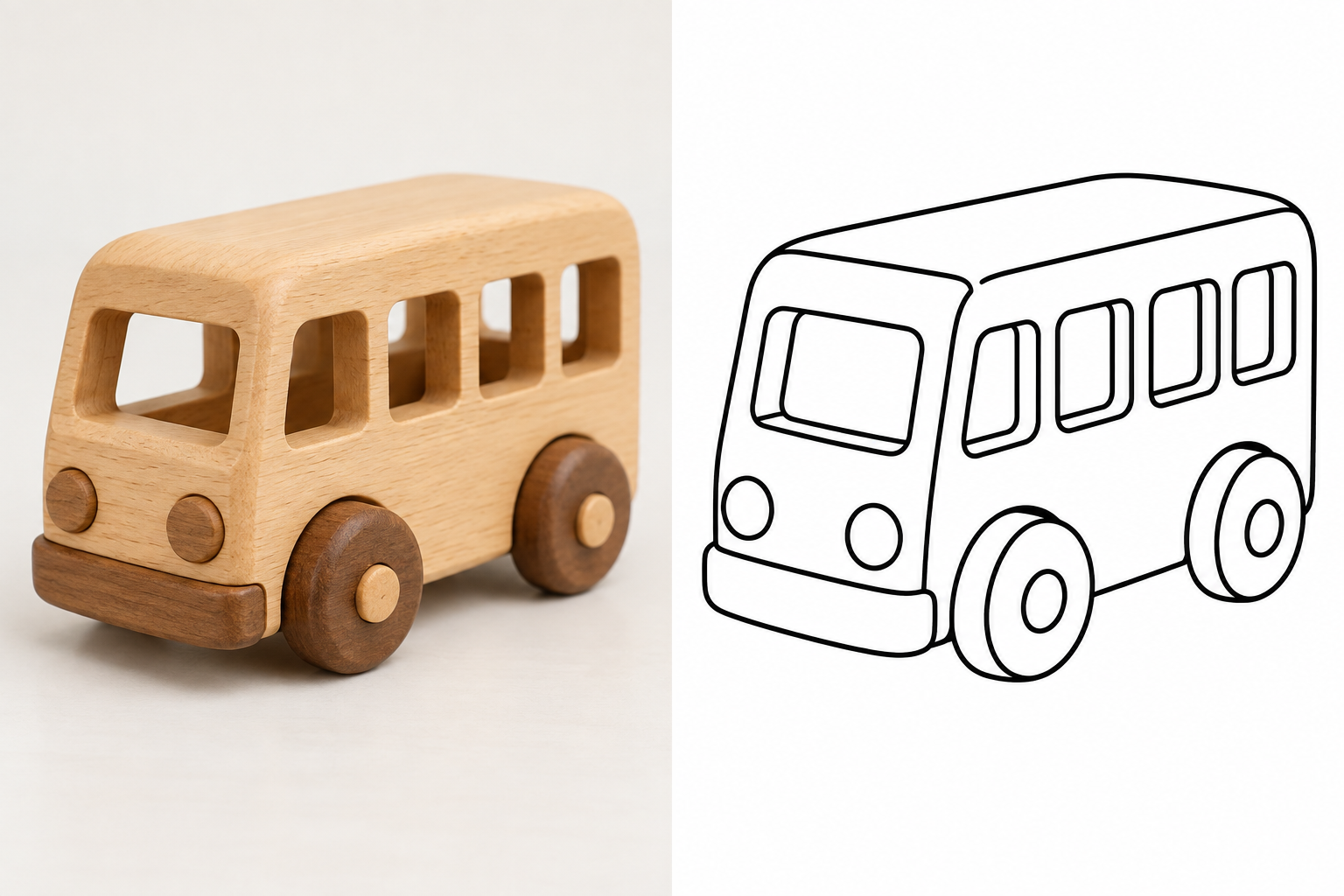
These AI-created paired illustrations explain the intended change from photo-style input to outlines. They are not measured results from this site’s generator; actual detail and likeness can vary.
A toy, flower, or household object with a simple silhouette is a useful starting point for a custom activity.
Ask for large enclosed shapes bounded by clean outlines, and remove textures that would divide the picture into tiny coloring regions.
Check that lines are visible and the whole object fits within the printable margins.
A clear portrait can inspire a coloring activity that keeps familiar hair, glasses, and face shapes.
Name the facial outline, hairstyle, and accessories you want to remain recognizable.
Check the face and eyes for unwanted changes, and remove dark shading that leaves little room to color.
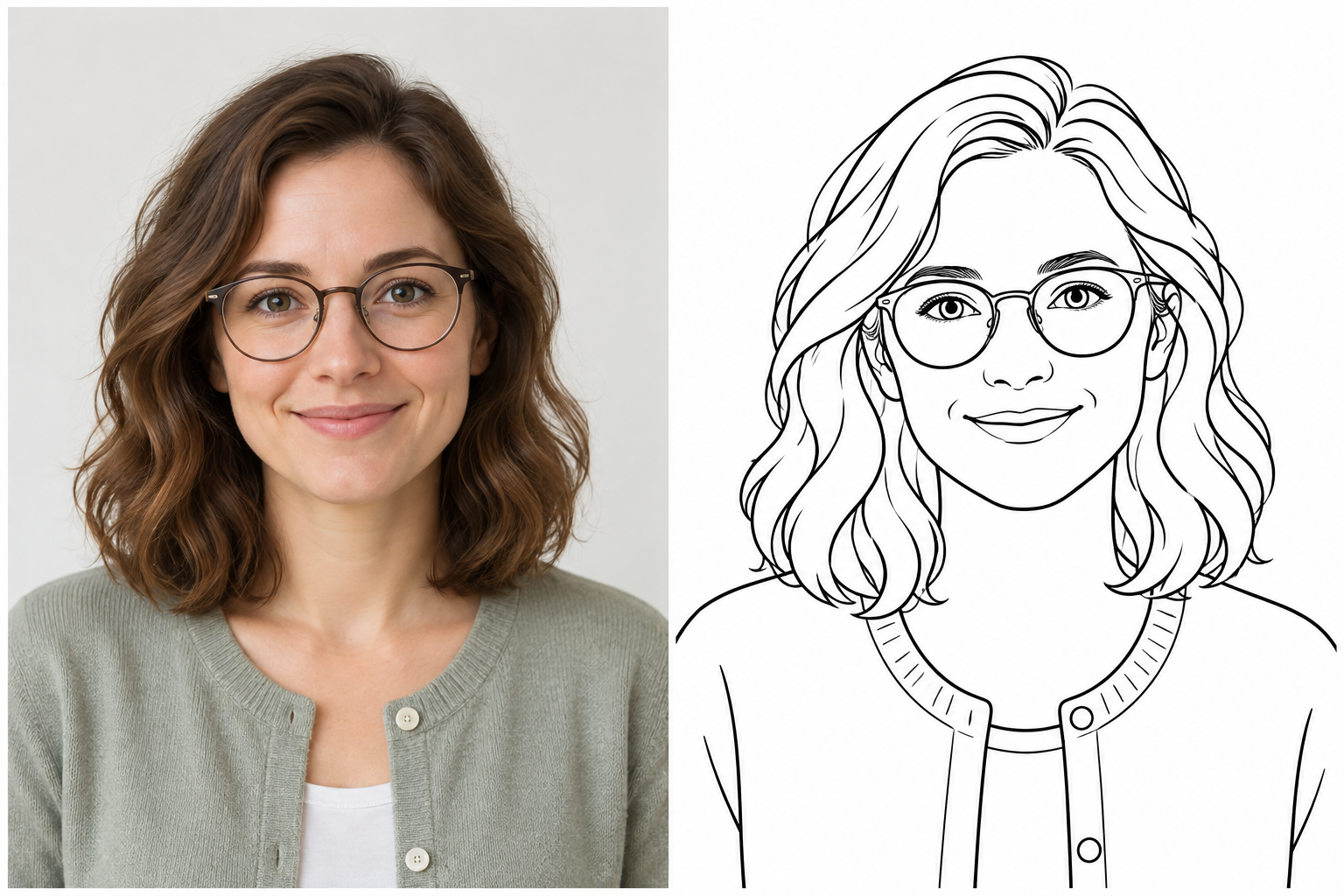
Choose a well-lit portrait, pet, or object and crop away distracting surroundings.
Select a sample prompt, adjust the detail and background instructions, and check the credit estimate before generating.
Review the outlines and recognizable details. Download the image, then set A4 or Letter paper and suitable scaling in your print dialog.
Start with a sharp image containing one clear subject and visible edges. Dark, blurry, or crowded scenes may need cropping or a simpler prompt.
The goal is white coloring regions bounded by black outlines. Pencil shading, crosshatching, and grayscale textures may look like a sketch but leave less space to color.
The current generator downloads images. Set A4 or Letter and printer scaling after downloading; there is no dedicated page-sized PDF or vector export in this workflow.
Generation uses account credits. Check the estimate and your available balance before starting; any trial allowance depends on the offer shown for your account.
AI can change likeness and small shapes, so review the result. The page illustrations were created separately to explain the intended style and are not a guarantee of the generator’s output.
Choose a clear subject, leave room to color, and inspect the image before making a printed activity.