




4 removal modes
Clear all text, strip digital overlays, clean signs, or paint a custom mask.
Preview
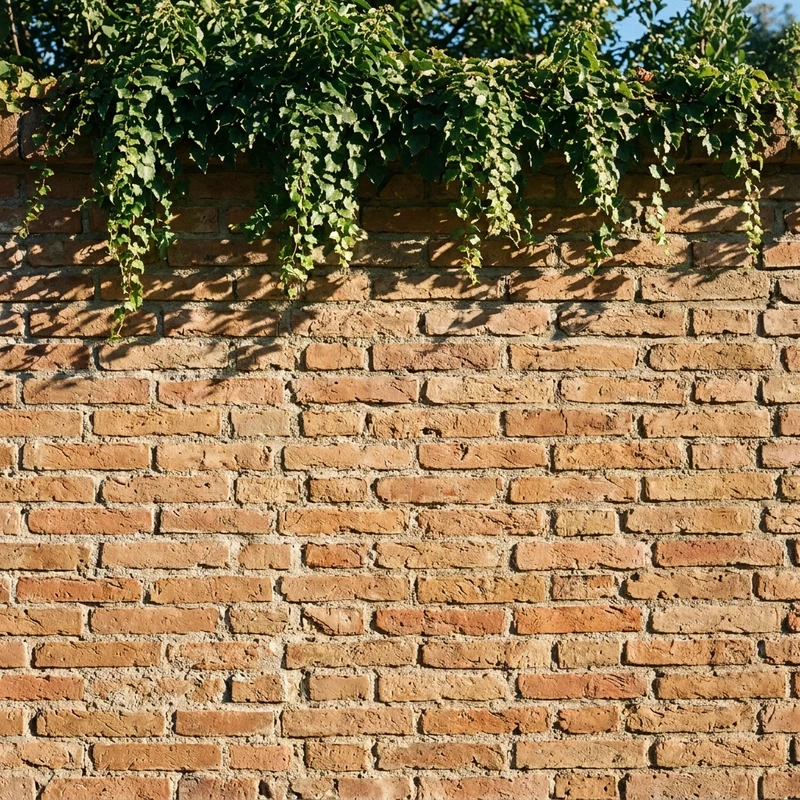
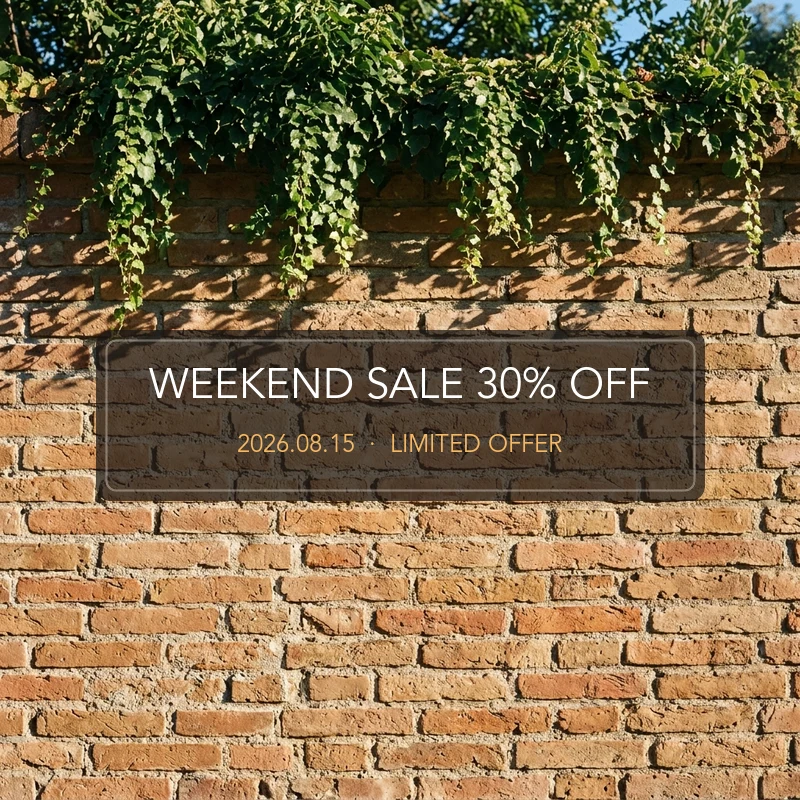
Replace existing wording, add new headlines, or paint out unwanted objects.
Upload a photo, choose whether to clear all text or target only overlays, signs, or a brushed region, and rebuild clean surface texture behind every letter.
Clear all text, strip digital overlays, clean signs, or paint a custom mask.
Matches brick courses, tabletop wood grain, and daylight gradients under letters.
Compare cleaned regions directly beside the uploaded photo before saving.
Strip distracting captions, overlays, or signage without smearing background grain or leaving flat blur patches.
Rebuilds mortar joints, wood planks, and natural shadows directly beneath erased lettering instead of smearing pixels.
Switch to overlay mode to clear digital banners, timestamps, and subtitles while keeping plates, walls, and horizons sharp.
Enter an exact caption or date string so surrounding packaging labels or background signs stay untouched.
Paint directly over one sticker or date stamp to isolate it cleanly from neighboring text in the same frame.
Clears semi-transparent promo strips, letter outlines, and text drop shadows in a single edit pass.
Subject edges, color balance, and exposure remain aligned with your source photograph from edge to edge.
Removes the upper headline, subline, and drop shadow across the oak table while keeping continuous wood grain and foreground coffee.
Follow the horizontal wood lines across the upper tabletop to verify zero smearing or repeated plank seams.
Check the lower ceramic rim, crumbs, and foam pattern against the original upload.


Erases both the centered subtitle bar across weathered wooden planks and the bottom-right camera timestamp.
Inspect the wooden boards where the subtitle box sat to confirm crisp plank cracks and weathered grain.
Verify the bottom-right wooden rail shadow stays crisp with zero orange color cast left behind.
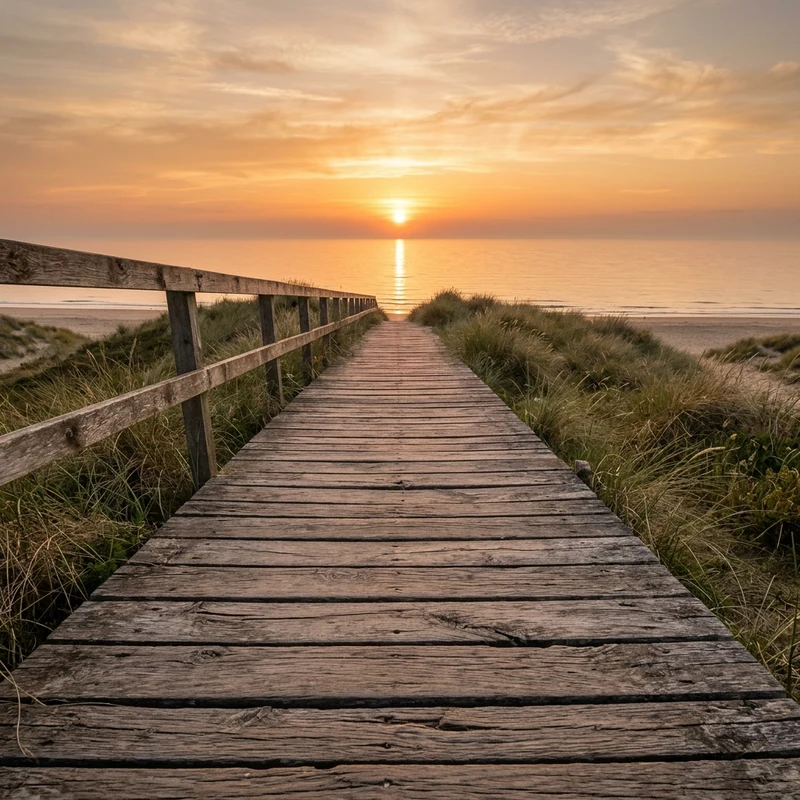
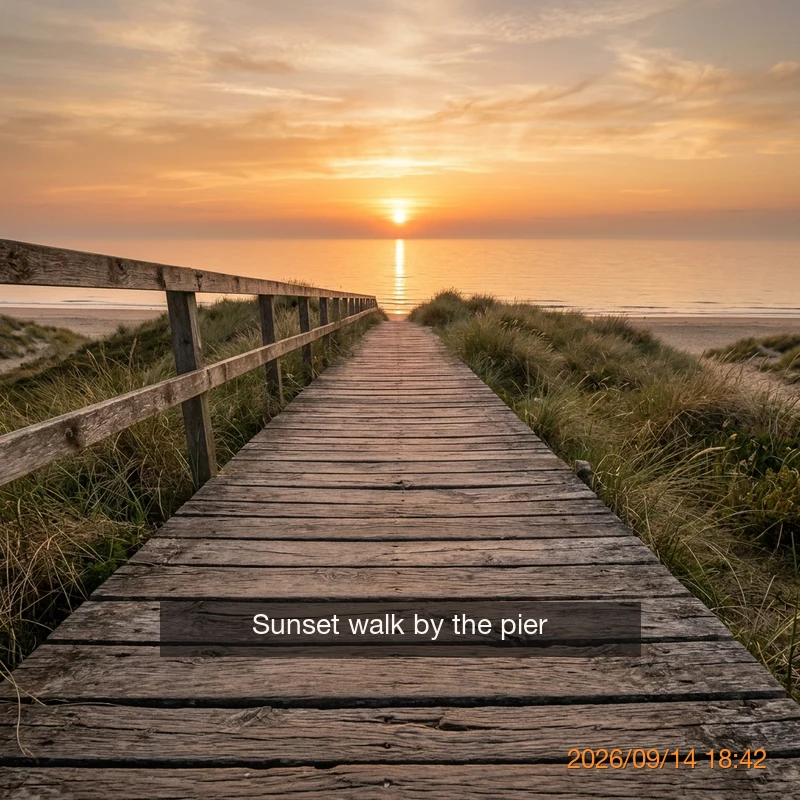
Select an image containing overlays, captions, stickers, or signs you want cleared.
Pick All text, Overlays & timestamps, Signs & labels, or Brush region, and optionally type the exact phrase.
Compare brick, wood, or horizon lines with the original photo before downloading your cleaned result.
Yes. Enter the exact phrase in the optional target field or select Brush region to paint solely over the text you want cleared.
The editor reconstructs matching surface texture, perspective, and ambient lighting from surrounding pixels instead of leaving a flat blur patch.
Upload a photo, choose what wording or overlay to erase, and recover clean underlying detail.